
How to write an app requirements document before you hire developers
A clear app requirements document is the fastest way to get accurate, comparable quotes from developers. Here is a step-by-step guide to writing one, from the problem statement and user stories to must-have features, integrations, compliance flags, budget and a fill-in template you can copy.
Short answer
To write an app requirements document, describe the problem and goal in one paragraph, define your users, write core journeys as user stories and sort features into must-have and nice-to-have. Then list screens, platforms, integrations, roles, admin needs, non-functional requirements, success metrics, budget range and deadline, and leave implementation details to the developers.
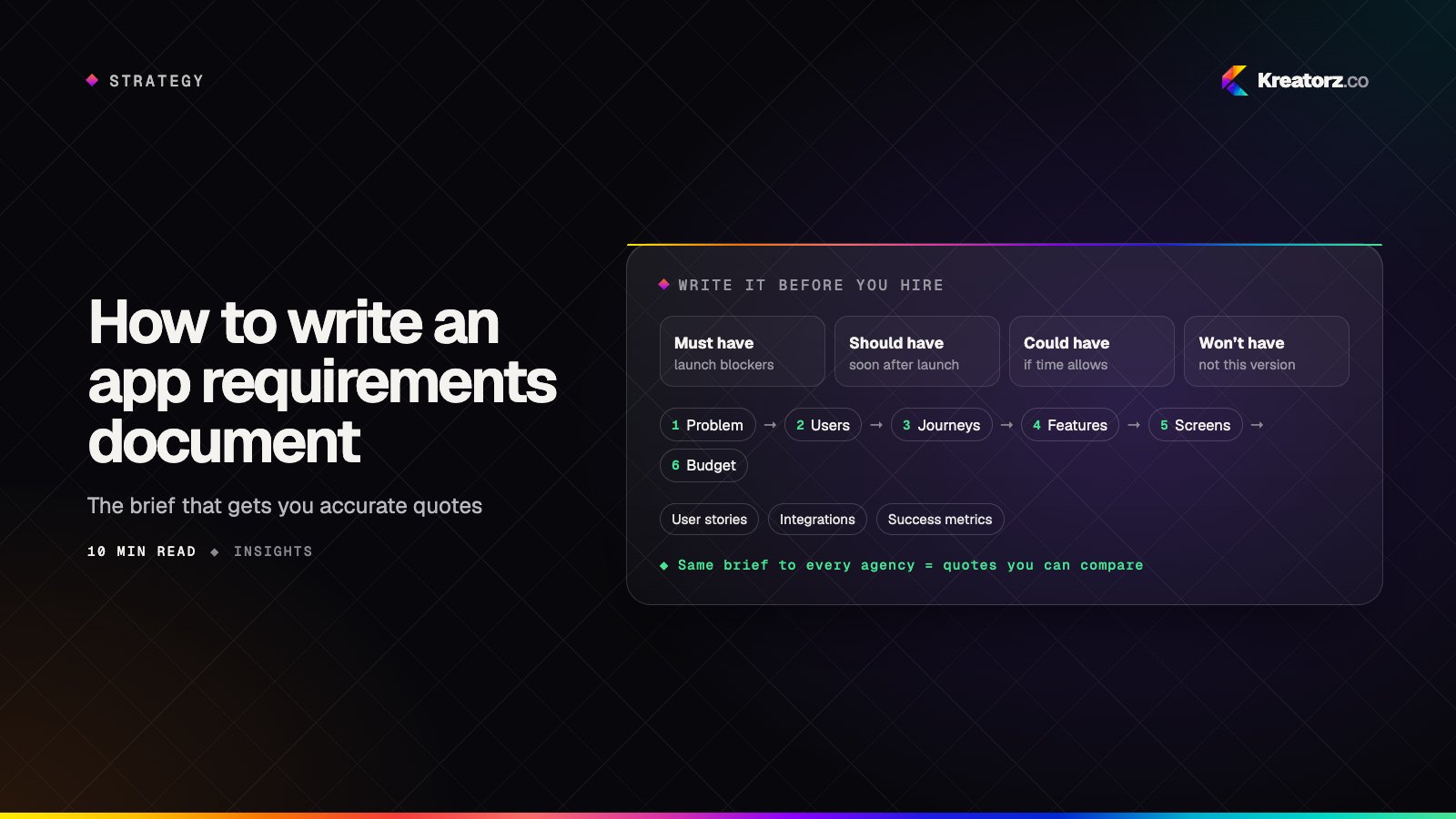
Send three development companies a two-line description of your app idea and you will get three quotes that are impossible to compare. One assumes a prototype, one a full platform, and one pads every line because it cannot tell what you need. The fix is a better brief.
An app requirements document (often called a product requirements document, or PRD) describes what your product must do, for whom and under what constraints. It does not need to be long or technical. A good one forces early decisions, gives every developer the same starting point and becomes the reference you check proposals against.
This guide walks through how to write a PRD step by step, then gives you a fill-in software requirements template you can copy.
Step 1: Write the problem and goal in one paragraph
Start with a single paragraph that answers four questions:
- Who has the problem? Be specific: "independent physical therapy clinics" is better than "healthcare providers".
- What is the problem? What do they do today, and why is it painful, slow or expensive?
- What will the app change? The outcome, not the features.
- Why now? A deadline, a market shift, a contract, a funding round.
If you cannot write this paragraph, you are not ready to hire developers yet. Every later section should trace back to it; a feature that does not serve this problem is a candidate to cut.
Step 2: Define your users and personas
List each type of person who will use the product. For most apps there are two to four:
- Primary users, the people the product exists for (customers, patients, students, drivers).
- Secondary users, who support or serve them (staff, coaches, vendors).
- Administrators, who manage content, users and settings.
For each, write a short persona: their goal, their main device, their comfort with technology and anything unusual, such as using the app one-handed on a job site. Base personas on real people you have spoken to.
Step 3: Write core user journeys as simple stories
Developers estimate far more accurately from journeys than feature names. "Booking" can mean one button or a flow with availability, deposits and reminders.
Use the classic format: "As a ___, I want ___ so that ___."
- As a client, I want to book an available slot from my phone so that I do not have to call the clinic.
- As a clinic manager, I want to block out holidays for the whole team so that nobody can book when we are closed.
- As a client, I want to get a reminder the day before so that I do not miss my appointment.
Start with the journey that delivers the core value, then add supporting ones: signing up, paying, getting help. Under each story, note rules that matter ("late cancellations are not refunded"). Those rules are where hidden complexity lives.
Step 4: Separate must-haves from nice-to-haves
Every feature feels essential when you are writing the list. A prioritization method called MoSCoW helps you sort them honestly:
| Priority | Meaning | Example |
|---|---|---|
| Must have | The product does not work or cannot launch without it | Booking, account sign-in, payments |
| Should have | Important, but there is a workaround for launch | Automated reminders (send manually at first) |
| Could have | Valuable if time allows | Saved favorite providers |
| Won't have (this time) | Explicitly out of scope for the first release | Loyalty program, in-app chat |
The "won't have" row is the most underrated part of the document: it stops scope creeping back in and shows you have thought about version two. If you are planning a first release to test demand, our guide on going from idea to MVP in weeks explains how to choose what stays in.
Step 5: List the screens and sketch them roughly
List every screen you expect, grouped by user type: welcome, sign-up, home, search results, detail, checkout, profile, settings. A screen list gives developers a concrete sense of size.
Then sketch, on paper or in any wireframing tool you know. You are not designing the product; you are showing the order of steps and what appears where, such as whether results show on a map or in a list. If you admire existing apps, name them and say exactly what you like.
Step 6: Choose platforms and devices
State where the product needs to run at launch and later:
- iOS, Android or both? If both, say so; it is one of the biggest factors in effort.
- Web? A customer-facing web app, a marketing site, an admin dashboard in the browser, or all three.
- Devices. Phones only, or tablets too? Any wearables, kiosks or hardware?
- Offline use. Does anything need to work without a connection?
You do not need to pick a technology; let developers recommend native or cross-platform. Our article on choosing a mobile stack covers the trade-offs if you want to understand the options first.
Step 7: Name every integration
Integrations are a common source of surprises in a quote, so list each one, even if it seems small:
- Payments: one-off purchases, subscriptions, in-app purchases, payouts to vendors.
- Maps and location: address search, live tracking, distance calculations.
- CRM, email and marketing tools your team already uses.
- Login providers: email and password, Apple, Google, or company single sign-on.
- Existing systems: accounting, inventory, booking or internal databases the app must read from or write to.
For each, note whether you have an account and API access. A well-documented service is very different from an internal system nobody has touched in years.
Step 8: Describe data, roles and permissions
Write down what the app stores and who can see or change it:
| Role | Can see | Can do |
|---|---|---|
| Client | Their own bookings and profile | Book, cancel, pay, update profile |
| Staff | Their own schedule and assigned clients | Confirm, reschedule, add notes |
| Admin | Everything | Manage users, prices, content and reports |
Also note data to import at launch, such as a customer list, and anything that must be exported for accounting.
Step 9: Spell out your admin panel needs
Almost every app needs a back office, and it is often forgotten until the quote arrives. Describe what your team must do without a developer: edit content, manage users, issue refunds, view reports. A basic admin area and a full operations dashboard are very different pieces of work.
Step 10: Flag non-functional requirements
Non-functional requirements describe how well the product must work rather than what it does. You do not need to solve them; you need to flag them so developers can plan for them.
- Performance: expected number of users at launch, peak times, and anything that must feel instant.
- Security: sensitive data, two-factor login, audit trails.
- Privacy and compliance: flag it if you handle health information (HIPAA in the USA), personal data of people in Europe (GDPR), payment card data, or children's data. Our guide to building a HIPAA-compliant app shows how much this can shape a project.
- Accessibility: whether you need to meet a recognized accessibility standard, and which users rely on it.
- Languages: every language at launch and later. If you need Arabic or another right-to-left language, say so up front; the whole layout mirrors, which is far easier to plan from day one. See building Arabic and RTL apps for what that involves.
Step 11: Define success metrics
Pick a few measurable signals tied to the problem in Step 1: bookings completed per week, the share of new users who finish onboarding, support calls avoided. Metrics tell developers what to instrument and guide trade-offs.
Step 12: State your budget range and deadline
Hiding your budget rarely gets a better quote. A range lets a good team say what is realistic and propose a phased plan. Our guide to how much it costs to build an app explains the main cost drivers if you are unsure where to start.
Do the same with time. Separate a hard deadline (a trade show, a contract start date) from a preferred date, and explain why each matters. For a sense of realistic schedules, see how long it takes to build an app.
What not to include
An app development brief should describe the what and the why. Leave the how to the people you hire unless you have a genuine constraint. Avoid:
- Prescribing the tech stack, database or hosting without a reason, such as an existing system or an in-house team that will maintain the code.
- Detailed visual design before the flows are agreed.
- Architecture diagrams and data models you are not confident about.
- Long lists of edge cases for features that are not must-haves.
Over-specifying locks in poor decisions and hides which developers can think for themselves.
A fill-in software requirements template
Copy these headings into a document and answer each prompt in a few lines.
1. Problem and goal: Who has the problem, what is it, what will change and why now?
2. Users and personas: Each user type, their main goal, their device and anything unusual about their situation.
3. Core user journeys: User stories in the "As a ___, I want ___ so that ___" format, starting with the core journey, plus key business rules.
4. Features by priority: A MoSCoW table with must have, should have, could have and won't have this time.
5. Screens and sketches: A screen list by user type, rough sketches and reference apps with what you like about each.
6. Platforms and devices: iOS, Android, web, tablets, offline needs and any technology preferences with reasons.
7. Integrations: Payments, maps, CRM, login providers and existing systems, and whether you have access to each.
8. Data, roles and permissions: What data is stored, who can see and change it, and what must be imported or exported.
9. Admin panel: What your team must be able to do without a developer.
10. Non-functional requirements: Performance, security, compliance flags, accessibility and languages.
11. Success metrics: The few signals that show the app is solving the problem.
12. Budget and timeline: A budget range, a hard deadline, a preferred date and the reason behind each.
13. Open questions: Anything you are unsure about. Listing these honestly helps more than guessing.
How to use your document to compare quotes
Send the same version to every company you are considering; that is how to get an app development quote you can actually compare. Then look at:
- Questions asked. Strong teams ask sharp questions about your journeys and rules. A quote with no questions is a warning sign.
- Scope coverage. Check each must-have against each proposal.
- Team and weeks. Compare who is on the team and for how long, not just the total.
- Assumptions. Unstated assumptions about integrations, content and compliance become change requests later.
- Ownership. Confirm you will own the code, designs and accounts.
Our guide to choosing a software development company in the USA has a fuller checklist for evaluating the companies behind the quotes.
When to ask for a paid discovery instead
Sometimes you cannot write a complete requirements document on your own, and that is normal. Consider a short, paid discovery phase when:
- The product is complex, with several user types or heavy integrations.
- You have compliance requirements you do not fully understand.
- You are unsure whether an idea is technically feasible, especially with AI features.
- Your budget or deadline is fixed and you need a plan that fits it.
In discovery, the team turns your draft into a detailed scope and estimates it properly. Your document becomes the starting point rather than the finished product.
How Kreatorz can help
At Kreatorz, we work with founders and businesses from offices in Sheridan, Wyoming (USA), Brantford, Ontario and Lahore, Pakistan. If you have a draft brief, or only the problem paragraph, we offer a free consultation to review it with you. For projects that need more definition, a short discovery phase produces a written scope, timeline and estimate, so you know what you are buying before the build begins, and clients own their code. Whether you are planning an MVP, a mobile app or custom software for your operations, you can learn more about working with an app development company in the USA or send us your requirements.
Frequently asked questions
What is an app requirements document?
It is a written description of what an app must do, who it is for and under what constraints, from the problem and user stories to prioritized features, integrations, budget and timeline. It is also called a PRD or an app development brief.
How long should a PRD be for a new app?
Long enough to answer the template above, and no longer. Clarity matters more than length: clear user stories and a prioritized feature list beat pages of implementation detail.
Do I need technical knowledge to write an app requirements document?
No. Describe what users need to do and why, not how to build it, and flag anything you are unsure about as an open question.
How do I get an accurate app development quote?
Send the same requirements document to every company, including a prioritized feature list, integrations, compliance flags, a budget range and a deadline. Then compare proposals on scope coverage, team, weeks and stated assumptions. For complex products, a short paid discovery phase produces the most reliable estimate.
What should I leave out of an app development brief?
Leave out implementation details you have no firm reason for, such as a prescribed tech stack, database design or detailed visual design.
- MVP developmentWe help founders turn an idea into a focused, production-quality minimum viable product — scoped to test what matters, built to scale when the answer is yes.Explore
- Mobile app developmentWe plan, design, build and grow mobile apps for iPhone and Android — choosing the right technology for your product, not the one we happen to prefer.Explore
- Custom software developmentWe design and build web platforms, internal tools, customer portals, mobile apps and AI-powered systems that fit your business — instead of bending your business to…Explore

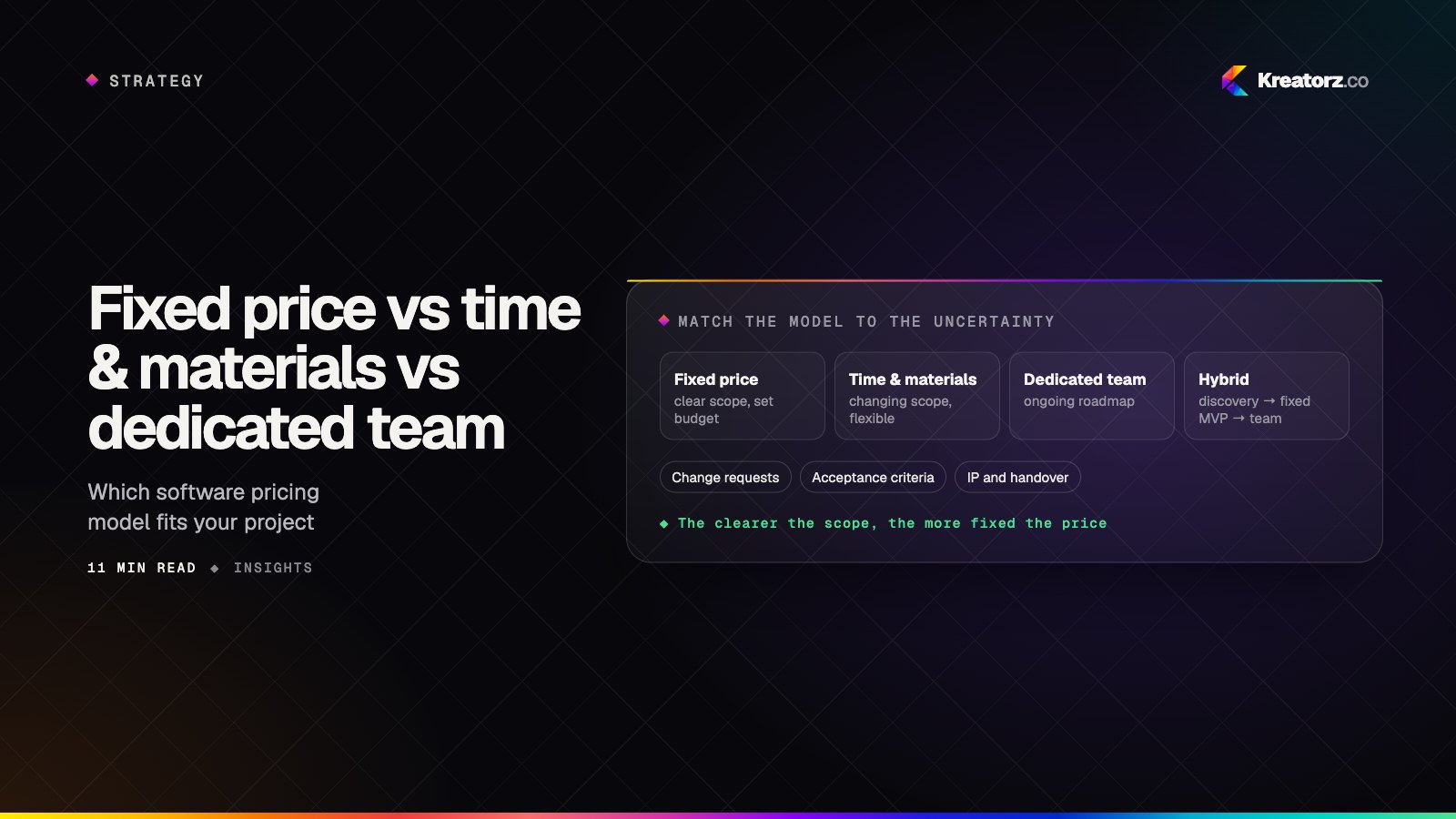
Fixed price vs time and materials vs dedicated team: which software development pricing model should you choose?
The way you pay for software shapes how it gets built. Here is a plain comparison of fixed price, time and materials and dedicated team models, how to choose between them step by step, the hybrids that often work best, and the contract terms and red flags to watch for.
21 November 2026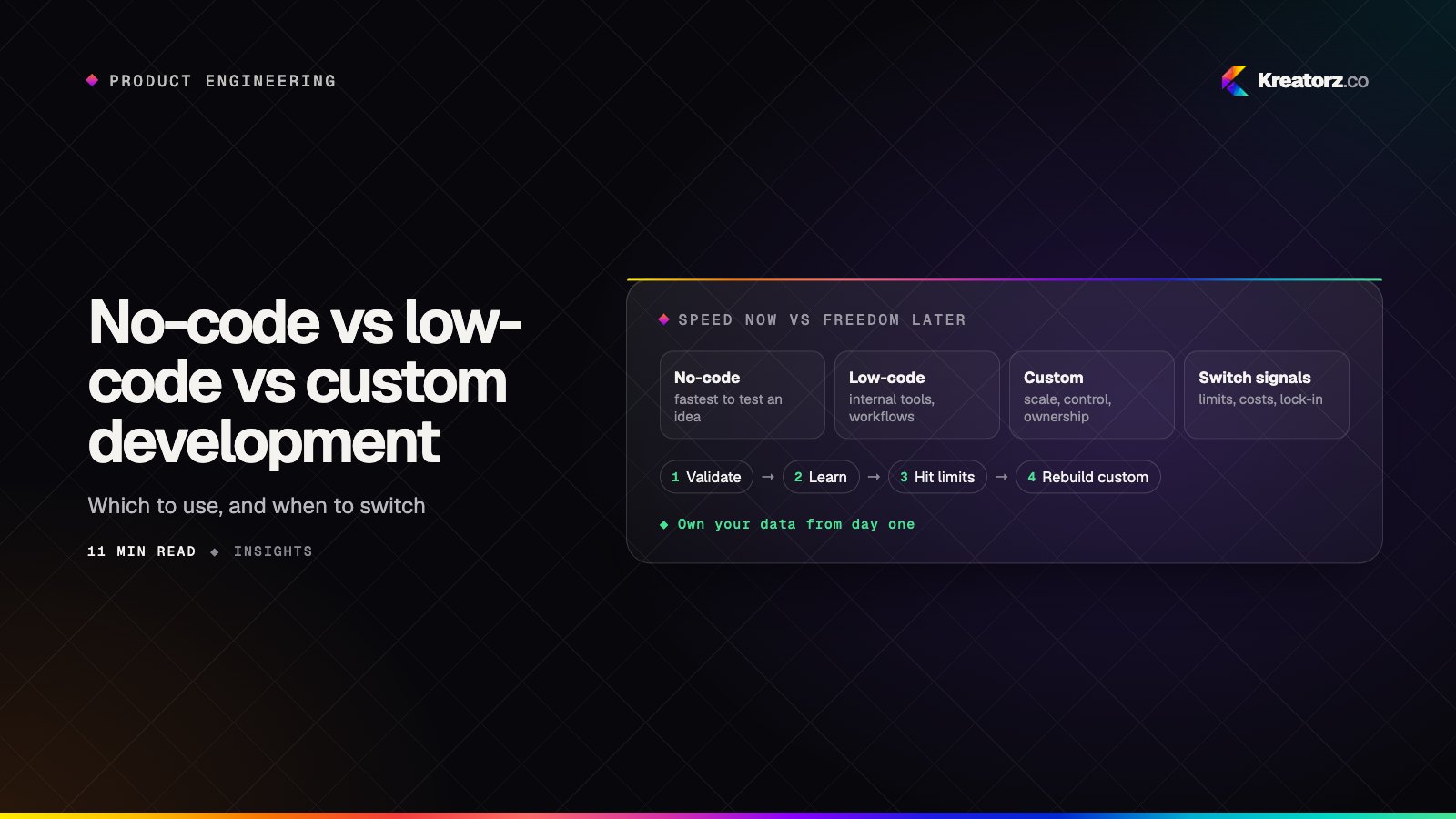
No-code vs low-code vs custom development: which should you use to build your app?
No-code builders, low-code platforms and custom code can all produce a working app, but they trade speed for control in very different ways. Here is how the three compare on cost, flexibility, scale, integrations, security and ownership, where each one genuinely wins, the hidden limits to watch for, and when to move from no-code to custom.
21 November 2026
How to choose a software development company in the USA: a step-by-step guide
Hiring a company to build your app, SaaS platform or AI product is a big decision. Here is a practical, step-by-step way for US founders and businesses to compare software development companies, from contracts, time zones and compliance to pricing models, portfolios and red flags.
17 November 2026