
No-code vs low-code vs custom development: which should you use to build your app?
No-code builders, low-code platforms and custom code can all produce a working app, but they trade speed for control in very different ways. Here is how the three compare on cost, flexibility, scale, integrations, security and ownership, where each one genuinely wins, the hidden limits to watch for, and when to move from no-code to custom.
Short answer
Use no-code to validate an idea or run a simple workflow quickly, low-code for internal tools that connect your existing systems, and custom development for customer-facing, regulated or high-scale products that need full control and ownership. Many teams start no-code and rebuild custom when they hit limits on performance, integrations, pricing or compliance.
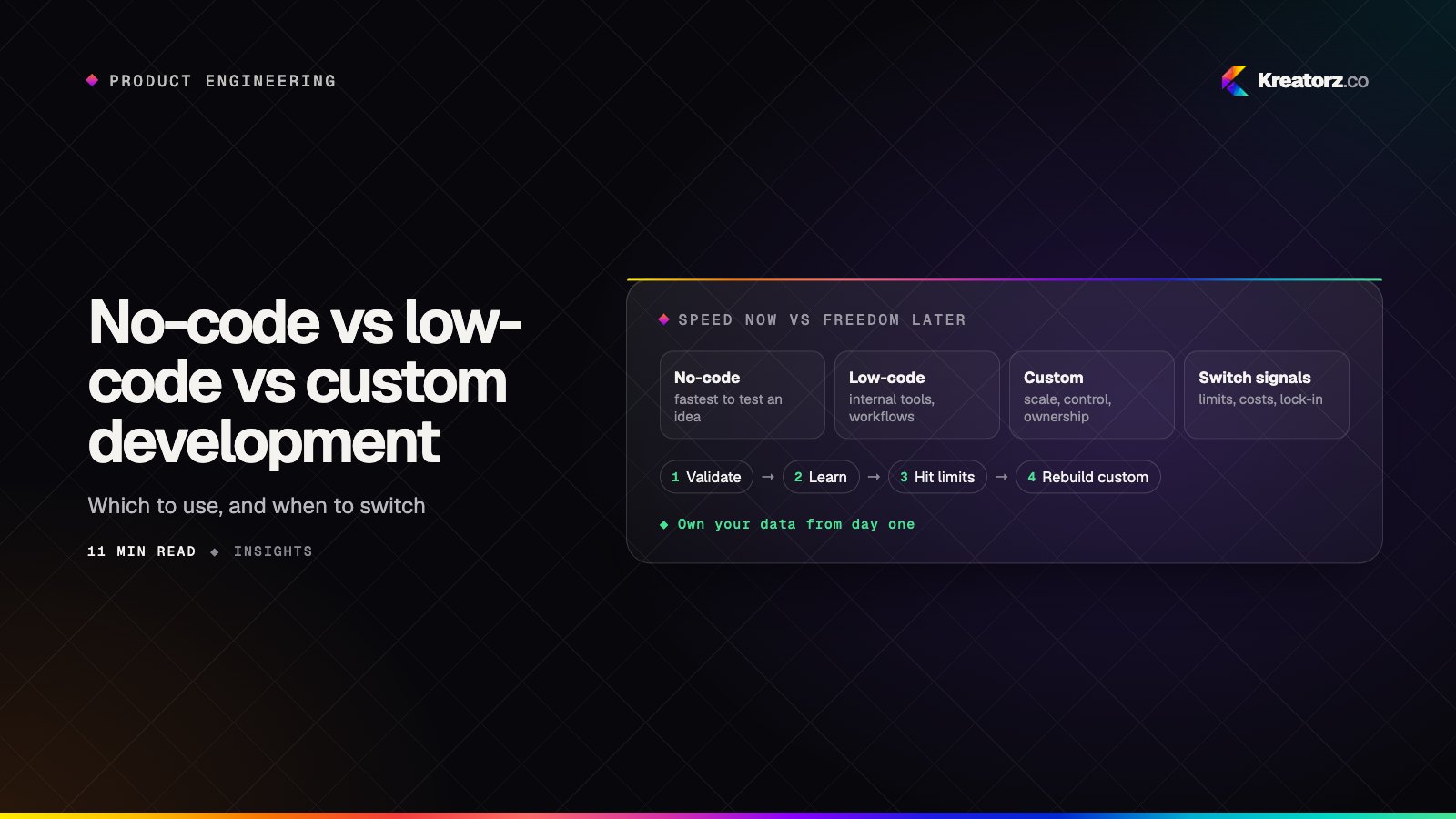
Almost every founder and operations lead asks the same question early on: do we really need developers, or can we build this ourselves with a visual tool? It's a fair question. Some products never need custom code; others hit a wall months in and are rebuilt under pressure.
This guide compares the three approaches honestly. It explains what each one is, where each genuinely wins, the limits that don't show up in a demo, and how to decide. It also covers a common path: starting with no-code and knowing exactly when to move to custom development.
What each approach is
No-code tools let you build an app by dragging components onto a canvas, connecting them to a built-in database and setting up logic with menus and rules. You don't write code. Common categories include visual app builders, website builders with app features, form and workflow tools, spreadsheet-style databases with app front ends, and automation tools that connect services together. The platform hosts and runs the app for you.
Low-code platforms also use visual building blocks, but they expect someone technical to step in. You assemble screens and workflows visually, then write scripts, queries or custom components where the visual tools run out. Internal-tool builders that sit on top of your databases and APIs are the most common example, alongside enterprise application platforms. They are usually aimed at developers or technically minded operations teams.
Custom development means engineers write the application in a general-purpose language and framework, choose the database and hosting, and own every line. It is the most flexible option and the one that takes the most time and skill up front. It covers everything from a focused custom software development project to a full consumer product on iOS, Android and the web.
These aren't rigid boxes. Many real systems combine them: a custom core product, a low-code admin panel and a few no-code automations around the edges.
No-code vs low-code vs custom code at a glance
| No-code | Low-code | Custom development | |
|---|---|---|---|
| Speed to first version | Fastest; days to a few weeks for simple apps | Fast; especially for internal tools on existing data | Slower to start; weeks to months depending on scope |
| Cost profile | Low upfront; subscription that often grows with users, records or usage | Moderate upfront; platform license plus developer time | Higher upfront build cost; lower, more predictable running cost per user |
| Flexibility | Limited to what the platform's components allow | Good; code fills the gaps inside the platform's model | Unlimited within budget and time |
| Scalability | Fine for modest usage; ceilings depend on the vendor | Good for internal use; varies for public-facing apps | Designed for your expected load and can grow with it |
| Integrations | Prebuilt connectors; custom ones can be awkward | Strong; most platforms call APIs and databases directly | Anything with an API, plus custom protocols and hardware |
| Performance | Acceptable for simple screens; hard to tune | Good for data-heavy internal screens | Fully tunable, including offline and native performance |
| Ownership and lock-in | High lock-in; app logic usually can't be exported | Moderate; some logic is portable, much is not | You own the code and can move hosts or vendors |
| Security and compliance | Depends on the vendor's controls and certifications | Better control; still bound by the platform | Full control, so you are also responsible for getting it right |
| Skills needed | Non-technical builders | Technical operators or developers | Experienced engineers, designers and QA |
When no-code wins
No-code is genuinely the right answer in more situations than engineers sometimes admit.
- Validating an idea. If your biggest risk is whether anyone wants the product, a no-code version can put something real in front of users before you commit to a build. Our guide on going from idea to MVP in weeks explains how to choose the smallest test of your riskiest assumption; sometimes that test is a no-code app.
- Simple internal workflows. Intake forms, approval chains, small trackers and team directories often fit no-code tools well, especially when only a handful of people use them.
- Automation between existing tools. Moving data from a form to a spreadsheet to a chat channel is exactly what automation tools are built for.
The common thread: the workflow is standard, the user count is modest, the data isn't highly sensitive and speed matters more than polish.
When low-code wins
Low-code shines when you have data in existing systems and need people to work with it.
- Internal tools and admin panels. Dashboards, back-office screens, support consoles and approval tools built on top of your databases and APIs are the classic low-code use case.
- Operations teams with some technical help. If one developer can support a team building their own screens, low-code multiplies that developer's reach.
- Enterprise workflows inside a platform you already use. If your company already runs on a platform with a low-code layer, building inside it can be faster and easier to govern.
Low-code is usually weaker for consumer-facing products, where design, performance and app store presence matter.
When custom development wins
Custom app development earns its cost when the software is the product, or when the stakes are high.
- Customer-facing products and differentiators. If the experience is what customers pay for, you need full control over design, speed and behavior.
- Regulated products. Healthcare, finance and other regulated fields need specific controls over data location, encryption, audit logs and access. Custom code lets you prove those controls rather than relying on a vendor's general assurances.
- High scale or heavy workloads. Large user bases, real-time features, complex search, heavy media or AI processing need an architecture designed for that load.
- Native mobile capabilities. Offline sync, background tasks, device hardware and polished native interfaces usually require real mobile app development. If you're also weighing web against native, see PWA vs native app.
- Complex integrations. Unusual systems, legacy databases, hardware or partner APIs that no connector supports.
Hidden costs and limits of no-code app builders
No-code app builder limitations rarely show up in the first week. They tend to appear once real users and real data arrive.
- Vendor lock-in. On most no-code platforms, your screens, logic and workflows exist only inside that platform. If prices change, features are retired or the vendor shuts down, you usually can't take the app with you; you rebuild it.
- Data export. Check early how you get your data out, in what format and whether relationships, files and history come with it. Exporting tables is common; exporting a working application is not.
- Pricing that grows with success. Many platforms charge per user, per editor, per record, per workflow run or per amount of usage. That is reasonable when you're small, but it means your bill rises with every customer, which can change the economics as you grow.
- Performance ceilings. Complex screens, large datasets and many simultaneous users can slow no-code apps down, and you have limited ways to tune them.
- App store constraints. Some builders can publish mobile apps, but stores expect apps to feel native and offer real functionality. Wrapped web views and limited device access can lead to review problems or a weaker user experience.
- Security and compliance gaps. You inherit the platform's controls. If you need specific data residency, audit trails or contractual guarantees, the platform may not offer them on your plan or at all.
- Logic that becomes hard to maintain. Large visual workflows are hard to debug, version and test.
Low-code platforms share some of these risks, especially lock-in and licensing, though usually to a lesser degree because more of the logic lives in code you wrote.
A step-by-step decision guide
Work through these questions in order. The first one that clearly points to custom development usually settles it.
- What is the riskiest unknown? If it's whether anyone wants the product, start with the fastest test, which may be no-code. If demand is proven and the risk is execution, invest in a durable build.
- Who uses it? A few internal staff can tolerate a functional tool. Paying customers judge you by speed, design and reliability.
- How sensitive is the data? Health, financial or personal data with legal obligations pushes you toward custom development or a carefully vetted platform.
- What does it need to connect to? List every system it must read from or write to. If prebuilt connectors cover them, no-code or low-code can work. If not, plan for code.
- What scale do you expect in two years? Estimate users, records and activity, then check how each option's pricing and performance behave at that level, not just today's.
- Does it need native mobile features? Offline use, background work, push, device hardware or store presence point toward a real mobile build.
- Is it a competitive differentiator? Build what makes you different; use off-the-shelf tools for what makes you the same.
- What skills do you have? No technical staff favors no-code or a partner; one developer makes low-code powerful.
- What is the total cost over time? Compare subscriptions and usage fees as you grow, plus the possible cost of a rebuild, against a custom build and its maintenance. Our guide on how much it costs to build an app explains how to estimate the custom side.
Writing the answers down is worth the hour it takes; a short app requirements document makes the trade-offs visible to everyone involved.
The migration path: when to move from no-code to custom
Starting with no-code and rebuilding later is a legitimate strategy if you plan for it: keep your data well structured, document your workflows and avoid hiding critical logic where you can't export it.
These are the signals that it's time to move from no-code to custom development:
- Performance complaints. Users notice slow screens, timeouts or failed workflows, and the platform gives you no way to fix them.
- Workarounds pile up. Your team spends more time working around the platform than building features, or you're chaining several tools together to do one job.
- Costs rise faster than value. Per-user or usage-based fees grow with each customer to the point where a custom build would be cheaper to run.
- A required integration isn't possible. A key partner, payment flow or internal system can't be connected reliably.
- Compliance or security requirements arrive. A customer contract, regulation or audit asks for controls the platform can't provide.
- You need native mobile features or a better store presence. Offline use, background processing or a polished native experience.
- The product is proven. Demand is clear, and the main risk is now quality and scale rather than whether anyone wants it.
When you migrate, move in stages: the data model first, then the most-used journeys, running old and new side by side until users switch. The same principles apply as when modernizing legacy software: reduce risk by moving piece by piece rather than in one big switch. A focused rebuild of the proven core is often a natural second MVP development phase.
How AI-assisted development changes the choice
AI coding tools have narrowed the gap between no-code speed and custom flexibility. Experienced engineers using AI assistants can scaffold screens, write routine code, generate tests and handle boilerplate much faster than before. That makes custom development a realistic option for some projects that would once have defaulted to no-code.
Some platforms now generate apps from plain-language prompts too. But the fundamentals haven't changed. AI-generated code still needs architecture decisions, security review, testing, performance work and someone accountable for maintaining it. An app generated quickly without engineering review can carry the same hidden risks as a fragile no-code build, just in a different form. Our guide to building software with AI coding agents covers how to use these tools responsibly.
The practical effect: if you were choosing no-code only because custom development seemed too slow, it's worth re-checking that assumption. Strong full-stack development teams using AI well can deliver a first custom version sooner than many people expect, while keeping you in control of the code.
Working with Kreatorz
Kreatorz has offices in Sheridan, Wyoming (USA), Brantford, Ontario and Lahore, Pakistan. One senior team handles product, design and engineering, and clients own their code. We're happy to tell you when no-code or an existing platform is the better fit, and to plan a clean migration when it's time to go custom. If you'd like a second opinion, book a free consultation. For a fuller picture of the custom route, see our guide on how to build custom software for your business.
Frequently asked questions
Is no-code good enough to launch a real product?
For many early products, yes. No-code works well for validating demand, simple marketplaces, directories and internal workflows. It becomes harder for products that need high performance, complex integrations, strict compliance or native mobile features.
What is the difference between low-code and no-code?
No-code is designed for non-technical builders and avoids code entirely. Low-code uses visual building blocks but expects developers to add scripts, queries or custom components, which makes it more flexible and better suited to internal tools on existing data.
Is custom development always more expensive than no-code?
Upfront, usually yes. Over time it depends: no-code subscriptions often grow with users and usage, and a later rebuild adds cost. Compare total cost at your expected scale.
Can I export my app from a no-code platform?
Usually you can export your data, but not the working application. Screens and logic typically stay inside the platform, so leaving means rebuilding.
When should I move from no-code to custom development?
Move when you see clear signals: performance problems, growing workarounds, fees rising faster than value, integrations you can't build, compliance requirements the platform can't meet, or a proven product that now needs to scale.
Does AI make no-code unnecessary?
No. AI makes custom development faster, but no-code is still the quickest way for non-technical teams to test ideas, and AI-generated code still needs engineering review.
- Custom software developmentWe design and build web platforms, internal tools, customer portals, mobile apps and AI-powered systems that fit your business — instead of bending your business to…Explore
- MVP developmentWe help founders turn an idea into a focused, production-quality minimum viable product — scoped to test what matters, built to scale when the answer is yes.Explore
- Full-stack developmentWe design, build and run complete web applications — interface, APIs, database, cloud and release pipeline — with one accountable team instead of a chain of handovers.Explore


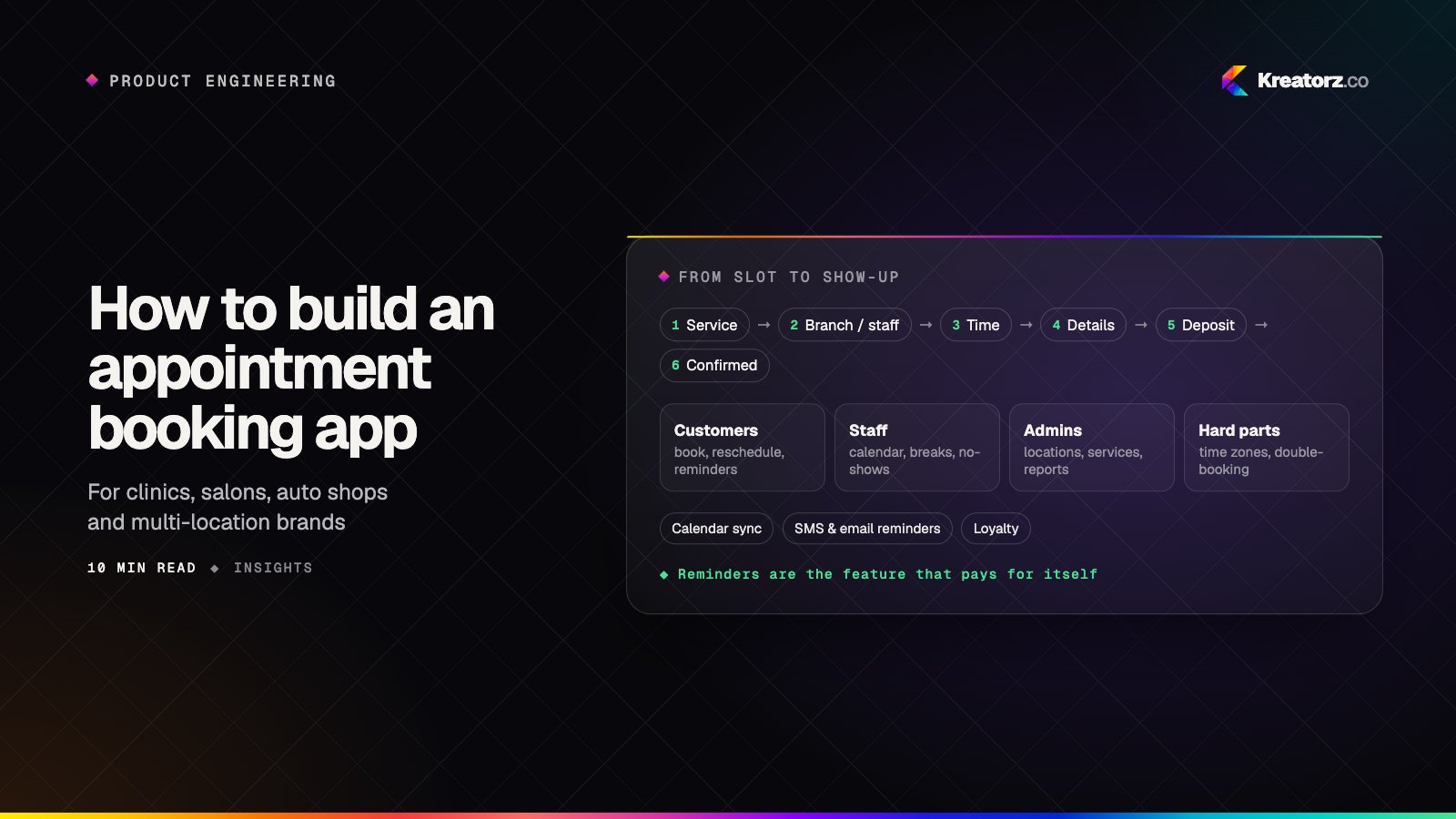
How to build an appointment booking app for your business
An appointment booking app looks simple until two customers grab the same slot, a reminder goes out in the wrong time zone or a no-show empties a chair. Here is a step-by-step guide for clinics, salons, studios and multi-location service businesses deciding whether to buy or build, and how to build it well.
21 November 2026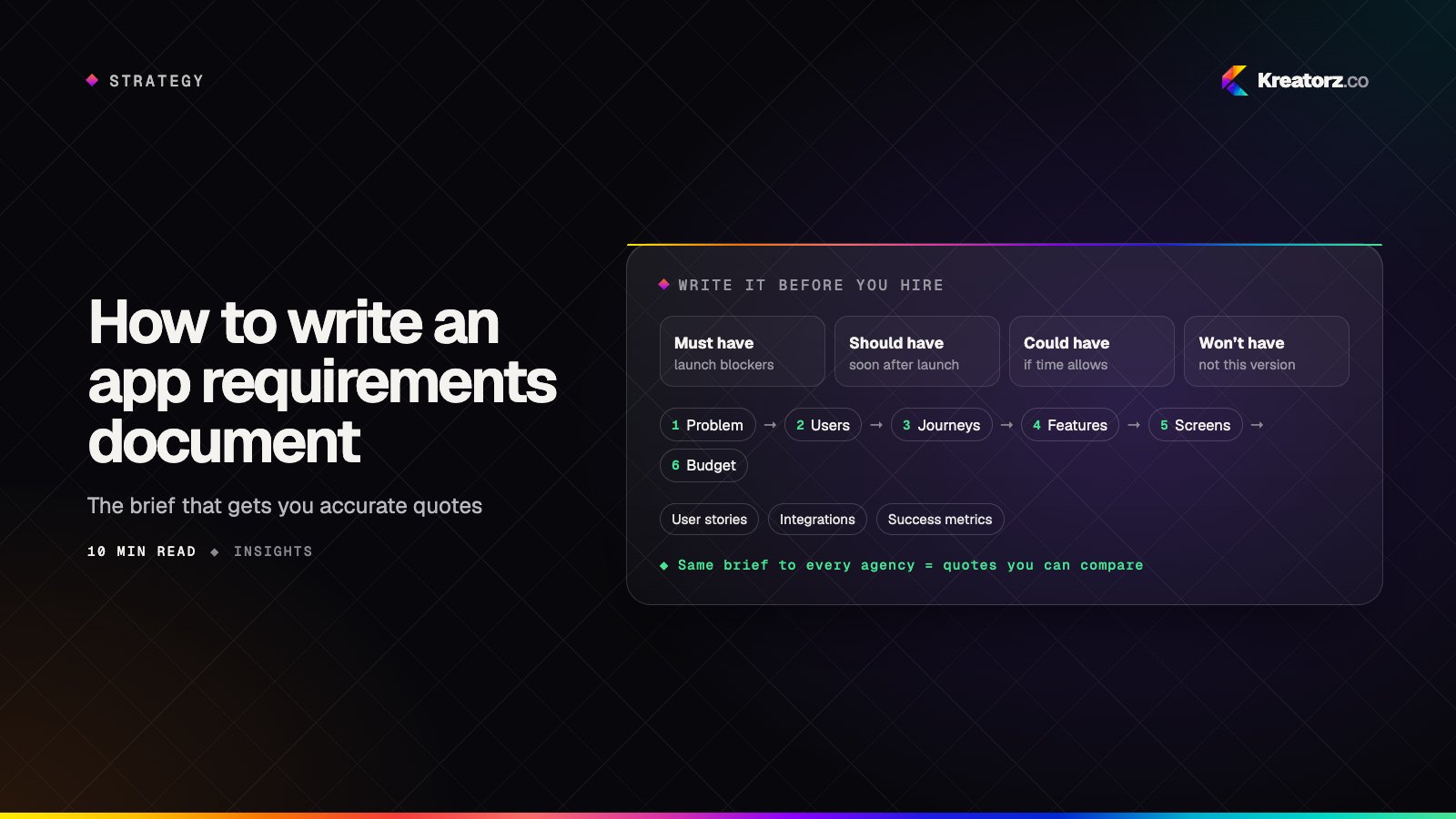
How to write an app requirements document before you hire developers
A clear app requirements document is the fastest way to get accurate, comparable quotes from developers. Here is a step-by-step guide to writing one, from the problem statement and user stories to must-have features, integrations, compliance flags, budget and a fill-in template you can copy.
21 November 2026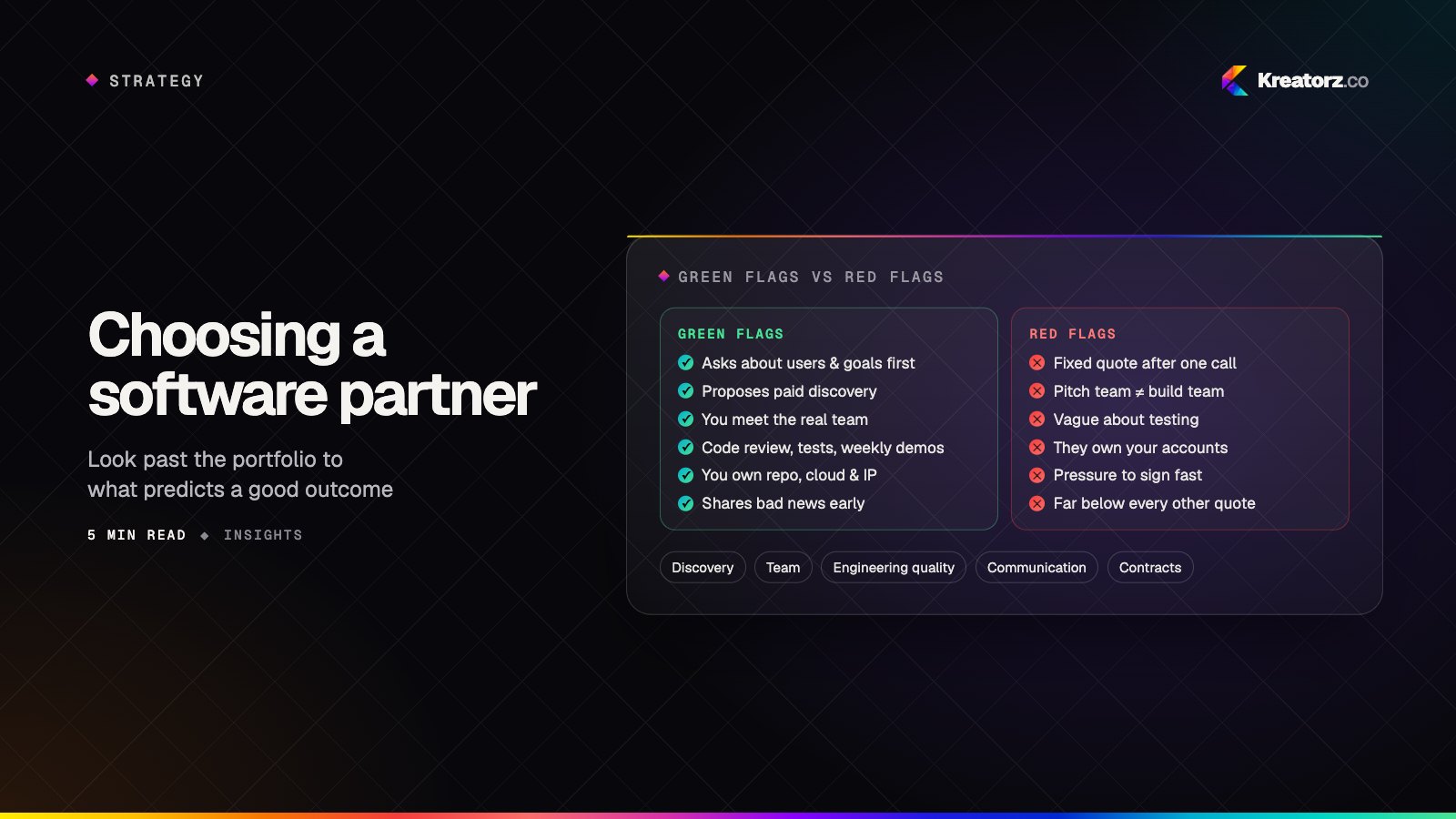
How to choose a software development partner: a buyer's guide
The partner you choose shapes your product more than any framework or tool. Here is how to evaluate agencies and studios on the things that actually predict a good outcome — and the red flags worth walking away from.
12 November 2026