
How to build an appointment booking app for your business
An appointment booking app looks simple until two customers grab the same slot, a reminder goes out in the wrong time zone or a no-show empties a chair. Here is a step-by-step guide for clinics, salons, studios and multi-location service businesses deciding whether to buy or build, and how to build it well.
Short answer
To build an appointment booking app, first check whether an off-the-shelf booking tool fits. If you build, map the journey from service to confirmation, then design features for customers, staff and admins. Solve double-booking, time zones, buffers and calendar sync early, add consented reminders and payment integrations, launch a focused MVP and test it with real staff.
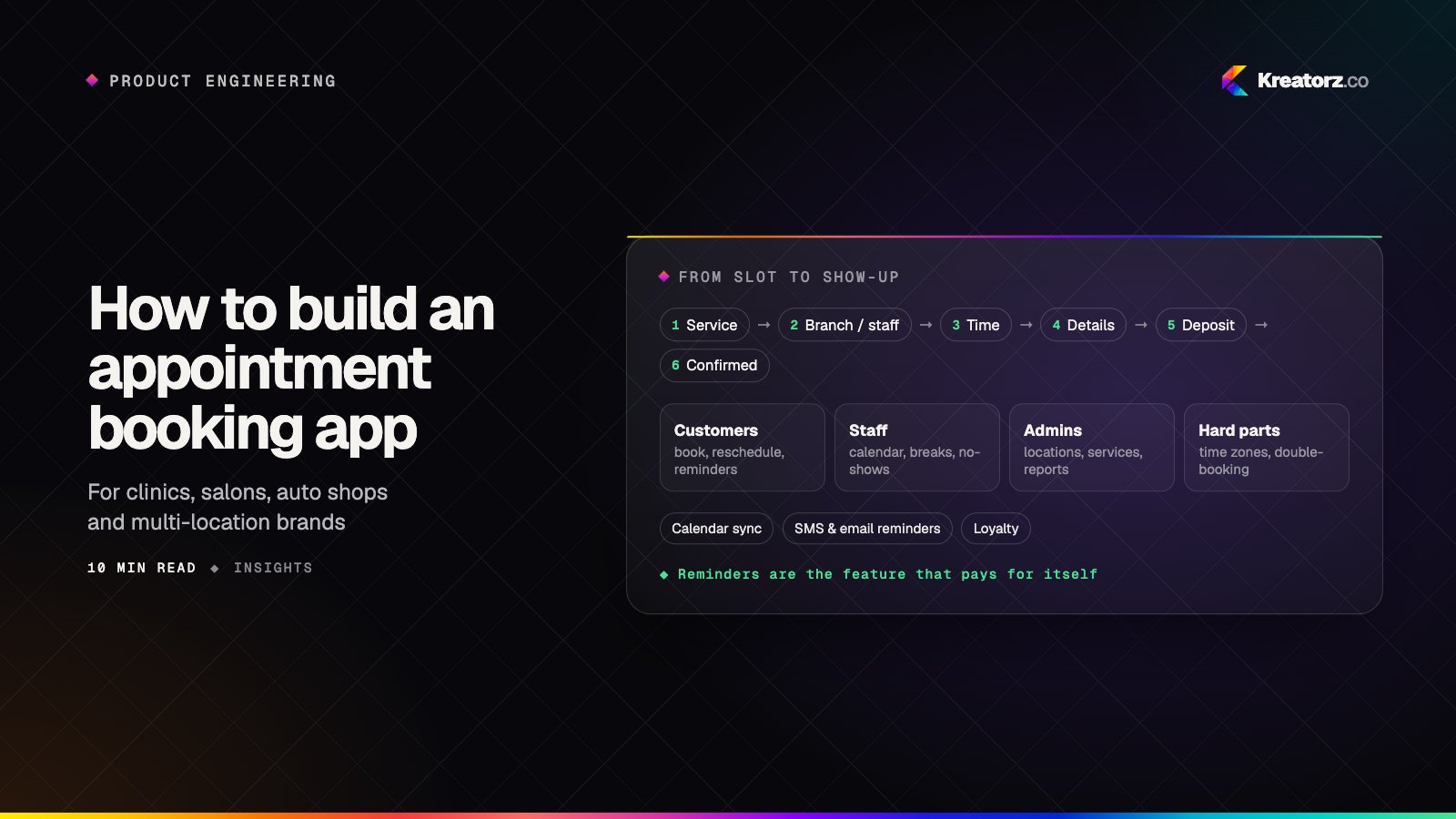
For a service business, the calendar is the business. Every empty slot is lost revenue, every double-booking is an awkward conversation, and every no-show is a chair, a treatment room or a mechanic's bay sitting idle. A good appointment booking app fixes all three quietly: customers book in a few taps, staff see an accurate day, and the owner sees what is happening across every location.
This step-by-step guide is for owners and managers of clinics, salons, barbershops, auto repair shops, fitness studios, consultancies and multi-location brands. It covers when to buy a ready-made tool, when custom scheduling app development makes sense, and how to build, test and launch one your team actually uses.
Step 1: Decide whether to buy or build
Plenty of good booking tools already exist, and for many businesses one of them is the right answer. Start by checking honestly.
| Buy an off-the-shelf booking tool | Build a custom booking app | |
|---|---|---|
| Best when | Your services, staff and pricing follow a common pattern | Your process, branding, loyalty or multi-branch setup is part of how you compete |
| Time to start | Days | Usually a few months for a first release |
| Branding | The vendor's look, with your logo | Your own app, in your own brand, in the app stores |
| Booking rules | Limited to the options the vendor offers | Built around your services, resources and policies |
| Loyalty and memberships | Basic, or through an add-on | Designed into the product from the start |
| Multiple locations | Often supported, sometimes priced per location | Modeled the way your branches actually work |
| Data and ownership | You rent access, and the customer relationship sits on their platform | You own the code, the data and the customer relationship |
| Main risk | Workarounds pile up as you grow | Poor scoping or an unreliable partner |
Custom tends to win when bookings need more than a time slot: a service that requires a specific room and a qualified practitioner, a vehicle bay plus a parts check, class packs and memberships, a loyalty program that spans branches, or an app that is the main way your brand reaches customers. If you are still weighing the general case, our guide to building custom software for your business covers build vs buy in more depth.
Step 2: Map the booking journey
Before you sketch screens, write down how a booking actually happens in your business. Most follow the same backbone:
- Service. The customer picks what they want: a haircut, a consultation, an oil change, a class.
- Branch and staff. They choose a location and, if it matters, a specific person, or let the system pick anyone qualified.
- Time. They see real availability for that combination and choose a slot.
- Details. Name, contact details, notes, vehicle details or intake questions.
- Payment or deposit. Pay in full, pay a deposit, save a card, or pay at the visit.
- Confirmation. An instant confirmation with the time, place, what to bring and how to change the booking.
Then map the paths around it: rescheduling, cancelling inside and outside your policy window, walk-ins, waitlists, a staff member calling in sick, and a customer who books for a family member. Each path needs a rule, and each rule will become code.
Each business leans on a different part: a clinic booking app needs intake forms and privacy controls, a salon booking app depends on stylist and service length, an auto repair shop needs bay capacity, and a fitness studio books classes with limited spots.
Step 3: Define features for customers, staff and admins
A booking app serves three groups, and each needs its own experience.
Customers
- Live availability that reflects staff schedules, existing bookings and resources.
- Easy reschedule and cancel, within your policy, without a phone call.
- Reminders before the appointment, with a one-tap way to confirm or change it.
- Booking history and a quick way to rebook a favorite service with the same person.
- Loyalty and memberships, such as points, visit rewards, packages or class credits.
Staff
- A clear calendar for the day and week, on phone and tablet.
- Working hours, breaks and time off, set by staff or managers.
- Customer notes and history, so they know who is coming and what they had last time.
- Check-in and no-show handling, including marking late arrivals and applying your policy.
Admins
- Multiple locations, each with its own hours, staff, services and holidays.
- Services and pricing, including durations, add-ons, staff-specific prices and deposits.
- Policies for cancellation windows, deposits and no-shows.
- Reports on bookings, utilization, cancellations, no-shows and revenue by branch and staff.
- Roles and permissions, so a front-desk user cannot change pricing.
Kreatorz has built booking and loyalty products for multi-location service businesses, and the admin side is usually where the real complexity hides. Agree on how branches differ before you build.
Step 4: Solve the hard parts early
The difference between a booking app that works and one that causes daily headaches is how it handles a handful of tricky problems. Plan for them in design, not after launch.
- Double-booking prevention. Two people can tap the same slot at the same moment. Availability shown on screen is only a suggestion; the server must make the final decision with a transaction or a lock that guarantees one slot, one booking. Hold a slot briefly while a customer completes payment, then release it if they abandon checkout.
- Time zones. Store every appointment in a single standard time and convert it for display. Show customers the branch's local time, handle daylight saving changes, and be careful with virtual appointments where the customer and provider are in different zones.
- Buffers and resources. Real services need cleanup time, travel time or setup between bookings. Some need a room, a chair, a bay or a machine as well as a person. Model resources explicitly so availability accounts for all of them.
- Recurring appointments. Weekly physiotherapy or monthly grooming sounds simple until one occurrence moves. Decide how a series is stored, how a single change affects the rest, and what happens when a recurring slot falls on a holiday.
- Calendar sync. Many staff live in Google Calendar or Outlook. Two-way sync keeps personal events blocking work slots and pushes bookings to their calendars, but it brings delays, permission scopes and conflict rules you need to define.
- Payments and deposits. Decide when a card is charged, how deposits are held and refunded, and who covers a cancellation fee. Use a payment provider that supports saved cards and partial refunds.
- No-shows. Combine reminders, deposits for high-value services, a clear policy and an easy way to cancel. Making cancellation easy sounds backward, but a freed slot can be rebooked while a silent no-show cannot.
Step 5: Plan notifications with consent
Notifications do most of the work of reducing no-shows, so treat them as a feature, not an afterthought.
- Email for confirmations, receipts, policy details and calendar invites.
- SMS for short reminders and last-minute changes, especially for customers who do not install the app.
- Push notifications for app users, such as reminders, waitlist openings and loyalty rewards.
Ask for consent clearly and separately for service messages and marketing, store that consent with a timestamp, and give every message an easy way to opt out. Rules on SMS and marketing messages vary by country and region, so confirm them with your messaging provider and advisors. Let customers choose their preferred channel and timing, and keep reminder content minimal for sensitive services: a clinic reminder should not reveal the reason for a visit.
If you are building for a healthcare practice, privacy affects everything from intake forms to reminders. Our guide to building a HIPAA-compliant app covers what changes. Kreatorz has built appointment booking with reminders for a healthcare practice, and those privacy decisions shaped the design from the first workshop.
Step 6: Plan integrations
A booking app usually sits among systems you already use. List them early, because they shape the timeline.
- Payments, for deposits, prepayment, saved cards, refunds and tips.
- CRM, so customer profiles, preferences and marketing consent stay in one place.
- Point of sale, so a booking becomes a sale at checkout and retail add-ons are recorded.
- Calendars, for Google Calendar and Outlook sync.
- Messaging providers, for SMS and email delivery.
- Industry systems, such as practice management or electronic health records for clinics, or shop management software for auto repair.
For each one, decide which system is the source of truth for each piece of data, and what happens when an integration is down. A booking should never fail because a CRM sync is slow.
Step 7: Scope an MVP and phase the rest
The fastest way to fail is to build everything at once. A sensible first release covers the core journey for one or two locations and leaves the rest for later phases.
| Phase | Typical scope |
|---|---|
| MVP | Service, staff and time selection, live availability, double-booking prevention, confirmations and reminders, reschedule and cancel, staff calendar, basic admin for services, hours and staff |
| Phase 2 | Deposits and payments, calendar sync, waitlists, recurring appointments, customer history and notes, reports |
| Phase 3 | Loyalty and memberships, multi-location management at scale, POS and CRM integrations, marketing campaigns, advanced analytics |
A fitness studio may need class credits in the MVP, while a clinic may need intake forms first. Our guide to going from idea to MVP in weeks explains how to keep a first release tight, and if you want to understand budgets, read how much it costs to build an app.
Also decide early how customers will reach you: a native mobile app, a web booking page, or both. Many businesses need a web booking flow for first-time customers and an app for regulars. Our comparison of Flutter, React Native and native covers the mobile side.
Step 8: Test with real staff
Booking software is used under pressure: a busy front desk, a stylist between clients, a mechanic with greasy hands. Test with the people who will live in it.
- Run prototype sessions with front-desk staff, practitioners and managers before building, and watch where they hesitate.
- Test real scenarios, such as a fully booked Saturday, a staff member calling in sick, a customer arriving late, or a change in daylight saving time.
- Load test busy moments, such as when a popular class opens for booking and many people tap at once.
- Try it on real devices, including the shared tablet at reception and older phones customers actually carry.
- Pilot in one location with real bookings while the old system still runs as a fallback.
Step 9: Launch and drive adoption
A booking app only works if customers and staff switch to it.
- Migrate carefully. Move future appointments, customer profiles and staff schedules from your old system, and double-check them before switching over.
- Train staff with short sessions focused on their daily tasks, and name a champion in each location.
- Tell customers at the counter, in confirmation emails, on your website and on social media, and make the first booking easy.
- Publish to the stores with clear screenshots and a short description. Our guide to launching on the App Store and Google Play walks through it.
- Roll out branch by branch, fixing what each launch reveals before the next.
- Watch the numbers that matter to you: online booking share, no-shows, cancellations, utilization and repeat visits.
Working with Kreatorz
If you are comparing booking app development companies, Kreatorz has offices in Sheridan, Wyoming (USA), Brantford, Ontario and Lahore, Pakistan. One senior team handles discovery, design, engineering and cloud, and we have built booking and loyalty products for multi-location service businesses as well as appointment booking with reminders for a healthcare practice. You own your code. See our mobile app development, custom software development, healthcare app development and fitness app development services, or book a free consultation.
Frequently asked questions
How do I build an appointment booking app?
Start by checking whether an off-the-shelf booking tool fits. If you build, map the journey from service to confirmation, define features for customers, staff and admins, and design double-booking prevention, time zones and buffers into the core. Add reminders with consent, plan integrations, launch a focused MVP and test it with real staff.
Should I use an off-the-shelf booking tool or build a custom app?
Use an off-the-shelf tool when your services, staff and pricing follow a common pattern. Consider a custom app when your booking rules, branding, loyalty program or multi-location setup is central to how you compete, or when workarounds have become a daily cost.
How do booking apps prevent double-booking?
The server makes the final decision. When a customer confirms, the backend checks availability inside a transaction or lock so only one booking can claim a slot, and it can hold a slot briefly during payment before releasing it if checkout is abandoned.
What features should a salon or clinic booking app have?
Both need live availability, staff selection, reminders, easy rescheduling and a clear staff calendar. A salon booking app usually adds service lengths per stylist, add-ons and loyalty rewards. A clinic booking app usually adds intake forms, privacy-aware reminders and integration with practice management systems.
How do I reduce no-shows with a booking app?
Send reminders by each customer's preferred channel, make confirming or cancelling one tap, take deposits for high-value services and publish a clear cancellation policy.
- Mobile app developmentWe plan, design, build and grow mobile apps for iPhone and Android — choosing the right technology for your product, not the one we happen to prefer.Explore
- Custom software developmentWe design and build web platforms, internal tools, customer portals, mobile apps and AI-powered systems that fit your business — instead of bending your business to…Explore
- Healthcare & HIPAA appsWe design and build patient apps, telemedicine platforms, provider tools and AI features with HIPAA safeguards built into the architecture from day one.Explore


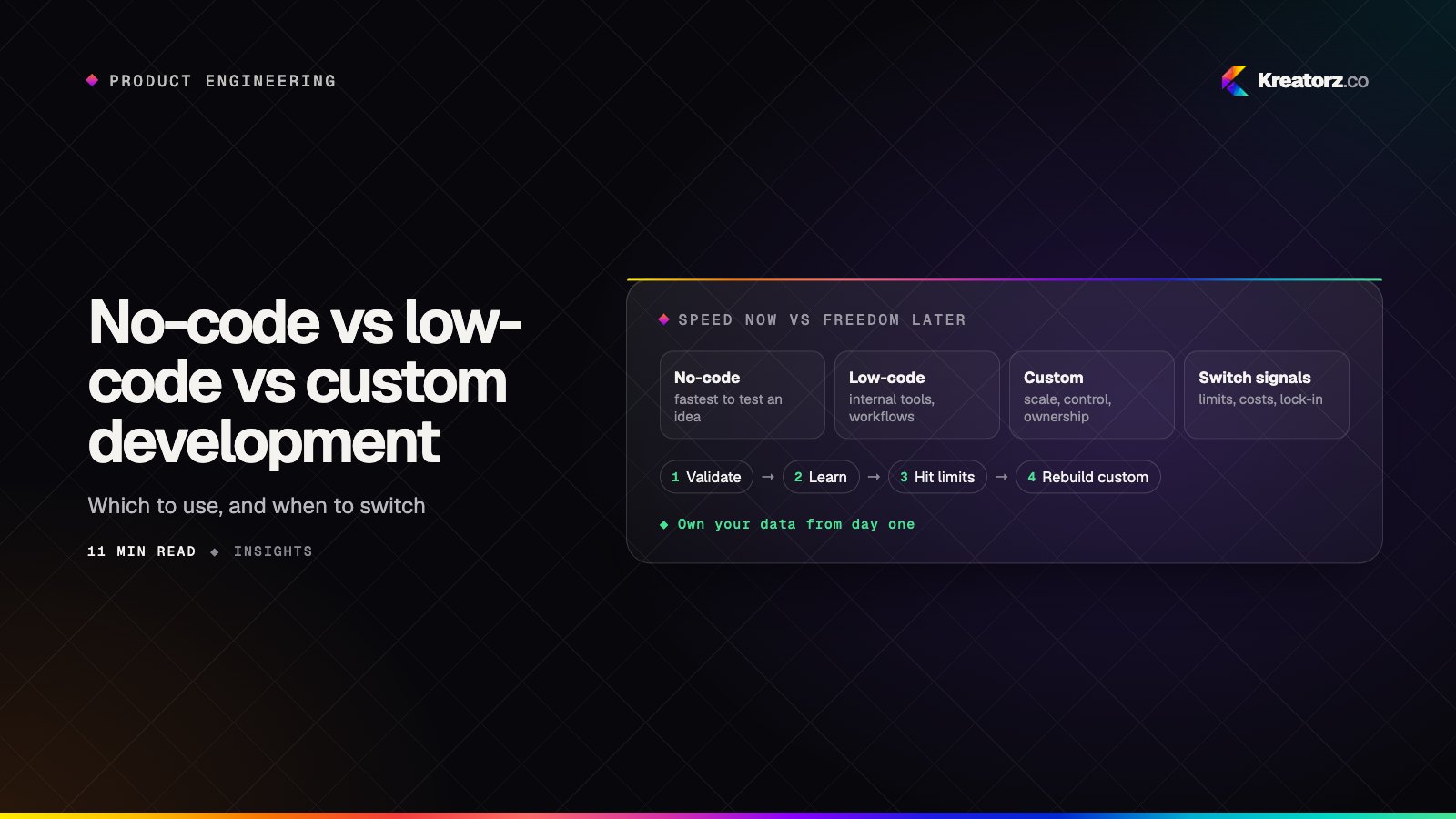
No-code vs low-code vs custom development: which should you use to build your app?
No-code builders, low-code platforms and custom code can all produce a working app, but they trade speed for control in very different ways. Here is how the three compare on cost, flexibility, scale, integrations, security and ownership, where each one genuinely wins, the hidden limits to watch for, and when to move from no-code to custom.
21 November 2026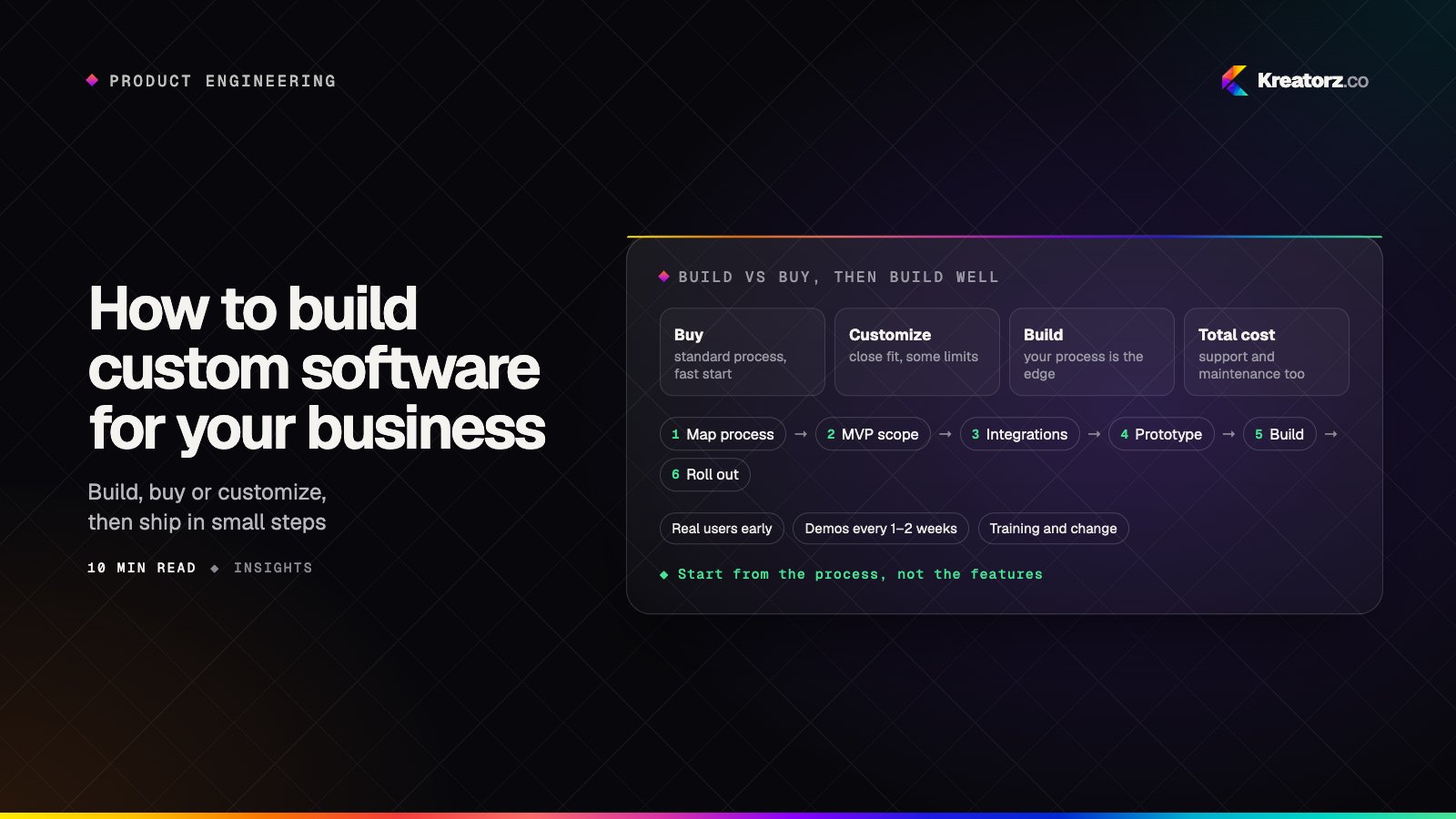
How to build custom software for your business: a step-by-step guide
Custom software can remove the spreadsheets, re-keying and workarounds that slow a business down, but only if it is planned around real processes and real users. Here is a practical, step-by-step way to decide whether to build, scope a first release, choose a partner and keep the system healthy after launch.
18 November 2026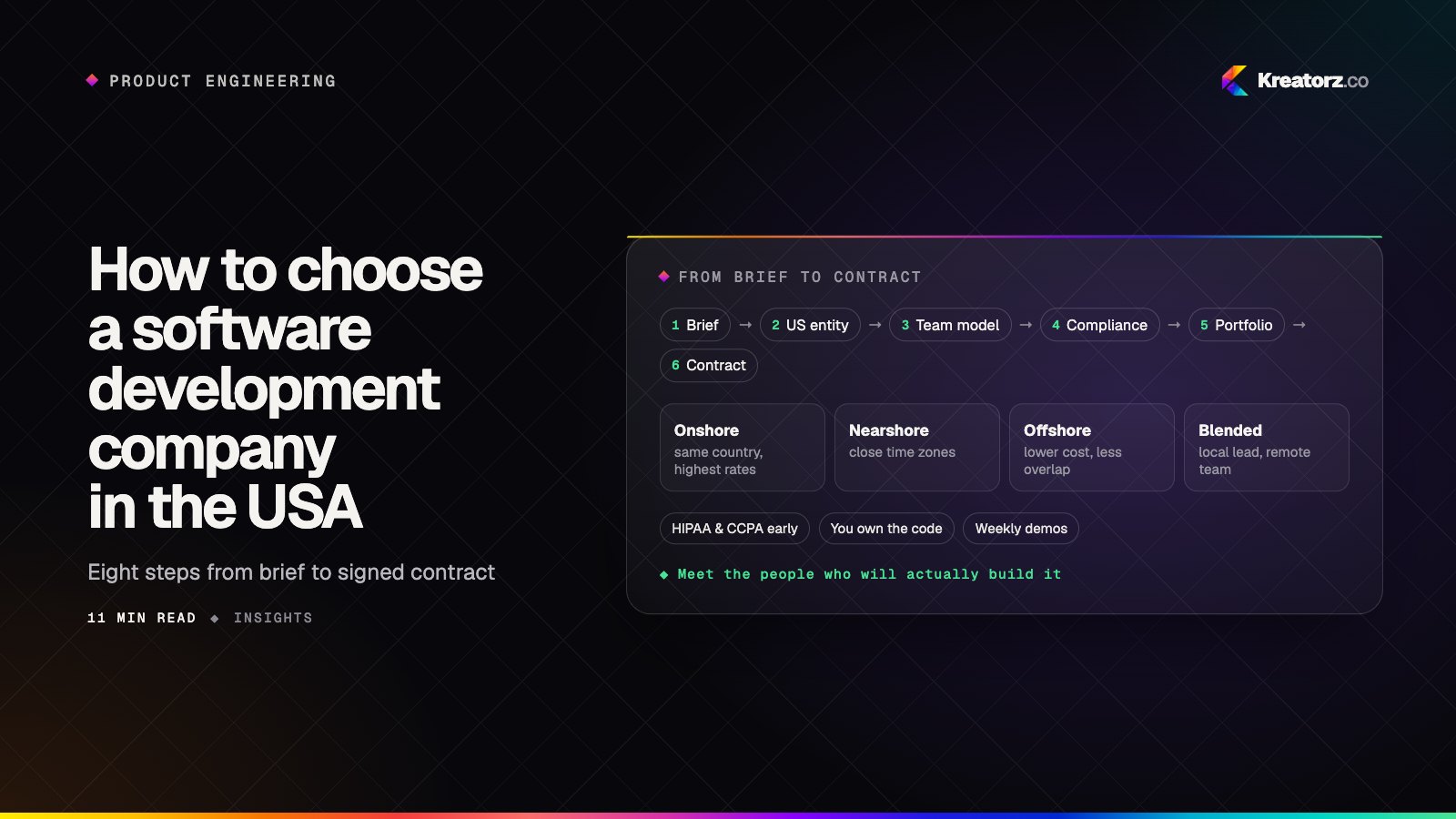
How to choose a software development company in the USA: a step-by-step guide
Hiring a company to build your app, SaaS platform or AI product is a big decision. Here is a practical, step-by-step way for US founders and businesses to compare software development companies, from contracts, time zones and compliance to pricing models, portfolios and red flags.
17 November 2026