
How to build custom software for your business: a step-by-step guide
Custom software can remove the spreadsheets, re-keying and workarounds that slow a business down, but only if it is planned around real processes and real users. Here is a practical, step-by-step way to decide whether to build, scope a first release, choose a partner and keep the system healthy after launch.
Short answer
To build custom software for your business, first confirm that buying or customizing an off-the-shelf product won’t do the job, then map the process and its users. Define a focused first release, plan integrations and data migration, prototype with real users, build in one-to-two-week cycles with demos, and roll out in stages with training and ongoing support.
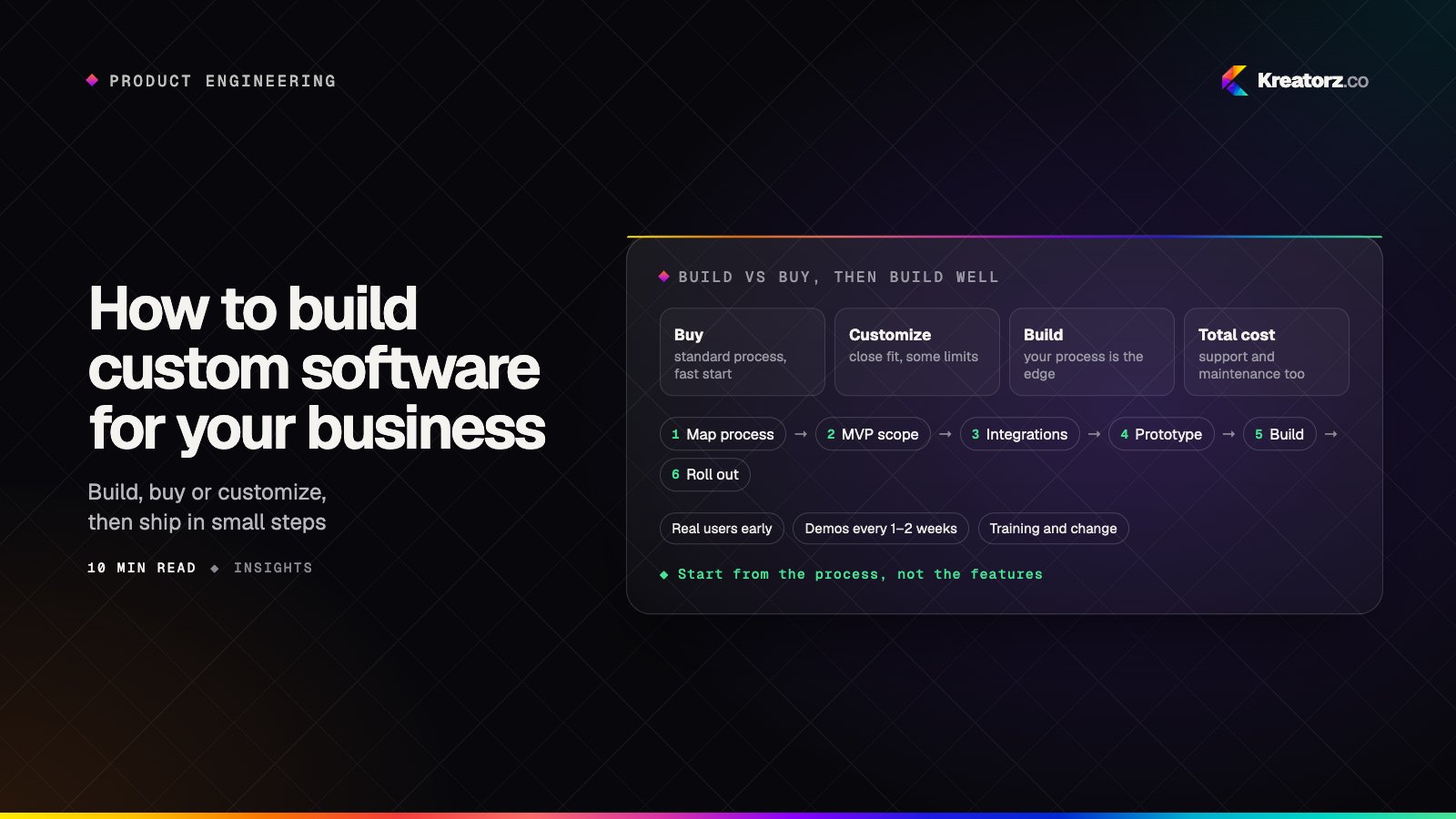
Most businesses do not set out to build software. They get there gradually: a spreadsheet becomes the system of record, someone copies data between two tools every afternoon, and an off-the-shelf product forces a workaround for the one step that makes your business different. Eventually the workarounds cost more than fixing the problem properly.
This guide explains how to build custom software for your business, step by step. It is written for owners, operations leads and managers who are not engineers but will own the result. It covers internal tools, customer and partner portals, workflow and approval systems, and the integrations that hold them together. If you plan to sell software to many customers on a subscription, our guide to building a SaaS product is a better fit; if you are replacing an aging system, start with modernizing legacy software.
Step 1: Decide whether to build, buy or customize
Custom software is not always the right answer, and the honest first step is to check. There are three broad options.
| Buy off-the-shelf | Customize off-the-shelf | Build custom | |
|---|---|---|---|
| Best when | Your process is standard (payroll, accounting, email) | A product covers most needs but one area is missing | The process is a source of advantage or nothing fits |
| Time to start | Days to weeks | Weeks to a few months | Usually a few months for a first release |
| Upfront cost | Lowest | Moderate | Highest |
| Ongoing cost | License fees that often grow with users | Licenses plus maintaining customizations | Hosting, maintenance and improvements |
| Fit | You adapt to the tool | Partial fit, limited by the vendor's platform | Built around how you work |
| Ownership | You rent access | You rent the platform, own some extensions | You own the code and data |
| Main risk | Workarounds pile up | Vendor upgrades break your changes | Poor scoping or an unreliable partner |
A useful rule of thumb: if a well-supported product does most of what you need, use it and adapt. Custom software development pays off when your workflow differs in ways that matter to customers or margins, when integrations between systems are critical, or when license fees and manual workarounds have become a real, recurring cost.
Step 2: Map the process you want to improve and who uses it
Before discussing features, write down how the work happens today, sitting with the people who do it, not only their managers.
- List every step, from the trigger (an order arrives, a customer calls, a form is submitted) to the outcome.
- Note every hand-off between people, teams and tools. Hand-offs are where delays and errors usually live.
- Record the workarounds: spreadsheets, copy-paste, email chains, sticky notes and "ask Sam, he knows."
- Identify the users and their roles: staff, managers, customers, suppliers, field workers, admins. Each group needs different screens and permissions.
- Estimate the pain: roughly how much time goes into each step, and what goes wrong when it fails.
The map often shows that the biggest gains come from removing steps, not automating them as they are.
Step 3: Define requirements and an MVP scope
Turn the map into requirements written from the user's point of view: "a dispatcher can see every open job on one screen and assign it in two clicks" is more useful than "job management module."
Then cut. A minimum viable product (MVP) for business software is the smallest release that removes a real, measurable pain for one group of users. Sort requirements into three buckets:
- Must have for the first release: without it, people cannot do the job in the new system.
- Next: valuable, but the first release works without it.
- Later or never: nice ideas that need evidence before they earn a place.
Agree what success looks like in business terms, such as fewer manual steps, faster turnaround or fewer errors.
Step 4: Plan integrations and data
Custom software rarely stands alone. It usually has to talk to your accounting package, CRM, ERP, payment provider or industry systems, and integrations are often where effort and risk hide.
For each system, ask:
- Does it have a documented API, and what are its limits and costs?
- Which direction does data flow, and which system is the source of truth for each type of record?
- How often must data sync: in real time, every few minutes or overnight?
- What happens when it fails? Someone needs to know, and data must not be lost or duplicated.
If you are moving off spreadsheets or an older system, plan the data migration as its own piece of work. Old data is usually messier than expected. Decide what to bring across, clean it, run a trial migration and check the results with the people who know the data best.
Step 5: Choose the architecture and stack at a business level
You do not need to pick programming languages, but you should understand the shape of the system and why it was chosen. The main questions are:
- Web app, mobile app or both? Office staff and customers on laptops are usually best served by a web application. Field teams, drivers and technicians may need a mobile app that works with patchy connectivity, cameras or location.
- Cloud hosting. Most new business software runs in the cloud on providers such as AWS, which handles scaling, backups and redundancy. Make sure the accounts are in your company's name.
- APIs. A well-designed API lets other systems, and future apps, use the same data and logic. It is what makes later integrations cheaper.
- Off-the-shelf building blocks. Sign-in, payments, email delivery, maps and file storage are solved problems. Using proven services keeps budget focused on what is unique to you.
- AI only where it helps. AI can be valuable for reading documents, classifying requests, drafting replies or searching large amounts of information. It also adds evaluation work, guardrails and a per-use running cost. Add it to specific steps where it removes real effort, not as a headline feature. Our page on AI app development covers how to do this responsibly.
A common, well-supported stack is usually safer than an unusual one because it is easier to hire for and maintain, and teams that cover front end, back end and infrastructure together, as in full-stack development, make these trade-offs more coherently.
Step 6: Design and prototype with real users
Before writing production code, design the key screens and turn them into a clickable prototype. Then put it in front of the people who will use it every day.
Watch them try real tasks and notice where they hesitate or get confused. Changing a prototype takes hours; changing finished software takes weeks.
Focus design effort on the most frequent tasks; a screen used all day matters far more than a settings page.
Step 7: Build in short cycles with regular demos
Large projects fail most often when months pass without anyone seeing working software. Avoid that by building in short cycles, typically one to two weeks, each ending with a demo of real, working features.
- Demo working software, not slides. You should be able to click through what was built.
- Keep one decision-maker on your side who can answer questions quickly and approve priorities.
- Re-prioritize as you learn. Early demos often reveal that a planned feature matters less than expected, or that something missed matters more.
If something is off course, you find out in days, not at the end. For realistic phase-by-phase timelines, see how long it takes to build an app; most of the same phases apply to business software.
Step 8: Testing, security and access control
Quality and security should be built in from the first cycle, not added at the end.
Testing should include automated tests for core logic and integrations, manual testing of real workflows, and user acceptance testing by your own staff.
Security for business software usually covers:
- Role-based access control: each user sees and does only what their role requires. A field technician should not see payroll; a customer should see only their own orders.
- Encryption of data in transit and at rest.
- Audit logs that record who changed what and when.
- Single sign-on where your team already uses a company identity provider.
- Backups and recovery that are tested, not just configured.
If the software handles health information, payment data or personal data, identify the rules that apply during planning, such as HIPAA in the US or privacy laws in your state or province, and confirm the specifics with your legal or compliance advisors.
Step 9: Rollout, training and change management
A finished system is not the same as an adopted one. People are used to the old way, even when it is painful.
- Start with a pilot group, ideally people who felt the pain most and want the change. Fix what they find before going wider.
- Run old and new side by side briefly if the process is critical, with a clear date when the old way stops.
- Train by task, not by screen. Short sessions and simple guides built around "how do I handle a refund" work better than a tour of every menu.
- Collect feedback in the first weeks and ship small fixes quickly.
Step 10: Support, maintenance and total cost of ownership
When you budget, think in terms of total cost of ownership over several years, not just the initial build.
Ongoing costs typically include:
- Hosting and third-party services such as cloud infrastructure, email delivery, maps or AI model usage.
- Maintenance: security patches, dependency and framework updates, and keeping integrations working when other vendors change their APIs.
- Monitoring and support: someone watching errors and uptime, and a clear route for users to report problems.
- Improvements: acting on what users learn is where much of the long-term value comes from.
There is no single price for custom software. Cost follows from scope: the number of user roles and workflows, integrations, data migration, compliance needs and AI features, plus the team's location and model. Our guide on how much it costs to build an app explains how to estimate a budget from team size, weeks and rate, and which ongoing costs people often forget.
Step 11: Choose a custom software development partner
Unless you already have an engineering team, the partner you choose will shape the outcome more than any technology decision. Whether you are looking at custom software development in the USA, custom software development in Canada or custom software development in Pakistan, the same questions separate strong teams from weak ones:
- What would you need to know before estimating this? Good partners ask about your process and users before quoting.
- Can we start with a short paid discovery phase? It tests the relationship and produces a plan grounded in real requirements.
- Who exactly will work on this, and how senior are they? Meet the people, not just the sales team.
- How often will we see working software? Look for demos every week or two.
- How do you handle scope changes? Expect a clear, written process.
- What will we own? You should own the source code, designs, data and cloud accounts.
- What happens after launch? Ask about support, maintenance and handover.
Location mainly affects contracts, time-zone overlap and budget, and many companies use a blend. Whichever you choose, a good custom software development company will tell you honestly when buying is the better option; our custom software development page explains how we approach it.
Working with Kreatorz
If you would like a team to compare, Kreatorz has offices in Sheridan, Wyoming (USA), Brantford, Ontario (on Eastern Time) and Lahore, Pakistan. One senior, cross-functional team handles discovery, design, engineering, AI and cloud. You see weekly demos and new builds every one to two weeks, and you own your code from day one. Read more about us as an app development company in the USA, an app development company in Canada or a software house in Lahore, or tell us about the process you want to improve.
Frequently asked questions
How do I build custom software for my business?
Start by confirming that off-the-shelf software will not do the job, then map the process you want to improve and the people involved. Define a focused first release, plan integrations and data migration, prototype with real users, build in short cycles with regular demos, and roll out in stages with training and ongoing support.
Is custom software worth it for a small business?
It can be, when a process is central to how you compete or when workarounds and license fees have become a real cost. If a well-supported product covers most of your needs, buying and adapting is usually the better choice. Many small businesses get the most value from a small custom tool that connects products they already use.
How long does it take to build custom software?
A focused first release often takes around three to six months, depending on scope, integrations and how quickly decisions are made. Larger systems are usually delivered in phases so the business gets value early rather than waiting for everything at once.
What should I ask a custom software development company before hiring them?
Ask what they need to know before estimating, who will work on the project, how often you will see working software, how they handle scope changes, what you will own at the end, and what support looks like after launch. A short paid discovery phase is a good way to test the answers.
- Custom software developmentWe design and build web platforms, internal tools, customer portals, mobile apps and AI-powered systems that fit your business — instead of bending your business to…Explore
- Full-stack developmentWe design, build and run complete web applications — interface, APIs, database, cloud and release pipeline — with one accountable team instead of a chain of handovers.Explore
- AI app developmentWe design, build and run AI-powered apps — assistants, copilots, knowledge tools, vision and voice features — that solve a measurable problem and hold up in production.Explore


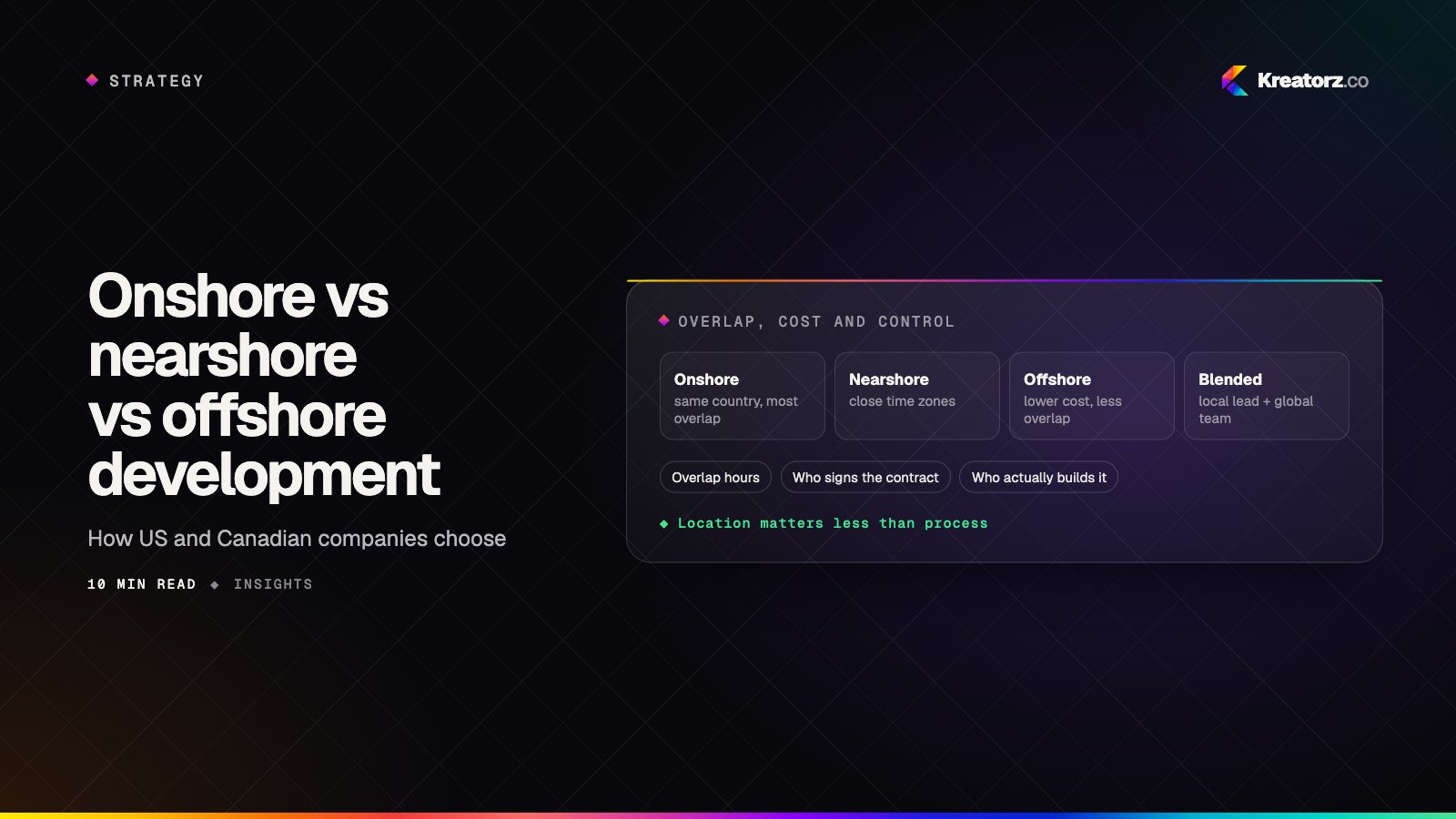
Onshore vs nearshore vs offshore software development: how to choose
Where your development team sits shapes cost, communication, contracts and compliance. Here is a plain comparison of onshore, nearshore and offshore software development for US, Canadian, UK and Middle East companies, plus the blended model, how to run a distributed team well and a step-by-step way to decide.
21 November 2026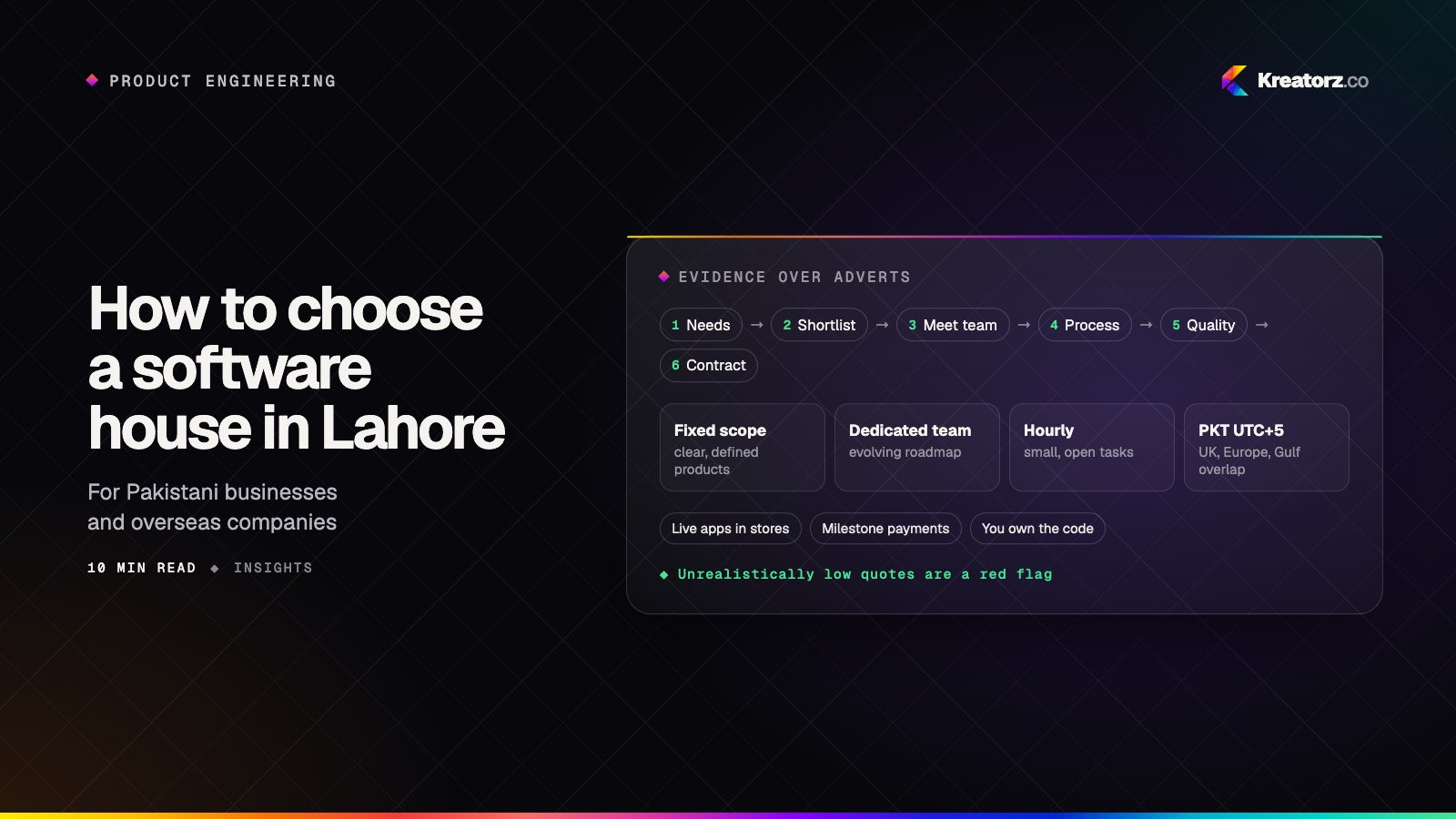
How to choose a software house in Lahore: a step-by-step guide
Whether you are a Pakistani business or an overseas company hiring a team in Pakistan, here is a practical, step-by-step way to choose a software house in Lahore for your app, custom software, SaaS or AI product, plus the red flags and questions that separate strong teams from risky ones.
17 November 2026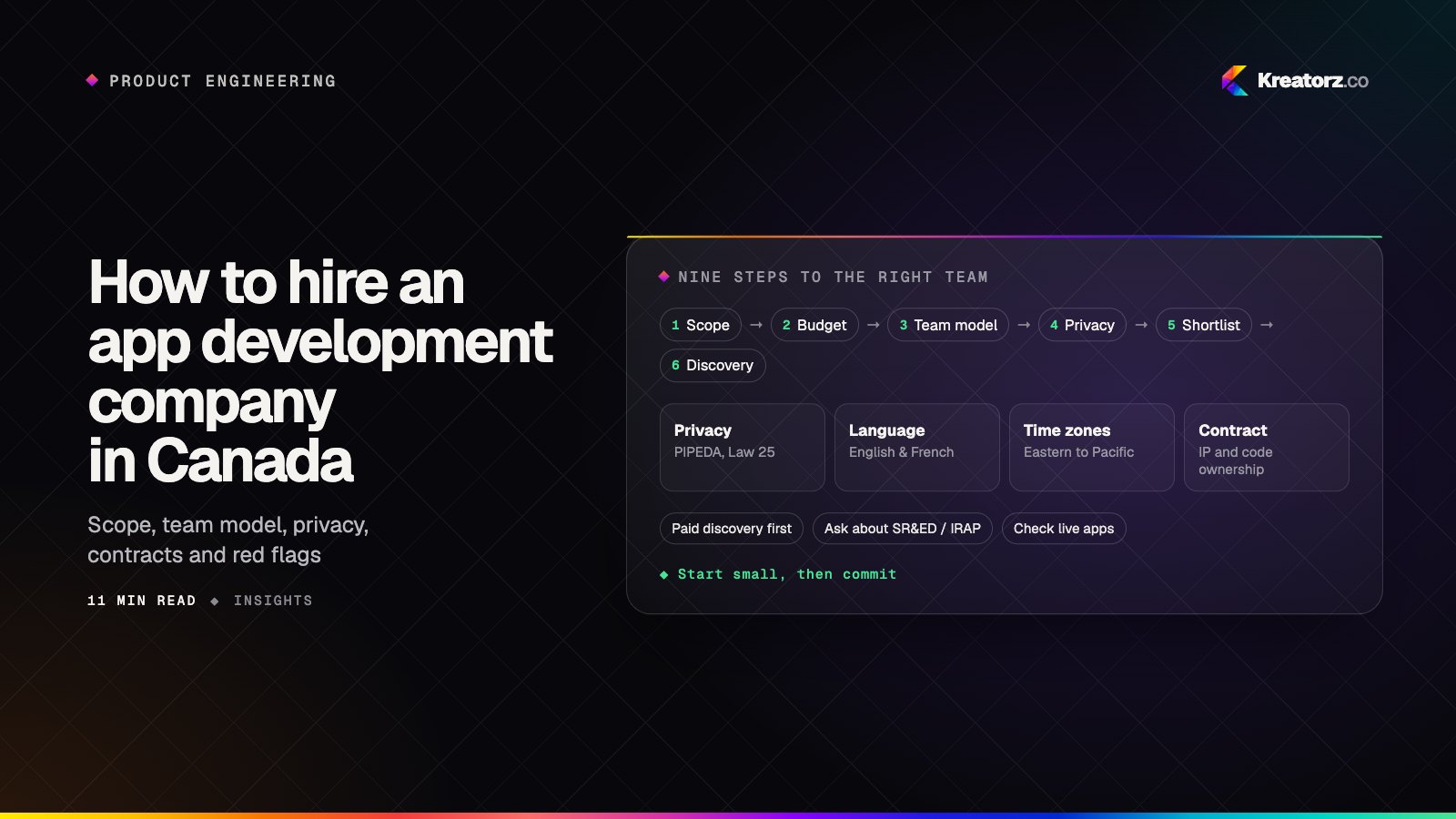
How to hire an app development company in Canada: a step-by-step guide
Hiring a team to build your mobile app, SaaS platform or AI product is a big decision. Here is a practical, step-by-step process for Canadian founders and businesses, from scoping and team models to privacy, contracts, IP and the red flags worth walking away from.
17 November 2026