
Building Arabic-first apps: an engineering guide to RTL, bidirectional text and Gulf launches
Translating an app into Arabic is the easy part. Making it feel native means mirrored layouts, bidirectional text that doesn't scramble, Arabic typography, local formats and a launch plan for the UAE and Saudi Arabia. Here is the guide we wish every team had before they started.
Short answer
Building an Arabic-first app means designing for right-to-left from the start rather than translating at the end. Use logical start and end layout instead of left and right, mirror directional elements but not media controls or numbers, isolate bidirectional text, choose fonts designed for Arabic, handle local digits, calendars, weekends and currency, and test with native speakers.
Arabic is one of the world's most widely spoken languages, and the Gulf is one of the most active markets for new apps — from PropTech and fintech in Riyadh to delivery, retail and government services in Dubai and Abu Dhabi. Users there expect apps that work beautifully in Arabic, not English apps with Arabic text poured in.
Yet most teams treat Arabic as a translation task at the end of the project. The result is familiar to anyone in the region: back arrows pointing the wrong way, phone numbers rendered backwards, text clipped in buttons, and fonts that make Arabic look cramped and hard to read.
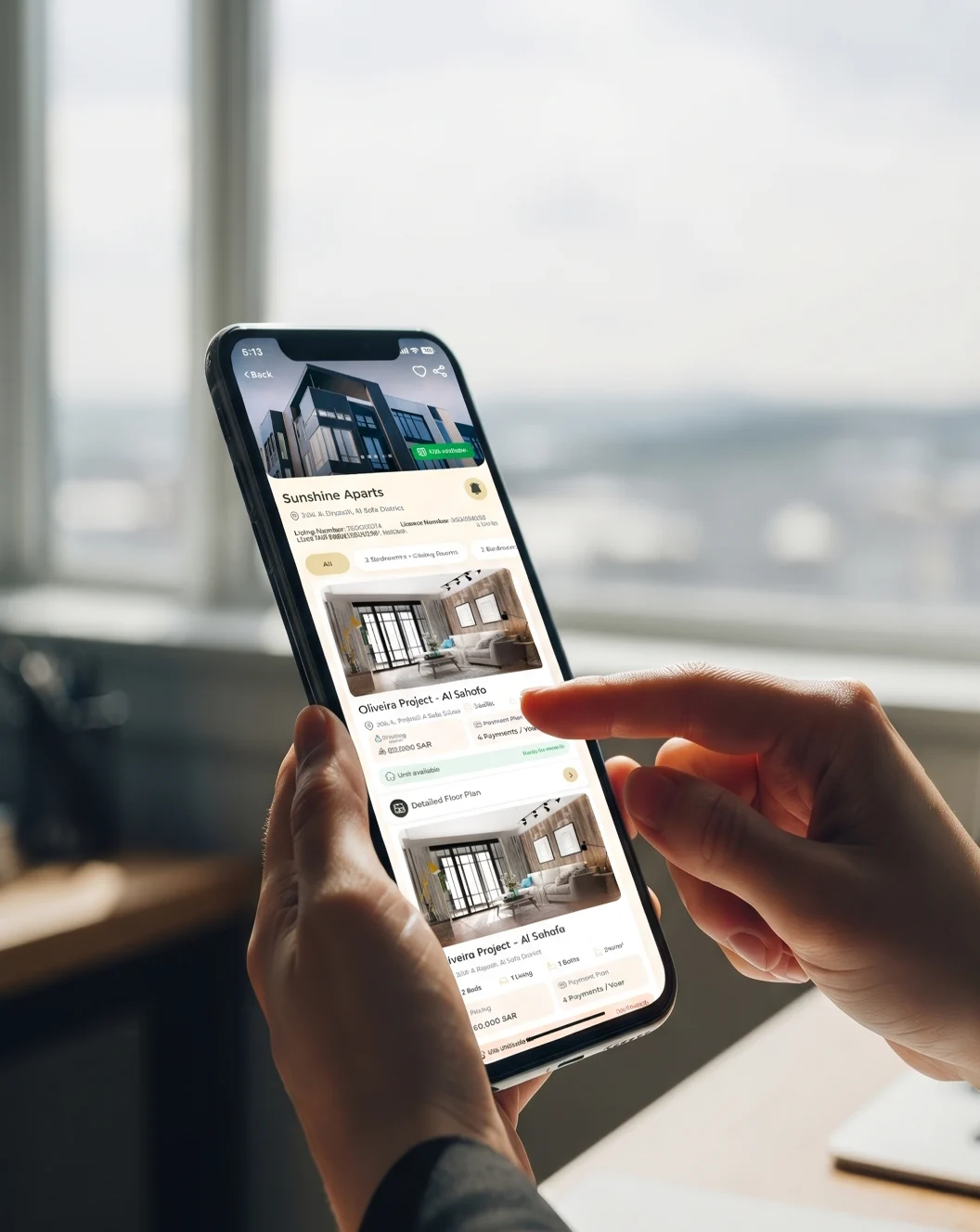
We build Arabic and bilingual apps, including Rentech, a Riyadh-based PropTech platform. This guide covers what it takes to build Arabic-first, right-to-left (RTL) products properly — and why getting the foundations right early costs far less than fixing them later.
Arabic-first vs Arabic-added
There are two ways to support Arabic:
| Arabic-added | Arabic-first | |
|---|---|---|
| When | After the English app is built | From the first design and line of code |
| Layouts | Patched screen by screen | Built with direction-aware layout from the start |
| Design | Arabic squeezed into English layouts | Both languages designed and reviewed together |
| Cost | High — rework across every screen | Low — one codebase serves both directions |
| User perception | "Translated app" | "Built for us" |
Even if English launches first, building direction-aware from day one is cheap insurance. Everything below is easy to do from the start and expensive to retrofit.
Mirroring: what flips and what doesn't
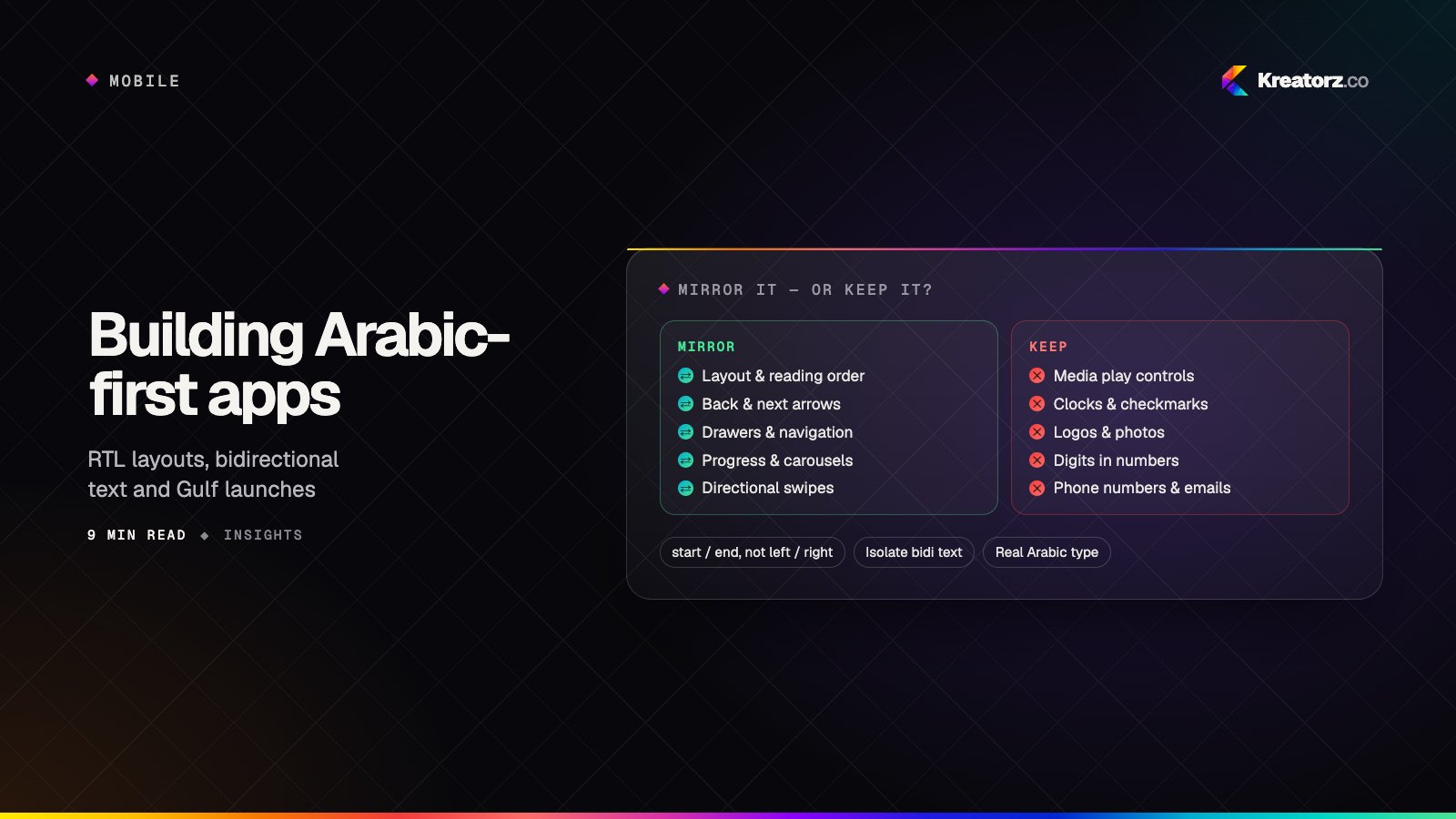
In RTL, the interface mirrors because people read from right to left, and their eyes start on the right. But not everything should flip.
Mirror these:
- Overall layout and reading order: the start of a row is on the right.
- Navigation: back buttons on the right, pointing right; side drawers open from the right.
- Directional icons: arrows, chevrons, "next" and "previous", send buttons, reply icons.
- Progress and sequence: progress bars, steppers, carousels and onboarding flows advance leftward.
- Swipe gestures that mean "next" or "back".
- Alignment of text, form labels and list items.
Do not mirror these:
- Media playback controls (play, fast-forward) — they follow tape direction, which is universal.
- Clocks, circular progress that represents time, and checkmarks.
- Logos, photos and illustrations of real objects (unless the image contains directional meaning).
- Numbers themselves — digits are written left to right even inside Arabic text.
- Graphs with a time axis are a judgment call; many Arabic products keep time flowing left to right for familiarity with financial charts. Decide once and be consistent.
The rule of thumb: flip what represents direction or sequence; keep what represents real-world objects or universal conventions.
Build with logical, not physical, layout
The single most important engineering decision is to stop thinking in left and right, and start thinking in start and end.
- Web: set
dir="rtl"andlang="ar"on the root, and use CSS logical properties —margin-inline-start,padding-inline-end,inset-inline-start,text-align: start— instead of left/right. Flexbox and grid then follow the document direction automatically. - Flutter: use
Directionality(set automatically from the locale),EdgeInsetsDirectional,AlignmentDirectionalandPositionedDirectional, and setmatchTextDirection: trueon directional icons. - React Native: use
start/endstyle properties,I18nManagerfor direction, and test with RTL forced on. Some layout changes require an app restart, so plan the language switch accordingly. - iOS: Auto Layout's leading and trailing constraints mirror automatically; use
semanticContentAttributefor exceptions and flip directional images withimageFlippedForRightToLeftLayoutDirection. - Android: enable
android:supportsRtl="true"and usestart/endattributes instead ofleft/right; directional vector drawables can setautoMirrored.
A simple lint rule that flags hard-coded left/right values saves countless bugs later. Our Flutter and React Native teams treat these as defaults on every project, not only Arabic ones.
Bidirectional text: the bug factory
Arabic runs right to left, but numbers, English brand names, email addresses, URLs and code run left to right. Mixing them in one line is called bidirectional (bidi) text, and it is the source of the strangest bugs:
- A phone number like
+971 50 123 4567displayed as4567 123 50 971+. - A sentence ending with an English word putting the full stop in the wrong place.
- A price like
SAR 1,250splitting so the currency jumps to the other side. - A username with mixed scripts rearranging punctuation around it.
The Unicode bidirectional algorithm handles most cases correctly, but it needs help at the boundaries:
- Isolate user-generated and dynamic content. On the web, wrap inserted values in
<bdi>or usedir="auto"on inputs and user content, so a name or address cannot scramble the surrounding sentence. In native code, use Unicode isolate characters (FSI…PDI) around inserted values. - Force direction for inherently LTR data. Phone numbers, card numbers, IBANs, emails, URLs and codes should always be displayed and entered left to right, even in an Arabic interface.
- Use proper message formatting. Never build sentences by concatenating strings. Use ICU message format (via i18next, Flutter's intl/ARB files, or iOS String Catalogs) so translators can reorder placeholders naturally and plurals work correctly. Arabic has six plural forms — zero, one, two, few, many and other — and getting them right matters to native readers.
- Test with real mixed content. Arabic sentences containing English product names, numbers, dates and punctuation, in every component.
Arabic typography
Arabic letters connect and change shape depending on their position in a word, and the script has tall ascenders, deep descenders and diacritics. Typography that works for English often fails in Arabic.
- Choose a font designed for Arabic UI, with good legibility at small sizes and a Latin companion that matches. Families such as IBM Plex Sans Arabic, Noto Sans Arabic, Cairo and Tajawal are common starting points; your brand may justify a custom pairing.
- Size up. Arabic text often needs a slightly larger font size than Latin text to read comfortably at the same visual weight.
- Increase line height. Ascenders and descenders need room; cramped line heights clip diacritics and hurt readability.
- Never letter-space Arabic. Adding tracking breaks the connections between letters. Turn off any letter-spacing applied to Latin styles.
- Avoid fake bold and italics. Use real font weights; Arabic does not have a true italic, so don't slant it.
- Allow for different text lengths. Arabic is often more compact than English in characters, but not always in width. Design components that grow and wrap rather than fixed-width buttons.
Numbers, dates, currency and local formats
Formats are where an app feels local — or foreign.
- Digits. Some Arabic users and contexts prefer Eastern Arabic numerals (٠١٢٣), others Western digits (0123). Many Gulf apps use Western digits in Arabic interfaces for prices and numbers. Decide deliberately, ideally based on your users, and be consistent. Always accept both in input fields.
- Calendars. The Gregorian calendar is standard for most commercial use, but the Hijri calendar matters for religious dates and some official contexts. Display Hijri dates where they are meaningful to users.
- Weekends. The UAE and Saudi Arabia have different working weeks from each other and from Western markets. Scheduling, delivery and business-day calculations must use the right one per country.
- Currency. Use locale-aware formatting for AED, SAR and other currencies, with correct symbol placement in both languages.
- Names and addresses. Support Arabic names and addresses that do not fit Western forms, and do not force first-name/last-name splits where they do not fit.
- Phone numbers. Accept local formats and country codes and validate properly for each country.
Content: localization, not translation
Machine translation is a useful first draft, but Arabic marketing copy, onboarding text and legal terms deserve native-speaker writing and review. Modern Standard Arabic suits most interfaces; some consumer brands use a lighter, Gulf-flavored tone in marketing. Imagery should reflect the region's people, dress and settings, and content should respect cultural norms. Set up a translation workflow early — a translation management system with screenshots for context and a review step — so adding or changing copy never requires a developer.
Payments, integrations and platforms
Launching in the Gulf often means integrating with local services:
- Payments. Local card schemes and methods — such as mada in Saudi Arabia — alongside Apple Pay, Google Pay and international cards, through payment providers that support them. See our fintech app development work.
- Government and industry platforms. Many sectors connect to official platforms. Rentech, for example, integrates with Ejar, Saudi Arabia's rental services platform, so tenants can complete contracts in one place. These integrations shape the product and the timeline, so identify them during discovery.
- Identity and verification. National identity and verification services are often expected for regulated sectors.
- Data residency. Some sectors and customers require data to be stored in-country. Choose cloud regions and providers accordingly and confirm requirements with your advisors.
App Store and Google Play in Arabic
Store presence deserves the same care as the app:
- Localized app names, subtitles, descriptions and keywords for each Arabic-speaking market.
- Screenshots captured in the Arabic, right-to-left interface — not English screenshots with Arabic captions.
- Arabic support and privacy pages linked from the listing.
- Reviews answered in the language they were written in.
Our guide to launching on the App Store and Google Play covers the wider launch checklist.
A testing checklist for RTL
- Run every screen in Arabic and English, on small and large devices, in light and dark mode.
- Check navigation, gestures, carousels, drawers and transitions in both directions.
- Test mixed-direction content: Arabic with English names, numbers, emails, URLs and punctuation.
- Test text input with Arabic and English keyboards, cursor movement and selection.
- Verify icons: directional ones flipped, universal ones unchanged.
- Check long and short strings for clipping and wrapping.
- Review dates, numbers, currencies, plurals and weekends per country.
- Have native speakers review real flows, not only a list of strings.
- Test accessibility: screen readers announce Arabic content correctly and in the right order.
The bottom line
Arabic-first apps are not harder to build than English-only ones — they are harder to retrofit. Build with logical layouts, isolate bidirectional content, choose real Arabic typography, handle local formats and integrations deliberately, and test with native speakers. Do that, and your app feels built for the region rather than translated for it.
If you are planning an app for the UAE, Saudi Arabia or Arabic-speaking users anywhere, see our app localization and Arabic RTL development service and our work for the UAE and Saudi Arabia, or book a free consultation.
Frequently asked questions
What is an RTL app?
An RTL (right-to-left) app supports languages written from right to left, such as Arabic, Hebrew, Persian and Urdu. The interface mirrors so navigation, layouts and directional icons follow the reading direction, while numbers and universal symbols stay unchanged.
Can one codebase support both Arabic and English?
Yes. Using direction-aware layout — logical start/end properties instead of left/right — one codebase can serve both directions. Flutter, React Native, native iOS and Android, and the web all support this.
Should Arabic apps use Arabic or Western digits?
It depends on your audience and context. Many Gulf apps use Western digits within Arabic interfaces, while some users and contexts prefer Eastern Arabic numerals. Choose deliberately, apply it consistently, and accept both in input fields.
How do you stop phone numbers and emails from displaying backwards in Arabic?
Force left-to-right direction for inherently LTR data such as phone numbers, emails, URLs and card numbers, and isolate dynamic values inside Arabic sentences using bidi isolation (for example the <bdi> element on the web or Unicode isolate characters in native apps).
Is machine translation good enough for an Arabic app?
It is a useful first draft, but interface text, marketing copy and legal content should be written or reviewed by native Arabic speakers. Poor Arabic is immediately noticeable and undermines trust.
- App localization & Arabic RTLKreatorz builds multilingual and localized mobile and web apps — including Arabic and other right-to-left (RTL) languages — with layouts, typography, dates,…Explore
- App development for the UAE & Saudi ArabiaKreatorz designs, builds and scales mobile apps, web platforms, SaaS and AI products for startups and businesses in Dubai, the UAE, Saudi Arabia and across the Gulf —…Explore
- Flutter app developmentWe design and build Flutter apps for iOS, Android and the web from a single codebase — native-quality performance, pixel-perfect design and a faster route to launch.Explore

How to hire mobile app developers: a step-by-step guide
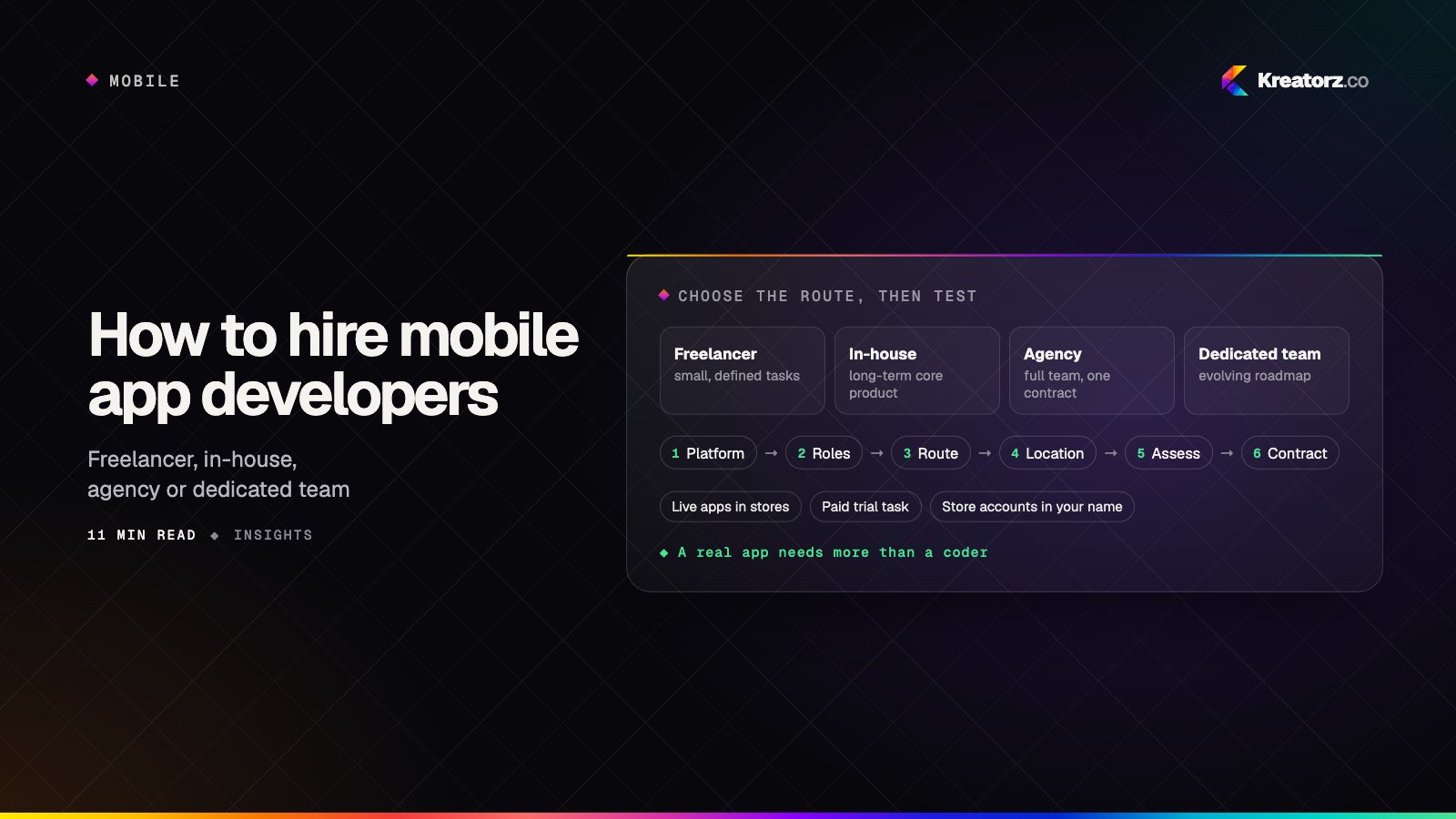
Hiring mobile app developers is about more than finding someone who can code. Here is a practical, step-by-step process for choosing between freelancers, in-house hires, agencies and dedicated teams, assessing developers properly, and protecting your app, code and store accounts.
18 November 2026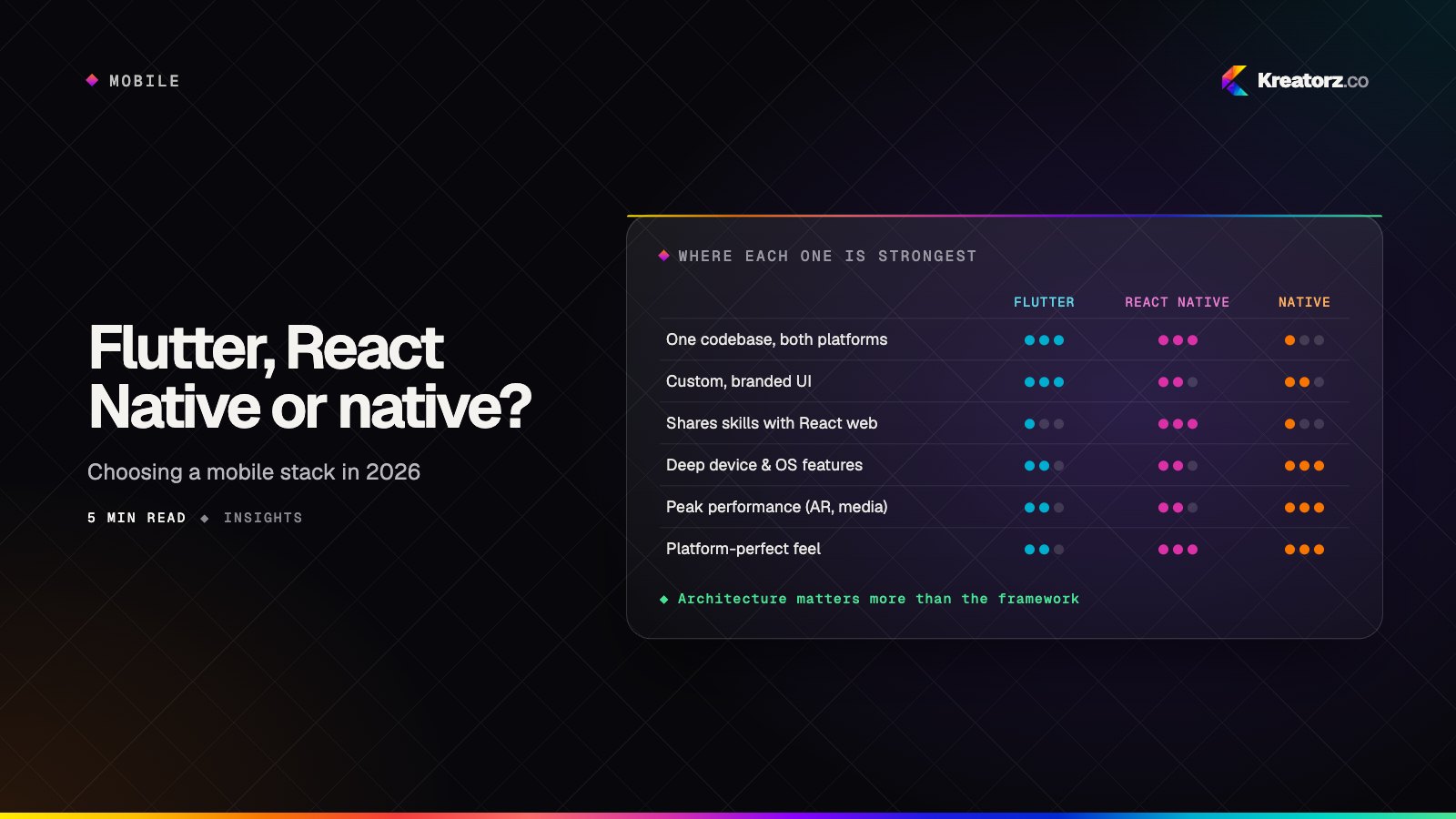
Flutter, React Native or native? Choosing a mobile stack in 2026
The cross-platform versus native debate has matured. The right answer now depends less on raw performance and more on your team, your product's demands and your plans for the next three years.
30 September 2026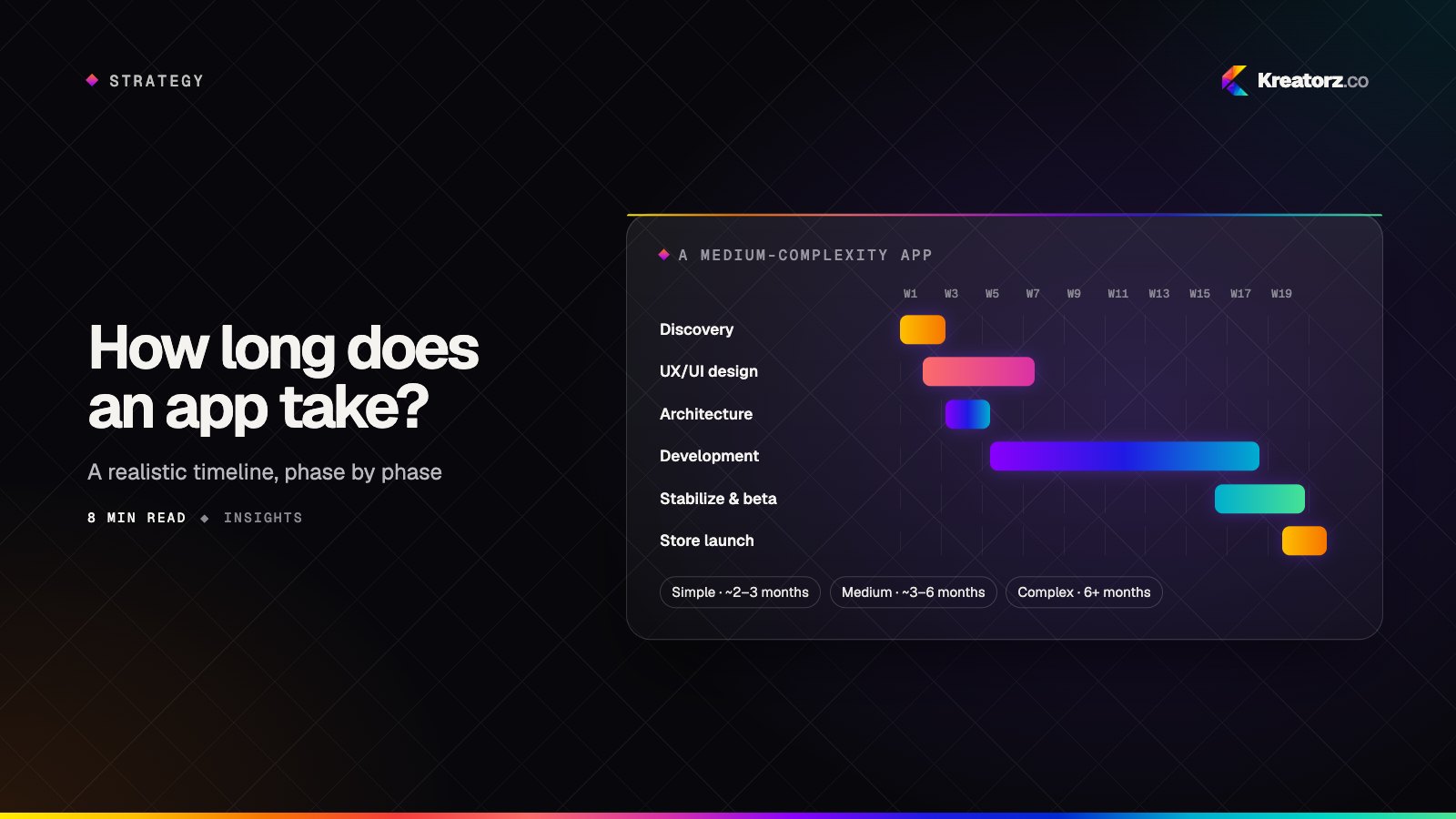
How long does it take to build an app? A realistic timeline, phase by phase
Most app timelines go wrong before a line of code is written — in scope, decisions and approvals rather than engineering. Here is how long each phase really takes, what stretches a schedule, and how to reach your first launch sooner.
16 November 2026