Translating your app's text is the easy part of going international. Real localization means an Arabic user sees a layout that flows right to left, with navigation, icons and swipe gestures mirrored. A German user's longer words still fit on the buttons. A customer in Riyadh sees prices in riyals and dates the way they expect, and an App Store listing written for their market. Without that, a translated app still feels foreign — and converts like one.
Kreatorz builds apps that are international from the first line of code. We design and engineer multilingual iOS, Android and web apps, including Arabic and other right-to-left languages, and we localize existing apps for new markets.
App localization services
- Internationalization (i18n) — preparing your codebase so every string, date, number, currency and layout can adapt to any language without code changes.
- Arabic and RTL app development — native right-to-left layouts for Arabic, Urdu, Persian and Hebrew, with mirrored navigation and gestures, bidirectional text and proper Arabic typography.
- Localizing existing apps — auditing your iOS, Android, Flutter, React Native or web app, extracting hard-coded text and fixing layouts that break in other languages.
- Translation workflow — connecting your app to a translation management system so translators can work without developers, with context screenshots and review steps. Final copy is reviewed by native speakers you choose.
- Local formats and content — currencies, dates, calendars, number formats, addresses, phone numbers and right-to-left input fields.
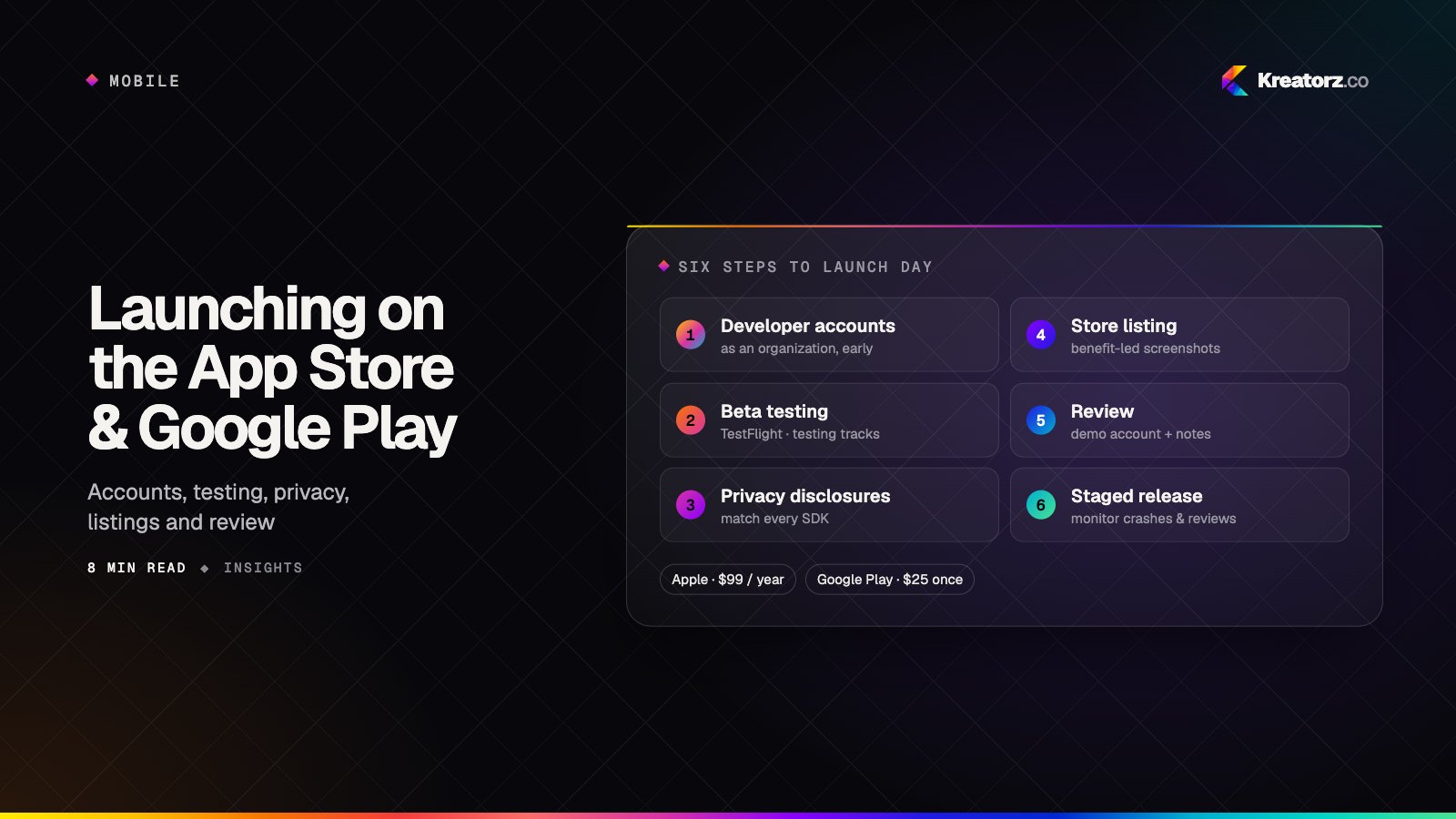
- App Store and Google Play localization — store listings, screenshots and keywords for each market. See our guide to launching on the App Store and Google Play.
- Multilingual websites — localized web platforms with language-specific URLs and hreflang tags so search engines show the right version in each country.
What right-to-left really involves
| Area | What changes in Arabic and RTL |
|---|---|
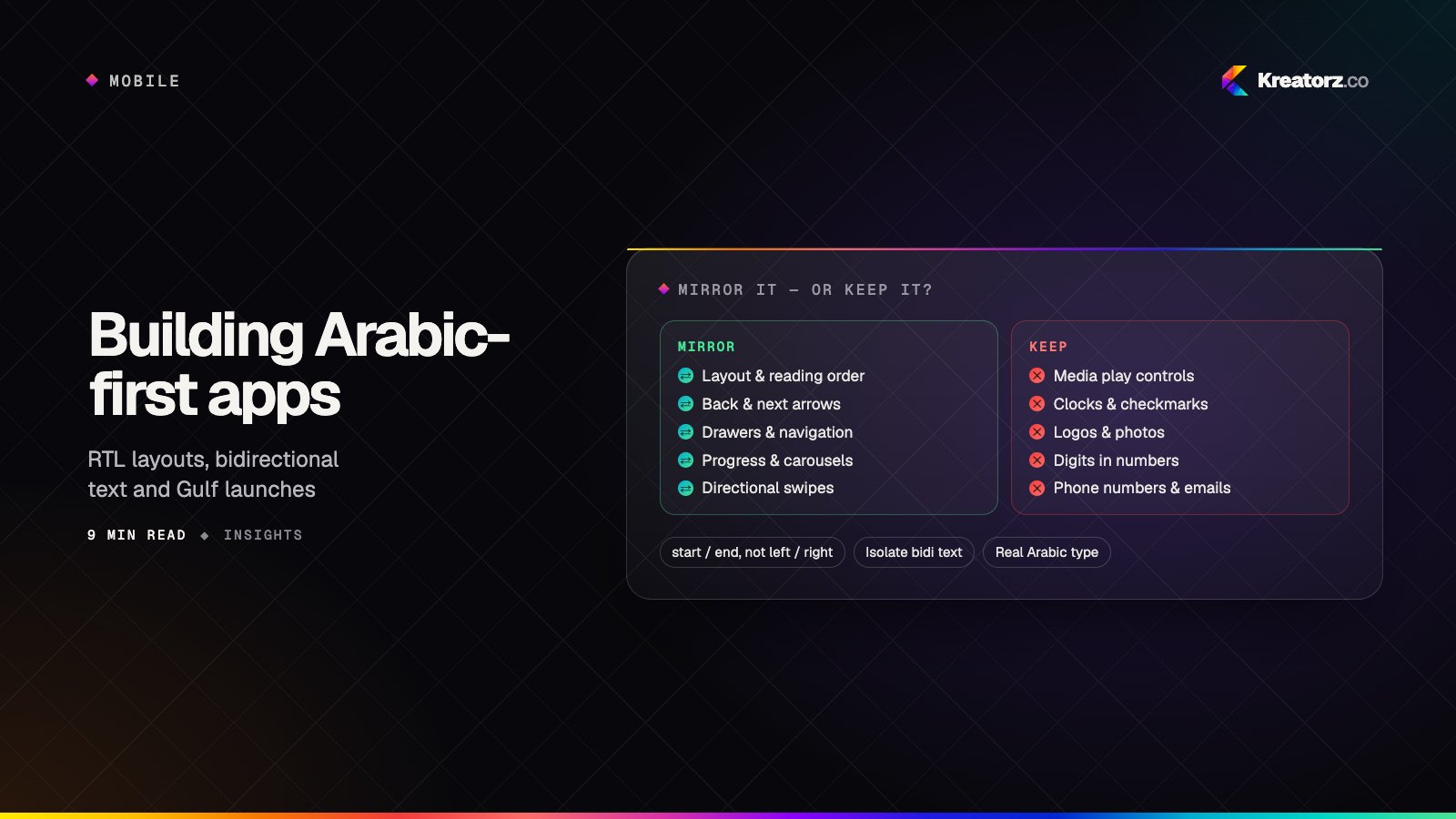
| Layout | The whole interface mirrors: navigation, back buttons, lists, progress and tabs flow from the right |
| Icons | Directional icons (arrows, back, send) flip; universal ones (play, clock, checkmarks) stay put |
| Text | Bidirectional text mixes Arabic with English names, numbers and links without scrambling |
| Typography | Arabic fonts with proper letter joining, larger sizes and line heights for legibility |
| Gestures | Swipes and carousels follow the reading direction |
| Input | Text fields, cursors and alignment that behave correctly when typing Arabic |
| Formats | Arabic or Western digits, Hijri and Gregorian dates, and local currencies as your users expect |
We build with platform-native RTL support and logical layout properties, so one codebase serves both directions instead of maintaining two apps.
Experience in the Gulf
Our work includes Rentech, a Riyadh-based PropTech platform with tenant and broker apps and integration with Ejar, Saudi Arabia's rental services platform. Kreatorz also received the Global AI Impact Award at the Global Image Awards Middle East in Riyadh in 2026. See our page for app development in the UAE and Saudi Arabia.
How a localization project runs
- Audit or plan — for an existing app, a review of strings, layouts and formats; for a new app, the target languages and markets.
- Internationalize — make the codebase language-ready and set up the translation workflow.
- Design for each language — RTL mirroring, longer-text layouts and local content, tested on real devices.
- Translate and review — your translators or partners, with context, and native-speaker review.
- Test and launch — language-by-language QA and localized store listings.
Start your localization project
Tell us which markets and languages you are targeting. We will come back with sharp questions and a clear next step. Get a free consultation.