How to build an ecommerce app that turns browsers into buyers
A mobile shopping app can lift repeat purchases and loyalty, but only if it is faster and more convenient than your website. Here is a step-by-step guide to deciding whether you need an app, choosing a platform or custom build, the features shoppers expect, checkout and payments, integrations, performance, push notifications, launch and costs.
Short answer
To build an ecommerce app, first confirm an app will add value beyond your mobile website, usually for repeat customers. Then choose between a platform-connected app and a custom build, design fast search, product pages, cart and checkout, integrate payments, inventory and shipping, add accounts, wishlists and consented push notifications, test performance on real devices and launch to your best customers first.
More shopping now happens on phones than on any other device, yet many store owners still wonder whether they need an app or whether their mobile website is enough. The honest answer: for some businesses an app is one of the best investments they can make, and for others it is an expensive duplicate of the website.
This guide helps you decide, then walks through how to build an ecommerce app properly, from the first features to launch. It is written for retailers, direct-to-consumer brands, restaurants and grocers selling online, and startups building a new shopping experience.
Step 1: Decide whether you need an app
A shopping app earns its place when customers buy from you repeatedly. Apps shine for:
- Brands with loyal customers who reorder or browse new collections often
- Groceries, pharmacies, pet supplies and other replenishment purchases
- Fashion and beauty brands with frequent drops
- Businesses with loyalty programs, memberships or in-store and online shopping together
- Shopping experiences a browser can't match, such as camera try-on, barcode scanning or rich offline browsing
If most of your customers buy once, a fast mobile website is usually the better investment. Many businesses do both: the website wins new customers through search and ads, and the app keeps the best ones coming back.
Step 2: Choose your approach
| Approach | What it means | Fits when |
|---|---|---|
| Platform app builder | A template app connected to your existing store platform | Standard catalog, limited budget, quick launch |
| Custom app on your commerce platform | A custom-designed app using your platform's APIs (headless commerce) | You want a distinctive experience but keep your existing back office |
| Fully custom commerce | Your own app, backend and admin | Unusual business models, marketplaces, complex pricing or fulfillment |
| Progressive web app | An installable web app | You want app-like features without the stores; see PWA vs native app |
For most established stores, a custom app connected to the commerce platform they already use is the sweet spot: a better experience for customers, without rebuilding orders, inventory and accounting. If several sellers will list products, our guide on how to build a marketplace app covers the extra pieces.
Step 3: Map the shopping journey
Before features, map how your customers actually shop:
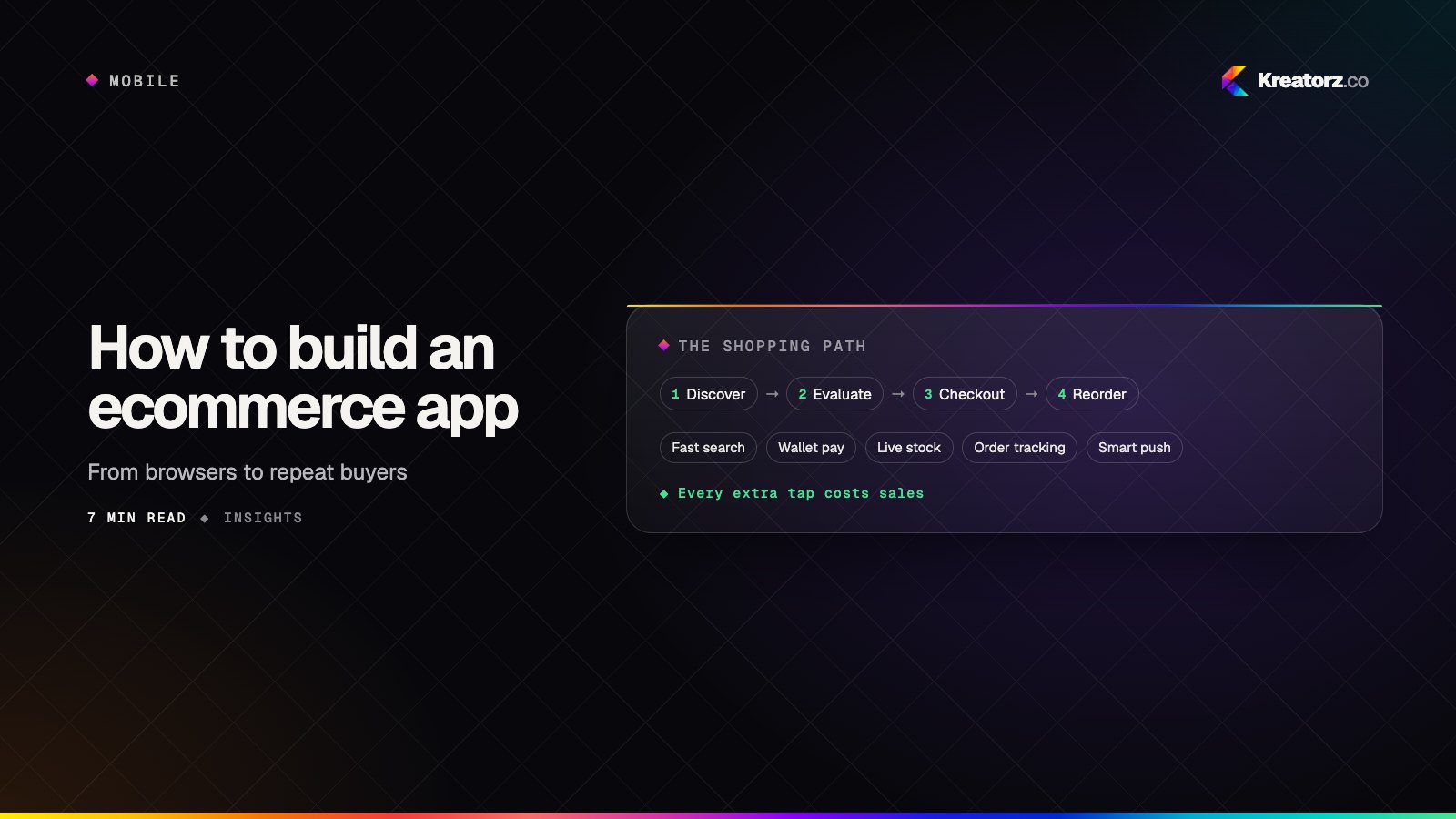
- Discover: browse collections, search, or open a notification about a new drop.
- Evaluate: view photos, sizes, reviews and availability.
- Decide: add to cart or wishlist, apply a discount.
- Pay: check out in as few steps as possible.
- Wait: track the order, get updates.
- Return: reorder, review, exchange or return.
Every extra tap between discovery and payment costs sales, so design this path first and add everything else around it.
Step 4: Plan the core features
For shoppers
- Fast search with typo tolerance, filters and sorting
- Collections, categories and personalized recommendations
- Product pages with high-quality images, video, sizes, variants, stock status and reviews
- Wishlists and recently viewed items
- Cart that syncs across devices
- Quick checkout with saved addresses and payment methods
- Order tracking, history, reorders, returns and exchanges
- Accounts with sign in by email, phone, Apple or Google
- Loyalty points, rewards and referral codes if you run them
For your team
- Product, inventory and pricing management, usually in your commerce platform
- Promotions, discount codes and campaign scheduling
- Order management and fulfillment
- Push notification and in-app message tools
- Analytics on sales, conversion and retention
Step 5: Make checkout fast and trustworthy
Checkout is where most revenue is won or lost:
- Offer wallet payments such as Apple Pay and Google Pay, plus cards and the local methods your customers use, through a licensed payment provider. Never store raw card details yourself.
- Allow guest checkout, then invite customers to save an account after the order.
- Show total costs early, including shipping and taxes, to avoid surprises at the last step.
- Autofill addresses and remember them for next time.
- Show delivery dates and return policies near the pay button.
- Handle failures gracefully, keeping the cart and explaining what to do.
Physical goods sold in an app use regular payment providers rather than the app stores' in-app purchase systems; digital goods follow different rules, so check current store guidelines if you sell both.
Step 6: Integrate your systems
A real store depends on many systems working together:
- Commerce platform or product catalog
- Inventory and warehouse systems, for accurate stock
- Payments, fraud screening and refunds
- Shipping carriers and delivery tracking
- Taxes
- Customer support and returns
- Email and SMS marketing, loyalty and reviews
- ERP and accounting
Decide early which system owns each piece of data (for example, the warehouse system owns stock) and how quickly changes must appear in the app. Overselling an item that is out of stock damages trust quickly.
Step 7: Engineer for speed
Shoppers abandon slow apps. Build performance in:
- Serve images in modern formats and the right sizes through a content delivery network.
- Cache catalog data and load product lists progressively.
- Make search respond as the user types.
- Keep the app usable on weak connections, with clear states when offline.
- Test on mid-range and older devices, not just the latest phones.
Monitor crashes and performance from day one so you see problems before reviews do.
Step 8: Use push notifications and personalization respectfully
Push notifications are one of the biggest advantages an app has over a website, and one of the easiest to abuse.
- Ask for permission after the customer has seen value, such as after a first order or when they wishlist an item, not on first launch.
- Send messages that are useful to that person: back in stock, price drop on a wishlisted item, order updates, early access for loyal customers.
- Let customers choose topics and frequency.
- Measure opt-outs and uninstalls alongside sales.
AI can help here too, with better recommendations, natural-language search ("a black dress for a winter wedding under $150") and shopping assistants grounded in your catalog. Our guide on how to add AI to your existing app explains how to start.
Step 9: Cover security, privacy and accessibility
- Use a payment provider that handles card data and meets PCI requirements.
- Protect accounts with secure sign-in and fraud checks on unusual orders.
- Follow privacy laws for the regions you sell in, with clear consent for marketing and tracking.
- Make the app accessible: readable text, labels for screen readers, sufficient color contrast and large tap targets. Accessible stores sell to more people.
Step 10: Launch, then grow repeat purchases
Launch to your most loyal customers first, perhaps with an app-only reward, then promote the app on your website, in emails, in packaging and in store. Track:
- App installs from existing customers
- Conversion rate and average order value in the app versus the web
- Repeat purchase rate and time between orders
- Push opt-in rate and the revenue notifications drive
- App store rating and reviews
Our guides on launching on the App Store and Google Play and how to market a new app cover the launch in more detail.
What drives the cost
The main cost drivers are the approach (template, headless or fully custom), the number and complexity of integrations, catalog size and variant complexity, personalization and AI features, loyalty programs, the number of platforms and the design depth. Ongoing costs include hosting, platform and app fees, third-party services and maintenance. See how much it costs to build an app and how much app maintenance costs.
The bottom line
Build an ecommerce app when repeat customers will use it, connect it to the commerce systems you already trust, make search and checkout as fast as possible, and use notifications to help shoppers rather than chase them. Measured by repeat purchases, a good app can become your most valuable sales channel.
At Kreatorz we design and build ecommerce and retail apps for iOS and Android, connected to your existing commerce platform or fully custom, including Arabic right-to-left storefronts for Middle East markets. See our ecommerce app development service, or tell us about your store.
Frequently asked questions
Do I need an ecommerce app if I already have a website?
You benefit most from an app if customers buy from you repeatedly, for example with replenishment products, frequent collection drops or a loyalty program. If most customers buy once, a fast mobile website is usually enough. Many businesses use the website to win new customers and the app to keep loyal ones.
How do I build an ecommerce app?
Confirm an app adds value, choose a template, headless or fully custom approach, map the shopping journey, then build search, product pages, cart, a fast checkout and order tracking. Integrate payments, inventory, shipping and marketing tools, test performance on real devices, and launch to your best customers first.
Can an app connect to my existing online store?
Yes. Most commerce platforms offer APIs, so a custom mobile app can use your existing products, inventory, customers and orders. This approach, often called headless commerce, gives you a custom app experience without replacing your back office.
What features should an ecommerce app have?
Fast search and filters, rich product pages, wishlists, a synced cart, quick checkout with wallet payments, order tracking, easy returns, accounts and personalized recommendations. Loyalty programs, back-in-stock alerts and app-only offers help drive repeat purchases.
Do ecommerce apps have to use Apple and Google in-app purchases?
Generally not for physical goods and services, which can use regular payment providers such as card processors and wallets. Digital goods and subscriptions sold inside apps follow different store rules, so check the current guidelines if you sell those too.
- eCommerce app developmentWe design and build shopping apps, online stores, grocery and delivery apps and custom commerce platforms for iOS, Android and the web — with fast checkout, payments,…Explore
- Mobile app developmentWe plan, design, build and grow mobile apps for iPhone and Android — choosing the right technology for your product, not the one we happen to prefer.Explore
- Custom software developmentWe design and build web platforms, internal tools, customer portals, mobile apps and AI-powered systems that fit your business — instead of bending your business to…Explore

How to hire mobile app developers: a step-by-step guide
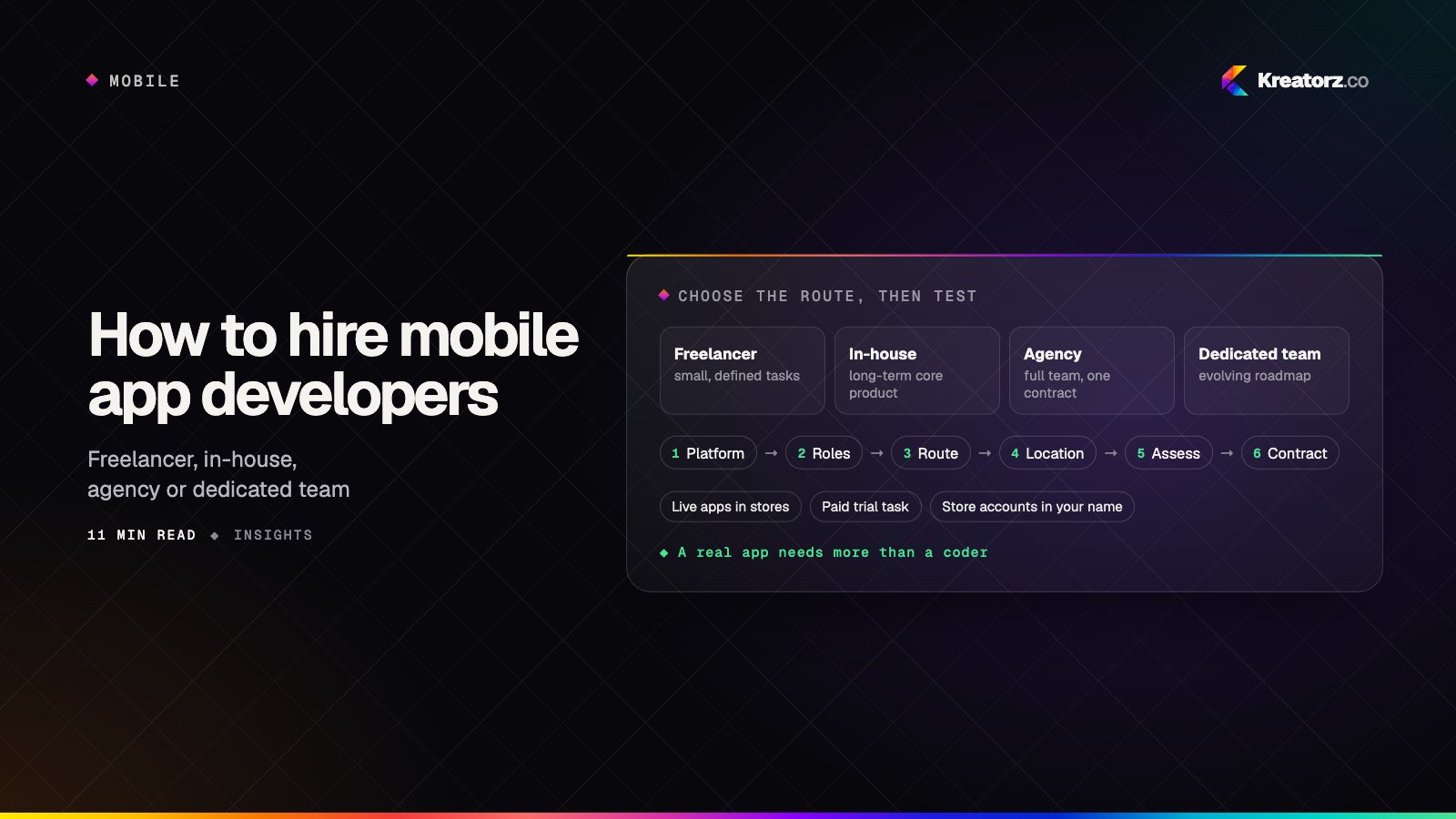
Hiring mobile app developers is about more than finding someone who can code. Here is a practical, step-by-step process for choosing between freelancers, in-house hires, agencies and dedicated teams, assessing developers properly, and protecting your app, code and store accounts.
18 November 2026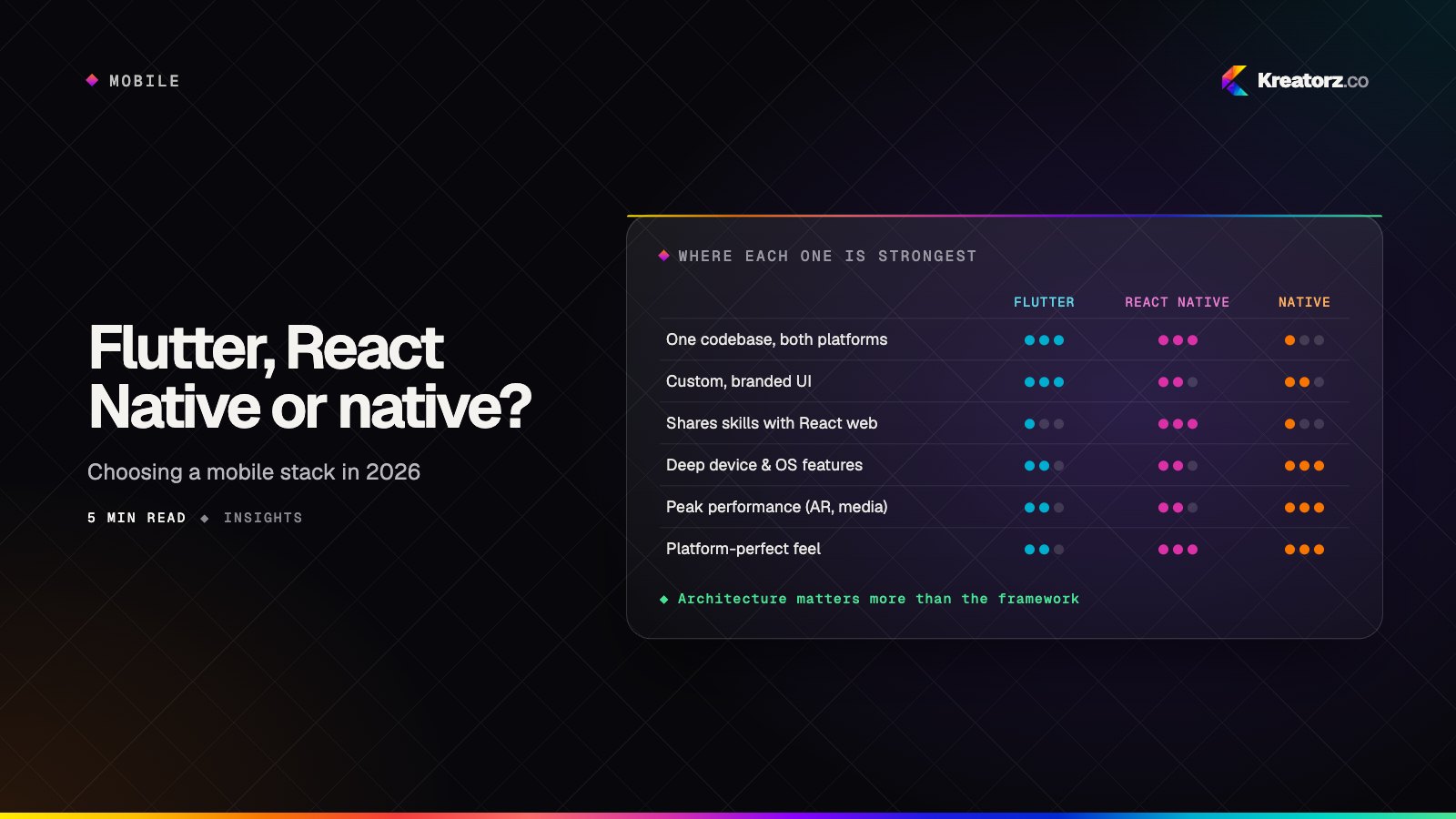
Flutter, React Native or native? Choosing a mobile stack in 2026
The cross-platform versus native debate has matured. The right answer now depends less on raw performance and more on your team, your product's demands and your plans for the next three years.
30 September 2026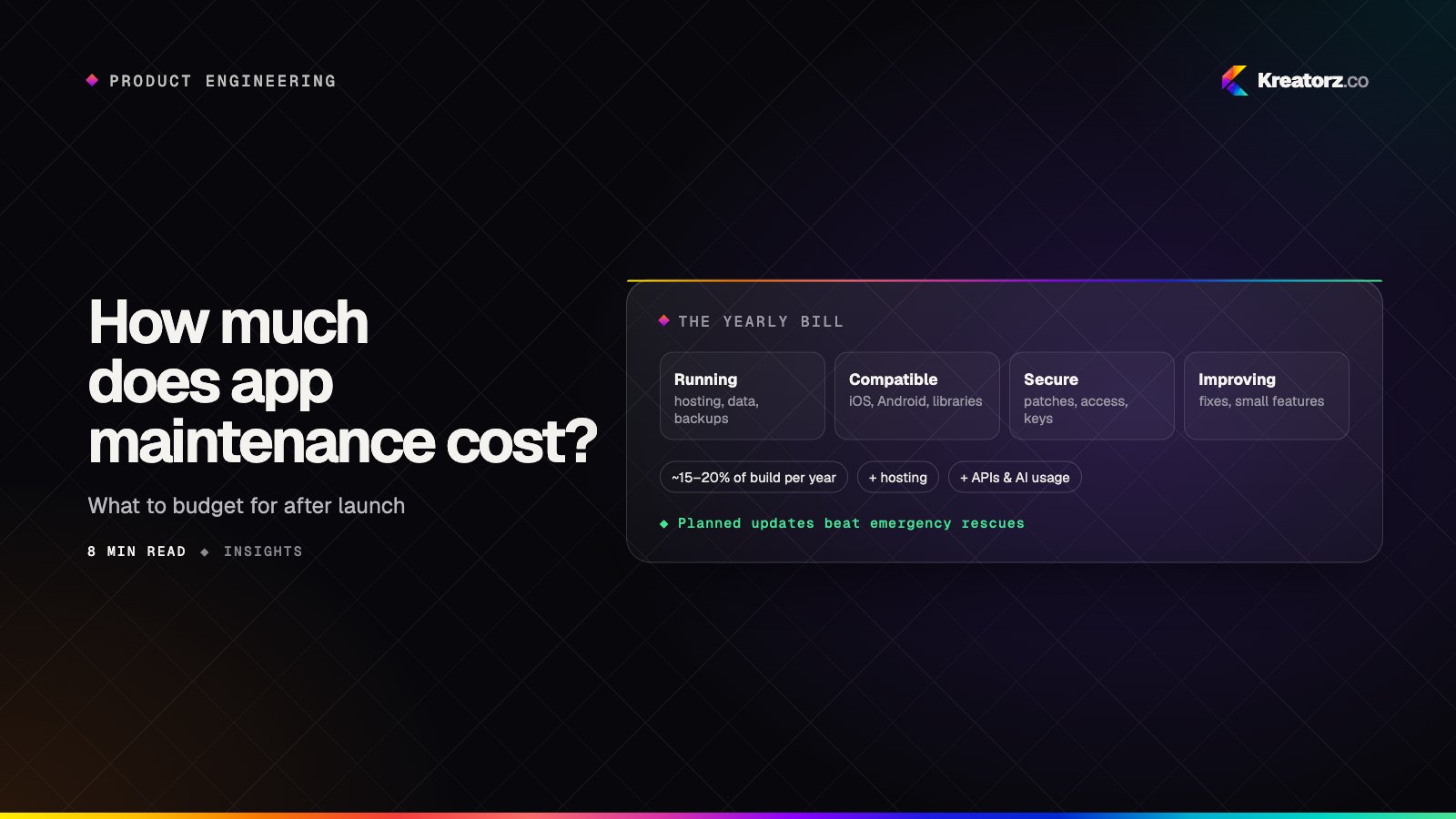
How much does app maintenance cost after launch?
Launch day is not the finish line. Every live app needs hosting, OS and security updates, bug fixes, monitoring and small improvements, and those costs continue for as long as people use it. Here is what app maintenance actually covers, what drives the cost, how to budget for it, the support models available and how to keep the bill under control.
23 November 2026