How much does app maintenance cost after launch?
Launch day is not the finish line. Every live app needs hosting, OS and security updates, bug fixes, monitoring and small improvements, and those costs continue for as long as people use it. Here is what app maintenance actually covers, what drives the cost, how to budget for it, the support models available and how to keep the bill under control.
Short answer
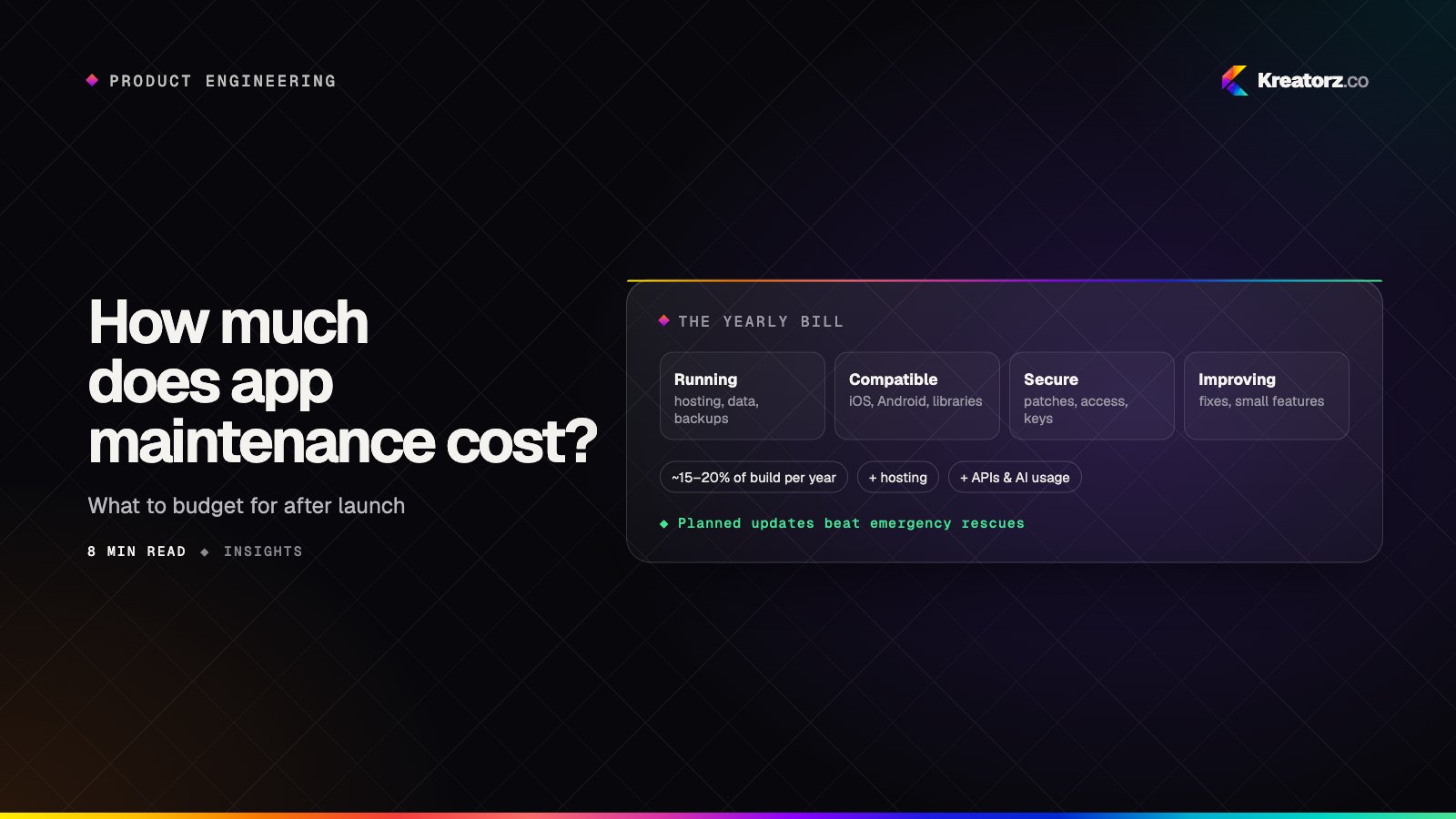
App maintenance cost depends on how complex the app is, how many users it has, its hosting and third-party services, and how often it needs to change. A common rule of thumb is to budget roughly 15–20% of the original build cost per year, plus hosting and API usage. Costs rise with integrations, AI features, compliance needs and older, untested code.
Most app budgets are built around one number: what it costs to design and build version one. Then the app launches, and a second set of costs starts quietly. Apple and Google ship new operating system versions, a payment provider changes its API, a library needs a security patch, the database grows, and users report a bug that only happens on one phone model.
None of this is a sign that something went wrong. It is what running live software looks like. This guide explains what app maintenance covers, what makes it more or less expensive, how to estimate a yearly budget and how to keep that number under control. If you are still planning the build itself, start with our guide on how much it costs to build an app.
What app maintenance actually covers
"Maintenance" is a loose word. It helps to split it into five kinds of work, because each one is budgeted differently.
- Keeping it running. Hosting, databases, file storage, email and SMS delivery, domain and certificates, backups and monitoring. This is the infrastructure bill, and it grows with usage.
- Keeping it compatible. New iOS and Android versions, new devices and screen sizes, browser updates, app store policy changes, and updates to the frameworks and libraries the app is built on. Stores also raise their minimum target versions over time, so an app that is never updated can eventually be blocked from receiving updates or new installs.
- Keeping it secure. Patching vulnerable dependencies, rotating keys, reviewing access, and responding to anything your monitoring flags. For apps handling health, financial or children's data, this also includes compliance checks.
- Fixing what breaks. Bugs reported by users, crashes surfaced by crash reporting, and issues caused by changes in third-party services you depend on.
- Small improvements. Copy changes, minor UI tweaks, small features, performance work and analytics events. This is where maintenance shades into ongoing product development.
Larger new features, redesigns and new platforms are usually planned and budgeted as separate projects, not maintenance.
The rule of thumb, and why it is only a starting point
A widely used rule of thumb is to budget around 15–20% of the original build cost per year for maintenance and support, with hosting and third-party usage on top. If an app cost $80,000 to build, that suggests roughly $12,000–$16,000 a year for the engineering side of maintenance.
Treat this as a sanity check, not a quote. A small internal tool with a few dozen users can need much less. A consumer app with payments, many integrations, AI features and a fast-moving roadmap can need much more. The rest of this guide explains which way your app is likely to lean.
What drives app maintenance cost
| Factor | Lowers the cost | Raises the cost |
|---|---|---|
| Platforms | One cross-platform codebase | Separate native iOS, Android and web apps |
| Integrations | Few, stable services | Many payment, mapping, messaging and partner APIs |
| Users and data | Small, steady usage | Fast growth, heavy media, real-time features |
| AI features | None, or simple and well-bounded | Model calls on every action, retrieval over large document sets |
| Compliance | No sensitive data | Health, financial, children's or regulated data |
| Code quality | Automated tests, clear documentation | No tests, outdated libraries, one person who understands it |
| Pace of change | Stable product | Frequent releases and experiments |
Two of these deserve a closer look.
Platforms. Every separate codebase has to be updated for every OS release and every dependency change. One team shipping iOS and Android from a single Flutter or React Native codebase usually spends less on maintenance than two native teams, which is one reason we recommend cross-platform for most business and consumer apps. Native still makes sense where the app depends heavily on device hardware or platform-specific features.
Code quality. This is the factor buyers see least and pay for most. An app with automated tests, monitoring and clear documentation can be updated quickly and safely. An app without them turns every small change into a slow, risky job. If you are taking over an existing app, a short code audit before agreeing a maintenance budget is money well spent.
The ongoing bills to plan for
Beyond engineering time, most apps carry a set of recurring costs. List each one for your app so nothing surprises you:
- Cloud hosting and databases, which scale with users, data and traffic. See our AWS development service for how we set up and tune infrastructure.
- App store fees. Apple charges an annual developer program fee and Google a one-time registration fee, plus each store's commission on in-app purchases and subscriptions where those apply.
- Third-party services, such as maps, SMS, email, push notifications, payments, search, authentication and analytics. Many are free at low volume and charge per use as you grow.
- AI model usage, if your app calls a language model. This is usually billed per token and grows with usage. Our guide on how much it costs to build an AI app explains how to estimate and cap it.
- Monitoring and crash reporting tools.
- Domains, certificates and email.
- Licenses for any paid libraries, fonts or design assets.
Support and maintenance models
There are four common ways to pay for maintenance. The right one depends on how often your app changes and how quickly you need problems fixed.
| Model | How it works | Best for |
|---|---|---|
| Pay as you go | You request work when needed and pay for the hours used | Stable apps with rare changes |
| Monthly retainer | A fixed block of hours each month for updates, fixes and small features | Most live business and consumer apps |
| Dedicated team | A stable team works through your backlog continuously | Products with an active roadmap |
| In-house | You hire your own engineers and take over | Products core to your business at scale |
Whichever you choose, agree in writing what is included: response times for urgent issues, what counts as a bug versus a new feature, who monitors the app, how updates are tested and released, and what happens to unused hours. Our guide to fixed price vs time and materials vs dedicated team covers the contract side of these choices in more detail.
How to estimate your yearly maintenance budget
You can build a reasonable first estimate in an afternoon:
- Start with the build cost. Take 15–20% as the engineering baseline for the year.
- Adjust for your risk factors. Move toward the lower end for a single codebase, few integrations and good tests. Move higher, or above the range, for multiple codebases, many integrations, AI features, regulated data or older code.
- Add the infrastructure bill. Use your current hosting invoices if the app is live, or your developer's estimate based on expected users if it is not.
- Add third-party and AI usage. Estimate monthly volume for each paid service and multiply by its pricing.
- Add store and tool fees.
- Add a contingency. Keep a buffer for surprises, such as an urgent security patch or a provider changing its pricing.
- Review every quarter. Compare the estimate with what you actually spent and adjust.
How to keep maintenance costs down
- Choose a single cross-platform codebase where it fits your product.
- Insist on automated tests and monitoring during the build. They make every future change faster and safer.
- Keep dependencies current. Small, regular updates are cheaper than one large upgrade years later.
- Limit integrations to the ones that earn their place. Every external service is something that can change under you.
- Set budgets and alerts on cloud and AI usage so a spike is caught in days, not at the end of the month.
- Document how things work. Architecture notes, environment setup and release steps protect you if people change.
- Own your accounts. Repositories, cloud accounts, app store listings and third-party services should be in your company's name, so you can change maintenance partners without starting again.
Signs your app needs more than maintenance
Sometimes the honest answer is that maintenance is no longer enough. Watch for these signals:
- Small changes routinely take far longer than expected.
- Fixing one bug regularly creates another.
- The app is built on frameworks or libraries that are no longer supported.
- Crash rates or performance are getting worse as usage grows.
- Only one person understands how the code works.
At that point, a planned modernization, whether a phased rebuild or a focused refactor, is usually cheaper than paying for slow, risky fixes indefinitely. Our article on modernizing legacy software explains how to approach it step by step.
The bottom line
Budget for maintenance before you launch, not after. Start with roughly 15–20% of the build cost per year for engineering, add hosting, third-party and AI usage, then adjust for your platforms, integrations, compliance needs and code quality. Pick a support model that matches how often your app changes, and get what is included in writing.
At Kreatorz we build apps to be maintained: one cross-platform codebase where it fits, automated tests, monitoring from day one and accounts in your name. After launch we support products through monthly retainers or a dedicated team. See our mobile app development and custom software development services, or tell us about your app.
Frequently asked questions
How much does it cost to maintain an app per year?
A common rule of thumb is around 15–20% of the original build cost per year for maintenance and support, plus hosting, third-party services and AI usage. Simple apps with few integrations can cost less; apps with multiple codebases, regulated data, AI features or older code often cost more.
What is included in app maintenance?
Typically hosting and monitoring, updates for new iOS, Android and browser versions, dependency and security updates, bug and crash fixes, and small improvements. Larger new features and redesigns are usually planned and budgeted separately.
What happens if I don't maintain my app?
Over time it becomes incompatible with new operating systems and devices, accumulates security vulnerabilities, and breaks when third-party services change. App stores also raise their minimum requirements, so an unmaintained app can eventually be unable to ship updates or reach new users.
Is a monthly maintenance retainer worth it?
For most live apps, yes. A retainer gives you a predictable cost, a team that knows your code and regular updates, which is usually cheaper than paying for urgent fixes after problems build up. For a stable app that rarely changes, pay-as-you-go support can be enough.
Can a different company maintain an app someone else built?
Yes, as long as you have the source code, access to your cloud and app store accounts, and ideally some documentation. Expect the new team to run a short code audit first so they can estimate maintenance accurately and flag any risks.
- Mobile app developmentWe plan, design, build and grow mobile apps for iPhone and Android — choosing the right technology for your product, not the one we happen to prefer.Explore
- Custom software developmentWe design and build web platforms, internal tools, customer portals, mobile apps and AI-powered systems that fit your business — instead of bending your business to…Explore
- SaaS developmentWe design and engineer SaaS platforms — from a focused first release to a multi-tenant product with billing, roles, integrations and the operations to run it.Explore


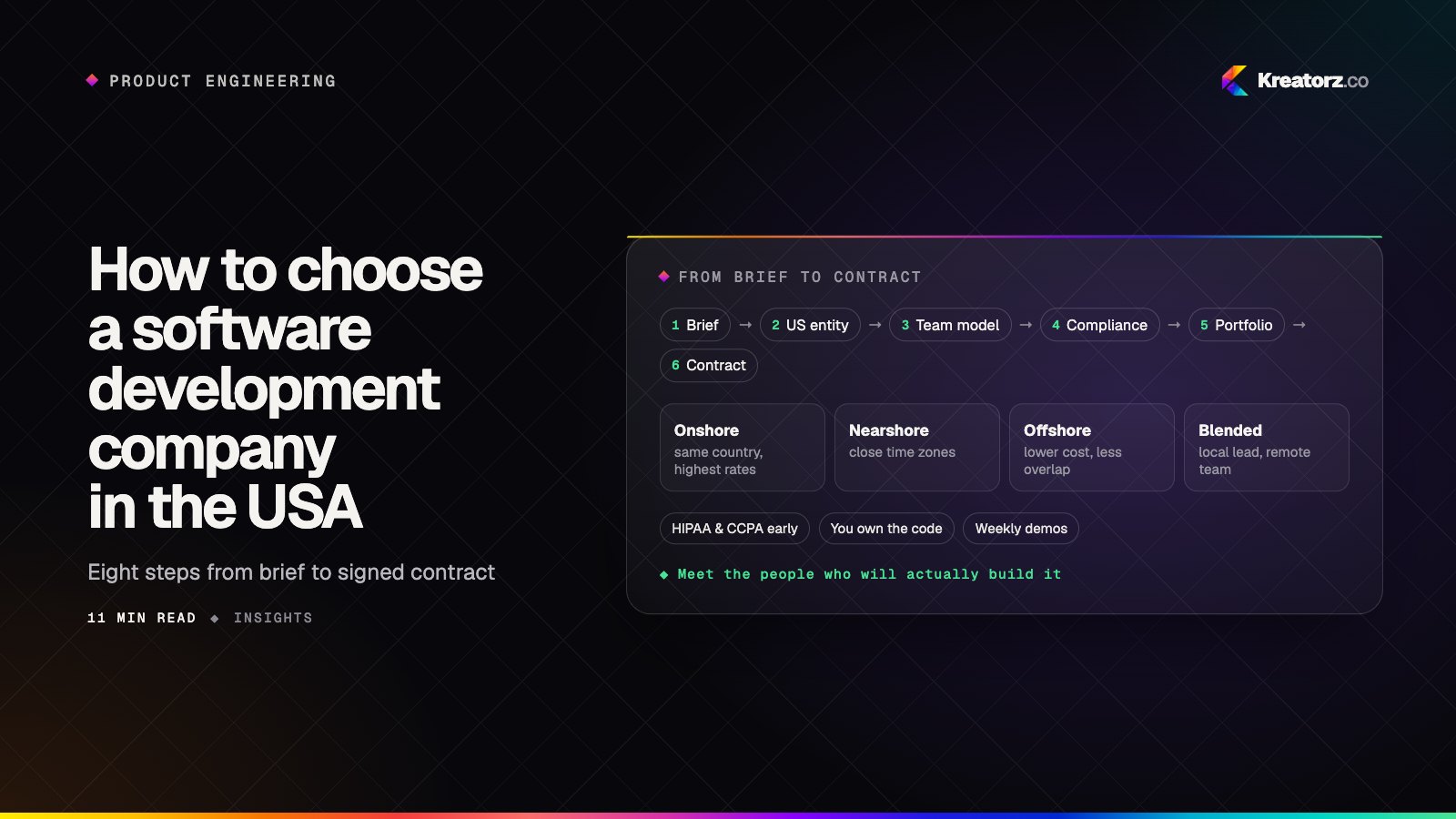
How to choose a software development company in the USA: a step-by-step guide
Hiring a company to build your app, SaaS platform or AI product is a big decision. Here is a practical, step-by-step way for US founders and businesses to compare software development companies, from contracts, time zones and compliance to pricing models, portfolios and red flags.
17 November 2026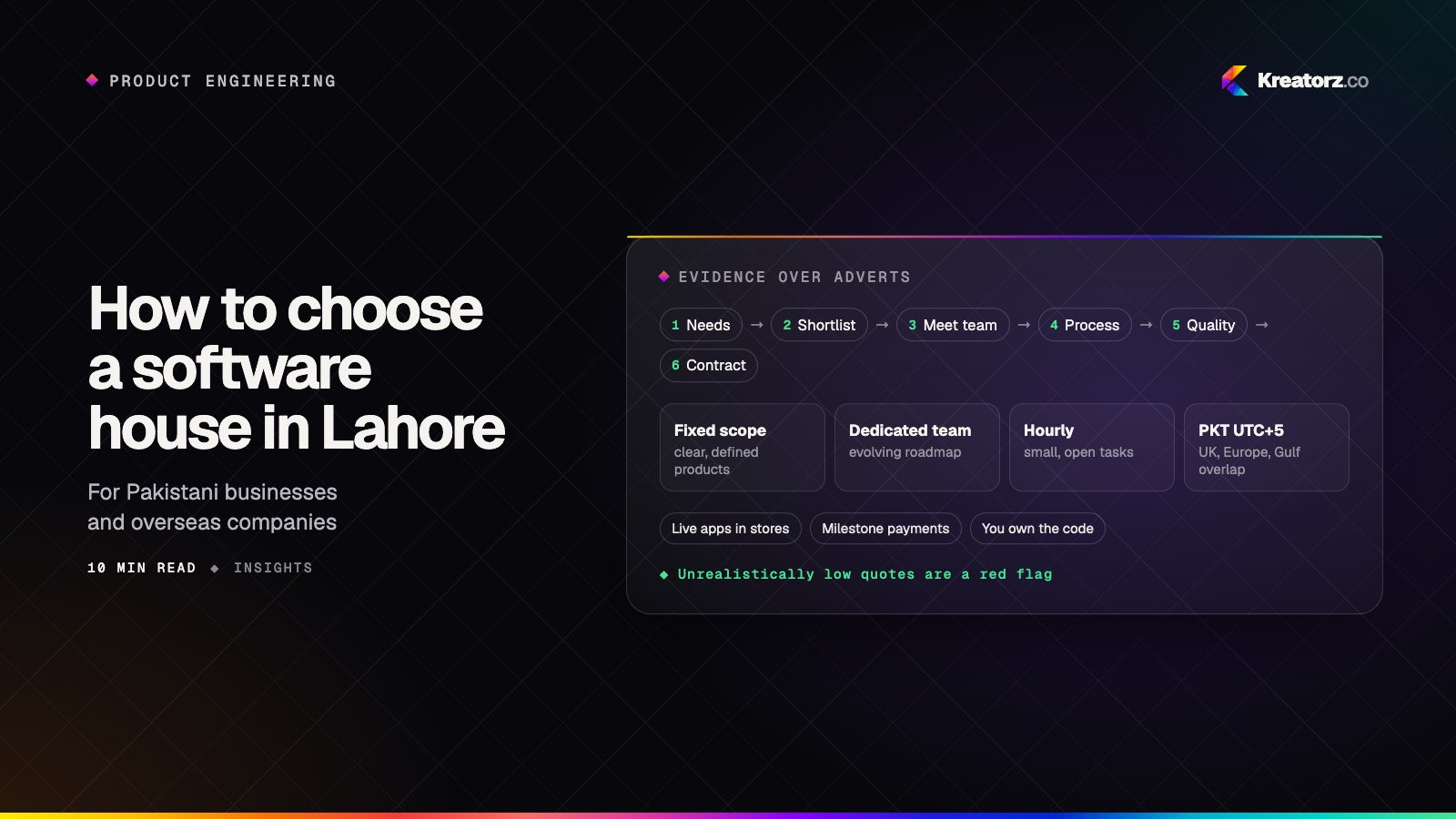
How to choose a software house in Lahore: a step-by-step guide
Whether you are a Pakistani business or an overseas company hiring a team in Pakistan, here is a practical, step-by-step way to choose a software house in Lahore for your app, custom software, SaaS or AI product, plus the red flags and questions that separate strong teams from risky ones.
17 November 2026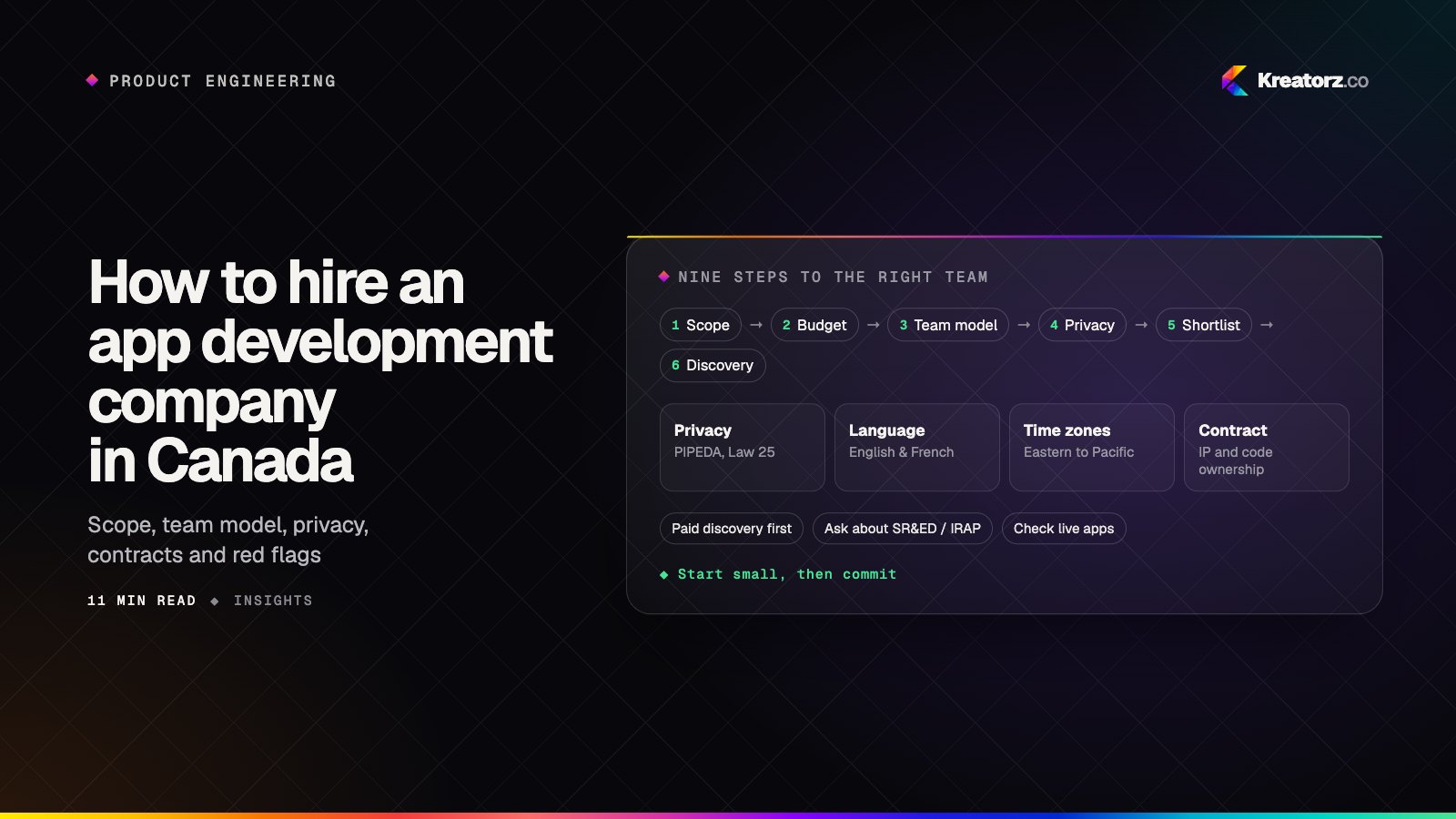
How to hire an app development company in Canada: a step-by-step guide
Hiring a team to build your mobile app, SaaS platform or AI product is a big decision. Here is a practical, step-by-step process for Canadian founders and businesses, from scoping and team models to privacy, contracts, IP and the red flags worth walking away from.
17 November 2026