
How to add AI to your existing app or software: a step-by-step guide
You do not need to rebuild your product to give it useful AI features. Here is a practical, step-by-step guide to choosing the first use case, auditing your data, picking the right pattern, adding an AI layer without a rewrite, and rolling it out safely.
Short answer
To add AI to an existing app, score candidate use cases on value, feasibility and risk, audit the data and permissions involved, and pick a pattern such as an in-screen feature or assistant. Add a separate AI service layer that reuses your auth and roles, design for sources and edits, then test, monitor and roll out behind feature flags.
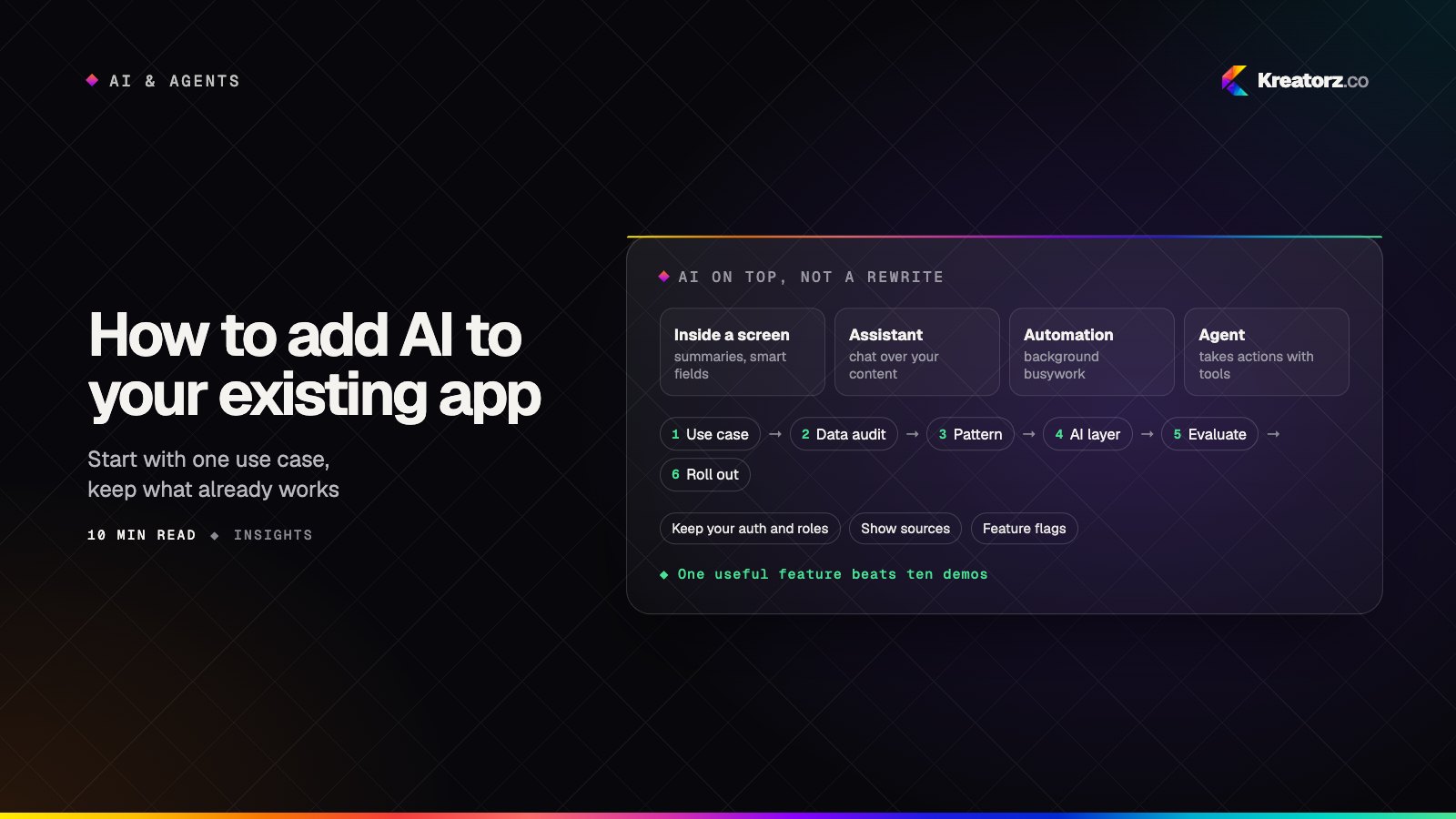
Most teams that want to add AI to an existing app are not starting from zero. They have a working product, real users and an architecture that took years to get right. The last thing they want is a rewrite, and they rarely need one.
AI features fit best when added like any other capability: a well-scoped service that plugs into what you have, respects your permissions and can be switched off. This guide walks product leads and engineering managers through the decisions in order. If you are building a new AI product from scratch instead, our guide to how to build an AI app is the better starting point.
Step 1: Find the right first use case
The most common mistake is starting with the technology ("let's integrate ChatGPT into the app") instead of the problem. List places where users or your team spend time on slow, repetitive work.
Good candidates for AI features in apps usually fall into a handful of families:
- Repetitive work. Summarizing long records, drafting replies, filling in standard fields, turning notes into structured tasks.
- Search. Letting people ask questions in plain language across documents, help articles, products or past records instead of guessing keywords.
- Support. Answering common questions from your own help content, or drafting answers for agents to review.
- Content. Generating first drafts of descriptions, emails, reports or listings that a person then edits.
- Data entry. Reading uploaded PDFs, images or emails and extracting the fields your forms already expect.
- Recommendations. Suggesting the next action, a related item or a likely category based on context.
Then score each idea from one to five on three things: value (how often it happens and how much friction it causes), feasibility (whether the data exists and a model can do the task reliably) and risk (how bad a mistake is and whether a person can catch it; five means safest). Here is how a few typical ideas might compare. Your scores will differ; the point is to make the trade-offs explicit.
| Candidate feature | Value | Feasibility | Risk (5 = safest) | Notes |
|---|---|---|---|---|
| Summarize a customer's history on the account screen | 4 | 5 | 5 | Data already in your database; user reads before acting |
| Plain-language search over help articles | 4 | 4 | 4 | Needs a retrieval layer; answers should cite sources |
| Draft replies for support agents | 5 | 4 | 4 | A person reviews every draft before it is sent |
| Auto-extract fields from uploaded invoices | 4 | 3 | 3 | Depends on document quality; needs a review step |
| Automatically approve refunds | 3 | 3 | 1 | Wrong answers cost money; not a first project |
Step 2: Audit your data and permissions
AI features are only as good as the context you give them, and existing apps often have data that is scattered, inconsistent or behind permissions that matter.
For each candidate, write down:
- Where the data lives. Which tables, services, file stores or third-party tools hold it, and whether there are APIs to reach it.
- How clean it is. Duplicates, outdated documents, free-text fields with inconsistent formats and missing values all show up in AI output.
- Who is allowed to see it. If a sales rep cannot open another team's accounts today, the AI must not summarize them for that rep tomorrow.
- What is sensitive. Personal data, health or financial information, contracts and anything covered by customer agreements.
- What leaves your systems. If you use a hosted model, which fields would be sent to the provider, and are you comfortable with that?
This audit often changes the ranking from Step 1.
Step 3: Choose the integration pattern
There are several ways to put AI into a product. Choosing deliberately keeps the scope sane.
| Pattern | What it looks like | Good for |
|---|---|---|
| AI feature inside a screen | A "summarize", "draft" or "suggest" button where users already work | Most first projects; easy to scope, test and explain |
| Chat assistant | A conversational panel that answers questions about your product or data | Search and support across lots of content |
| Background automation | AI runs on events (a new upload, a new ticket) and fills in fields or tags | Data entry, classification and routing |
| AI agent with tools | The model plans steps and calls your APIs to complete a task | Multi-step workflows across several systems |
| On-device AI (mobile) | A smaller model runs on the phone for speed, privacy or offline use | Quick, private tasks in mobile apps |
Start with the simplest pattern that solves the problem; an in-screen feature is easier to get right than a chat assistant, which is easier than an agent that takes actions. If an agent is the right fit, our step-by-step guide on how to build an AI agent for your business covers tools, permissions and pilots. For mobile, our comparison of on-device vs cloud AI in mobile apps explains the trade-offs. If a support or website assistant is the goal, see our AI chatbot development service.
Step 4: Design the architecture without a rewrite
The key idea is to treat AI as a new service your app calls, not as something woven through every part of your codebase.
Add an AI service layer
Create a dedicated AI service (or module, in a smaller app) that sits between your existing backend and the model providers. Your app sends it a request such as "summarize account 123 for user 456", and the service gathers the context, builds the prompt, calls the model, checks the result and returns it. Your existing screens and APIs barely change; they just gain a new endpoint to call.
This keeps prompts, model settings, logging and safety checks in one place, and lets your web app, mobile app and internal tools reuse the same capabilities.
Abstract the model provider
Providers such as OpenAI, Anthropic's Claude and Google's Gemini all offer capable models, and the landscape changes quickly. Put a thin interface in front of them so your code never calls one vendor directly. That makes it practical to compare models on your test set, switch when pricing or quality changes, or route simple tasks to smaller models. If you need help choosing or tuning models, that is the work of LLM development.
Use RAG over your own content
When a feature needs your knowledge (help articles, policies, product data), retrieval-augmented generation (RAG) lets the model look up relevant passages and answer from them instead of guessing. The quality of ingestion, chunking and search decides whether this works; our guide to RAG done right covers the pipeline, and our RAG development team builds them.
Keep your existing auth and roles
The AI service should never have more access than the user it is acting for. Pass the user's identity through, and filter data with the same permission checks your app already uses, before anything reaches the model. For retrieval, that means tagging indexed content with access rules and filtering search results per user. This is the single most important architectural rule when you add AI to an existing app.
Step 5: Design the UX for AI features
Users judge an AI feature in its first few uses.
- Show sources. When an answer comes from your content, link to the documents or records it used so people can verify quickly.
- Let users edit. Present output as a draft or suggestion that can be changed, accepted or discarded, not as a final action.
- Plan fallbacks. If the model is slow, unavailable or unsure, fall back to the existing non-AI flow and say so plainly.
- Design loading states. Streaming text, progress indicators and the option to cancel make waits feel shorter and more honest.
- Make feedback easy. A thumbs up or down, or a "this is wrong" option, gives you signal without interrupting the user.
Our article on designing AI features people trust goes deeper into these patterns.
Step 6: Check privacy, security and compliance
Adding AI introduces new risks alongside your existing ones. Treat the following as a checklist to work through with your team and, where needed, your legal or compliance advisors. This is not legal advice.
- Prompt injection. Text inside documents, emails or user input can try to override your instructions. Treat all retrieved content as untrusted data, keep the model's permissions narrow and never let model output trigger sensitive actions without checks.
- Personal data (PII). Decide which fields are actually needed, and mask or remove the rest before sending requests to a provider.
- Provider data settings. Check each provider's terms and account settings for data retention, whether your data can be used for training, where it is processed and what enterprise options exist.
- Logging. Your own prompt and response logs may hold sensitive data; set retention and access controls for them.
- Industry rules. If you work in healthcare, finance or another regulated area, confirm how existing obligations apply to AI features before launch.
Our guide to securing AI products covers these threats and layered defenses in more detail.
Step 7: Build evaluation and monitoring
You cannot improve what you cannot measure, and AI output varies in ways normal code does not.
Create a test set
Before tuning prompts, collect real examples from your app with what a good answer should contain, including tricky cases and things the feature should refuse. Rerun the set whenever you change a prompt, model or retrieval setting.
Collect feedback in production
Feedback buttons, edit rates and acceptance rates show how the feature performs with real users. Review a sample of outputs regularly, with privacy controls in place.
Track cost per request
Every AI request has a running cost. Log usage per request, feature and customer to spot expensive patterns early; caching, trimming context and smaller models for simple tasks all help.
Step 8: Roll out gradually
Treat an AI feature like any risky launch.
- Put it behind a feature flag. Turn it on for internal users first, then a small group, and keep an off switch for every AI feature.
- Recruit beta users. Pick customers who will actually use the feature and tell you when it is wrong.
- Define success up front. Choose a few measures, such as time saved, acceptance rate, support tickets deflected or task completion, and compare against the non-AI flow.
- Expand in steps. Widen access as the numbers and feedback hold up, and revisit the test set as new edge cases appear.
Budget pointers
The cost of adding AI to an existing product has two parts: the build and the running cost. The build is driven by data preparation, retrieval, integrations, UX, evaluation, security and the review steps you need. The running cost covers model usage, vector storage, hosting and monitoring, and it grows with users and requests.
Starting with one focused feature on data you already have is usually the most economical path. For a full breakdown of the drivers and how to estimate them, read our guide on how much it costs to build an AI app. Check each provider's current pricing directly, since it changes often.
Putting it together
Adding AI to an existing app is mostly discipline: one well-chosen use case, an honest data audit, the simplest pattern, a separate AI layer that respects your permissions, UX that keeps people in control, a real test set and a careful rollout.
If you would like a partner for the work, Kreatorz provides AI app development and AI integration services for existing products, with offices in Sheridan, Wyoming (USA), Brantford, Ontario and Lahore, Pakistan. One senior team handles the work end to end, you own your code, and the first consultation is free. You can read more about us as an AI app development company in the USA, or tell us about the app you want to add AI to.
Frequently asked questions
How do I add AI to my existing app?
Start by listing use cases and scoring them on value, feasibility and risk. Audit the data and permissions each one needs, pick the simplest integration pattern that fits, add a separate AI service layer that reuses your existing auth, design the UX around sources and edits, then test and roll out behind a feature flag.
Do I need to rewrite my app to add AI features?
Usually not. Most AI features can be added as a new service your existing backend calls, using your current permission checks. The core of your product stays the same, and the feature can be switched off independently.
Can I integrate ChatGPT into my app?
Yes. OpenAI, Anthropic, Google and other providers offer APIs you can call from your backend. It is wise to put a thin abstraction in front of the provider, keep API keys on the server rather than in the client, and check the provider's data retention and training settings before sending customer data.
What are the best first AI features for apps?
Features that are frequent, useful and forgiving: summarizing records, plain-language search over help content, drafting replies for review, and extracting fields from documents with a review step. Avoid starting with features that take irreversible actions, such as approving payments.
How do I keep AI features from exposing data users should not see?
Pass the user's identity to the AI layer and apply your existing permission checks before any data reaches the model. For retrieval, tag indexed content with access rules and filter results per user, and treat retrieved text as untrusted to reduce prompt injection risk.
- AI app developmentWe design, build and run AI-powered apps — assistants, copilots, knowledge tools, vision and voice features — that solve a measurable problem and hold up in production.Explore
- RAG developmentWe build retrieval-augmented generation systems — knowledge assistants, document Q&A, RAG chatbots and enterprise search — that answer from your own content, cite…Explore
- LLM & generative AI developmentWe integrate large language models into your products and workflows, build custom LLM applications, fine-tune and evaluate models, and deploy private LLMs when your…Explore


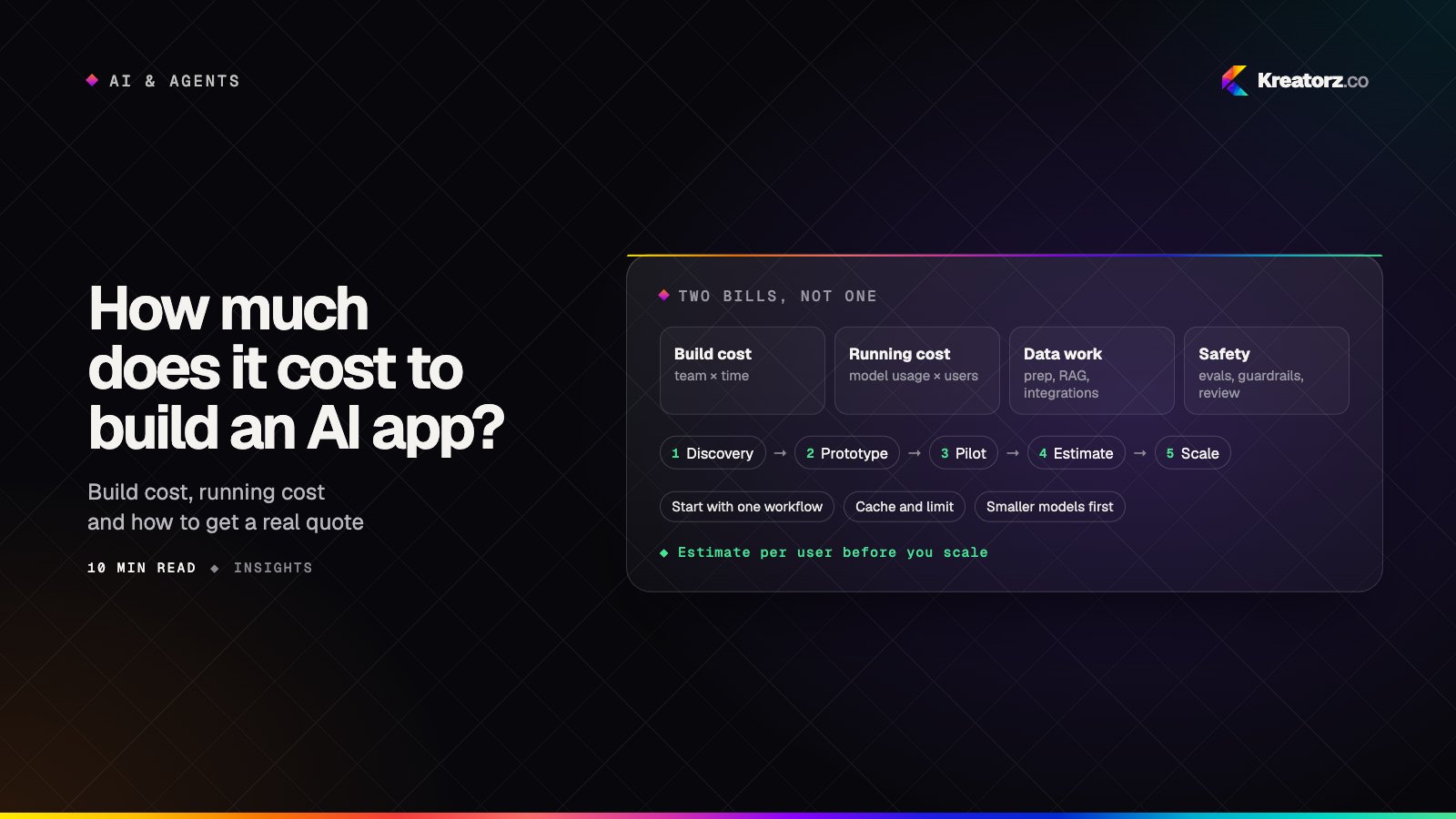
How much does it cost to build an AI app or AI agent? A buyer's guide
AI app development cost is not a mystery number. It follows from the team, the timeline and a handful of AI-specific drivers, plus a running cost that grows with every user. Here is how to estimate both, step by step, and how to keep them under control.
20 November 2026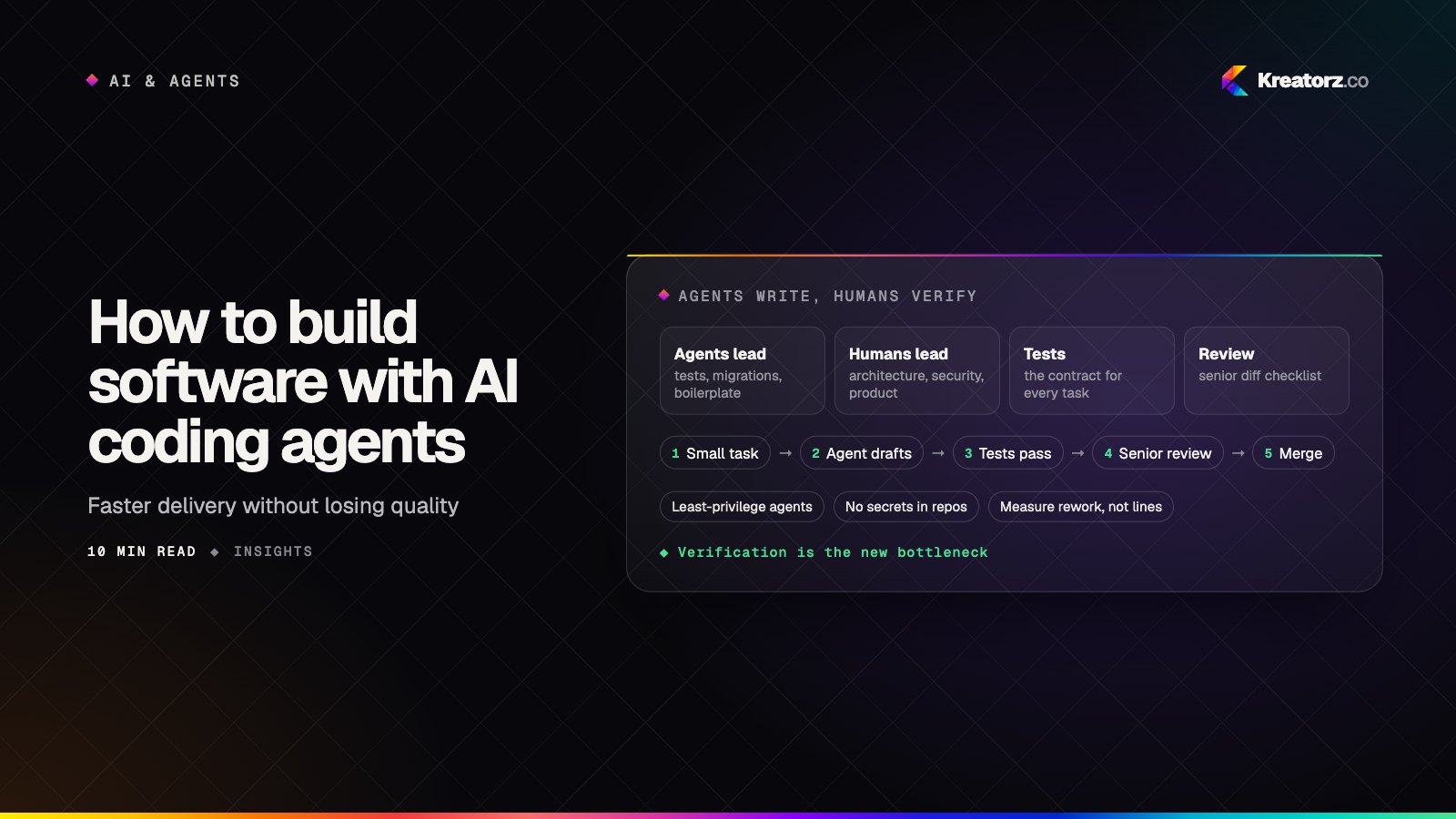
How to build software with AI coding agents without losing quality
AI coding agents can now write large amounts of code and run multi-step tasks in parallel. The hard part has moved to verification, review and security. Here is a step-by-step guide for CTOs, founders and product leaders who want the speed without the hidden cost.
19 November 2026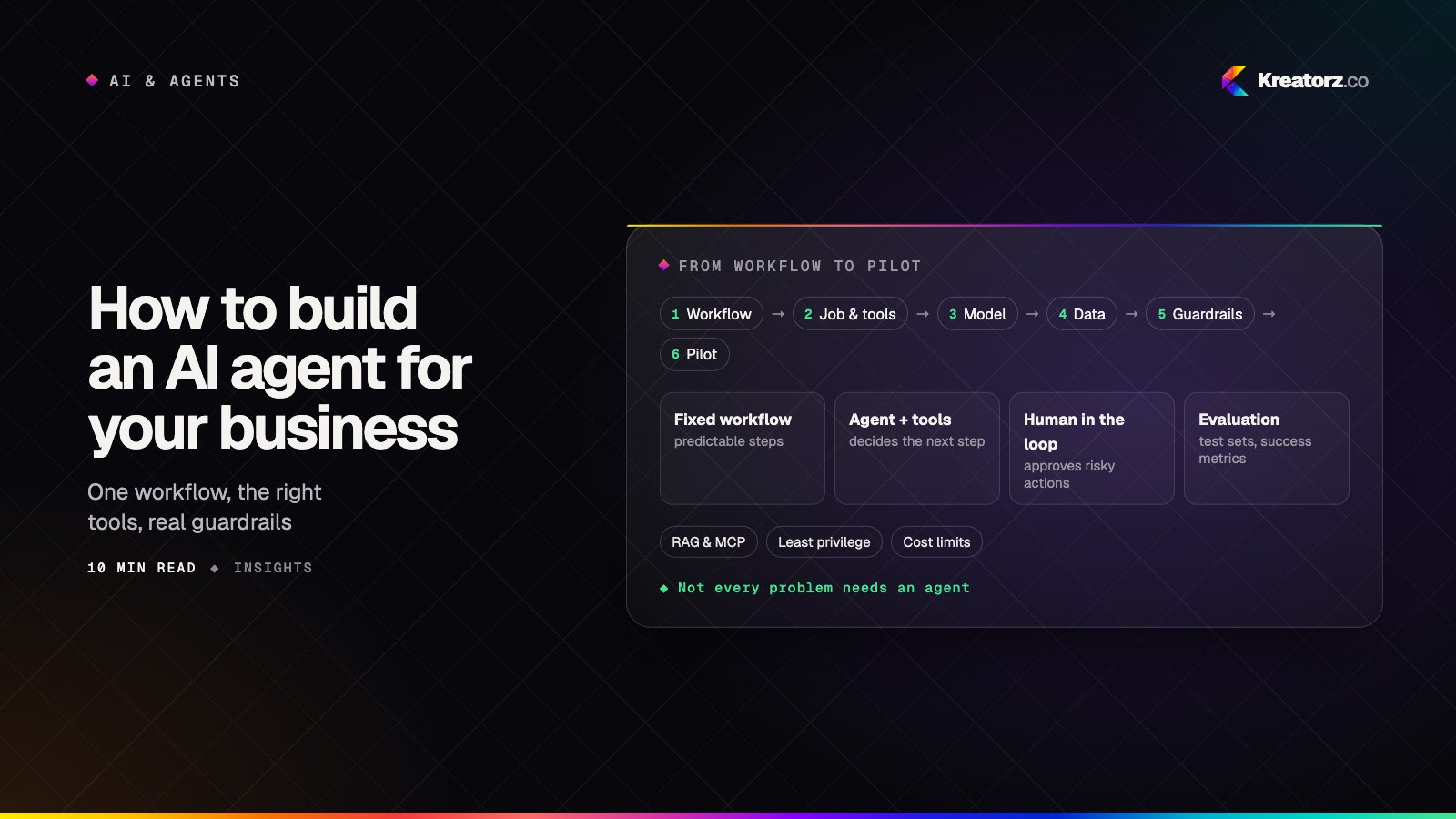
How to build an AI agent for your business: a step-by-step guide
An AI agent can take real work off your team's plate, but only if it is scoped, connected, tested and secured properly. Here is a practical, step-by-step guide for business owners and product leads, from choosing the first workflow to deciding whether to build, buy or hire.
18 November 2026