Designing AI features people actually trust
Adding a model to your product is the easy part. Earning users' trust is a design problem — about expectations, transparency, control and recovery when the AI gets it wrong.
Almost every software product now has, or is planning, an AI feature. Many of them share the same fate: an exciting launch, a burst of curiosity, and then quiet abandonment. The model is rarely the reason. People stop using AI features when they cannot predict them, cannot check them, or get burned once and never come back.
Trust is not a property of the model. It is an outcome of design. Here are the principles and patterns we rely on when designing AI features for real products.
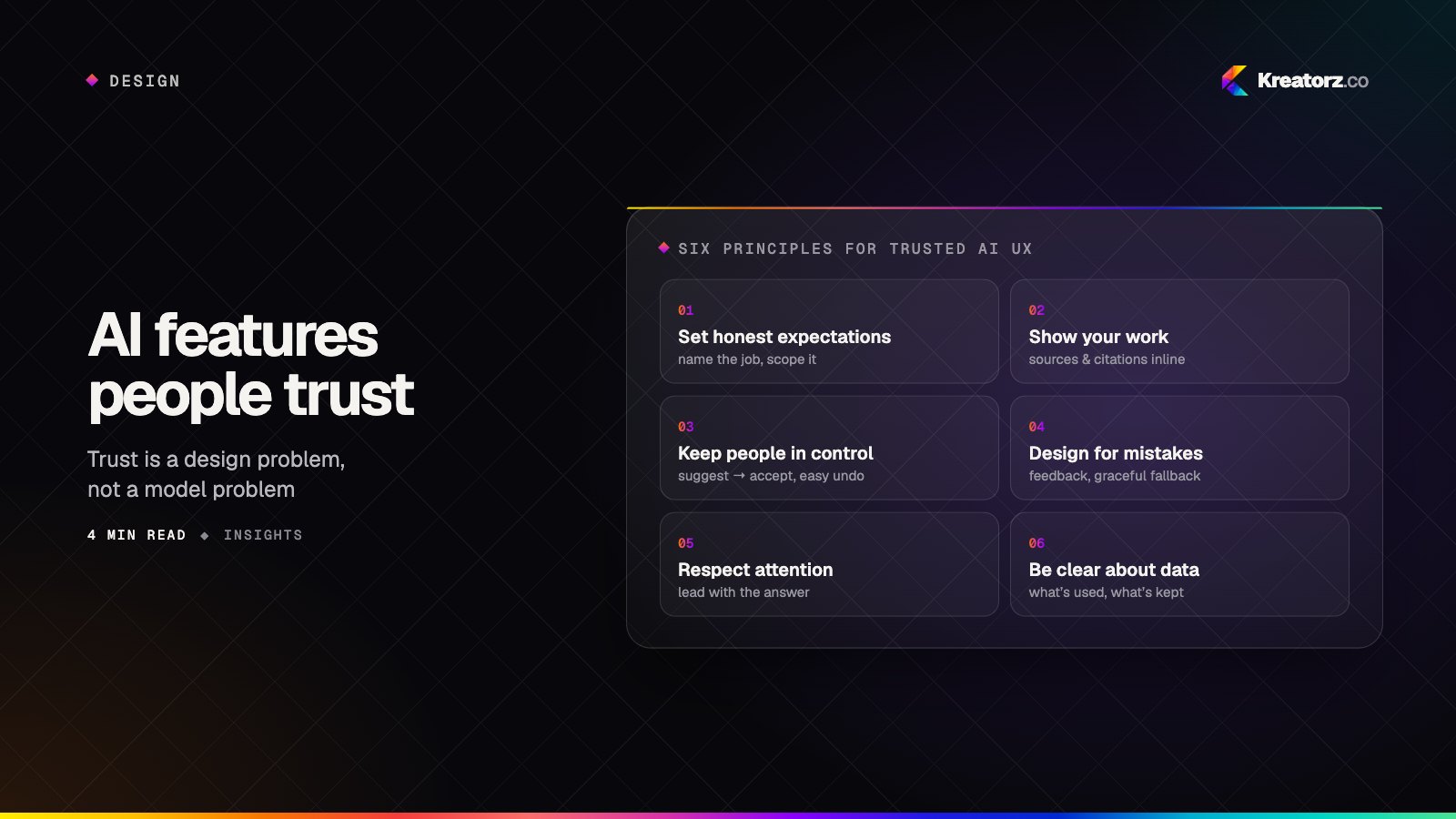
Principle 1: Set honest expectations
Users bring wildly different mental models to AI — from "it knows everything" to "it's a gimmick". Both lead to disappointment. Your interface should quietly tell people what this feature is good at, and what it isn't.
Patterns that help
- Name the job, not the technology. "Draft a reply from the ticket history" sets a clearer expectation than "Ask AI".
- Show good starting points. Suggested prompts or one-click actions teach people what works without a manual.
- Scope it visibly. "Answers from your team's help centre" tells users where the knowledge comes from — and where it doesn't.
Principle 2: Show your work
People trust what they can verify. An answer with no visible basis asks for blind faith; an answer with sources invites a quick check.
Patterns that help
- Citations inline, linking to the exact document, record or message behind each claim.
- Highlight what changed when the AI edits something — a diff, not a silently replaced paragraph.
- Explain recommendations briefly: "Suggested because the customer mentioned a billing date twice."
- Signal uncertainty honestly. "I couldn't find this in your documents" is a feature, not a failure.
Principle 3: Keep people in control
The most trusted AI features feel like a capable colleague, not an autopilot that seized the wheel.
Patterns that help
- Suggest, then let users accept. Drafts, previews and "apply" buttons keep the human as the decision-maker.
- Make edits easy. The AI's output should be a starting point users can change, not a take-it-or-leave-it block.
- Offer granular undo — and make it obvious. Confidence to try comes from confidence to reverse.
- Match autonomy to stakes. Auto-tagging a document can happen silently; sending an email to a customer should never happen without a clear confirmation.
Principle 4: Design for mistakes
Every AI feature will sometimes be wrong. Products that handle this gracefully keep users; products that don't, lose them after the first bad experience.
Patterns that help
- Easy feedback — a simple "this was wrong" with an optional reason, placed where the mistake happens.
- Graceful fallbacks — if the AI can't help, route the user to the regular workflow or a person without a dead end.
- Recover visibly. When feedback leads to a fix, tell users. It turns a bad moment into evidence the product listens.
- Avoid overconfident language. "Here's a draft based on…" ages better than "Here's the answer."
Principle 5: Respect attention and time
AI can generate far more text than anyone wants to read. Good AI design is often about producing less.
Patterns that help
- Lead with the answer, then offer detail on demand.
- Use the right format: a table for comparisons, a checklist for steps, a single number when that's what was asked.
- Show progress for slow tasks — what the system is doing, not just a spinner — and let users keep working meanwhile.
- Don't interrupt. Proactive suggestions should be quiet, relevant and easy to dismiss.
Principle 6: Be clear about data and privacy
Users increasingly ask what happens to the information they type into AI features. Unclear answers erode trust across the whole product.
Patterns that help
- Say plainly what data the feature uses and whether it is used to train models.
- Respect existing permissions — users should never see AI answers drawn from content they couldn't open themselves.
- Give controls to opt out of personalisation or history where appropriate.
Putting it together: a trusted AI drafting feature
Consider an AI assistant that drafts replies for a support team. A trust-first design might look like this:
- The agent opens a ticket; a "Draft reply" button sits beside the reply box — no surprise text appears on its own.
- The draft appears in the editor, clearly marked as a suggestion, with sources linked: the help-centre article and the customer's previous order.
- Uncertain parts are flagged: "I couldn't confirm the delivery date — please check."
- The agent edits freely and sends. Nothing is ever sent automatically.
- A small "Was this helpful?" captures feedback, and poor drafts flow to the team improving the knowledge base.
Nothing here requires a more powerful model. It requires deliberate design around how people actually work.
Measuring trust
Usage alone can mislead — people may click an AI button out of curiosity once. Better signals:
| Signal | What it tells you |
|---|---|
| Repeat use per user | Whether the feature earned a place in their workflow |
| Acceptance rate | How often suggestions are used, edited or discarded |
| Edit distance | How much users change outputs before using them |
| Time to complete the task | Whether AI actually saves time end to end |
| Feedback and reversals | Where trust breaks down |
The bottom line
The best AI features don't feel like AI features. They feel like the product suddenly understands what you're trying to do — and lets you check, change and control the result. Set honest expectations, show your work, keep people in control and design for the moments when things go wrong.
Designing an AI feature into your product? Let's talk — our designers and engineers work side by side, so the experience and the model are shaped together.
Related services
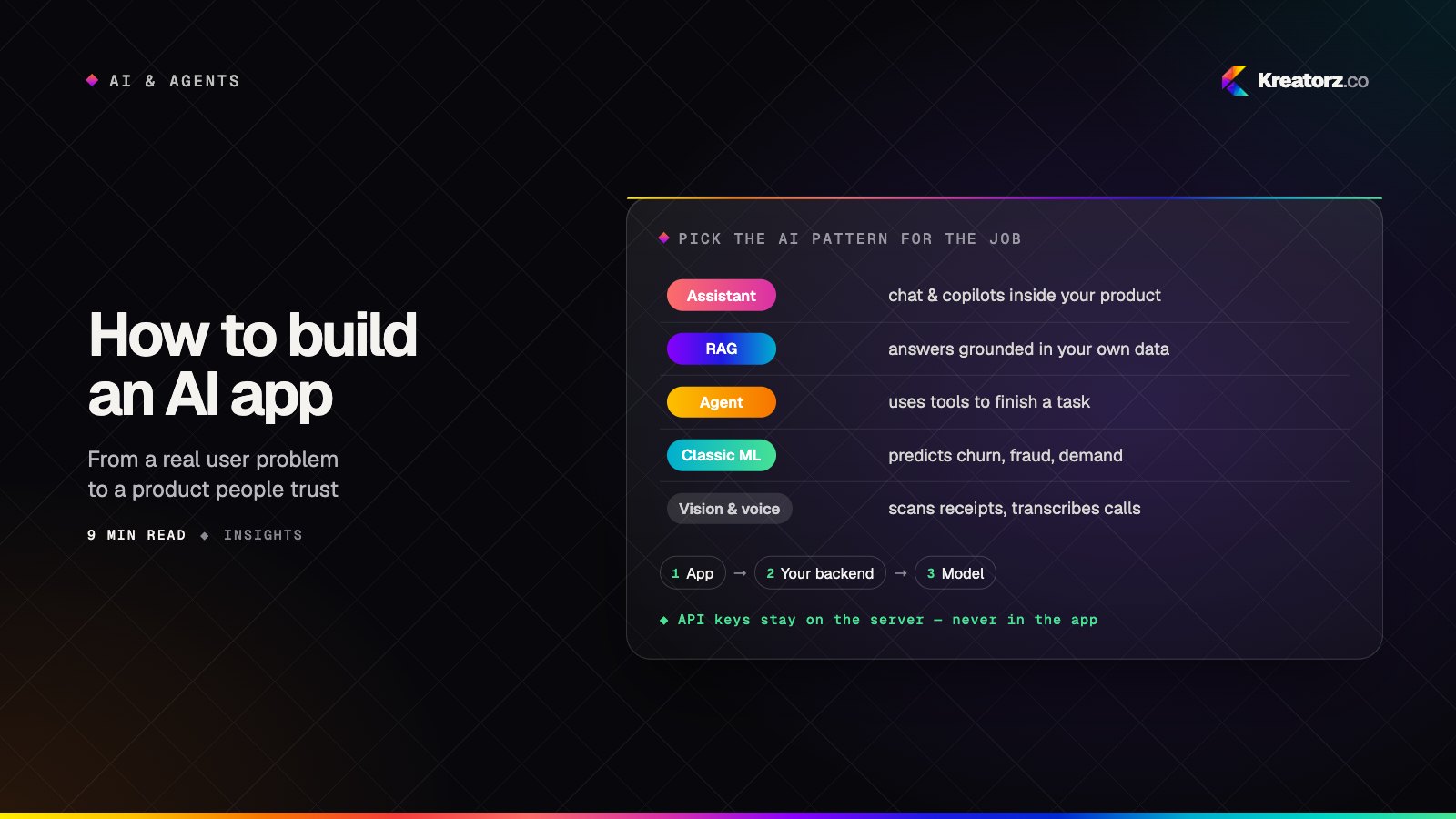
How to build an AI app: a step-by-step guide from problem to production
Building an AI app is less about picking the cleverest model and more about choosing the right pattern, preparing your data, measuring quality and designing for trust. Here is the process we follow, step by step.
15 November 2026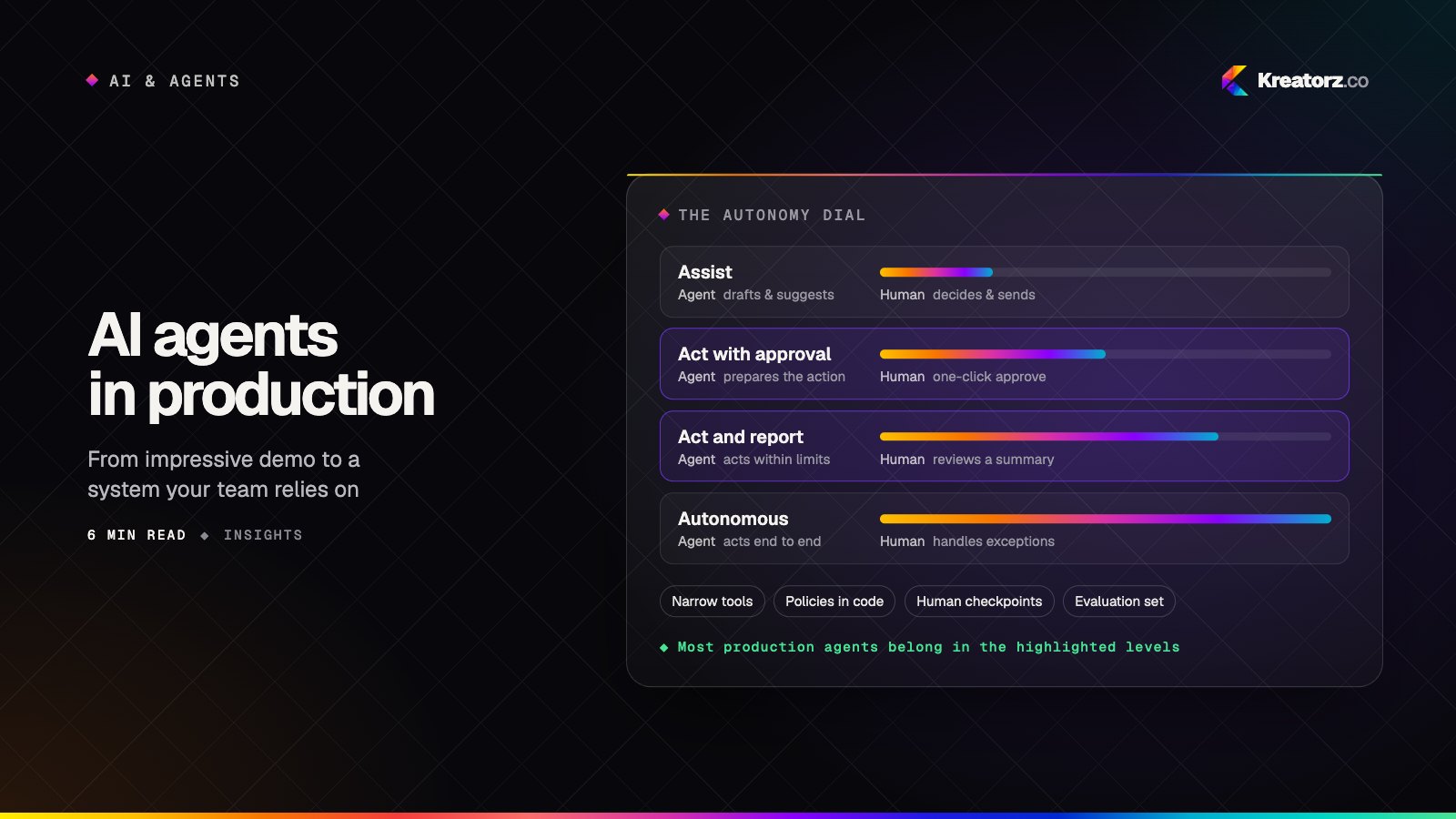
AI agents in production: a field guide for business leaders
Agents can now plan, use your tools and finish real work. Here is how to choose the right first use case, design the guardrails, and get from an impressive demo to a system your team relies on every day.
10 November 2026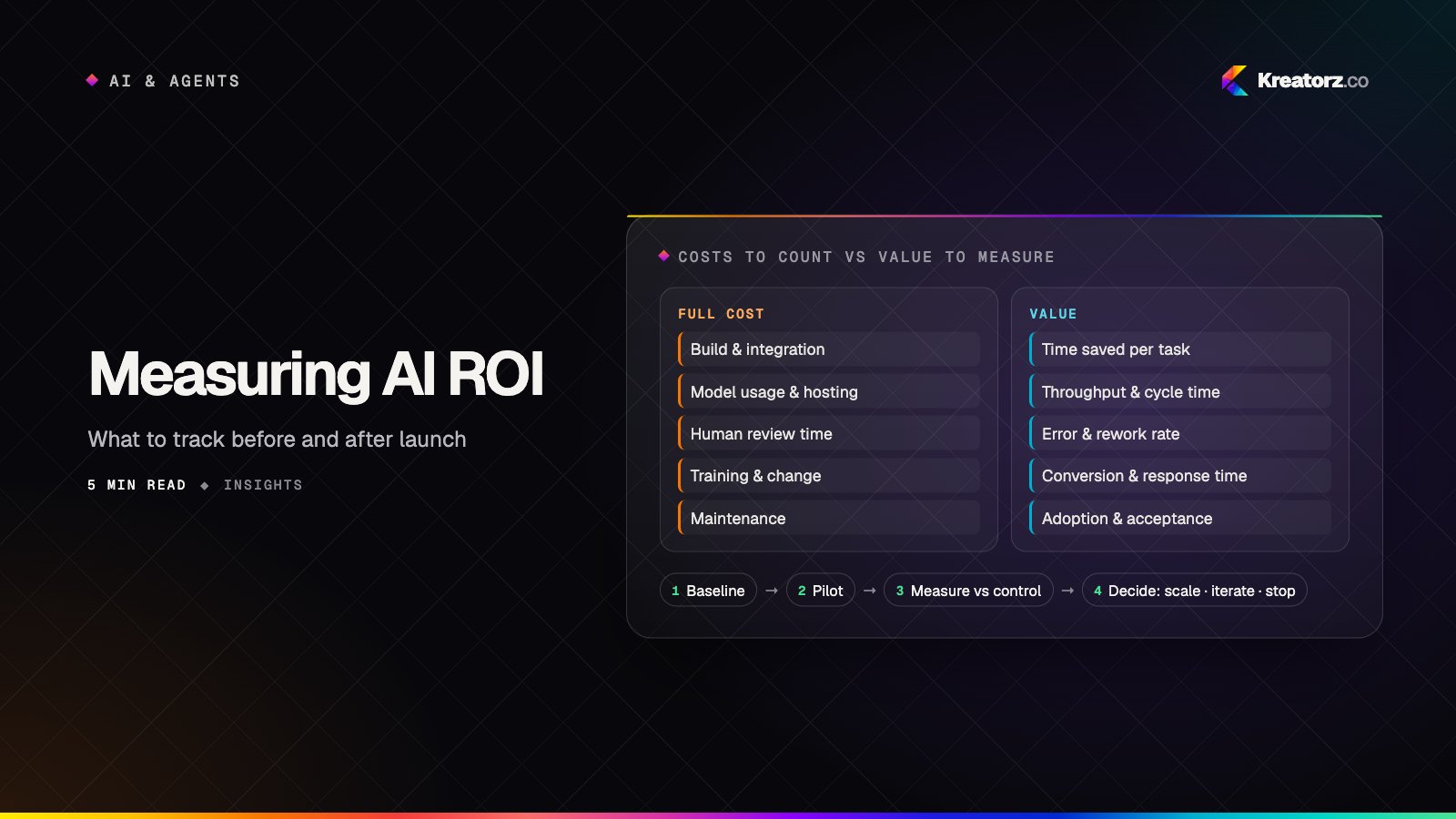
Measuring the ROI of AI projects: what to track before and after launch
AI projects stall in "promising pilot" because nobody defined what success looks like in numbers. Here is a practical framework for baselining, measuring and reporting the real return on AI work.
5 November 2026