AI agents in production: a field guide for business leaders
Agents can now plan, use your tools and finish real work. Here is how to choose the right first use case, design the guardrails, and get from an impressive demo to a system your team relies on every day.
Two years ago, "AI in the business" mostly meant a chat window. Today the conversation has moved to agents: software that can take a goal, break it into steps, call your systems, check its own work and hand back a finished result. The technology is real, but so is the gap between a slick demo and something your operations team will trust on a Monday morning.
This guide is for the people who have to make that call — founders, operators and product leaders. It covers what an agent actually is, where agents pay off first, and the engineering that separates production systems from prototypes.
What we mean by an "agent"
The word is used loosely, so it helps to be precise. A useful working definition:
Three ingredients make that loop work:
- A capable model that can reason over instructions and context.
- Tools — well-defined functions the agent may call: search your knowledge base, read a CRM record, draft an email, create a ticket, run a calculation.
- Memory and state — what the agent has done so far, what it learned, and what is still open.
Everything else — the prompts, the policies, the review steps — is there to make that loop reliable, safe and measurable.
Start with the work, not the technology
The most common mistake we see is starting from "we should have an agent" and working backwards. The better question is: where does skilled time go into repetitive, multi-step work that follows a recognisable pattern?
Good first candidates usually share four traits:
- High volume, clear outcome. The task happens many times a week and "done" is easy to recognise.
- Multiple systems. People spend time copying information between tools — inbox, CRM, ERP, spreadsheets.
- Judgement inside a frame. Decisions need context, but within rules you can write down.
- A safe failure mode. If the agent gets it wrong, a human can catch it before it matters.
Typical examples: triaging and drafting replies to inbound requests, preparing quotes from a standard price book, reconciling documents against records, qualifying leads before a sales call, or summarising a customer's history before a support conversation.
Poor first candidates are tasks with irreversible consequences and no review step, or work where nobody can explain what a good result looks like.
Design the autonomy, deliberately
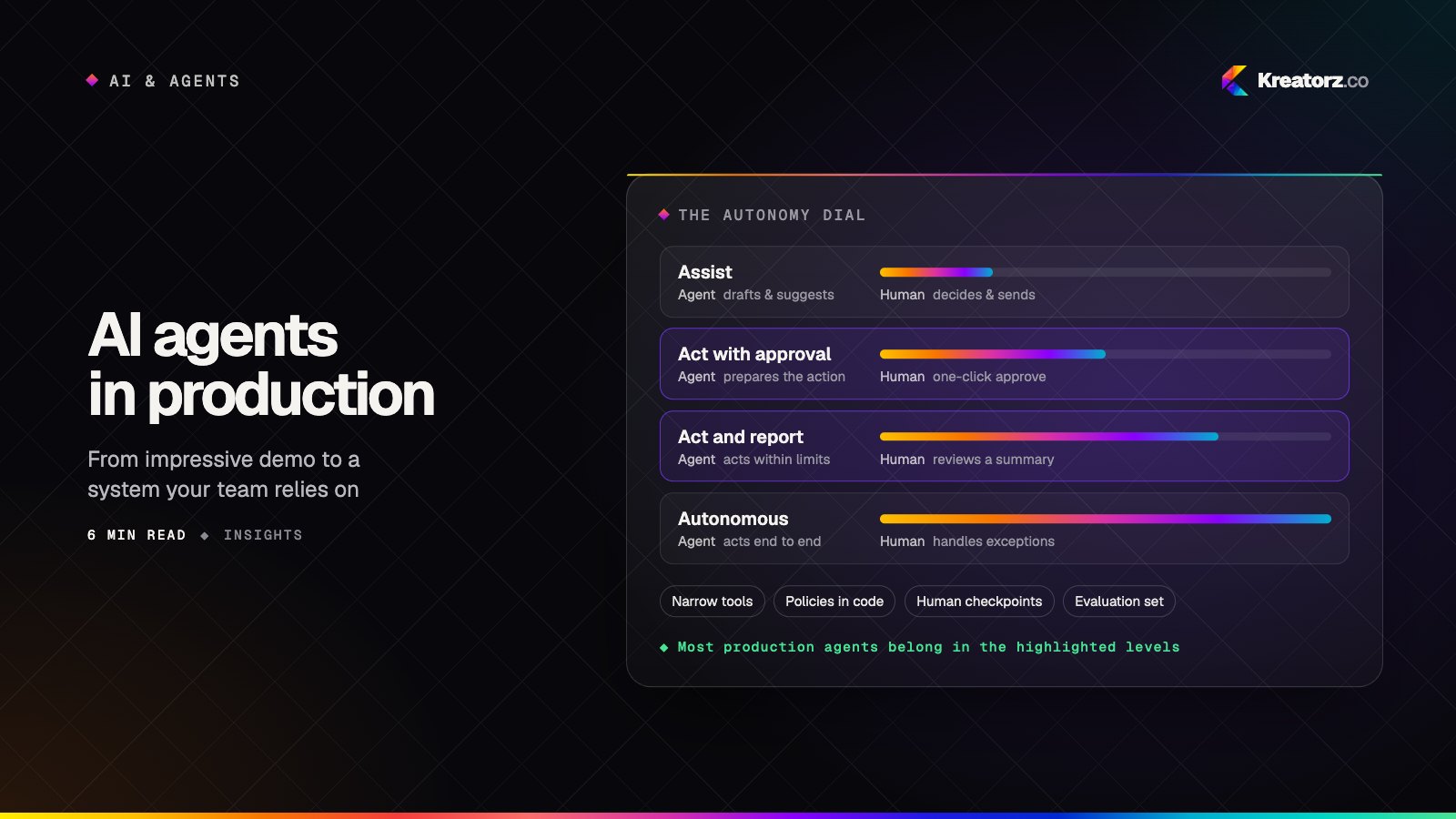
Autonomy is not on/off. We design it as a dial, and we start lower than most teams expect.
| Level | The agent… | The human… |
|---|---|---|
| Assist | drafts and suggests | decides and sends |
| Act with approval | prepares the action | approves with one click |
| Act and report | acts within limits | reviews a daily summary |
| Autonomous | acts end to end | handles exceptions only |
Most production agents we would recommend today sit at the second or third level. The jump in value from "assist" to "act with approval" is large; the jump from "act and report" to "fully autonomous" is small, and the risk grows quickly. Move up the dial when the evidence says you should — not before.
The guardrails that matter
A reliable agent is mostly guardrails. The model is the engine; these are the brakes, the steering and the dashboard.
Narrow, explicit tools
Give the agent the smallest set of tools that can do the job, each with a clear description, strict input validation and the minimum permissions. An agent that can "run any SQL" is a liability; an agent that can "look up an order by number" is a feature.
Policies in code, not just in prompts
Instructions in a prompt are guidance; rules in code are guarantees. Spending limits, which records may be changed, who may be emailed, what requires approval — enforce these in the tool layer, so they hold even if the model is confused or manipulated.
Grounding
Agents should answer from your data, not from memory. Retrieval over your documents and records — with the sources attached to every answer — keeps outputs current and makes them checkable. (We cover this in depth in our guide to retrieval-augmented generation.)
Human checkpoints
Put approvals where the consequences are: money moving, messages leaving the company, records being deleted. Make approving fast — a clear summary, the evidence, and a single button — or people will route around it.
Observability
Log every step: the goal, each tool call, inputs, outputs, cost and time. When something goes wrong — and it will — you need to replay exactly what happened. These traces are also your best source of improvement ideas.
Evaluation is the product
The single biggest difference between teams that ship agents and teams stuck in pilots is evaluation.
Before building, collect a set of real examples — fifty is a good start, a few hundred is better — with the result a skilled person would consider correct. Then:
- Score every change against that set: new prompt, new model, new tool. If quality drops, you know before your customers do.
- Measure what the business cares about: task completion, time saved per task, error rate, and how often a human had to step in.
- Keep adding the cases that fail in production. Your test set becomes a living record of what "good" means for your company.
Without evaluation, every improvement is a guess, and every model update is a risk.
Cost, speed and model choice
Agents call models many times per task, so the economics matter. A few principles hold up well:
- Use the strongest model where reasoning is hard, and smaller, faster models for routine steps like classification or extraction.
- Cache what repeats — system instructions, reference documents, common lookups.
- Cap the loop. Set a maximum number of steps and a budget per task; stop and ask for help when it is reached.
- Design for model changes. Models improve every few months. Keep prompts, tools and evaluation separate from any one provider so you can upgrade with confidence.
A realistic path from idea to production
The path we follow on AI agent development projects is deliberately incremental:
- Discovery (1–2 weeks). Map the workflow, the systems involved, the decisions made and the failure costs. Collect real examples and agree what success looks like.
- Prototype (2–3 weeks). Build the narrowest version that completes the task end to end on real data, at the "assist" level. Run it against the evaluation set.
- Pilot (4–6 weeks). Put it in front of a small group of real users with approvals on every action. Watch the traces, fix the failure modes, tighten the guardrails.
- Production. Harden security, monitoring and access control; integrate properly; then move up the autonomy dial where the data supports it.
At each step the question is the same: is this measurably better than how the work is done today, and do the people doing it trust it?
What to ask before you start
If you are evaluating an agent project — internally or with a partner — these questions surface most of the risk early:
- Which specific task will it complete, and how will we know it did it well?
- What can it read, what can it change, and who approved those permissions?
- Where are the human checkpoints, and how long does an approval take?
- How is quality measured before and after every change?
- What happens when the model is wrong, slow or unavailable?
- How will we upgrade the model in a year without starting over?
The bottom line
AI agents are no longer a research topic; they are a new kind of AI-powered software, and they reward the same discipline as any other: a clear problem, careful design, honest measurement and steady iteration. Start narrow, keep humans in the loop where it matters, and let evidence — not enthusiasm — decide how much autonomy to grant.
If you are weighing where agents could create value in your business, we are happy to talk it through. Tell us about the workflow and we will come back with an honest view of what is possible.
Related services
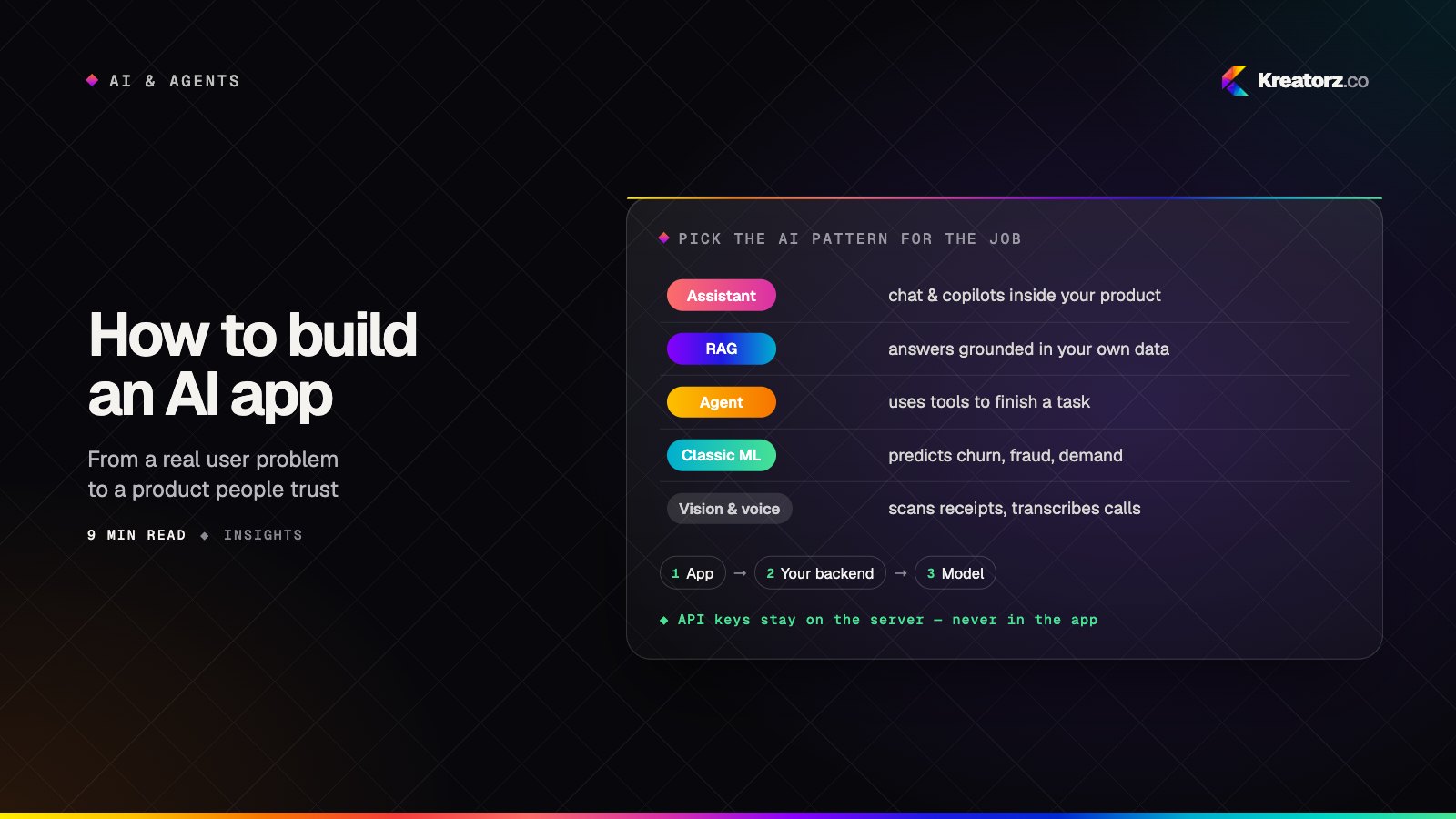
How to build an AI app: a step-by-step guide from problem to production
Building an AI app is less about picking the cleverest model and more about choosing the right pattern, preparing your data, measuring quality and designing for trust. Here is the process we follow, step by step.
15 November 2026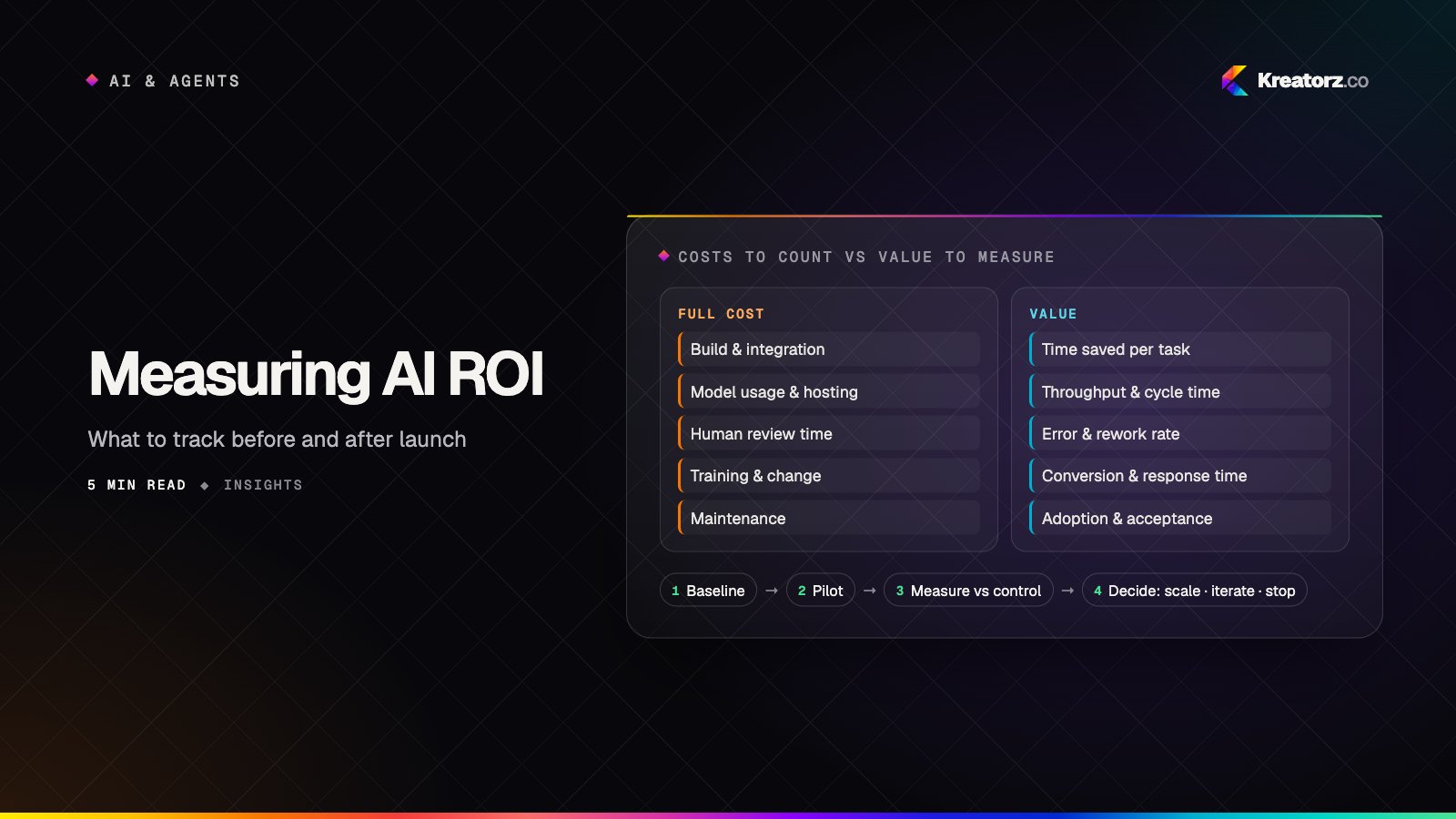
Measuring the ROI of AI projects: what to track before and after launch
AI projects stall in "promising pilot" because nobody defined what success looks like in numbers. Here is a practical framework for baselining, measuring and reporting the real return on AI work.
5 November 2026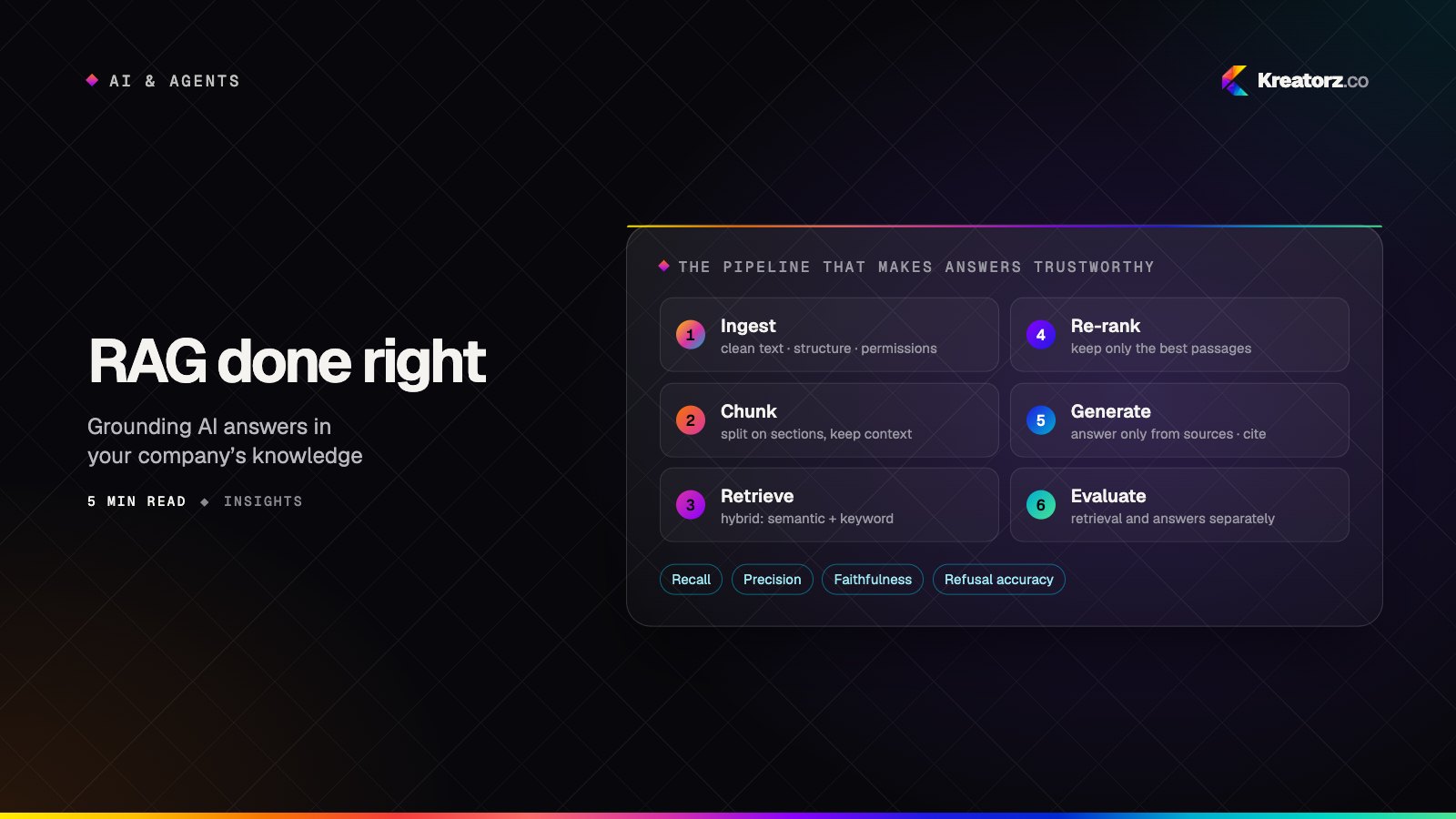
RAG done right: grounding AI in your company's knowledge
Retrieval-augmented generation is how AI answers from your documents instead of guessing. Most failures come from the pipeline around the model, not the model itself. Here is how to build one that holds up.
27 October 2026