RAG done right: grounding AI in your company's knowledge
Retrieval-augmented generation is how AI answers from your documents instead of guessing. Most failures come from the pipeline around the model, not the model itself. Here is how to build one that holds up.
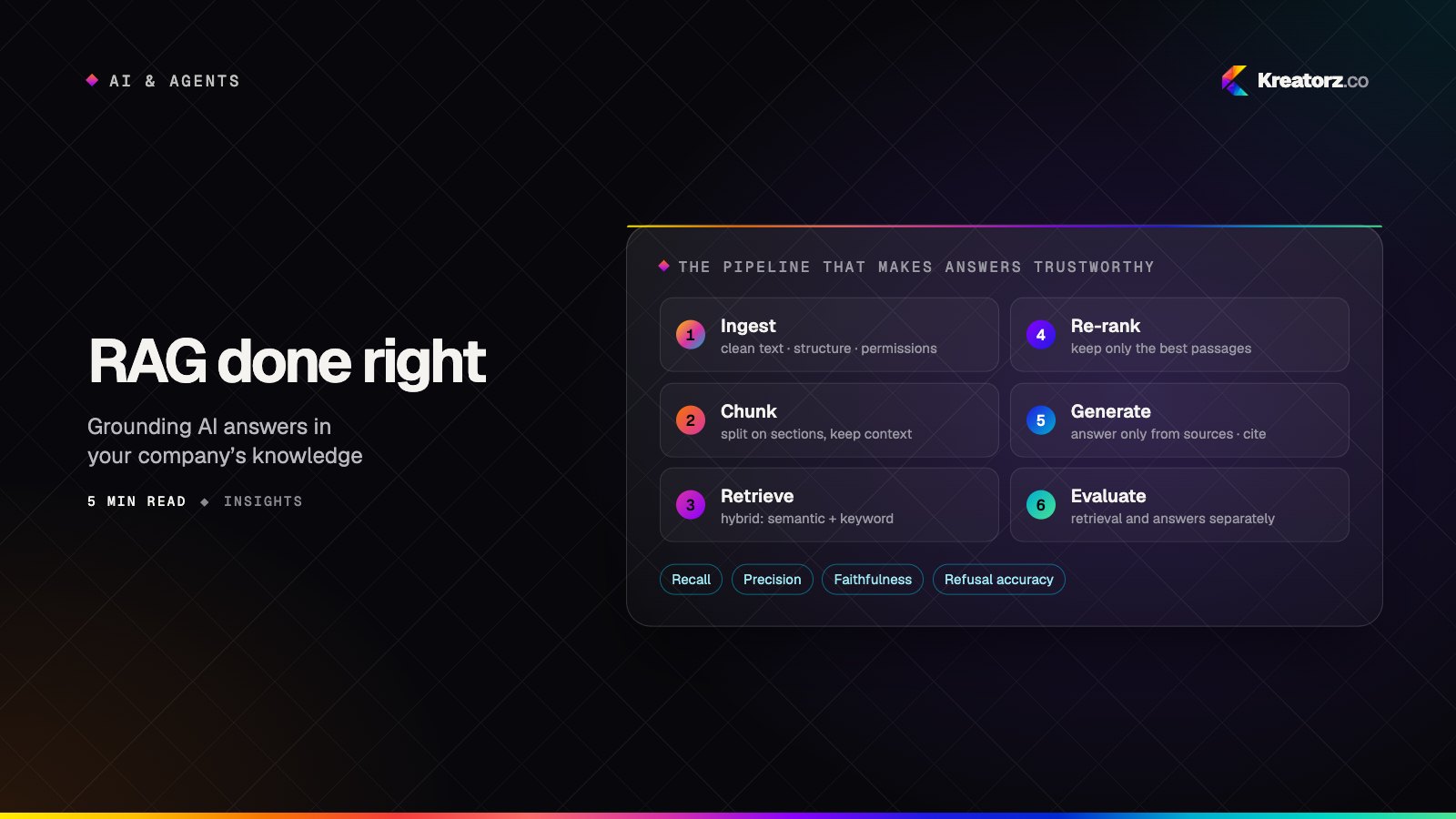
Ask a general-purpose AI model about your refund policy, your product specifications or last quarter's board decisions, and it will do one of two things: say it doesn't know, or — worse — answer confidently and wrongly. Retrieval-augmented generation (RAG) fixes this by finding the relevant passages in your own content and giving them to the model before it answers.
RAG has become the default architecture for internal assistants, customer support copilots and document-heavy workflows. It is also easy to build badly. In our experience, when a RAG system disappoints, the model is rarely the problem. The problem is almost always the pipeline around it.
How RAG works, in one paragraph
Your documents are split into passages and indexed for search. When someone asks a question, the system retrieves the most relevant passages, adds them to the model's instructions, and asks it to answer using only that material — and to cite where each claim came from. The model provides language and reasoning; your content provides the facts.
Simple to describe. The quality lives in the details.
1. Ingestion: garbage in, confident garbage out
Before any clever retrieval, your content has to be readable, current and permitted.
- Extract cleanly. PDFs with tables, scanned forms, slide decks and spreadsheets each need their own handling. A table flattened into a stream of numbers is useless to the model.
- Keep the structure. Titles, headings, section numbers and document types are valuable signals. Store them alongside the text.
- Track freshness. Every passage should know which document and version it came from and when it was last updated. Stale policy documents produce confidently outdated answers.
- Respect permissions from day one. If a user cannot open a document in your systems, the assistant must not quote it to them. Retro-fitting access control later is painful; design it in.
2. Chunking: the decision nobody talks about
How you split documents determines what the model can see. Split too small and passages lose context ("it must be approved within 14 days" — what must?). Split too large and you waste the model's attention on irrelevant text.
What works well in practice:
- Split on structure — sections, headings, list items — rather than fixed character counts.
- Carry context into each chunk: the document title and the heading path ("Employee Handbook › Leave › Parental leave") prepended to the passage.
- Overlap slightly so sentences that span a boundary are not lost.
- Treat tables and FAQs specially — one row or one question-and-answer per chunk often works better than a page.
3. Retrieval: hybrid beats clever
There are two broad ways to find relevant passages:
- Semantic (vector) search finds passages with similar meaning, even with different words.
- Keyword search finds exact terms: product codes, names, error numbers, clause references.
Each fails where the other succeeds. A question about "SKU 4471-B" needs keyword precision; a question about "what happens if a customer changes their mind" needs semantic understanding. Hybrid retrieval — running both and combining the results — is one of the most reliable improvements you can make.
On top of that, two techniques consistently pay off:
- Re-ranking. Retrieve a generous set of candidates, then use a dedicated re-ranking model to score each one against the question and keep only the best.
- Query rewriting. Turn conversational follow-ups ("and for contractors?") into complete, searchable questions using the conversation history.
4. Generation: make it cite, make it admit
The instructions you give the model at answer time matter more than most teams expect.
Good generation instructions:
- Answer only from the provided passages; if they do not contain the answer, say so.
- Cite the source document and section for each claim, so users can verify in one click.
- Quote exactly when precision matters — legal terms, prices, specifications.
- Keep the tone and format suited to the audience: a support agent needs a draft reply, an engineer needs the exact parameter.
5. Evaluation: measure retrieval and answers separately
When an answer is wrong, you need to know why. Was the right passage never retrieved? Or was it retrieved and the model misread it? Measure both:
| What to measure | The question it answers |
|---|---|
| Retrieval recall | Was the passage containing the answer in the results? |
| Retrieval precision | How much of what we retrieved was actually relevant? |
| Faithfulness | Is every claim in the answer supported by the passages? |
| Answer quality | Would a domain expert accept this answer? |
| Refusal accuracy | Does it decline when the answer isn't in the content? |
Build a test set from real questions your people ask — including the awkward ones — with the documents that should answer them. Run it on every change to chunking, retrieval or prompts. This is the only reliable way to improve a RAG system rather than just change it.
6. Operations: the parts that keep it trustworthy
- Continuous sync. Content changes daily. Re-index updated documents automatically and remove deleted ones.
- Feedback loops. A thumbs-down button is only useful if someone reviews it. Route poor answers to the content owners — often the fix is a missing or outdated document, not the AI.
- Monitoring. Track unanswered questions; they are a map of the gaps in your documentation.
- Cost and latency. Cache frequent queries, keep context windows lean, and use smaller models for rewriting and classification.
When RAG is not the answer
RAG is ideal for questions whose answers live in text. It is less suited to:
- Precise numerical analysis across many records — use the model to write and run a query against your database instead, then explain the result.
- Tasks that change data — that is AI agent territory, with tools and approvals.
- Teaching a model a new style or format — sometimes fine-tuning or better examples in the prompt is the right tool.
Many of the strongest systems combine all three: retrieval for knowledge, tools for live data and actions, and careful instructions for format and tone.
A sensible first project
Pick a single, well-bounded body of knowledge with clear owners — your support knowledge base, your product documentation, or your internal policies. Define who will use the assistant and what a great answer looks like. Build the pipeline properly, measure it honestly, and expand to new content only once the first domain is trusted.
Done this way, RAG stops being a demo and becomes infrastructure: the reliable layer that lets every AI feature in your business speak with your company's actual knowledge.
Thinking about an assistant grounded in your own content? Start a conversation with us — we'll help you scope the first domain and what "good" should look like.
Related services
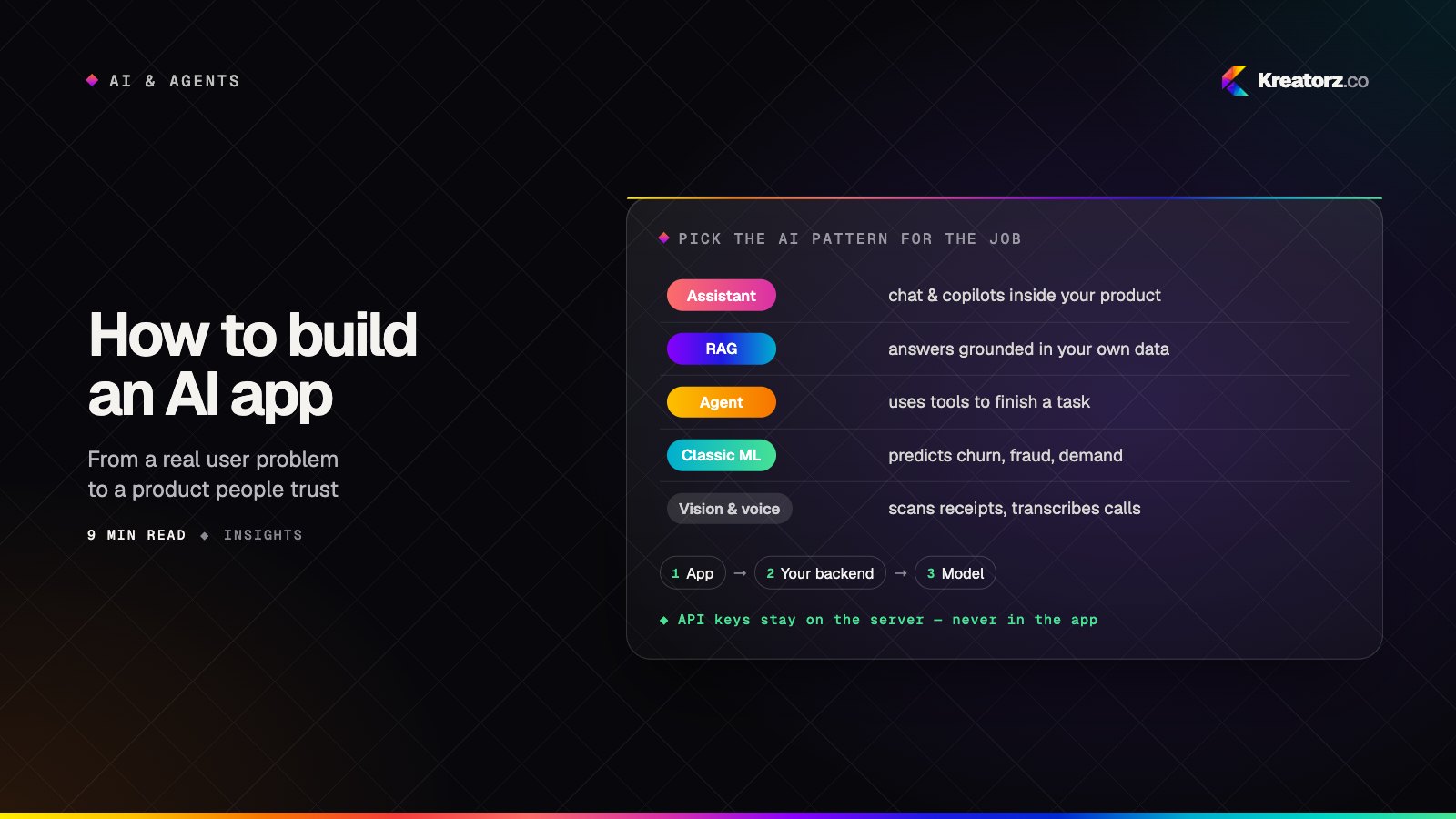
How to build an AI app: a step-by-step guide from problem to production
Building an AI app is less about picking the cleverest model and more about choosing the right pattern, preparing your data, measuring quality and designing for trust. Here is the process we follow, step by step.
15 November 2026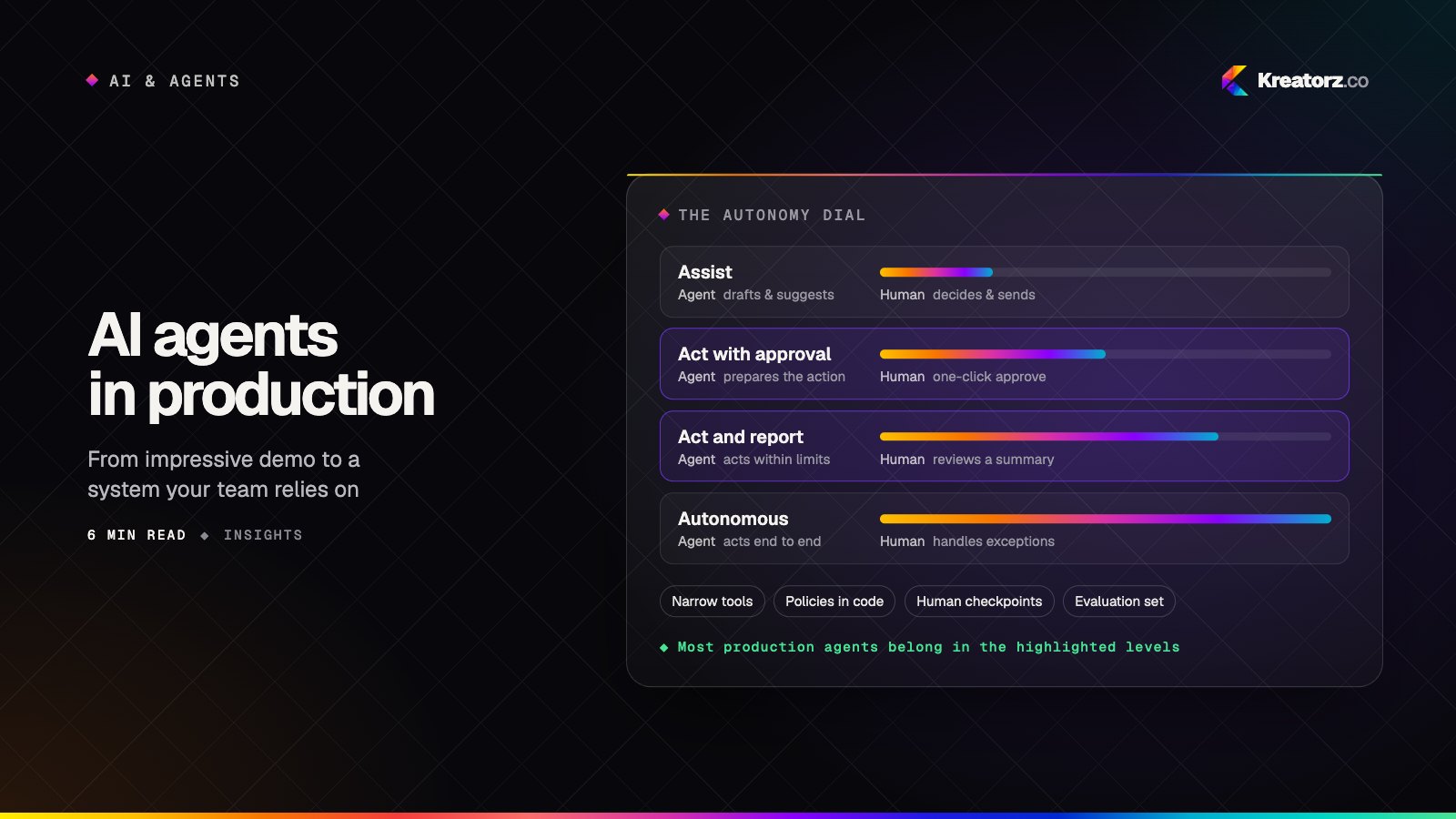
AI agents in production: a field guide for business leaders
Agents can now plan, use your tools and finish real work. Here is how to choose the right first use case, design the guardrails, and get from an impressive demo to a system your team relies on every day.
10 November 2026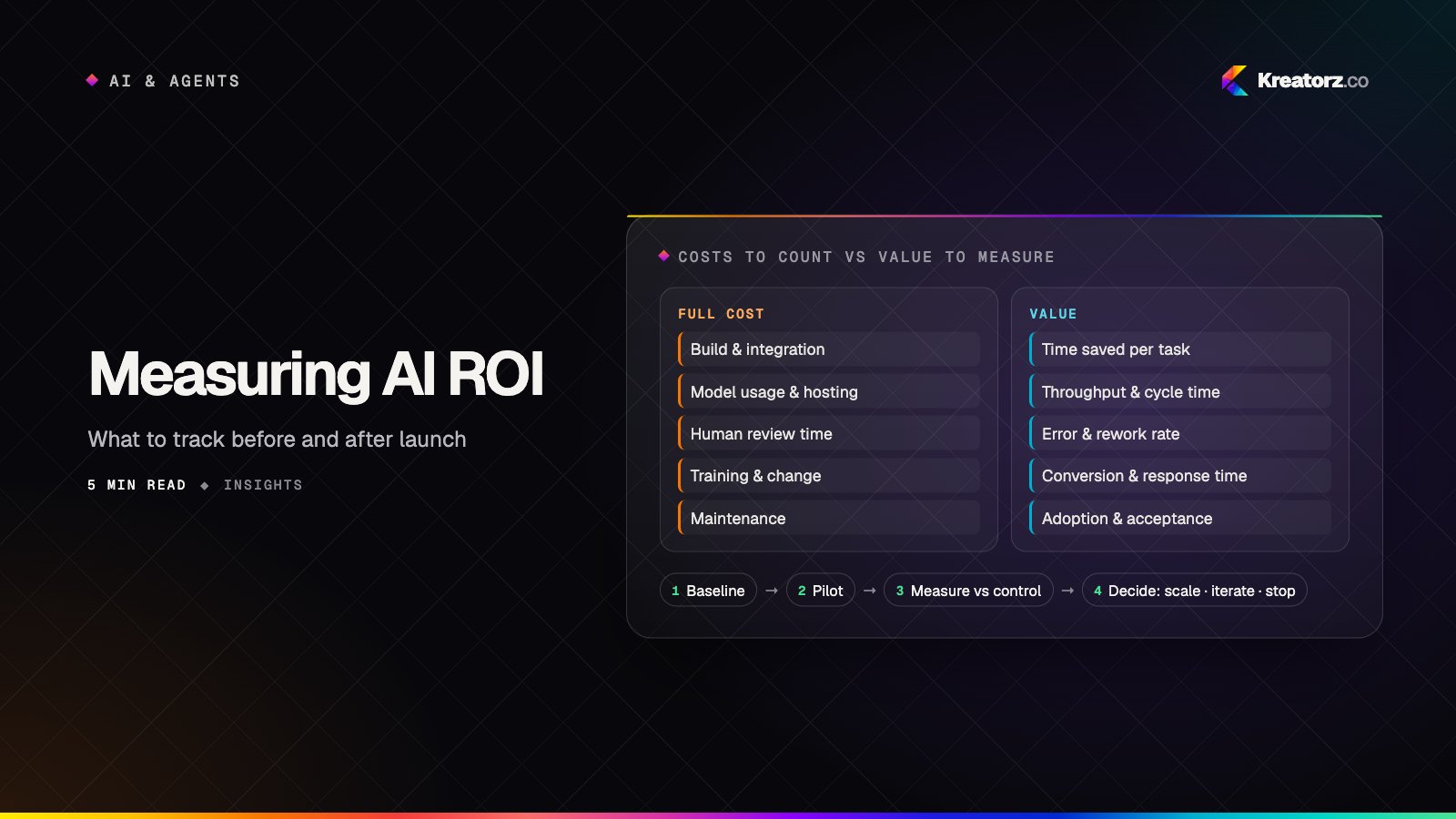
Measuring the ROI of AI projects: what to track before and after launch
AI projects stall in "promising pilot" because nobody defined what success looks like in numbers. Here is a practical framework for baselining, measuring and reporting the real return on AI work.
5 November 2026