
On-device vs cloud vs hybrid AI in mobile apps: how to choose
Phones can now run capable small models, and both Apple and Google offer on-device AI frameworks. That does not make the cloud obsolete. Here is a step-by-step guide to deciding, feature by feature, where the AI in your mobile app should run.
Short answer
Choose on-device, cloud or hybrid AI in a mobile app feature by feature, not for the whole app. Narrow, frequent, latency-sensitive, private or offline features lean on-device; features needing broad knowledge, complex reasoning or server-side data lean cloud. Many apps use hybrid patterns, such as on-device first with cloud fallback, on-device redaction before cloud, or routing by task.
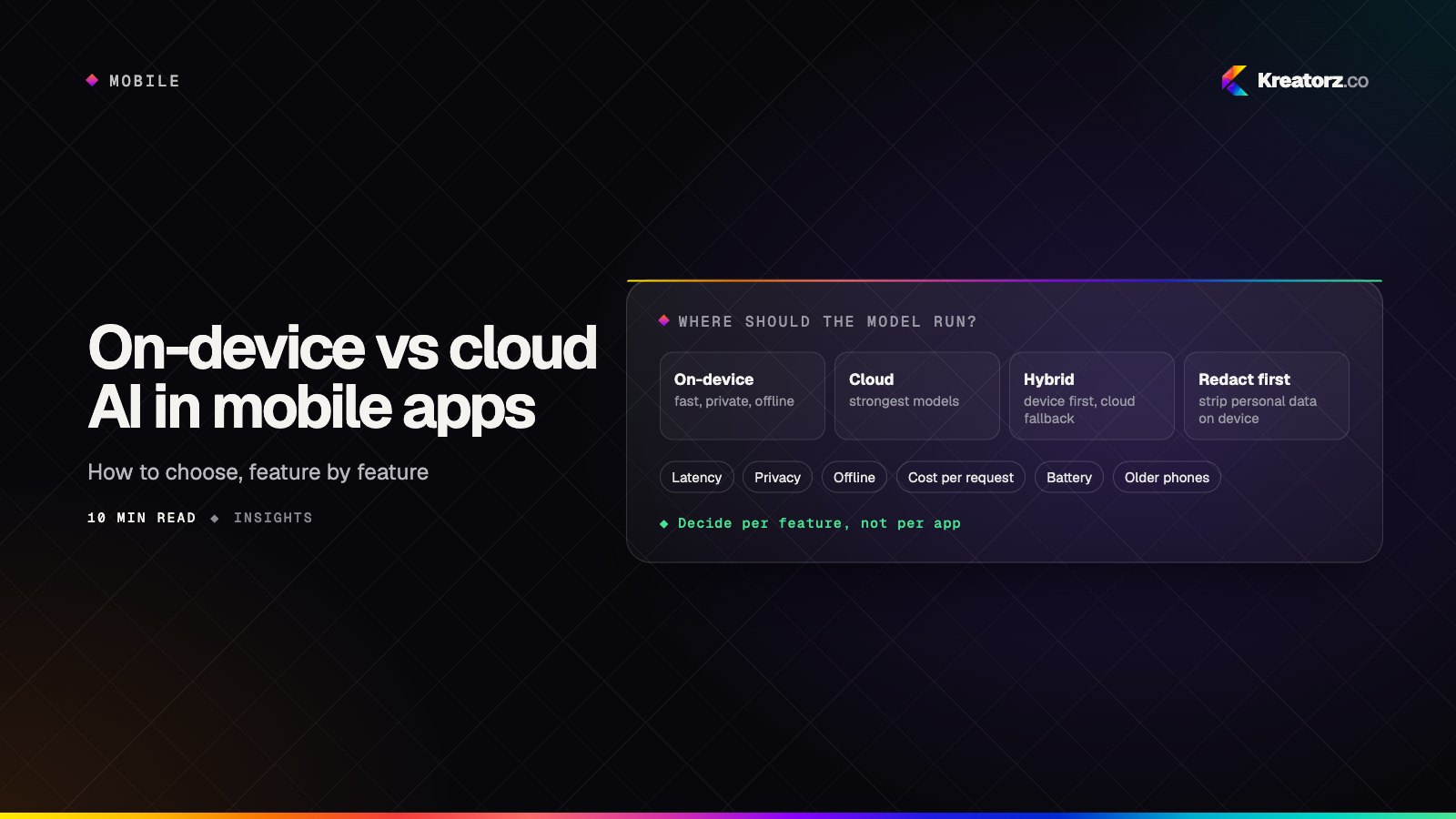
Adding AI to a mobile app used to mean sending a request to a server and waiting. Now phones have dedicated neural hardware, small models have become genuinely useful, and both Apple and Google ship frameworks for running models on the device. On-device AI is a practical architecture choice.
That creates a new question for anyone planning AI mobile app development: where should each AI feature actually run? On the phone, in the cloud, or some mix of the two? The wrong answer shows up later as slow responses, surprising cloud bills, privacy problems or features that only work on flagships.
This guide walks through the decision step by step. It assumes you know why AI belongs in your app; if not, start with how to build an AI app.
The three options in brief
- On-device only. Inference runs on the phone. No network round trip, no per-request cloud cost, and data can stay local. You are limited to smaller models, and the experience depends on the user's hardware.
- Cloud only. The app calls a model on your servers or a hosted provider. You get the most capable models and consistent behavior on every phone, at the cost of latency, connectivity, ongoing spend and data leaving the device.
- Hybrid. Some work runs locally, some in the cloud, with rules deciding which. Most serious products end up here, at the cost of two paths to build, test and monitor.
Step 1: List every AI feature and what it actually needs
Decide "on-device or cloud" per feature, not for the whole app. A single app might include:
- Text autocomplete or smart replies while typing
- Summarizing a long document or conversation
- Classifying photos or detecting objects in the camera feed
- Transcribing voice notes
- A conversational assistant that answers questions about the user's account
- Search across the user's own content
Note each one's job, frequency, data touched and failure impact. Smart replies run constantly and must feel instant; a monthly summary can take a few seconds.
Step 2: Score each feature on the criteria that matter
- Latency. Does it respond while the user is typing, talking or pointing a camera? Interactive features benefit most from running locally.
- Privacy. Does it touch messages, photos, health or financial data the user would not expect to leave their phone? On-device processing can be a real product advantage and reduces what you secure on the server.
- Offline use. Will people use it on a plane, on a job site or with poor coverage? Then it has to run on the device, at least in a reduced form.
- Cost per request. A feature that fires on every keystroke can get expensive in the cloud. One used weekly rarely does.
- Model quality. Does it need broad knowledge, long context or complex reasoning? Large cloud models are still better at open-ended work. Small on-device models handle narrower tasks well: classification, extraction, short rewrites, transcription, image labeling.
- Battery, heat and app size. Local models use power and memory, and bundled models make the app larger.
- Device coverage. The newest on-device AI features are often limited to recent, higher-end phones. If your audience includes older or budget devices, an on-device-only feature will be missing for part of it.
A simple grid works well: features as rows, criteria as columns, each cell marked "favors device," "favors cloud" or "neutral."
Step 3: Understand what the platforms give you
On Apple platforms, Core ML is the long-standing framework for running machine learning models on iPhone and iPad, using the device's CPU, GPU and Neural Engine. Apple also provides higher-level frameworks for common tasks such as vision, natural language and speech, and gives developers access to the on-device foundation model behind Apple Intelligence on supported devices. See iOS app development.
On Android, ML Kit offers ready-made on-device capabilities such as text recognition, barcode scanning and translation. Gemini Nano, Google's on-device model, is available to apps through the AICore system service on supported devices. For custom models, Google's LiteRT runtime (formerly TensorFlow Lite) and similar runtimes let you ship your own. More on Android app development.
Cross-platform runtimes such as LiteRT, ONNX Runtime and MediaPipe can run the same custom model on both iOS and Android.
The practical trade-off: system-provided models add nothing to your app's size, but you do not control which devices have them or when they change. Bringing your own model gives control and consistency, at the cost of shipping, updating and optimizing it yourself.
Step 4: Pick a pattern for each feature
With scores in hand, assign each feature to one of these patterns.
On-device only
For latency- and privacy-sensitive features, offline needs, and tasks narrow enough for a small model: live camera effects, keyboard suggestions, photo search, document scanning. On phones that cannot run it, hide the feature or offer a simpler non-AI fallback.
Cloud only
For features that need large models, broad knowledge, your own databases or server-side tools: a support assistant that looks up orders, or an agent that books appointments. These need a server anyway, so running the model there adds little dependency.
Hybrid: on-device first, cloud fallback
The app tries the local model first. If the device cannot run it, the input is too long or confidence is low, the request goes to the cloud. Capable phones get instant, private responses; everyone else still gets the feature. The key task is a clear, testable escalation rule.
Hybrid: on-device redaction before cloud
A local model or rules engine masks names, phone numbers, account numbers and addresses before text goes to a cloud model. It does not make sensitive data safe by default, but it can meaningfully reduce what leaves the device.
Hybrid: routing by task
A lightweight on-device classifier sends each request to the right place: simple commands handled locally, complex questions to the cloud, out-of-scope requests declined. Routing between differently sized cloud models also helps with cost.
Step 5: Decide what data leaves the device
Document exactly what each feature sends off the phone, where it goes, how long it is kept and who can see it. This feeds your privacy policy, app store privacy disclosures and security review. For every cloud-backed feature, ask which fields are sent and whether any are unnecessary, whether data is logged or used for training by you or your provider, which region processes it, and whether users can opt out.
If your app handles health or financial data, raise this early with your legal and compliance advisors. Rules such as HIPAA in the United States, and financial data regulations elsewhere, can affect which providers you can use, what agreements you need and whether certain data can go to the cloud at all. On-device processing can simplify some of these questions but does not remove your obligations. See how to build a HIPAA-compliant app for the wider picture.
Privacy is also a UX question: "this runs on your phone" is worth surfacing when it is true. More in designing AI features people trust.
Step 6: Plan how you ship and update models
On-device models introduce a delivery problem that cloud models do not have.
- App size. Bundled models increase download size, which can hurt installs where data is expensive. Keep bundled models small, or skip bundling.
- Download on demand. Many apps fetch models after install, on Wi-Fi, when the feature is first opened, using the stores' asset delivery options or your own hosting. Plan for interrupted downloads, storage limits and version checks.
- Updating models. Shipping models separately from app releases is faster, but every model version must work with every app version still in use.
- A/B testing. Treat model versions and routing rules like feature flags: roll out to a small share of users, compare quality and performance, then expand.
Cloud models update in one place but still need versioning. Provider updates can shift behavior, so pin versions where you can and re-run evaluations before switching.
Step 7: Evaluate and monitor across real devices
On-device AI adds a dimension cloud AI does not: the same model can behave differently on different hardware. Build an evaluation set of realistic inputs per feature, run it against every model and routing configuration you ship, and test on a representative range of physical devices, not just flagships. Measure:
- Response time from user action to visible result
- Memory use and whether the app is killed in the background
- Battery drain and heat during sustained use
- Quality on older and lower-end devices, compared with newer ones
- How often hybrid features fall back to the cloud, and why
In production, segment these signals by device model and OS version. A feature that looks fine in aggregate can be failing for an entire class of phones.
Step 8: Model the costs honestly
"On-device is free" ignores engineering time. "Cloud is easier" ignores inference spend at scale.
| Cost | On-device | Cloud |
|---|---|---|
| Inference per request | No direct cost; paid in the user's battery and compute | Ongoing, grows with users and usage |
| Engineering to build | Higher: model selection, optimization, device testing, delivery | Lower for a first version; standard API integration |
| Infrastructure | Model hosting for downloads, minimal otherwise | Servers or provider fees, monitoring, scaling |
| Ongoing maintenance | Device testing as new phones and OS versions ship | Provider changes, model version migrations, cost tuning |
| Hidden costs | Features missing on older phones; larger app size | Latency, outages, data handling obligations |
Estimate requests per active user per day for each feature, multiply by projected users, and compare that cloud spend with the engineering cost of moving the feature on-device. High-frequency, narrow features often justify it; low-frequency, complex ones usually do not.
Step 9: Account for your mobile stack
Your choice of framework affects how easy on-device AI is to adopt. If you are still choosing, our guide to choosing a mobile stack covers the broader trade-offs.
- Native Swift and Kotlin give direct access to platform AI frameworks as soon as they are available, with the best control over performance and memory.
- Flutter apps typically reach platform AI through plugins or platform channels, and some cross-platform runtimes offer Flutter packages. This works well, but newer platform features may need custom native code before a plugin exists. See our Flutter app development page.
- React Native apps use native modules to call platform frameworks or cross-platform runtimes. The same caveat applies: budget for some native work. See React Native app development.
For cloud-only features the stack matters less; the work is mostly an API call with good loading, error and streaming handling. If you are staffing up, our guide on how to hire mobile app developers covers what to look for.
The decision table
| Feature need | On-device | Cloud | Hybrid |
|---|---|---|---|
| Instant, interactive response | Strong fit | Weak fit | Strong fit |
| Sensitive personal data | Strong fit | Needs careful controls | Strong fit with redaction |
| Must work offline | Required | Not possible | Reduced mode offline |
| Broad knowledge or complex reasoning | Weak fit | Strong fit | Escalate to cloud |
| High request volume | Strong fit for cost | Can get expensive | Handle common cases locally |
| Must work on older or budget phones | Risky | Strong fit | Cloud fallback covers them |
| Small app download | Risky if bundled | Strong fit | Download models on demand |
How Kreatorz approaches AI in mobile apps
Kreatorz does AI app development and mobile app development together, which this decision needs. We have offices in Sheridan, Wyoming (USA), Brantford, Ontario (on Eastern Time) and Lahore, Pakistan, so we can support teams looking for mobile app development in the USA and Canada. One senior cross-functional team covers product, design, mobile, backend, AI and QA. Clients own their code, and we show progress in weekly demos on real devices.
If you are weighing on-device, cloud or hybrid AI for your app, tell us about your features and we will help you work through the decision.
Frequently asked questions
What is on-device AI in a mobile app?
On-device AI means the model runs directly on the user's phone instead of on a remote server. It can respond without a network connection, keeps data on the device, and has no per-request cloud cost. The trade-off is that on-device models are smaller and depend on the phone's hardware.
Is on-device AI more private than cloud AI?
Usually, because the data does not have to leave the phone. But privacy also depends on what the app logs, syncs or sends elsewhere. If any part of a feature uses the cloud, document what is sent and how it is handled, and do not market a feature as private unless it really is.
How do I decide between on-device and cloud AI for my app?
Evaluate each feature separately on latency, privacy, offline needs, cost per request, required model quality, battery and app size, and device coverage. Narrow, frequent, latency-sensitive features lean on-device. Complex features that need broad knowledge or server-side data lean cloud. Many apps use both.
What is hybrid AI in a mobile app?
Hybrid AI combines on-device and cloud models. Common patterns include trying a local model first and falling back to the cloud, redacting personal details on the device before sending text to a cloud model, and routing requests to the right model based on the type of task.
Can Flutter and React Native apps use on-device AI?
Yes. Both can call platform AI frameworks and cross-platform runtimes through plugins, platform channels or native modules. Newer platform features may need some custom native code before a ready-made package exists, so plan for that in your estimates.
- AI app developmentWe design, build and run AI-powered apps — assistants, copilots, knowledge tools, vision and voice features — that solve a measurable problem and hold up in production.Explore
- Mobile app developmentWe plan, design, build and grow mobile apps for iPhone and Android — choosing the right technology for your product, not the one we happen to prefer.Explore
- iOS app developmentWe build iPhone, iPad and Apple Watch apps in Swift and SwiftUI that feel unmistakably Apple — fast, private by design and ready for App Store review.Explore


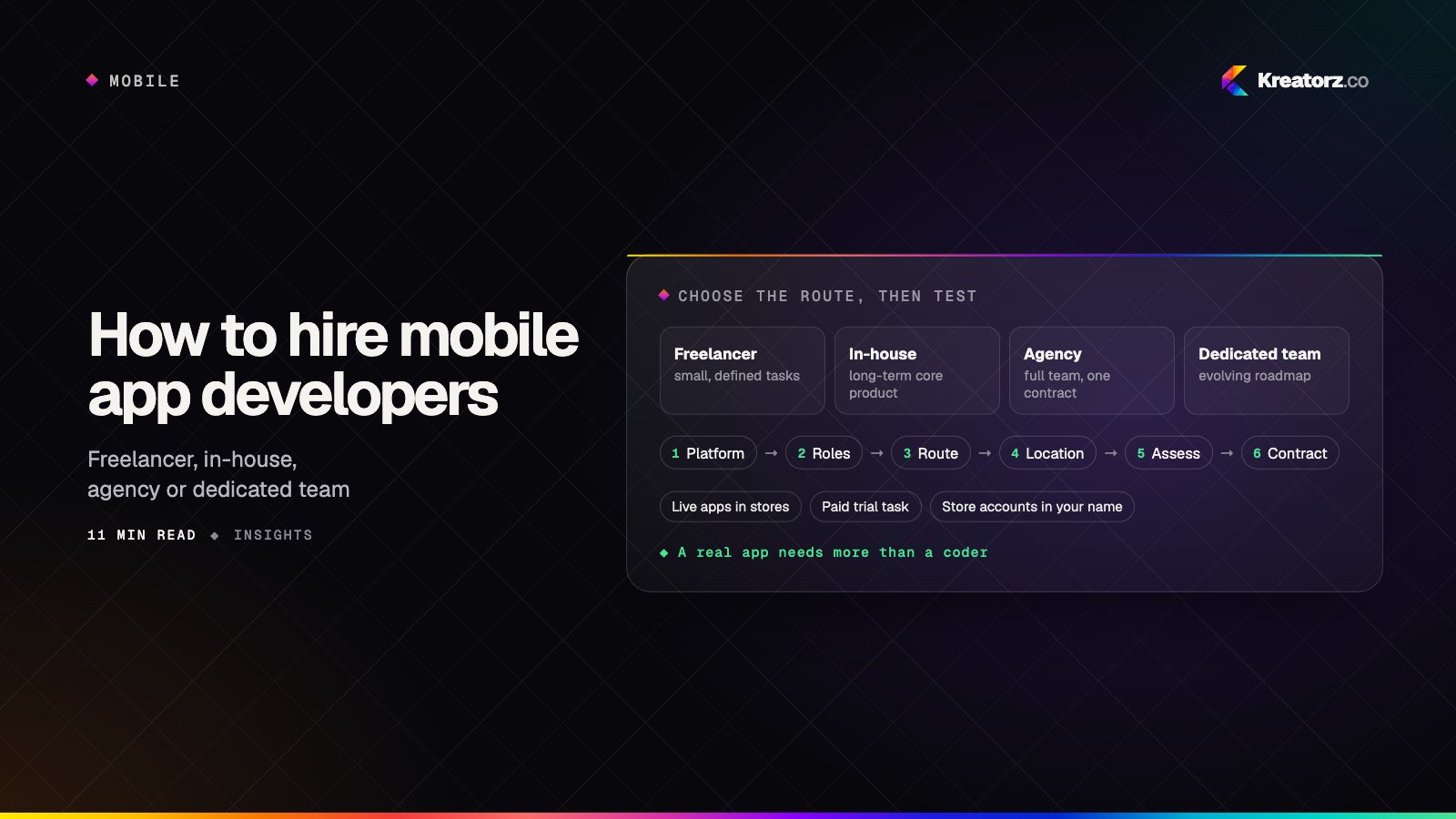
How to hire mobile app developers: a step-by-step guide
Hiring mobile app developers is about more than finding someone who can code. Here is a practical, step-by-step process for choosing between freelancers, in-house hires, agencies and dedicated teams, assessing developers properly, and protecting your app, code and store accounts.
18 November 2026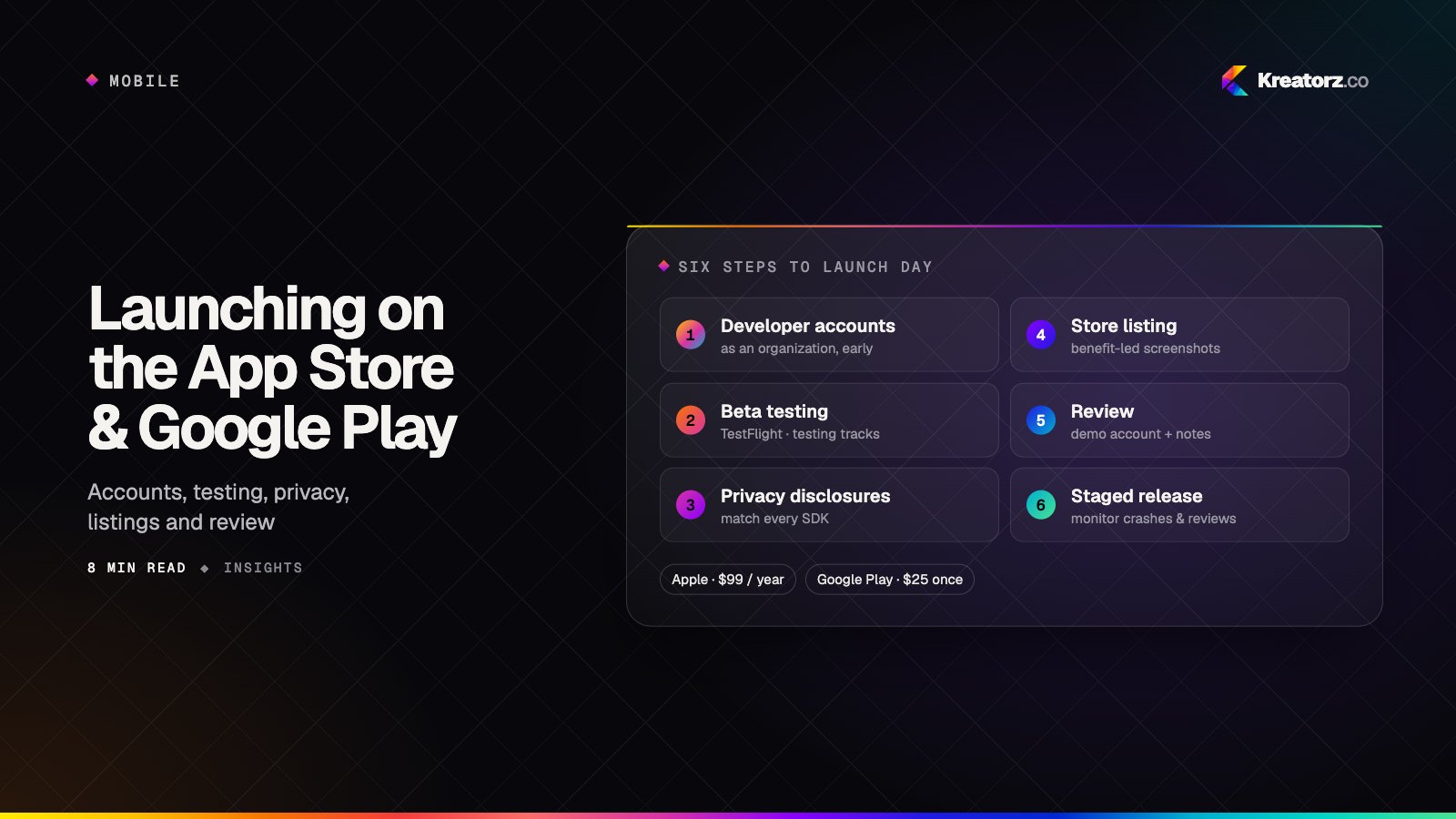
How to launch an app on the App Store and Google Play: a step-by-step guide
Getting an app approved and in front of users is a project of its own — developer accounts, testing tracks, privacy disclosures, store listings and review. Here is the launch process for both stores, the common reasons apps get rejected, and how to plan a calm launch day.
16 November 2026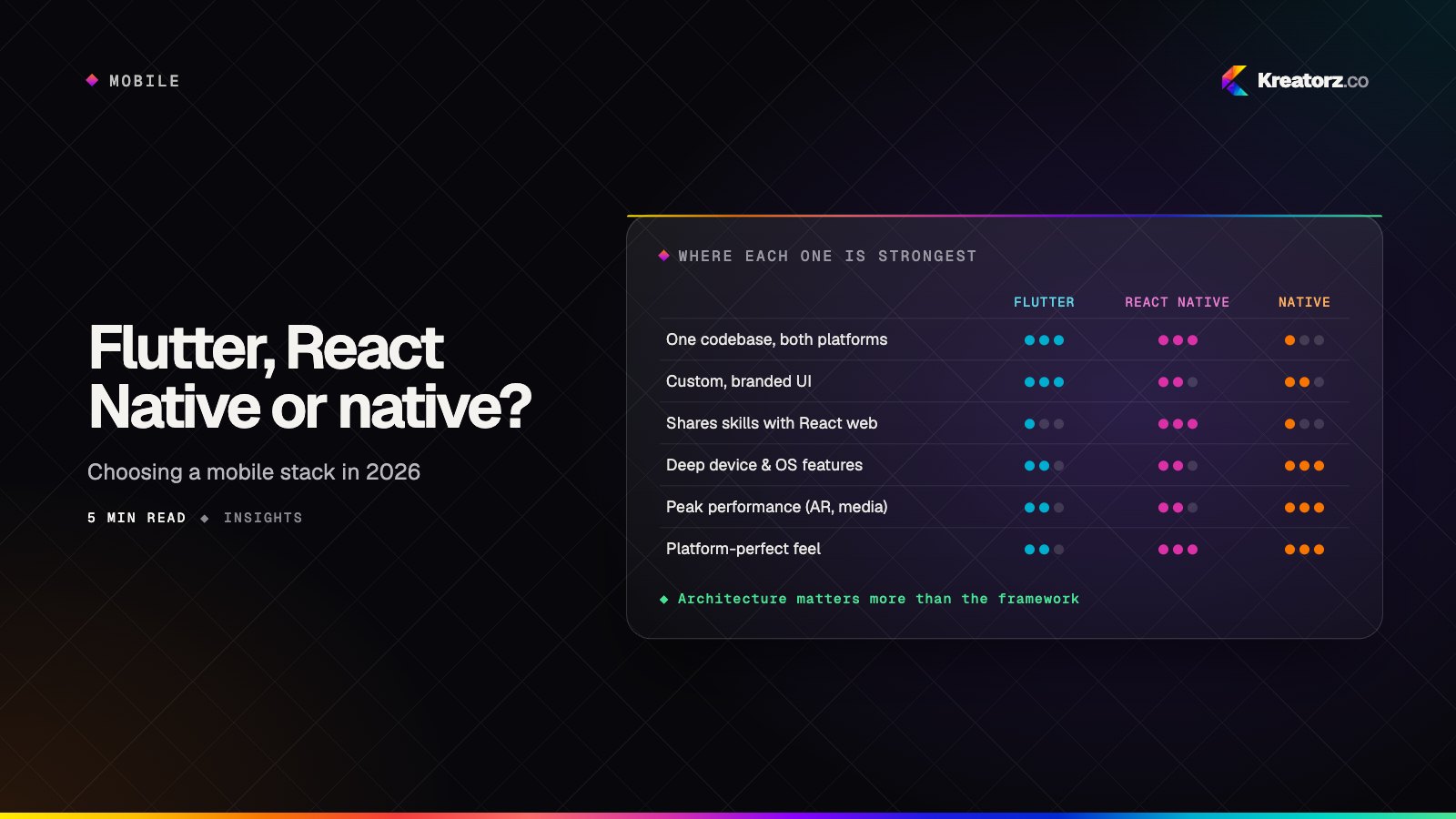
Flutter, React Native or native? Choosing a mobile stack in 2026
The cross-platform versus native debate has matured. The right answer now depends less on raw performance and more on your team, your product's demands and your plans for the next three years.
30 September 2026