
How to build an AI agent for your business: a step-by-step guide
An AI agent can take real work off your team's plate, but only if it is scoped, connected, tested and secured properly. Here is a practical, step-by-step guide for business owners and product leads, from choosing the first workflow to deciding whether to build, buy or hire.
Short answer
To build an AI agent for your business, pick one frequent workflow with clear value and write a job description covering inputs, tools and guardrails. Choose a model and the simplest architecture that fits, connect narrow tools over your APIs, decide which actions need approval, build a test set from real cases, secure it and pilot in shadow mode.
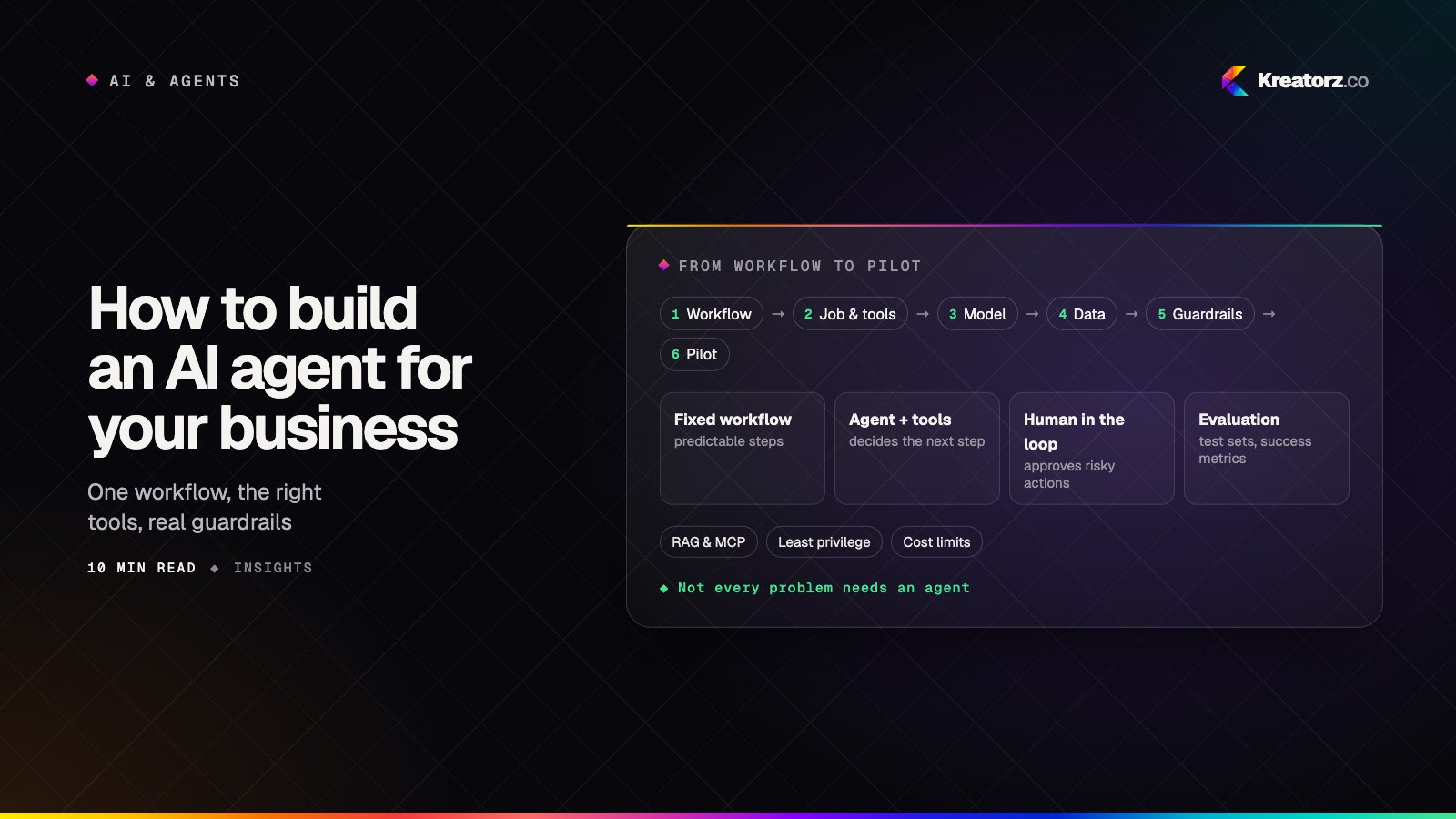
Most businesses that ask how to build an AI agent already have a demo in mind: someone typed a request into a chatbot, it called a couple of tools, and it worked. The gap between that demo and an agent your team trusts with real work is where most projects stall. It is not a model problem. It is a scoping, integration, testing and security problem.
This guide is the hands-on version. It walks business owners and product leads through the decisions in the order you will meet them, from choosing the first workflow to deciding whether to build, buy or bring in an AI agent development company. If you want the strategic picture first — what agents are and how to think about autonomy — start with our field guide to AI agents in production, then come back here for the build.
Step 1: Pick one workflow with clear value
Do not start with "an agent for the business." Start with one workflow that a specific team performs often, that has a recognizable start and finish, and that costs real time today.
Good first candidates usually look like this:
- Messy inputs, structured outputs. Emails, PDFs, forms or chat messages that someone reads and turns into a ticket, record, booking or reply.
- Several systems involved. A person copies information between a helpdesk, a CRM, a spreadsheet and an internal tool.
- Mistakes are catchable. A wrong draft can be reviewed before it goes out; a wrong record can be corrected.
- You can measure it. You know roughly how many cases arrive, how long each takes and what "done correctly" means.
Avoid first projects where one error is expensive and hard to reverse, such as moving money.
Step 2: Define the job, inputs, tools and guardrails
Before anyone writes a prompt, write a one-page job description for the agent. It forces the decisions that otherwise surface as bugs.
- The job. One sentence: "Read inbound supplier emails, match them to open purchase orders and prepare an update for the buyer to approve."
- Inputs. What arrives, in what formats, and from whom. Note which inputs are untrusted (anything from outside the company).
- Tools. The specific actions it needs: search orders, read an order, draft an update, flag for review. Not "access to the ERP."
- Outputs. What a finished case looks like, and where it lands.
- Guardrails. What the agent may do on its own, what needs approval, and what it must never do.
- Escalation. When it should stop and hand the case to a person, and what context it passes along.
Step 3: Choose the model and the architecture
Model choice
Hosted models from providers such as OpenAI (GPT models) and Anthropic (Claude), along with Google Gemini and open-weight options like Llama, are all capable of tool use. The right choice depends on the job:
- Reasoning and tool-use quality on your cases, measured against your test set (Step 6), not on public leaderboards.
- Data handling terms — where requests are processed, how long they are retained, and whether they are used for training.
- Latency and cost for the volume you expect.
Many production systems use more than one model: a smaller, cheaper one for classification and extraction, and a more capable one for the hard reasoning. Keep a thin abstraction layer in your code so you can swap models later. If you need help comparing models or fine-tuning, that is the territory of LLM development.
Architecture
There are three broad options, and the simplest one that works is usually the right one.
| Approach | How it works | Best for | Watch out for |
|---|---|---|---|
| Fixed workflow with AI steps | Code controls the sequence; the model handles specific steps such as extraction or drafting | Predictable processes with known steps | Less flexible when cases vary widely |
| Single agent with tools | One model decides which tools to call and in what order, within limits | Varied cases inside one job | Needs strong tool design and evaluation |
| Orchestrated multi-agent system | An orchestrator routes work between specialized agents | Large processes with distinct sub-jobs | More cost, more latency, more ways to fail |
When not to use an agent
If the steps are always the same, a normal workflow with one or two model calls is cheaper, faster and easier to test than an agent. If the task is answering questions from documents, you probably need a retrieval assistant rather than an agent. And if a rule or a form solves the problem, use the rule or the form. Agents earn their place when the path through the work genuinely changes from case to case.
Step 4: Connect data and tools
An agent is only as useful as the systems it can reach and the knowledge it can see.
Tools over your APIs
Build narrow, well-described tools on top of your existing APIs, usually through a dedicated backend service rather than giving the model direct database access. Each tool should do one thing, validate inputs strictly and log every call. The model picks tools by their names and descriptions, so vague tools produce vague behavior.
Knowledge through retrieval
When the agent needs policies, product information or past cases, retrieval-augmented generation (RAG) lets it look up the relevant passages instead of guessing. The quality of ingestion, chunking and search decides whether this works; our guide to RAG done right covers the pipeline in depth, and our RAG development team builds them.
MCP servers
The Model Context Protocol (MCP) is an open standard for exposing tools and data to AI models in a consistent way. Wrapping your systems in an MCP server means the same tools can be reused across agents, models and AI assistants instead of being rebuilt for each one. If you are weighing this up, read MCP servers explained or see our MCP server development service.
Step 5: Design human-in-the-loop and permissions
Autonomy is a dial, not a switch. For every action in your job description, decide one of three settings:
- Automatic — low risk and reversible, such as tagging a ticket or looking up a record.
- Approval required — the agent prepares the action and a person confirms it, such as sending an email to a customer or updating an order.
- Never — out of scope, enforced in code, such as deleting records or issuing refunds above a limit.
Put approvals where your team already works — a review queue in your admin panel, a team chat message, a helpdesk view — and show the proposed action, the reasoning and the evidence the agent used.
Give the agent its own credentials with only the permissions its job requires. It should act as itself, not as an administrator, and it must never see data the requesting user could not see directly.
Step 6: Build the evaluation before you trust the agent
Evaluation is how you know whether a change made the agent better or just different.
- Build a test set from real historical cases: typical ones, edge cases, ambiguous ones and deliberately tricky ones. For each, write down the expected outcome — the right tool calls, the right final result, or the right decision to escalate.
- Define success metrics that match the business goal: task completion rate, correct escalation rate, error rate on actions, time saved per case, and cost per completed task.
- Score every change — new prompts, new tools, a new model — against the full set before it ships. Combine automated checks with review by someone who does the job today.
- Feed failures back. Every real mistake in production becomes a new test case.
Step 7: Secure the agent
Agents combine two risky ingredients: they read untrusted content and they can take actions. Security has to be designed in, not added at the end.
- Prompt injection. Customer emails, documents and web pages can contain instructions aimed at the agent. Keep trusted instructions separate from data, limit which tools are available in each context, and validate every tool call against policy in code.
- Data leakage. Send the model only what the task needs, enforce access control at retrieval time, and check what your provider retains.
- Least privilege. Each tool and credential should allow the minimum the job requires, with hard limits on amounts, record types and rates.
- Output handling. Treat model output as untrusted before it reaches a database, a browser or another system.
Our article on securing AI products goes through these threats and the layered defenses in more detail.
Step 8: Pilot, monitor and control costs
Start in shadow mode
Run the agent alongside the people doing the work. It proposes actions without taking them, and you compare its decisions with theirs. This surfaces gaps in tools, data and instructions without any risk to customers.
Widen autonomy gradually
Move one action type at a time from "approval required" to "automatic" once its accuracy is proven on real cases. Keep a simple off switch that returns the workflow to people immediately.
Monitor what matters
Log every run — inputs, tool calls, outputs, approvals and corrections — and watch completion rates, errors, latency and drift.
Keep costs predictable
Model costs scale with usage and with how much the agent "thinks." Set step limits and token budgets per task, use smaller models for simple steps, cache repeated lookups, and track cost per completed task rather than cost per call. Exact costs depend heavily on the model, volume and complexity, so measure them during the pilot before committing to a full rollout.
Step 9: Build, buy or hire an AI agent development company
You have three realistic routes.
Buy an off-the-shelf agent when your workflow is common (for example, standard support triage inside a popular helpdesk) and the vendor's product fits without heavy customization. Check how it handles your data, permissions and audit needs.
Build in-house when you have engineers with experience in LLMs, backend integration and evaluation, and the agent is core to your product or operations.
Hire an AI development company when you need custom AI agents connected to your own systems, want to move faster than hiring allows, or need experience you do not have yet. Whether you are looking for an AI agent development company in the USA or elsewhere, ask:
- Which agents have you put into production, and can we see them working?
- How do you build and maintain the evaluation set, and will we own it?
- How do you decide what the agent may do automatically versus with approval?
- How do you defend against prompt injection and limit tool permissions?
- How will we monitor quality and cost after launch?
- Who owns the code, prompts, tools and accounts?
- When would you advise us not to use an agent?
A partner who answers the last question honestly is usually one worth talking to further.
Putting it together
A useful agent comes from discipline: one valuable workflow, a clear job description, the simplest architecture that works, narrow tools, deliberate permissions, a real test set, layered security and a careful pilot.
If you would like help, Kreatorz offers AI agent development for businesses, with offices in Sheridan, Wyoming (USA), Brantford, Ontario (on Eastern Time) and Lahore, Pakistan. One senior, cross-functional team covers the work end to end, you see weekly demos on real examples, and you own your code. You can also read more about us as an app development company in the USA, or tell us about the workflow you have in mind.
Frequently asked questions
How do I build an AI agent for my business?
Pick one frequent workflow with clear value, write a job description covering inputs, tools and guardrails, choose a model and the simplest architecture that fits, connect it to your systems through narrow tools, build a test set from real cases, secure it, and pilot it in shadow mode before giving it any autonomy.
What is the difference between an AI agent and a chatbot?
A chatbot answers questions. An agent works out the steps needed to complete a task and uses tools — your APIs, databases and documents — to carry them out, usually with approval for anything consequential.
How long does it take to build a custom AI agent?
It varies with the workflow, the number of systems involved and how much evaluation and security work is needed. A narrow pilot can often be built in weeks, while a production agent across several systems usually takes longer. Shadow-mode testing should be part of the plan, not an afterthought.
Which AI model is best for building an agent?
There is no single best model. Compare candidates from providers such as OpenAI and Anthropic on your own test cases, weighing tool-use quality, data handling terms, latency and cost. Many teams use a smaller model for simple steps and a more capable one for complex reasoning.
Is it safe to let an AI agent take actions in our systems?
It can be, with the right design: least-privilege credentials, rules enforced in code, approval for consequential actions, defenses against prompt injection, full logging and an off switch. Start with actions that are low risk and reversible, and widen autonomy only as accuracy is proven.
What should I ask an AI agent development company before hiring them?
Ask to see agents they have put into production, how they evaluate quality, how they set permissions and approvals, how they defend against prompt injection, how they monitor cost after launch, who owns the code and evaluation set, and when they would recommend not using an agent at all.
- AI agent developmentWe build custom AI agents that read, decide and act across your business systems — with clear limits, human approval where it matters and evaluation you can trust.Explore
- MCP server developmentKreatorz builds custom Model Context Protocol (MCP) servers that let AI assistants and agents — Claude, ChatGPT, Copilot and your own — securely read your data and…Explore
- RAG developmentWe build retrieval-augmented generation systems — knowledge assistants, document Q&A, RAG chatbots and enterprise search — that answer from your own content, cite…Explore


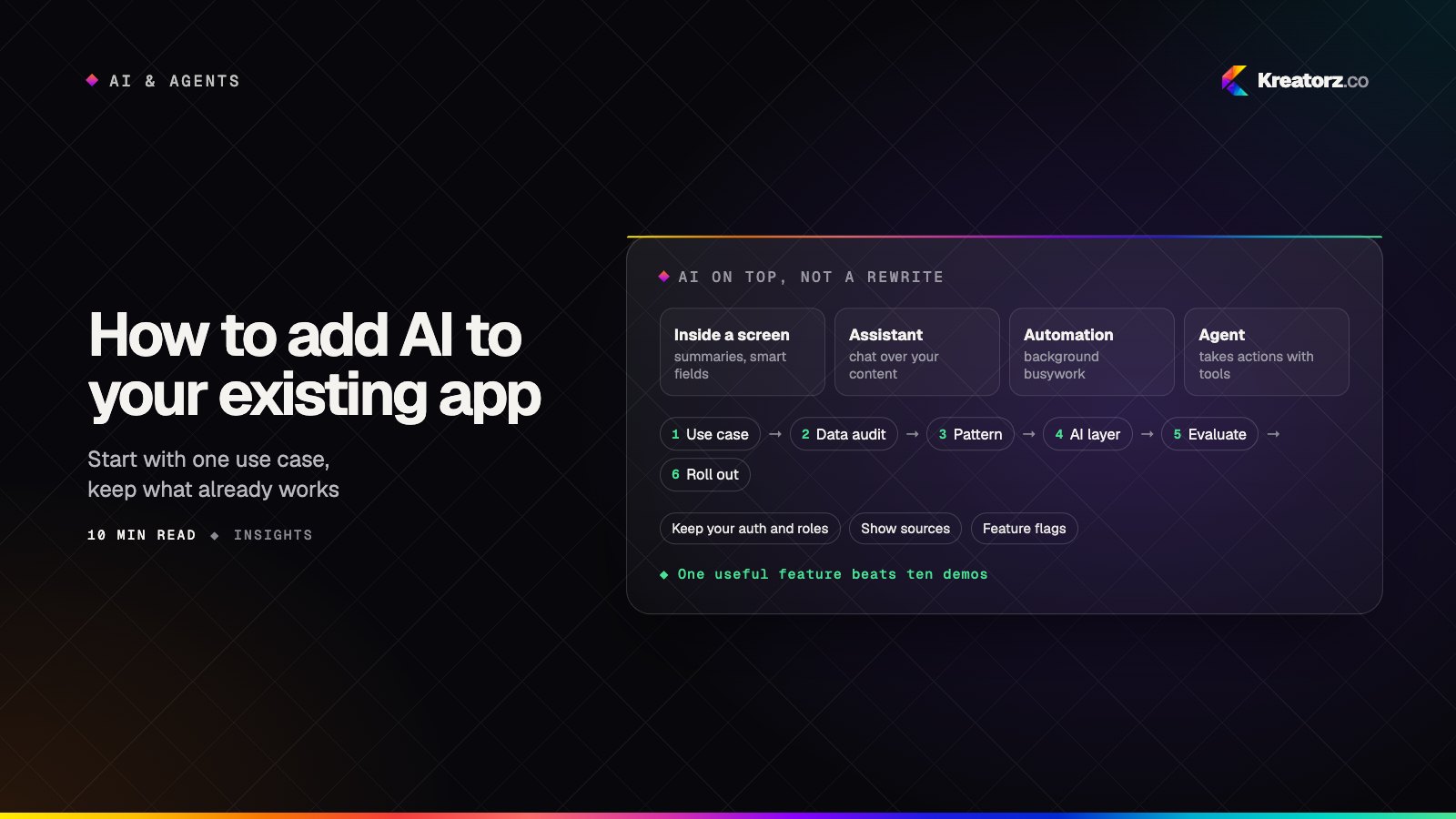
How to add AI to your existing app or software: a step-by-step guide
You do not need to rebuild your product to give it useful AI features. Here is a practical, step-by-step guide to choosing the first use case, auditing your data, picking the right pattern, adding an AI layer without a rewrite, and rolling it out safely.
21 November 2026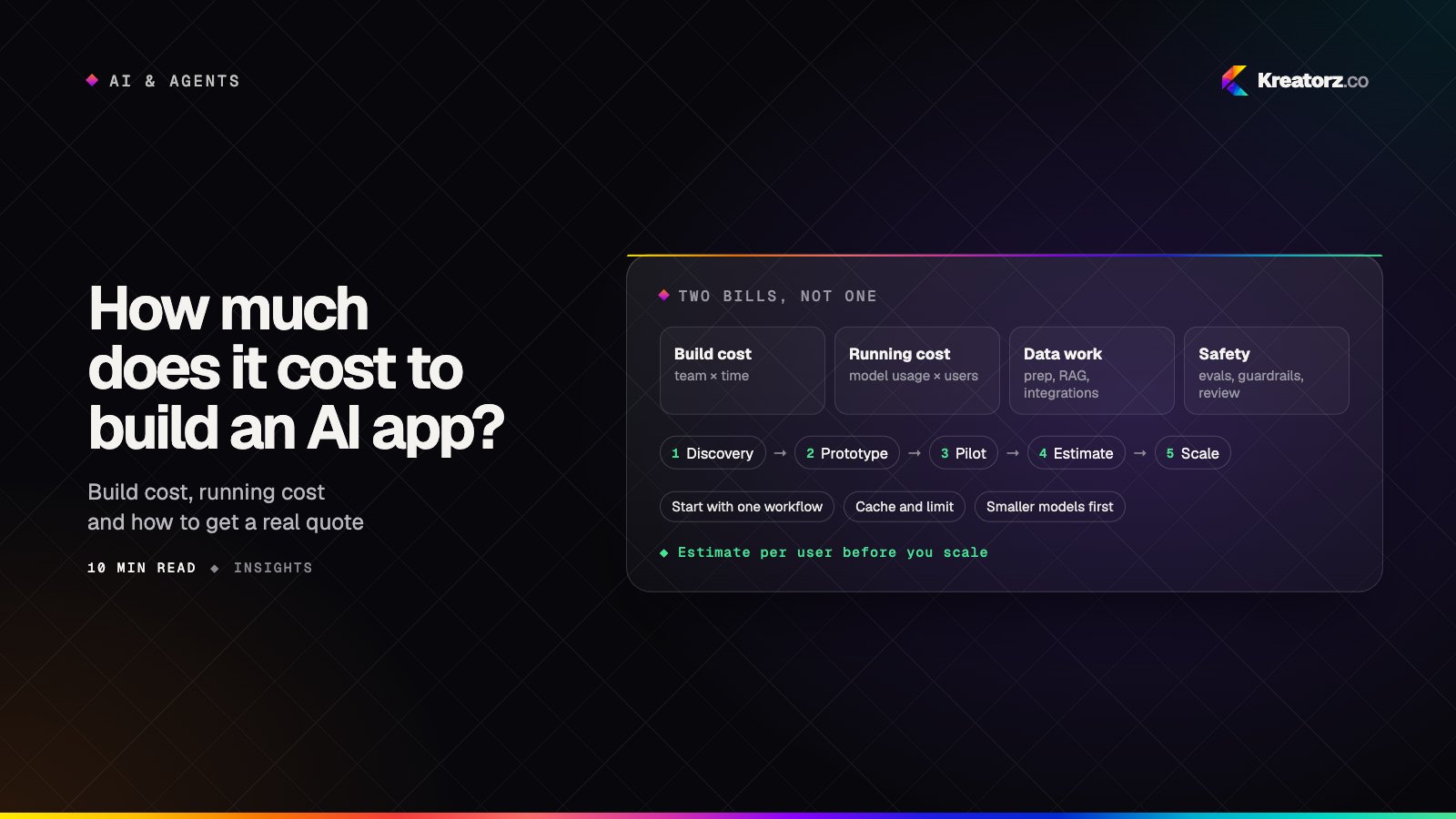
How much does it cost to build an AI app or AI agent? A buyer's guide
AI app development cost is not a mystery number. It follows from the team, the timeline and a handful of AI-specific drivers, plus a running cost that grows with every user. Here is how to estimate both, step by step, and how to keep them under control.
20 November 2026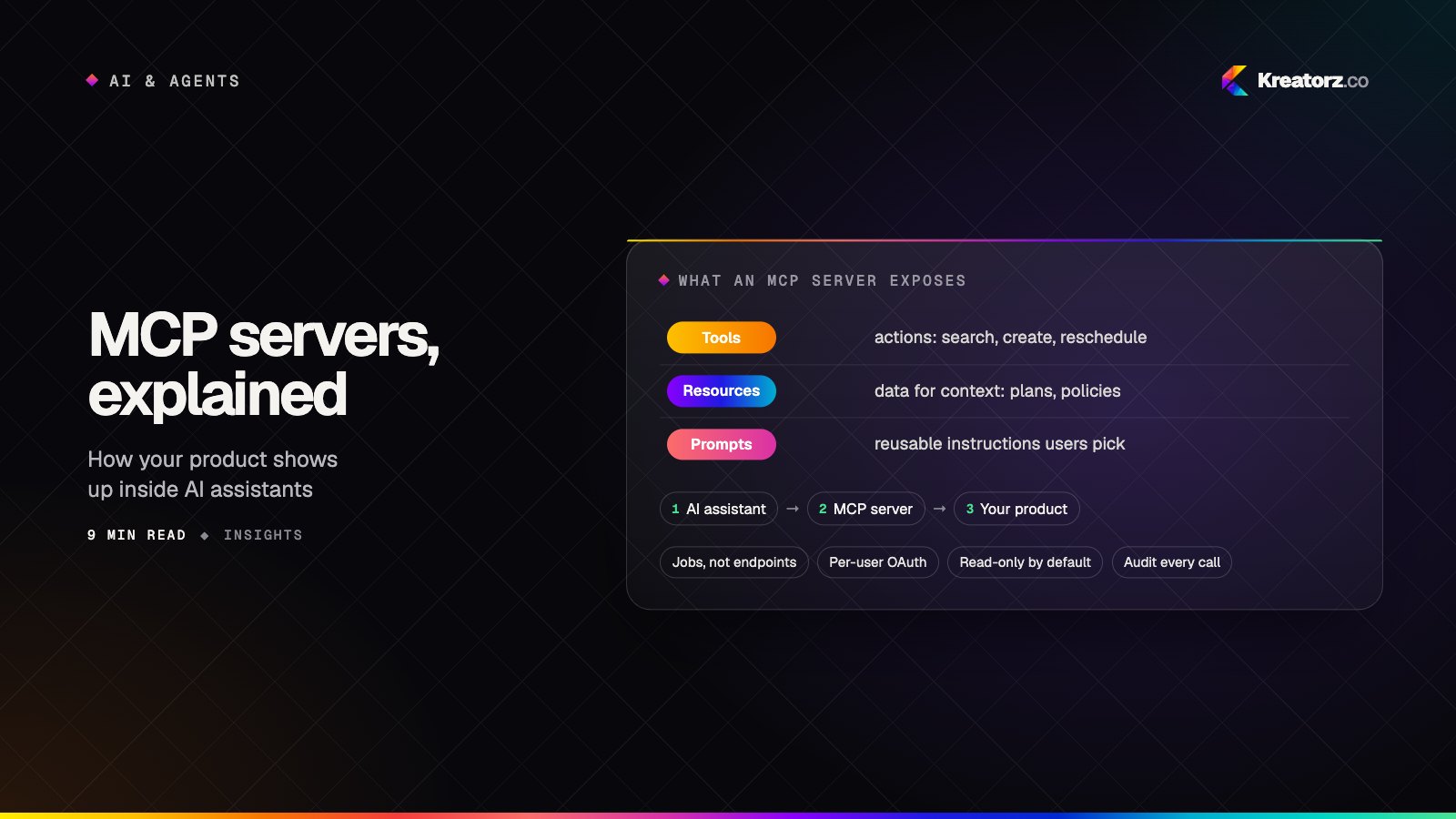
MCP servers explained: why your product needs one for the AI-assistant era
Your customers are starting to work inside AI assistants rather than inside your app. The Model Context Protocol (MCP) is how your product shows up there. Here is what MCP is, what to expose, and how to ship an MCP server that is safe to switch on.
16 November 2026