
How to build an EdTech app: learning loops, AI tutors and the features that keep learners going
Putting lessons online is easy. Building a learning product people actually finish takes a tight learning loop, retention mechanics that serve learning, AI tutors that guide rather than hand over answers, tools for educators, and privacy and accessibility built in. Here is how we approach it.
Short answer
To build an EdTech app people finish, design it around a learning loop: short lessons, active practice, feedback that explains, and spaced review scheduled by the app. Add retention mechanics that reward real progress, AI tutors grounded in your course content that guide rather than hand over answers, educator tools, and accessibility and student privacy from day one.
If you are planning to build an EdTech app, the content is rarely the hard part. Recording videos, writing lessons and uploading them to a platform is well understood. The hard part is what happens next: getting a learner to come back tomorrow, practice what they half understood, remember it a week later and finish the course.
Most learning products fail not because their content is bad, but because the software treats learning like media — something to watch — rather than something to do. This guide covers how we approach learning apps, e-learning platforms and tutoring products that people actually finish.
Start with the learner and the outcome
Before features, get specific about three things:
- Who is learning? A child practicing reading, a student cramming for exams and a nurse completing compliance training need very different products — different session lengths, motivations, devices and supervision.
- What should they be able to do at the end? "Understand Spanish" is not an outcome. "Hold a five-minute conversation about everyday topics" is. A clear outcome lets you design practice that leads to it and measure whether it worked.
- Who else is involved? Teachers, parents, managers and administrators often decide whether a learning product gets bought, adopted or abandoned. They are users too.
Write the outcome down. Every feature discussion should come back to whether it helps learners reach it.
Design the learning loop first
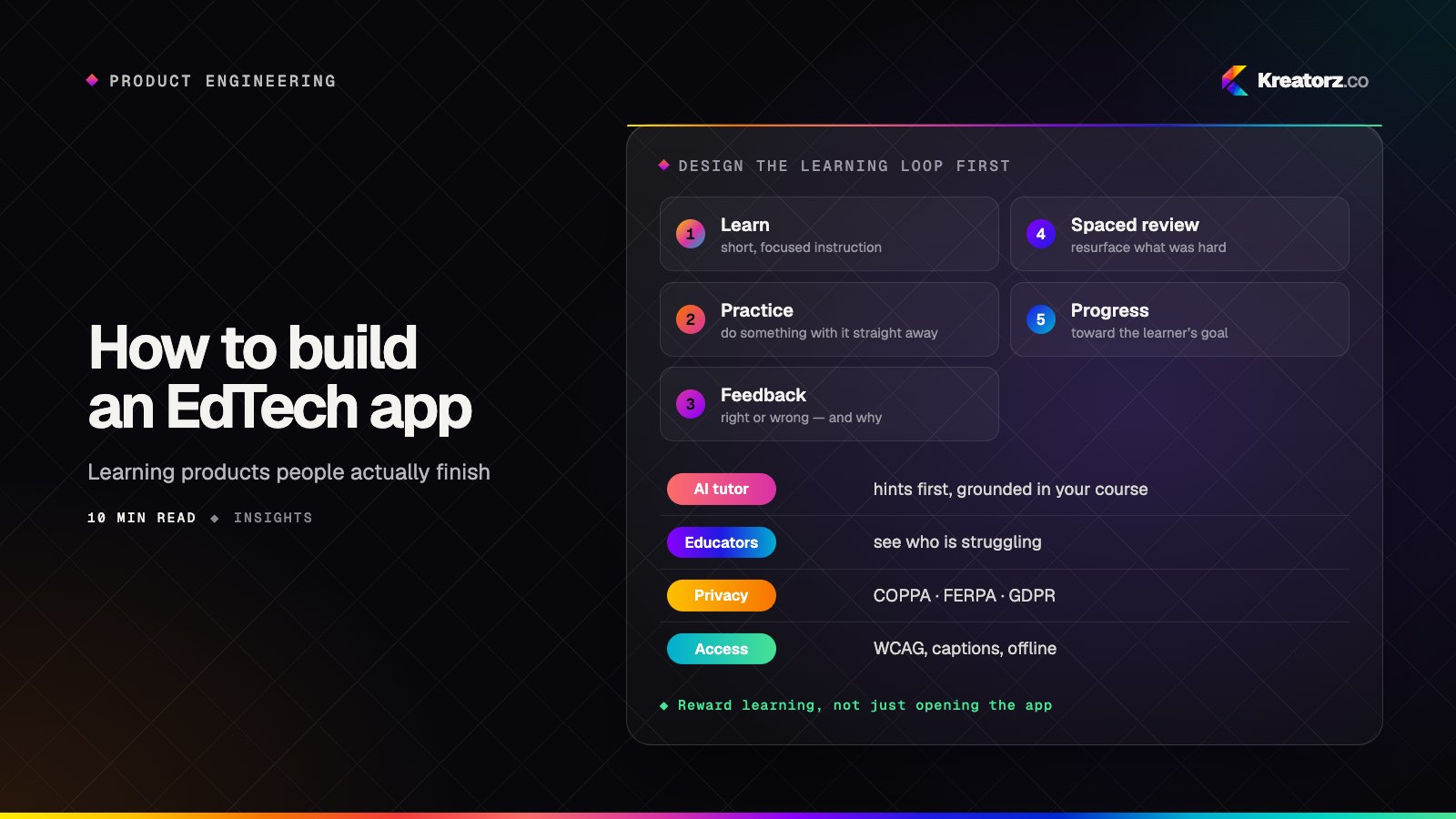
Strong learning products are built around a repeating loop, not a content library:
- Learn — a short, focused piece of instruction: a video, a worked example, a reading, an interactive explanation.
- Practice — the learner does something with it straight away: answers questions, writes, speaks, solves, codes.
- Feedback — they find out quickly whether they were right and, more importantly, why.
- Spaced review — the app brings the material back over the following days and weeks, focusing on what the learner found hard.
This loop is the product. If it works, a modest content library goes a long way. If it doesn't, more courses won't help.
A few design principles follow from it:
- Keep lessons short and the next step obvious.
- Practice should outweigh passive content. Retrieval — trying to recall an answer — is part of how people learn, so make practice the main event, not an optional quiz at the end.
- Feedback should explain, not just mark. "Incorrect" teaches little. "Close — you used the past tense, but this sentence needs the present" teaches something.
- Review should be scheduled by the app, not remembered by the learner. Spaced repetition algorithms that resurface items based on past performance are well established for flashcards and vocabulary, and the same idea applies to concepts, problems and skills.
Retention that serves learning, not vanity
Engagement mechanics are where EdTech products most often go wrong. It is easy to borrow streaks and leaderboards from games and watch daily active users rise while learning stays flat. The question to ask of every mechanic is: does this reward learning, or just opening the app?
| Mechanic | Serves learning when… | Becomes vanity when… |
|---|---|---|
| Streaks | They count meaningful practice, allow rest days or freezes, and don't punish a missed day harshly | Opening the app for a few seconds keeps the streak alive |
| Points and badges | They mark real milestones: a skill mastered, a unit completed, a review session done | They reward volume, so learners chase easy items |
| Leaderboards | They are opt-in, among peers or a class, and based on effort or improvement | They rank everyone by raw score and discourage those at the bottom |
| Reminders | They arrive at the learner's chosen time with a specific, useful next step | They are generic nudges sent to maximize opens |
| Progress bars | They show progress toward the stated outcome | They show content consumed, regardless of understanding |
| Certificates | They require demonstrated skill, such as an assessment | They are issued for watching every video |
The most honest retention feature is often the simplest: visible progress toward a goal the learner cares about. Show what they can do now that they couldn't before, what is due for review and what comes next. Then measure completion, practice accuracy and returns for review, not time in app alone.
AI tutors that guide, not answer
AI can give every learner a patient tutor available at any hour. It can explain a concept another way, generate fresh practice questions, give feedback on an essay or a line of code, and adapt a study plan to what each learner finds difficult.
It can also short-circuit learning entirely if it simply hands over answers. A useful AI tutor is designed around a few rules:
- Ground it in your course content. Use retrieval so explanations match your curriculum, terminology and level, and cite the lesson they came from. Our guide to RAG done right covers how to build this well.
- Guide toward the answer. Ask what the learner has tried, give a hint, then a bigger hint, then a worked example of a similar problem. Revealing the full solution should be a deliberate step, and educators should be able to control when it is allowed — for example, not during an assessment.
- Know its limits. The tutor should say when a question is outside the course, and route learners to a teacher or human support when it can't help.
- Give educators visibility. Teachers should be able to see common questions, review conversations where appropriate, and adjust how the AI behaves for their class.
- Evaluate it like any product feature. Build a set of real learner questions with good answers and test every change against it. Check for accuracy, tone, level and whether it gave away too much.
Trust matters doubly in education, where learners may not be able to spot a wrong answer. Our post on designing AI features people trust goes deeper on expectations, transparency and handling mistakes, and our AI app development team builds tutors and study assistants end to end.
Tools for educators and admins
Educator and admin tools often decide whether a platform succeeds, especially when selling to schools, training providers or companies.
- Course authoring. A course builder that lets educators create and update lessons, exercises and assessments without a developer, with drafts, previews and versioning.
- Class and cohort management. Enrolling learners, organizing groups, assigning work and setting deadlines.
- Grading and feedback. Auto-grading where answers are objective, and efficient review tools where they aren't — rubrics, comments and AI-suggested feedback that educators approve.
- Insight, not just reports. Dashboards that highlight who is struggling, which questions most learners get wrong and where people drop out of a course, so educators know where to step in.
- Integrations. Single sign-on, rostering and links to existing learning management systems or HR tools, which are often requirements for institutional buyers.
- Roles and permissions. Clear separation between learners, teachers, parents, managers and administrators, and what each can see.
Accessibility and reach
Education should work for every learner, and many institutional buyers require it. Build to the Web Content Accessibility Guidelines (WCAG) from the start:
- Captions and transcripts for video and audio.
- Full keyboard navigation and screen-reader support, including for interactive exercises — drag-and-drop questions need an accessible alternative.
- Readable typography, sufficient color contrast, and no information conveyed by color alone.
- Adjustable pace: no unnecessary time limits, and the ability to pause and replay.
Reach matters too. Many learners study on low-cost phones and unreliable connections, so offline lessons, small downloads and lightweight progressive web apps can widen your audience considerably. If you serve learners in several languages, plan for localization early — including right-to-left languages, which we cover in our guide to building Arabic-first apps.
Student privacy and safety
Learning apps often collect data about minors, schoolwork and performance, so privacy deserves design attention from the first sprint:
- Collect only what you need, and be clear about why. Avoid third-party advertising and tracking SDKs in products for children and schools.
- In the US, apps directed at children under 13 fall under COPPA, which requires verifiable parental consent before collecting their personal information. Schools handling student education records operate under FERPA, which shapes how vendors working with them can use and share that data. Many states add their own student privacy laws.
- Elsewhere, rules such as the GDPR in the EU and UK set requirements for consent, data minimization and learners' rights, with additional protections for children.
- Design for safety: moderation for any messaging or community features, sensible defaults for who can contact whom, and secure storage with role-based access.
These rules vary by audience, country and contract, and they change. Treat this as a starting checklist, not legal advice, and confirm your obligations with qualified legal advisors before launch. Our post on AI apps for families covers parental consent and minimal-data design in more detail.
Choosing a business model
How you make money shapes the product, so decide early:
- B2C subscriptions. Learners or parents pay monthly or yearly. This rewards ongoing value and retention, and usually means in-app subscriptions through the App Store and Google Play alongside web payments.
- B2B and schools. Institutions or employers buy licenses for groups of learners. Sales cycles are longer, and buyers expect admin tools, reporting, SSO, accessibility and privacy commitments — but each customer brings many learners.
- Course sales. One-off purchases of individual courses or bundles, common for professional skills.
- Marketplaces. Connecting learners with tutors or course creators and taking a share of each transaction. This adds scheduling, live video, payouts and reviews. See our guide to building a marketplace app.
Many products combine models, such as a free consumer tier that leads to a team plan. Whatever you choose, don't let the paywall interrupt the learning loop just as it starts working.
Scoping your MVP
A first version should prove that your learning loop works for a specific group of learners, not cover every subject and feature. A focused EdTech MVP typically includes:
- One clear learner profile and one outcome.
- A small set of lessons built around the full loop: learn, practice, feedback and review.
- Simple, honest progress tracking.
- Basic educator or admin tools — even if your team is the only "educator" at first.
- Analytics on completion, practice accuracy and return visits.
Leave for later: large content libraries, complex gamification, live classes, deep LMS integrations and an AI tutor across every subject — unless one of these is the core of your idea. Our guide to going from idea to MVP in weeks covers the process, and how much it costs to build an app explains the main cost drivers. Most learners will reach you on a phone, so our mobile app development team designs for iOS, Android and the web together.
The bottom line
The EdTech products that work are built around how people learn: short instruction, active practice, explanatory feedback and spaced review, wrapped in retention mechanics that reward real progress. Add AI tutors that guide rather than answer, give educators the tools to see who needs help, and build accessibility and student privacy in from day one.
If you are planning a learning app, e-learning platform or tutoring product, see our EdTech app development service, or book a free consultation to talk through your learners, your outcome and your first version.
Frequently asked questions
What features does an EdTech app need?
At minimum: short lessons, practice with instant feedback, spaced review, progress tracking, and tools for whoever creates and manages the content. Depending on the model, add assessments, certificates, live classes, payments, educator dashboards and AI tutoring.
Should we build a custom LMS or use an existing one?
If an existing LMS covers your needs, it is often the fastest route. A custom platform makes sense when the learning experience is your product, when you need features or integrations off-the-shelf tools can't provide, or when license costs grow with your learners.
How do you stop an AI tutor from just giving students the answers?
Design it to ask what the learner has tried, offer progressive hints and worked examples of similar problems, and reveal full solutions only when allowed. Ground it in your course content, let educators control its behavior, and test it against real learner questions.
Do learning apps for children need special privacy measures?
Yes. In the US, COPPA requires verifiable parental consent before collecting personal information from children under 13, and FERPA applies to student records held by schools. Other regions have their own rules, such as the GDPR. Collect minimal data and confirm requirements with legal advisors.
Are streaks and leaderboards good for learning?
They can be, if they reward meaningful practice rather than simply opening the app. Allow rest days, base recognition on effort or mastery, keep leaderboards opt-in, and track learning outcomes alongside engagement.
- EdTech & e-learning appsWe design and build e-learning platforms, learning apps, tutoring marketplaces, LMS and school apps for iOS, Android and the web — with AI tutors, progress tracking…Explore
- AI app developmentWe design, build and run AI-powered apps — assistants, copilots, knowledge tools, vision and voice features — that solve a measurable problem and hold up in production.Explore
- Mobile app developmentWe plan, design, build and grow mobile apps for iPhone and Android — choosing the right technology for your product, not the one we happen to prefer.Explore


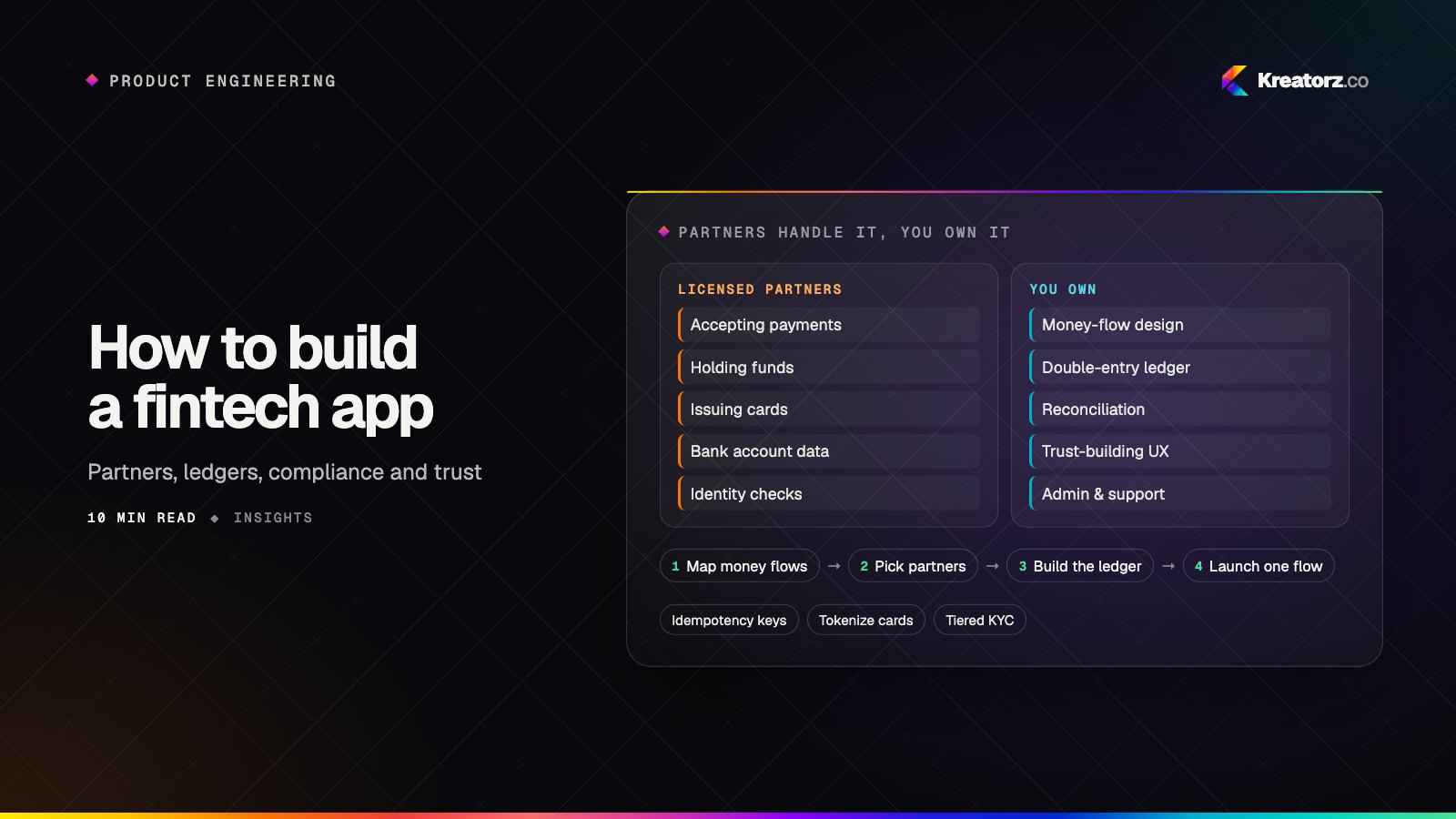
How to build a fintech app: partners, ledgers, compliance and trust
A fintech app is a consumer product sitting on top of regulated infrastructure. Here is how to choose licensed partners, design money flows and a ledger that always balances, reduce your compliance and security burden, build trust into the UX and scope an MVP that can actually launch.
17 November 2026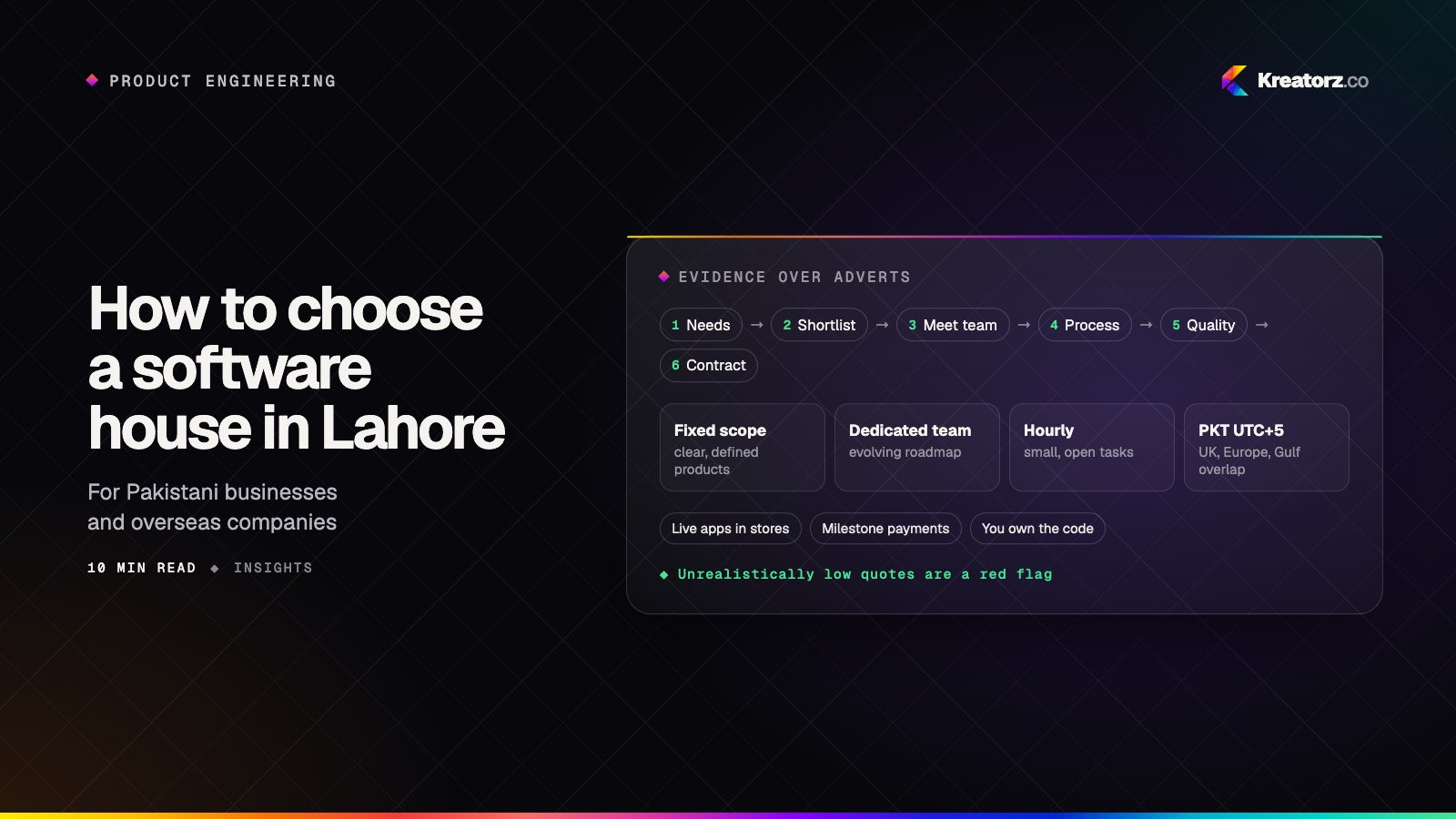
How to choose a software house in Lahore: a step-by-step guide
Whether you are a Pakistani business or an overseas company hiring a team in Pakistan, here is a practical, step-by-step way to choose a software house in Lahore for your app, custom software, SaaS or AI product, plus the red flags and questions that separate strong teams from risky ones.
17 November 2026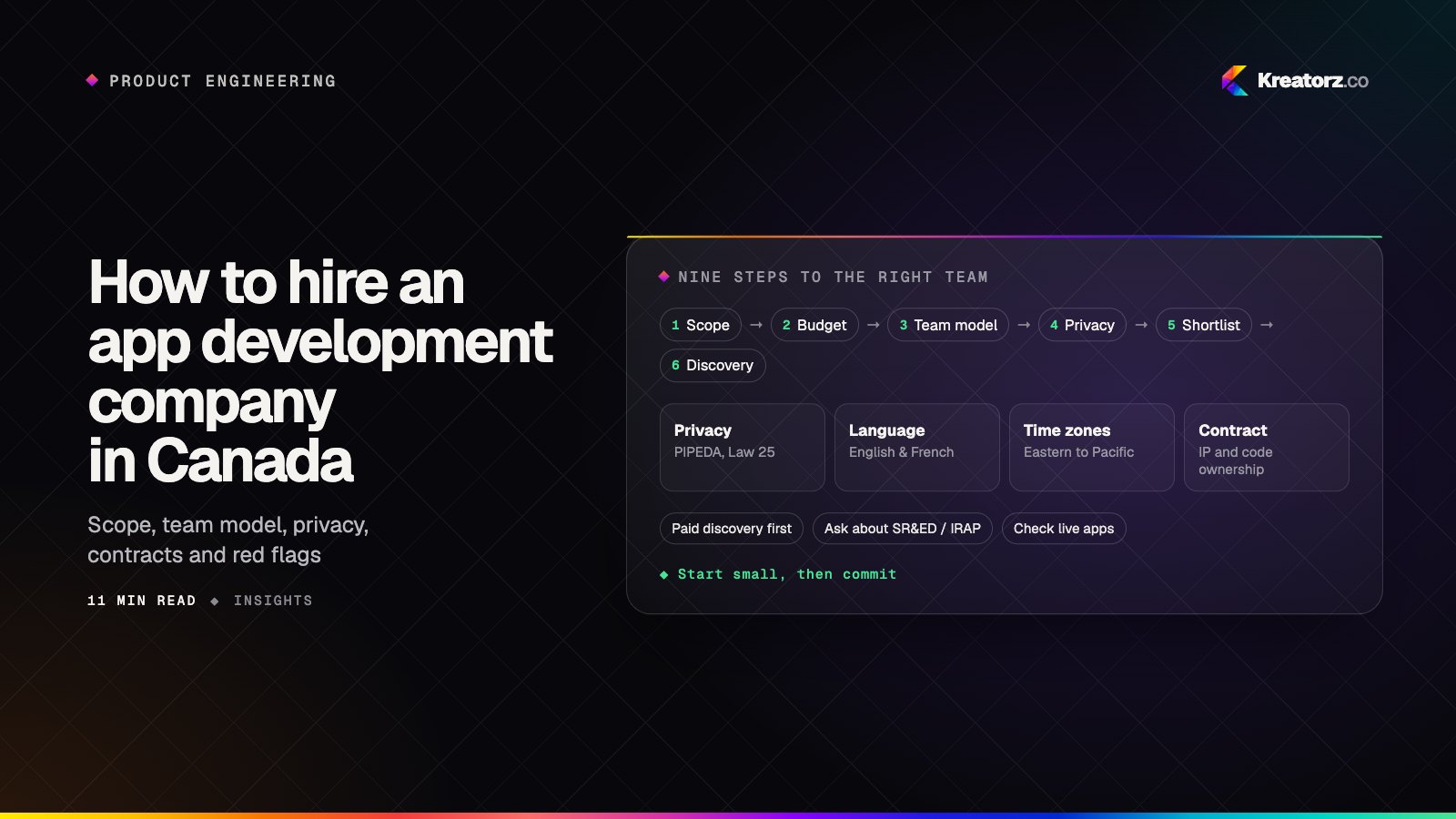
How to hire an app development company in Canada: a step-by-step guide
Hiring a team to build your mobile app, SaaS platform or AI product is a big decision. Here is a practical, step-by-step process for Canadian founders and businesses, from scoping and team models to privacy, contracts, IP and the red flags worth walking away from.
17 November 2026