How to build a fleet management app that drivers and dispatchers rely on
A fleet management app turns scattered calls, paper forms and spreadsheets into one live view of vehicles, drivers and jobs. Here is a step-by-step guide to defining your fleet's needs, the features for drivers, dispatchers and managers, GPS and telematics data, routing, compliance, offline use, the tech stack and launching a pilot.
Short answer
To build a fleet management app, start with the problems your fleet actually has, such as visibility, dispatch, maintenance or compliance. Choose your vehicle data source, from phone GPS to telematics devices, then build a driver app, a live dispatch dashboard and manager reports. Add routing, inspections, maintenance and alerts, design for poor connectivity and pilot with a few vehicles first.
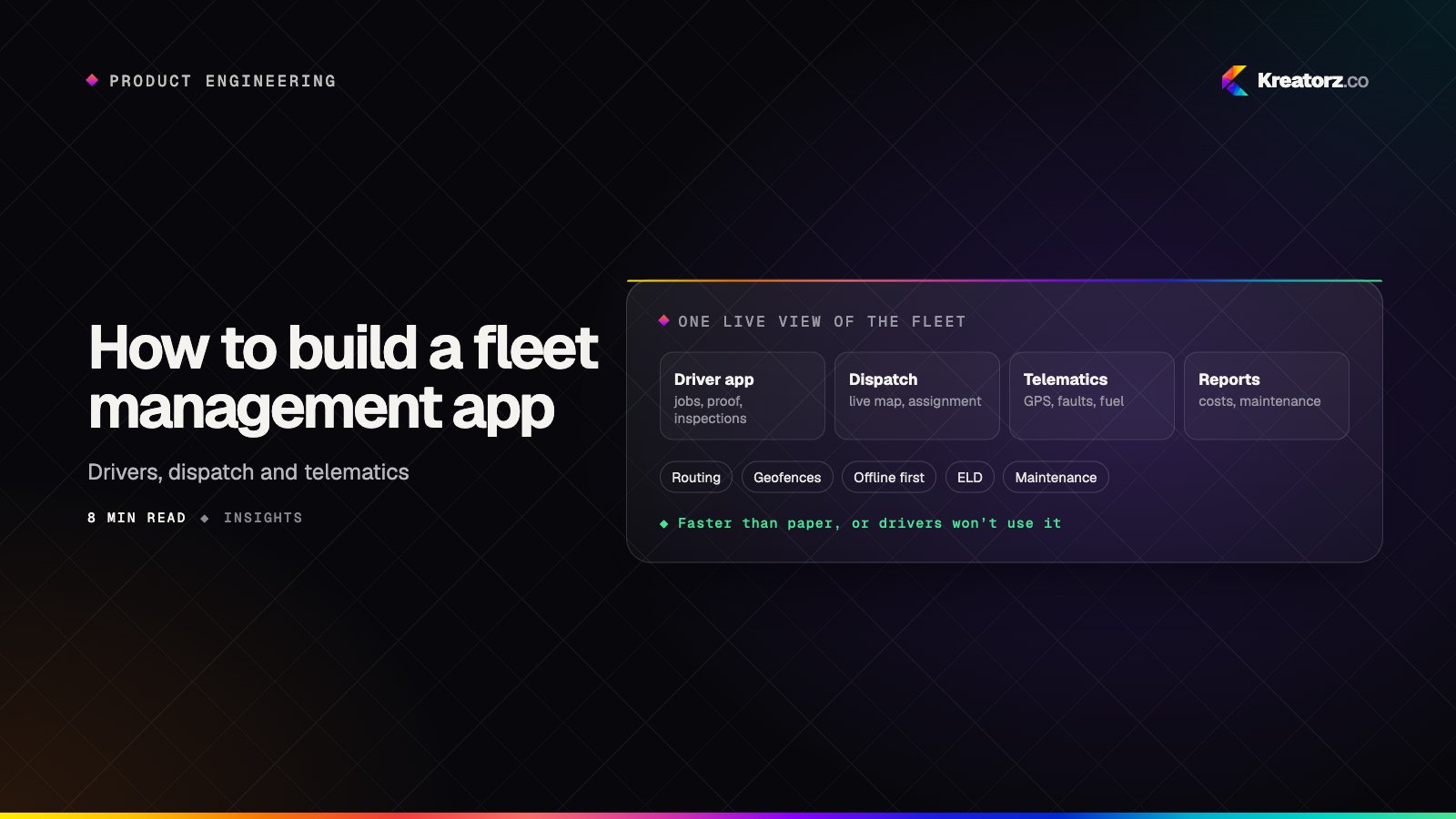
Every fleet runs on the same questions. Where are our vehicles? Which driver can take this job? Will we make the delivery window? Which van is due for service? Why is fuel spend up this month? When the answers live in phone calls, paper forms and spreadsheets, dispatchers spend their day chasing information and managers find problems weeks late.
A fleet management app puts those answers in one place. This guide walks through how to build one, whether you run delivery vans, service technicians, trucks, buses or a mixed fleet, or you are building a fleet product for other businesses.
Step 1: Start with the problems, not the features
Off-the-shelf fleet tools exist for standard needs, so a custom app should earn its place by solving your specific problems. List the biggest ones and what they cost you:
| Problem | Typical symptom | Feature that fixes it |
|---|---|---|
| No live visibility | Dispatchers call drivers to ask where they are | Live map with vehicle and job status |
| Inefficient dispatch | Jobs assigned by gut feel, long drive times | Assignment rules and route optimization |
| Paper processes | Lost inspection forms and proof of delivery | Digital forms, photos and signatures |
| Surprise breakdowns | Vehicles off the road unexpectedly | Maintenance schedules and fault alerts |
| Compliance risk | Missing hours or inspection records | Digital logs, reports and audit trails |
| Rising costs | Unexplained fuel and overtime spend | Fuel, idling and utilization reports |
Many businesses choose custom when their work combines fleet operations with their own jobs, customers and billing, which generic tools handle poorly.
Step 2: Decide where vehicle data comes from
Your data source shapes everything else:
- Driver smartphone GPS: the fastest and cheapest start. Works well for location, trips and job status, but depends on the driver's phone being on, charged and permitted to share location in the background.
- Telematics devices: hardware installed in the vehicle, often through the diagnostic port, reporting location, speed, ignition, engine fault codes, fuel and driving behavior. More reliable and richer, with hardware and data costs.
- Vehicle manufacturer data: many newer vehicles can share data through manufacturer or aggregator APIs without extra hardware.
- Existing telematics providers: if your vehicles already have devices, integrate with the provider's API instead of replacing them.
Many fleets combine sources: telematics for the vehicle, the driver app for jobs, photos, signatures and inspections.
Step 3: Design for each user
Drivers and technicians
- Today's jobs or route in order, with addresses, contacts and notes
- One-tap navigation in their preferred maps app
- Status updates: on the way, arrived, completed, problem
- Proof of delivery or service: photos, signatures, barcode scans and notes
- Pre-trip and post-trip vehicle inspections with photos of defects
- Messaging with dispatch
- Works offline and syncs when connectivity returns
The driver app must be fast to use with gloves on, in bright sunlight and between stops. Large tap targets, few screens and minimal typing matter more than feature count.
Dispatchers
- A live map of vehicles and jobs, with filters by status, region and vehicle type
- Job creation, assignment and reassignment by drag and drop
- Suggested assignments based on location, skills, capacity and hours
- Alerts for late jobs, idle vehicles, geofence entries and exits, and breakdowns
- Customer notifications with tracking links and arrival times
Fleet and operations managers
- Utilization, mileage, fuel and idling reports
- Maintenance schedules by mileage, engine hours or date, with service history
- Driver behavior insights such as harsh braking and speeding, used for coaching
- Costs per vehicle, route and job
- Compliance records and exports
Our guide on how to build a delivery app covers the customer-facing ordering and tracking side in more depth.
Step 4: Build routing and dispatch logic
Routing ranges from simple to genuinely hard:
- Navigation to one stop, handed off to a maps app. Simple.
- Ordering a list of stops for one driver, respecting time windows. Moderate.
- Optimizing routes across many vehicles, with capacities, time windows, driver hours, skills and traffic. A complex optimization problem, usually solved with a specialized routing engine or service rather than from scratch.
Start with the level your operation needs. A routing service with a good API often delivers most of the value quickly, and you can build custom rules on top.
Step 5: Handle compliance
Fleet rules vary by vehicle type and country, so confirm what applies to you:
- Hours of service and electronic logging: in the US and Canada, many commercial drivers must record driving hours with certified electronic logging devices (ELDs). If you need ELD functionality, you'll typically integrate a certified device or provider rather than build one.
- Vehicle inspections: many commercial fleets must complete and keep inspection reports. Digital forms with photos make this faster and auditable.
- Driver privacy: location tracking of employees is regulated in many places. Be clear about when tracking is active, typically during working hours or trips only, and follow privacy and employment laws in each region.
- Data retention: keep records as long as rules require and no longer than needed.
Step 6: Design for real-world conditions
Fleets work where connectivity is weak and conditions are rough:
- Offline first: the driver app should store jobs and forms locally and sync later without losing data.
- Battery and data use: tune location update frequency to what you need. Frequent updates while moving, fewer when parked.
- Background location permissions: both iOS and Android tightly control background location. Explain clearly why you need it, and expect app store reviewers to check your justification.
- Rugged and shared devices: some fleets use company devices, scanners or tablets mounted in cabs. Support quick driver switching and device management.
Step 7: Choose the tech stack
- Driver app: a cross-platform app with Flutter or React Native, with native modules for background location where needed. Our guide on choosing a mobile stack compares the options.
- Dispatch and management: a web app with a fast live map, built with React.
- Backend: APIs and real-time updates, often in Node.js, a database with geospatial support, a time-series store for location history, and background jobs for alerts and reports.
- Integrations: telematics providers, maps and routing services, fuel cards, accounting, ERP, customer notifications and payroll.
- Cloud: managed hosting with monitoring, backups and autoscaling for location data volumes. See our AWS development service.
Step 8: Add AI and analytics where they pay off
Once data flows reliably, analytics and AI can add real value:
- Predictive maintenance from fault codes, mileage and service history
- Better arrival time estimates from historical trip data
- Anomaly detection for unusual fuel use, idling or routes
- Natural-language reports, such as asking which vehicles had the most idle time last week
- Automatic data extraction from fuel receipts and delivery paperwork
Our guide on how to add AI to your existing app explains how to choose the first AI feature.
Step 9: Pilot with a few vehicles
Start with a small group of vehicles, drivers and one dispatcher. Train them, gather feedback daily in the first weeks, and measure:
- Driver app adoption and job completion through the app
- Calls between dispatch and drivers
- On-time job rate and drive time per job
- Time spent on paperwork and inspections
- Data accuracy: missing locations, sync failures, battery complaints
Fix friction for drivers first. If drivers find the app slower than the old way, the rollout will stall.
What drives the cost
The main cost drivers are the number of user types, the vehicle data source and telematics integrations, routing complexity, compliance features, offline requirements, reporting depth, integrations with your business systems and the size of the fleet. Ongoing costs include hosting, map and routing usage, telematics data and maintenance. See how much it costs to build an app and how much app maintenance costs.
The bottom line
A good fleet management app starts with your fleet's real problems, a reliable source of vehicle data and a driver app that is faster than paper. Add live dispatch, routing, maintenance and compliance in the order that saves the most time and money, and roll out with a pilot before the whole fleet.
At Kreatorz we build fleet, logistics and field service apps: driver apps, dispatch dashboards, telematics integrations and reporting. See our logistics app development service, or tell us about your fleet.
Frequently asked questions
How do I build a fleet management app?
Identify your fleet's biggest problems, choose a vehicle data source such as phone GPS or telematics devices, then build a driver app, a live dispatch dashboard and management reports. Add routing, inspections, maintenance and compliance features as needed, design for offline use and pilot with a few vehicles before rolling out.
What features should a fleet management app have?
Live vehicle tracking, job dispatch and assignment, a driver app with jobs, navigation, status updates, proof of delivery and inspections, alerts and geofences, maintenance scheduling, fuel and utilization reports, driver behavior insights and compliance records. The right mix depends on your fleet type and problems.
Can I track vehicles without telematics hardware?
Yes. A driver smartphone app can report location during trips and jobs, which is often enough for visibility and dispatch. Telematics devices or manufacturer data add engine diagnostics, fuel, ignition and driving behavior data, and keep working when a phone is off.
Should I build a custom fleet app or use an existing tool?
Use an off-the-shelf tool if your needs are standard tracking and reporting. A custom app makes sense when fleet operations are tightly linked to your own jobs, customers, billing or workflows, when you need specific integrations, or when you are building a fleet product to sell to other businesses.
Is it legal to track drivers with an app?
Tracking company vehicles and work activity is generally allowed, but rules on employee monitoring, consent and data retention vary by country and state. Track only during work, tell drivers clearly what is collected and why, and check the laws where you operate.
- Logistics & delivery appsWe design and build delivery apps, courier and dispatch platforms, driver and rider apps, fleet management tools and customer tracking — connected end to end, from…Explore
- Mobile app developmentWe plan, design, build and grow mobile apps for iPhone and Android — choosing the right technology for your product, not the one we happen to prefer.Explore
- Custom software developmentWe design and build web platforms, internal tools, customer portals, mobile apps and AI-powered systems that fit your business — instead of bending your business to…Explore


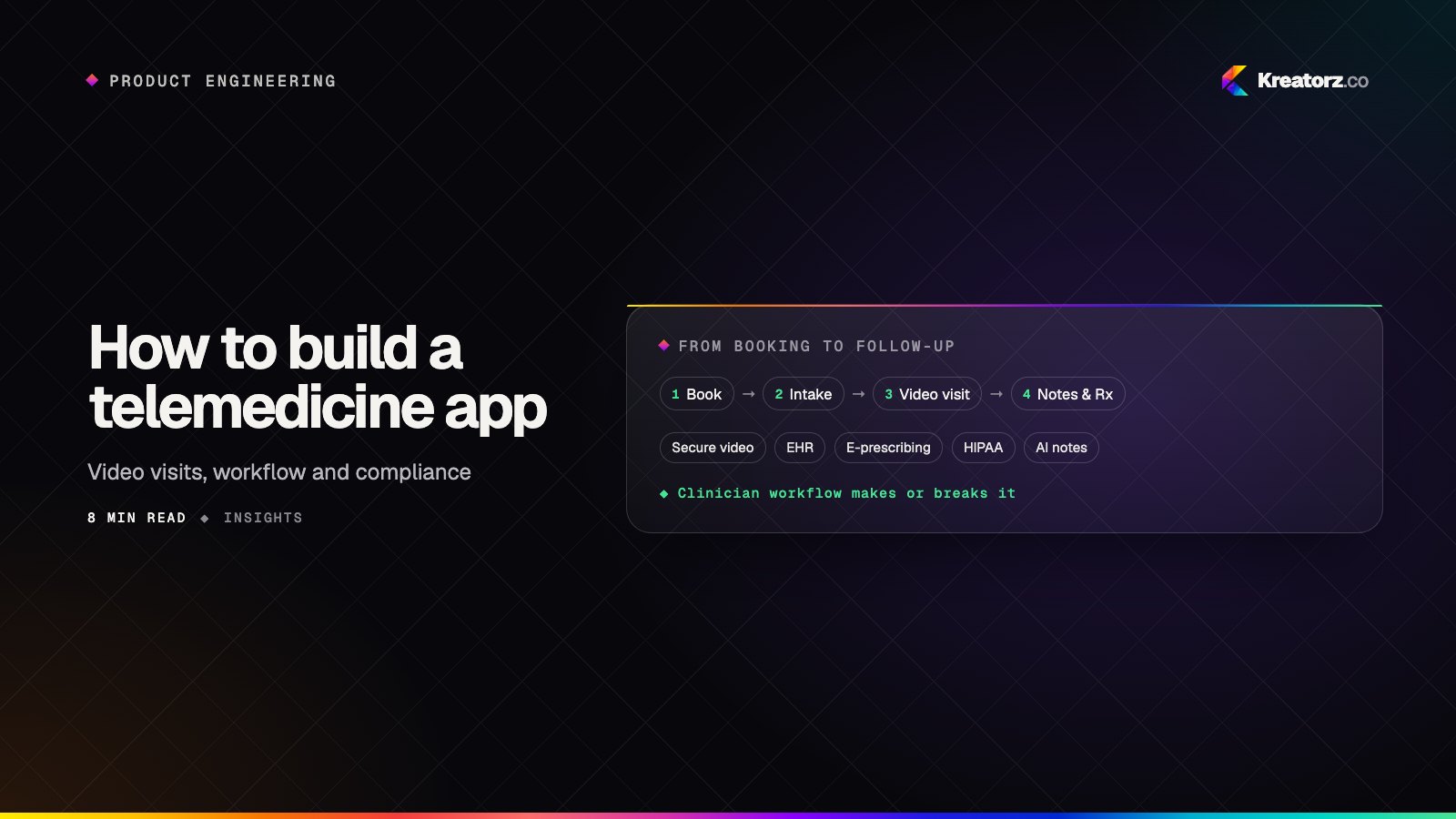
How to build a telemedicine app patients and clinicians actually use
A telemedicine app has to make a video visit feel as easy as a phone call for patients, fit into clinicians' existing workflow and protect health information to a standard regulators accept. Here is a step-by-step guide to choosing your care model, core features, video, EHR and e-prescribing integrations, compliance, AI and launching an MVP.
25 November 2026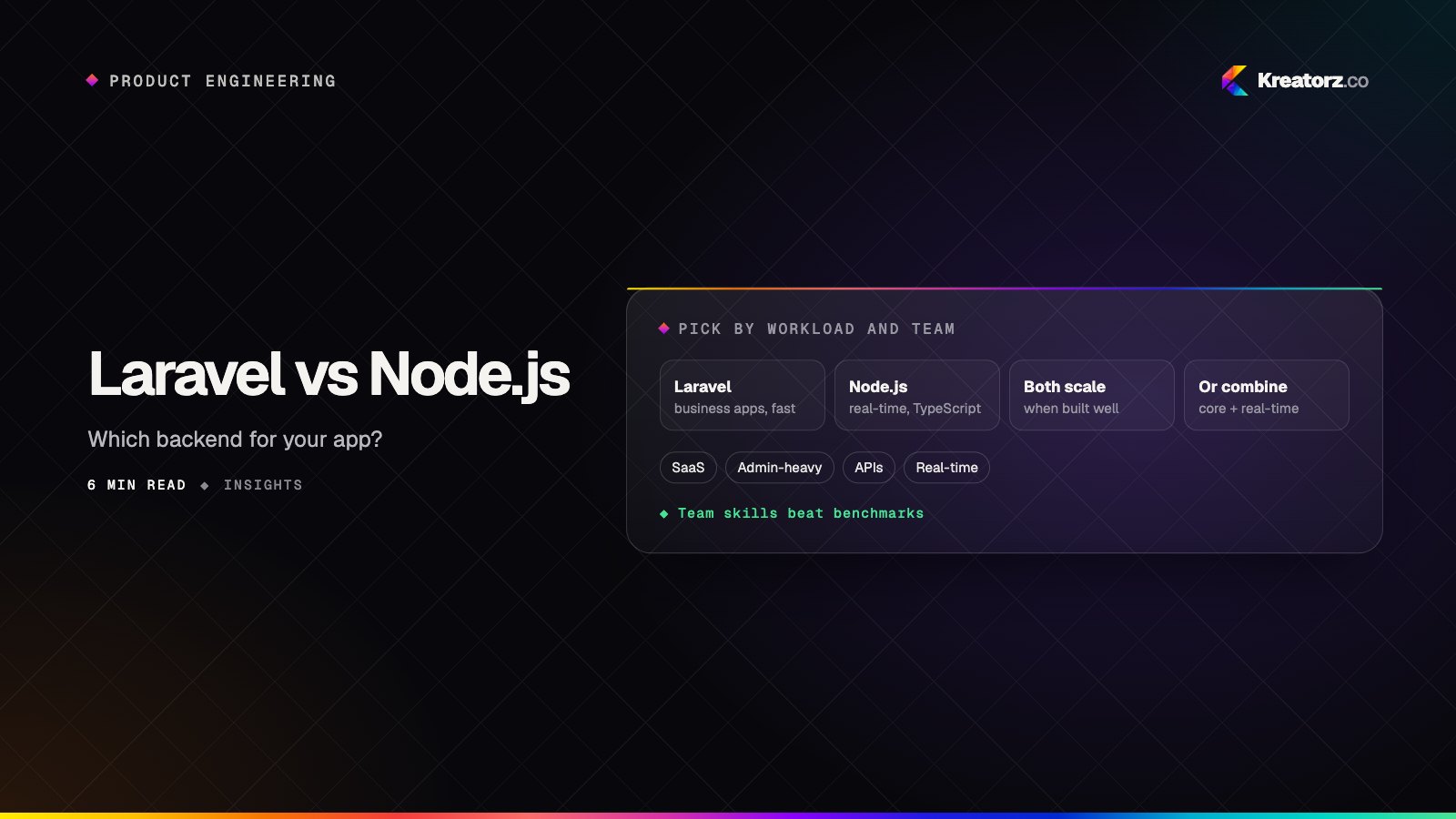
Laravel vs Node.js: which backend should you choose for your app?
Laravel and Node.js are two of the most popular ways to build a web or mobile app backend. Laravel is a batteries-included PHP framework built for fast, structured development. Node.js is a JavaScript runtime that excels at real-time, I/O-heavy systems and shares a language with your front end. Here is how they compare and how to choose.
25 November 2026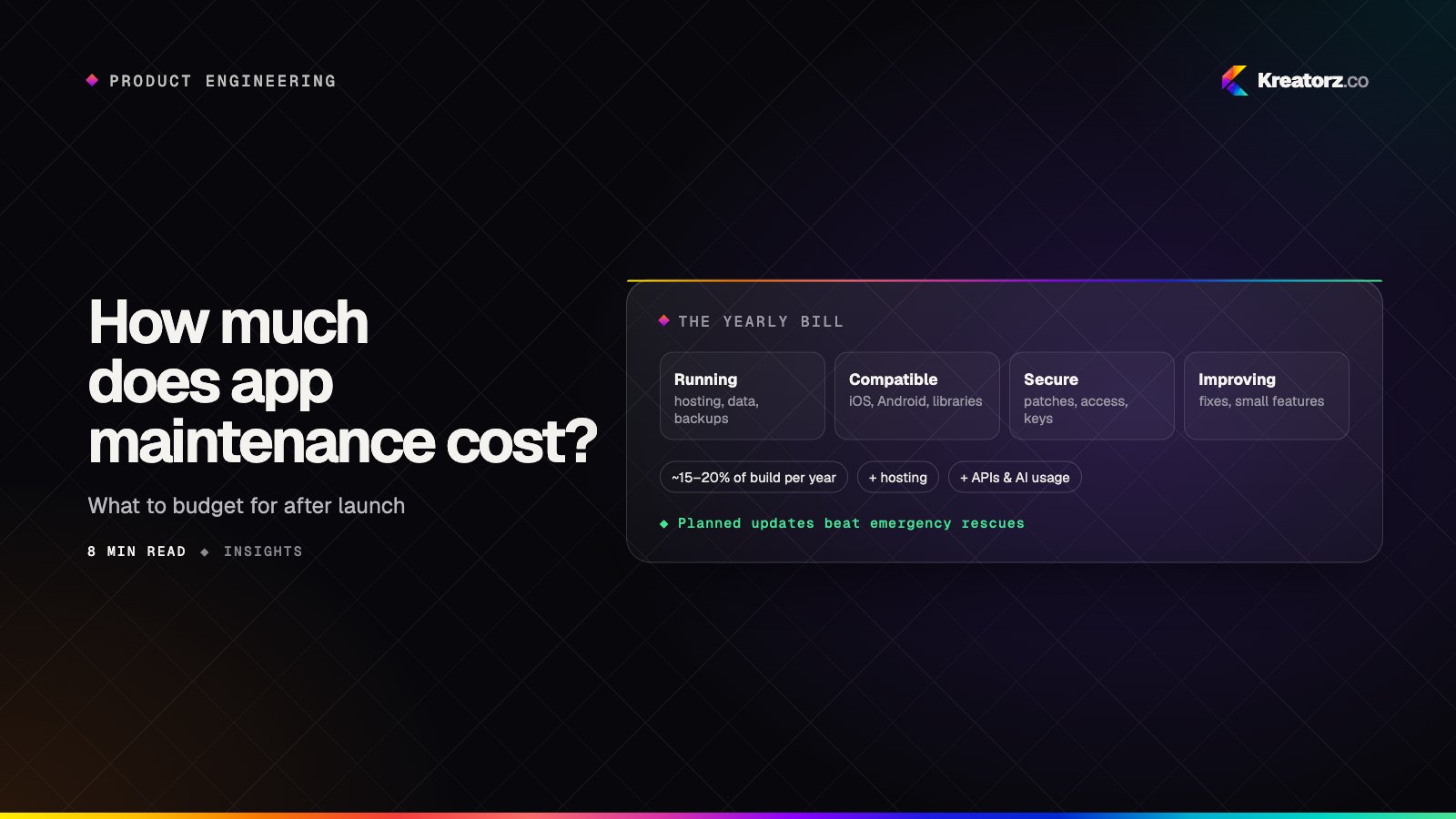
How much does app maintenance cost after launch?
Launch day is not the finish line. Every live app needs hosting, OS and security updates, bug fixes, monitoring and small improvements, and those costs continue for as long as people use it. Here is what app maintenance actually covers, what drives the cost, how to budget for it, the support models available and how to keep the bill under control.
23 November 2026