
How to build a delivery app: the four connected apps, real-time tracking, dispatch and payouts
A delivery app is never one app. It is a customer app, a driver app, a dispatch dashboard and a partner portal, held together by real-time tracking, assignment rules and the money flowing between them. Here is how to plan, build and launch one.
Short answer
A delivery app is really four connected apps plus admin: a customer app, a driver app, a dispatch dashboard and a partner portal sharing one backend. Design the order lifecycle and its unhappy paths first, push real-time tracking and ETAs, make the driver app battery-friendly and offline-first, agree payment and payout rules early, and launch in one pilot zone.
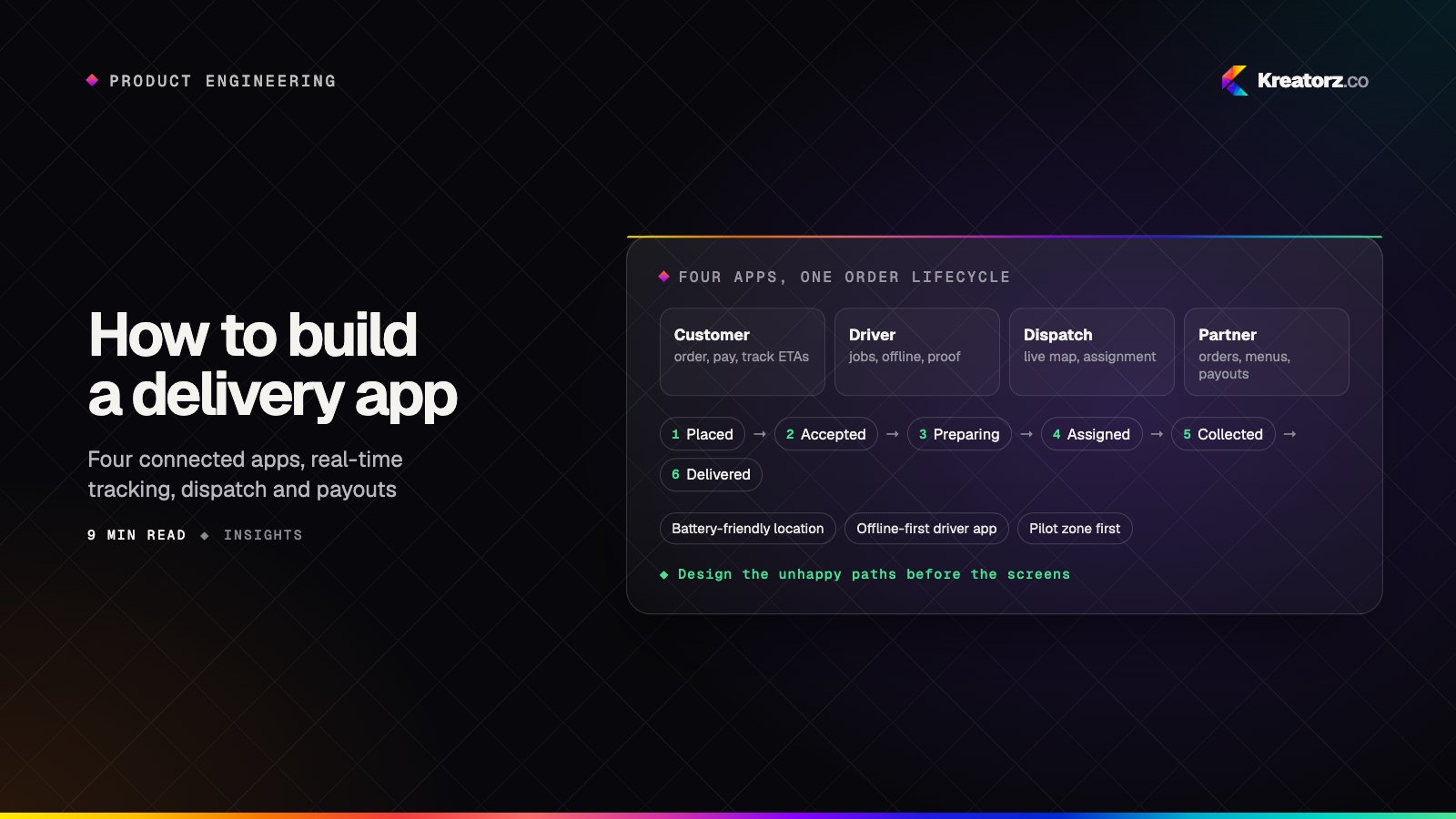
Most people picture a delivery app as the screen where they order dinner and watch a dot move across a map. That screen is the smallest part of the product. Behind it sits a driver app that has to work in a basement car park, a dispatch dashboard that decides who picks up what, a portal where restaurants and stores manage their orders, and an admin layer that handles zones, fees, refunds and payouts.
Get any one of those wrong and orders wait for riders, ETAs drift and customers call support.
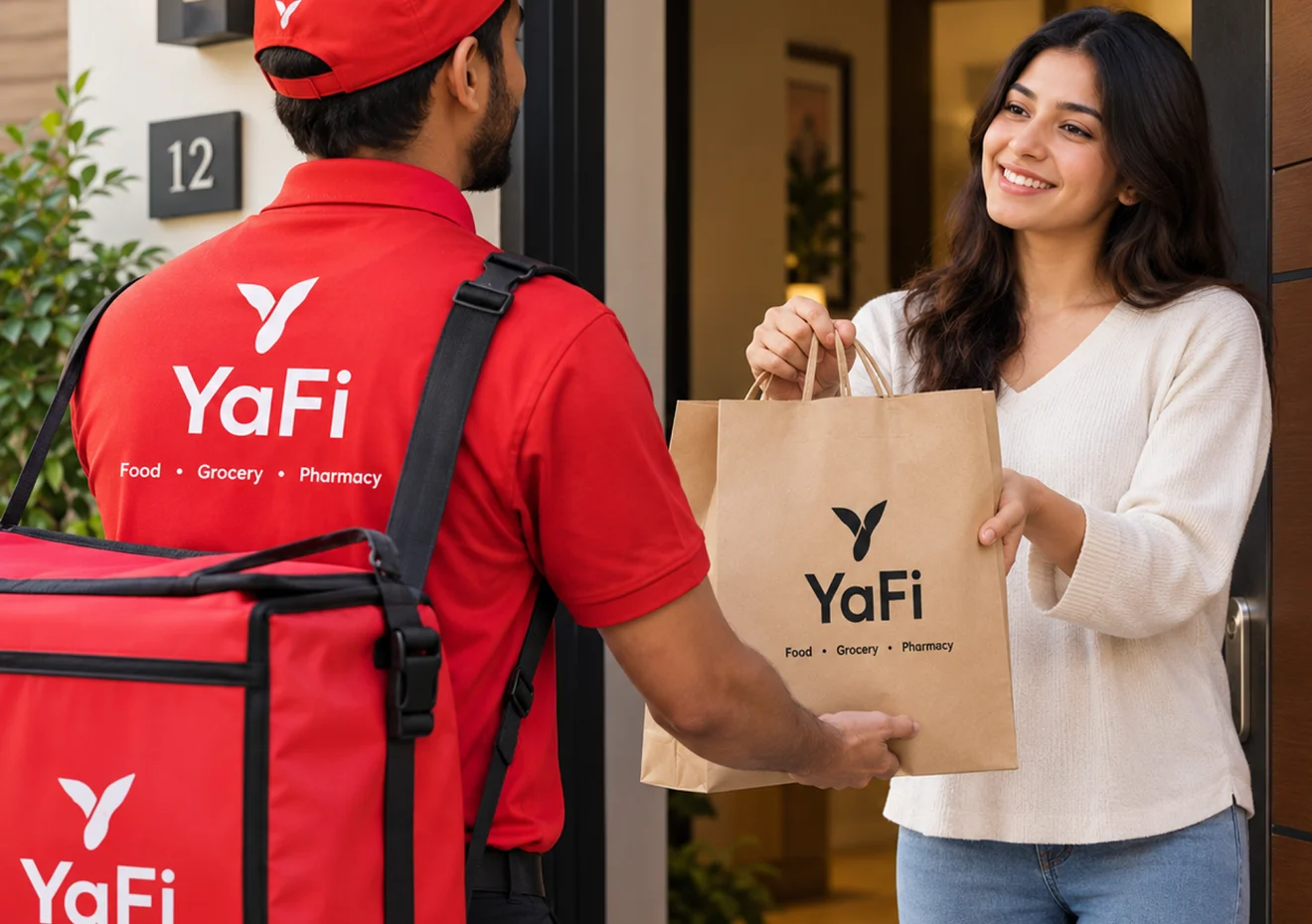
We built YaFi, an on-demand delivery app for restaurants, grocery stores and pharmacies, with live order tracking and ETAs, pickup or delivery, the YaFi Pay wallet, in-app rider messaging and a partner portal for businesses, available in English and French. This guide covers what it takes to build a delivery or logistics platform: the connected apps, the real-time systems, dispatch, payments, integrations and a launch plan that does not try to cover a whole city on day one.
A delivery platform is four apps, plus admin
Before features, map the people involved. Every delivery business has at least four groups of users, and each needs its own experience.
| App | Who uses it | Core features |
|---|---|---|
| Customer app | People placing orders | Search and browse, ordering, pickup or delivery, payment, live tracking with ETAs, notifications, ratings |
| Driver / rider app | Couriers and drivers | Job offers, navigation hand-off, pickup and drop-off steps, proof of delivery, messaging, earnings |
| Dispatch dashboard | Your operations team | Live map of orders and drivers, assignment, exceptions, re-routing, customer communication |
| Partner portal | Restaurants, stores, merchants | Incoming orders, menus or catalogs, opening hours and availability, payouts, reports |
| Admin | Your internal team | Zones, pricing and fees, driver onboarding, refunds, analytics, settings |
These share one backend and one source of truth for status. When a rider marks an order as collected, the customer, partner and dispatcher should all see it within seconds.
In YaFi, for example, customers search restaurants by name or category, order food, groceries or pharmacy items, and choose pickup or home delivery. Once a rider collects the order, in-app messaging opens between customer and rider. Restaurants and stores join through a dedicated partner portal. Each of those moments touches more than one app.
If your business connects independent merchants with customers, many of the patterns from our guide to building a marketplace app apply too — especially onboarding, payouts and trust.
The order lifecycle is your core model
Design the order lifecycle before you design screens. A typical delivery order moves through states like these:
- Placed — the customer pays or authorizes payment.
- Accepted — the partner confirms they can fulfill it.
- Preparing — the kitchen or store is getting it ready.
- Assigned — a driver has accepted the job.
- Collected — the driver has picked it up.
- Delivered — handed over, with proof of delivery.
Then add the unhappy paths: rejected by the partner, no driver available, driver cancels, customer unreachable, item missing, order returned. Every state needs an owner, a timeout and a rule for what happens next.
Model this as a state machine on the backend and make every app read from it, so the customer and driver apps never disagree.
Real-time tracking and ETAs
Live tracking is the feature customers notice most, and it is where many delivery apps cut corners.
- Push, don't poll. Use WebSockets or a real-time database to push driver positions and status changes to the customer app and dispatch dashboard, with push notifications for the moments that matter: accepted, on the way, arriving, delivered.
- Calculate ETAs from live data. An ETA should combine preparation time, the driver's current position, a routing service's travel estimate and what you have learned from past orders. Show a range or a time, and update it when conditions change rather than letting it silently go stale.
- Smooth the map. Raw GPS points jump around. Snap positions to roads and animate between updates so the dot moves like a vehicle, not a glitch.
- Share only what you need. Show the driver's location to the customer only while they are on that customer's order, and stop sharing once it is delivered.
Battery-friendly location updates
Drivers keep the app open for an entire shift, so the driver app has to be careful with battery and data.
- Adapt the update rate. Send frequent updates while a driver is moving on an active job, fewer while idle or waiting at a pickup, and none when they are off shift.
- Use distance and motion filters. Platform location APIs on iOS and Android can report only when the device has moved a meaningful distance, and motion detection can pause updates when the driver is stationary.
- Batch when you can. Collect several points and send them together rather than opening a connection for each one.
- Respect the platform rules. Background location requires clear permission prompts, a visible reason, and on Android a foreground service with a persistent notification. App Store and Google Play reviewers check this closely.
Test on older, mid-range phones over a full shift, not only on the latest flagship over a short demo.
Offline-first driver apps
Drivers lose signal in lifts, basements, rural roads and dense buildings. A driver app that freezes without a connection costs deliveries.
Build it offline-first: store the current jobs, addresses, customer notes and step-by-step instructions on the device. Let the driver complete each step — arrived, collected, delivered — locally, capture photos and signatures, and queue everything to sync automatically when the connection returns. Give each action a unique ID so a retry never creates a duplicate, and resolve conflicts on the server with clear rules, such as dispatch reassignments taking priority over stale local state.
Show drivers what has synced and what is waiting.
Proof of delivery
Proof of delivery protects customers, partners and your support team. Common options include:
- A photo of the package at the door.
- A signature on the driver's screen.
- A one-time code the customer reads out or shows.
- GPS position and timestamp recorded at handover.
- Age or ID checks for restricted items, where your category requires them.
Match the method to the risk, and make the proof visible in the customer app and in the dispatch dashboard, because it is the first thing support needs when a customer says an order never arrived.
Assignment and dispatch rules
Dispatch is where a delivery platform's efficiency is won or lost. Start simple and make the rules configurable so your operations team can tune them without a release.
- Who gets offered the job. Nearest available driver, best ETA to pickup, or a scoring rule that weighs distance, current load, vehicle type and acceptance history.
- Broadcast or sequential offers. Offer to one driver at a time with a short timeout, or to several at once and give it to the first to accept.
- When to assign. Assigning too early leaves drivers waiting at a kitchen; too late leaves food cooling on a counter. Use preparation time to time the offer.
- Batching. Grouping orders from the same pickup or along the same route can help, as long as it does not hurt the first customer's ETA.
- Manual override. Dispatchers must be able to reassign, pause a zone, or step in on an exception from a live map.
AI can help here — suggesting assignments, flagging orders likely to run late, or predicting preparation times from history — but keep people in control of the final decision.
Payments, wallets and payouts
Money in a delivery platform flows in several directions at once: the customer pays, the platform takes its fees, the partner receives their share, and drivers are paid for their work, sometimes with tips.
- Customer payments. Cards, Apple Pay and Google Pay through a payment provider, plus cash on delivery in markets that expect it.
- Wallets. A built-in wallet, like YaFi Pay in YaFi, makes checkout faster for repeat customers and simplifies refunds and credits. Wallets bring rules of their own around top-ups, balances and regulation, so confirm requirements with your payment provider and advisors.
- Partner payouts. Split the order value between the platform and the partner, with clear statements showing orders, fees and adjustments.
- Driver earnings. Per-delivery pay, distance or time components, tips and incentives, with a transparent earnings screen and scheduled payouts.
- Refunds and adjustments. Decide who covers a missing item, a late delivery or a cancelled order, and give support the tools to apply it.
Agree these rules during discovery. Our fintech app development work covers wallets and payment flows in more depth.
Integrations
Delivery apps rarely live alone. Plan integrations early because they shape the timeline:
- Point-of-sale systems, so orders land directly in a restaurant or store's existing workflow instead of on a separate tablet.
- E-commerce platforms, so online stores can send orders straight to your delivery network. See our e-commerce app development service.
- Maps, geocoding and routing from providers such as Google Maps or Mapbox, for address search, distances, ETAs and navigation hand-off.
- SMS and messaging for customers who are not in the app.
- Accounting and ERP systems for invoices, payouts and reporting.
Launch in a pilot zone
Delivery is a density business: a small, busy area beats a large, empty one.
Launch in one zone, with a handful of partners and a recruited group of drivers. Support them closely, watch the dispatch dashboard live, and fix what the real world reveals — confusing addresses, slow handovers, payout questions — before you expand. Then add zones one at a time, each with its own fees, hours and driver supply. Our guide to going from idea to MVP in weeks covers how to keep that first release focused.
If you serve more than one language, as YaFi does in English and French, build localization in from the start. For Arabic-speaking markets, see our guide to building Arabic-first RTL apps.
Operational metrics to watch
Build reporting into the dispatch dashboard and admin from the first release, so you can see where orders slow down:
- Order-to-delivery time, broken down by preparation, wait for a driver, pickup and travel.
- ETA accuracy — how often orders arrive within the time you promised.
- Assignment time and offer acceptance rate for drivers.
- On-time delivery rate and late order share by zone and partner.
- Cancellation rate, with the reason and who cancelled.
- Driver utilization — time on active jobs versus time online.
- Delivery issues — missing items, wrong orders and proof-of-delivery disputes.
- Repeat order rate for customers and order volume per partner.
The bottom line
A delivery app is a system of connected apps — customer, driver, dispatch, partner and admin — sharing one order lifecycle and one real-time view of the world. Design the states and the unhappy paths first, make tracking accurate and battery-friendly, build the driver app to work offline, agree the money rules early, and launch in one zone before you scale.
If you are planning a delivery, courier or logistics platform, see our logistics and delivery app development service, our marketplace and mobile app development work, or book a free consultation.
Frequently asked questions
What apps does a delivery platform need?
Usually four connected apps plus admin: a customer app for ordering and tracking, a driver or rider app, a dispatch dashboard for your operations team, and a partner portal for the restaurants, stores or merchants you deliver for.
How does live tracking work in a delivery app?
The driver app sends location updates to the backend, which pushes them to the customer app and dispatch dashboard in real time using WebSockets or a real-time database. ETAs combine preparation time, the driver's position, routing estimates and past order data.
Can a driver app work without internet?
Yes, if it is built offline-first. The app stores jobs and steps on the device, lets drivers complete deliveries and capture proof locally, and syncs automatically when the connection returns.
How much does it cost to build a delivery app?
It depends on how many apps you need, real-time tracking, payments and wallets, integrations and your launch area. Because several apps are involved, delivery platforms are usually medium-to-complex projects. Our guide to app development costs explains the drivers, and a short discovery phase produces a scoped estimate.
Should I build for iOS and Android at the same time?
Most delivery platforms need both, because customers and drivers use both. A cross-platform framework lets one team ship the customer and driver apps for iOS and Android from one codebase. See our comparison of Flutter, React Native and native.
- Logistics & delivery appsWe design and build delivery apps, courier and dispatch platforms, driver and rider apps, fleet management tools and customer tracking — connected end to end, from…Explore
- Marketplace app developmentWe design and build two-sided marketplaces, on-demand delivery and booking platforms, with buyer and seller apps, split payments, trust and safety, and the admin…Explore
- Mobile app developmentWe plan, design, build and grow mobile apps for iPhone and Android — choosing the right technology for your product, not the one we happen to prefer.Explore
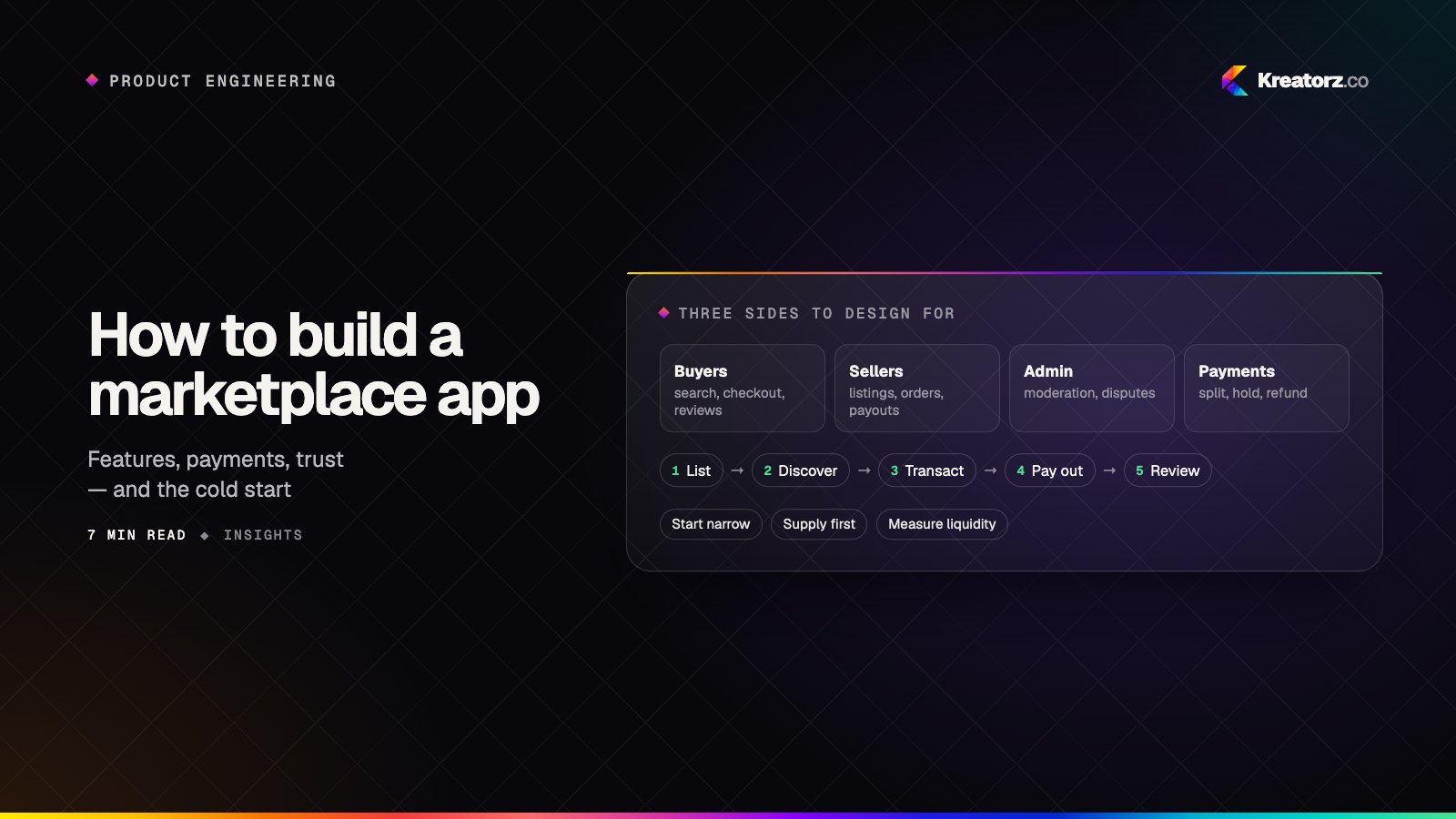
How to build a marketplace app: features, payments, trust and the cold start
A marketplace succeeds or fails on liquidity — buyers finding what they want and sellers getting enough demand to stay. Here is how to choose your model, scope the MVP, handle payments and trust, pick a tech stack and solve the chicken-and-egg problem.
16 November 2026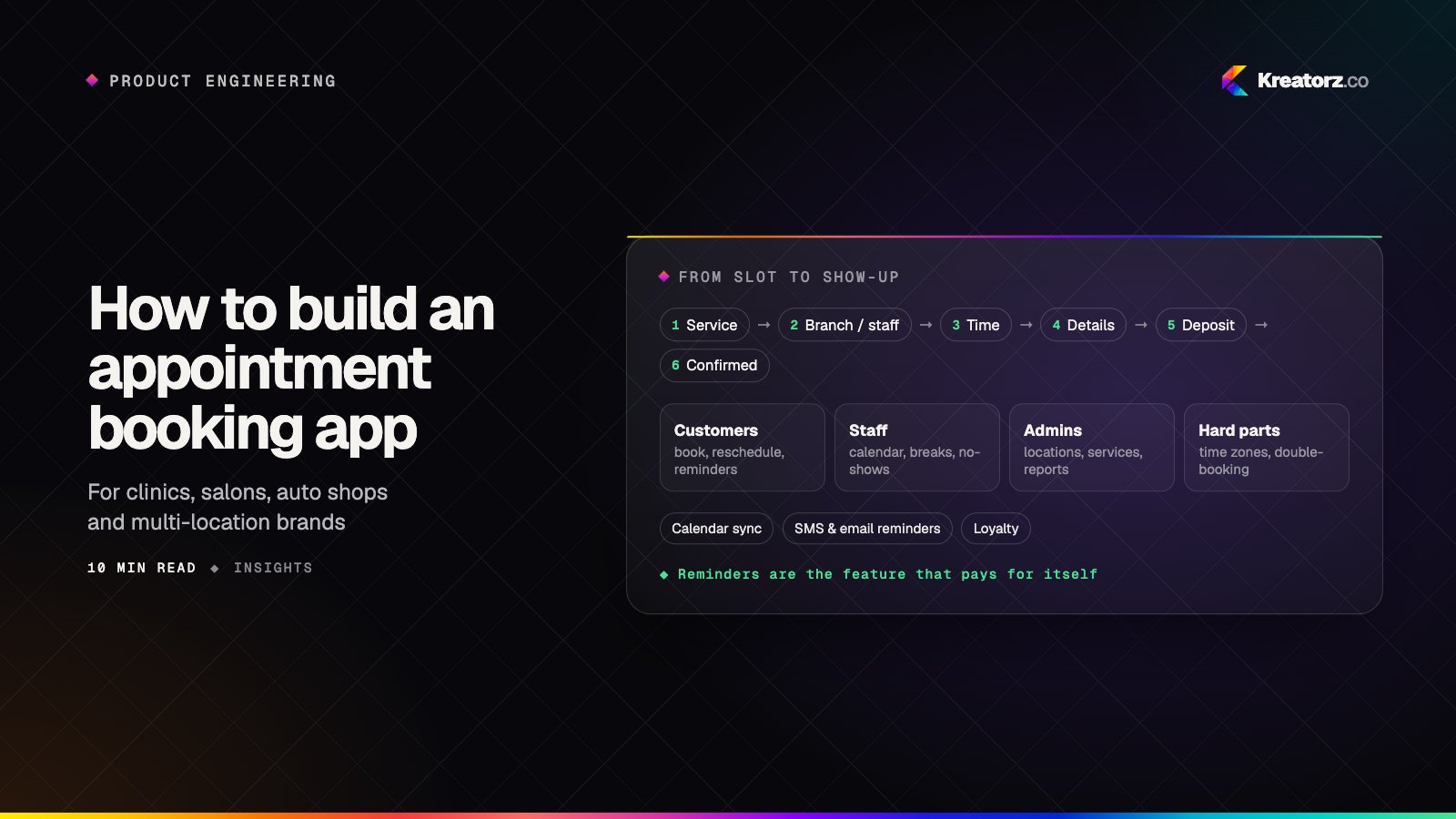
How to build an appointment booking app for your business
An appointment booking app looks simple until two customers grab the same slot, a reminder goes out in the wrong time zone or a no-show empties a chair. Here is a step-by-step guide for clinics, salons, studios and multi-location service businesses deciding whether to buy or build, and how to build it well.
21 November 2026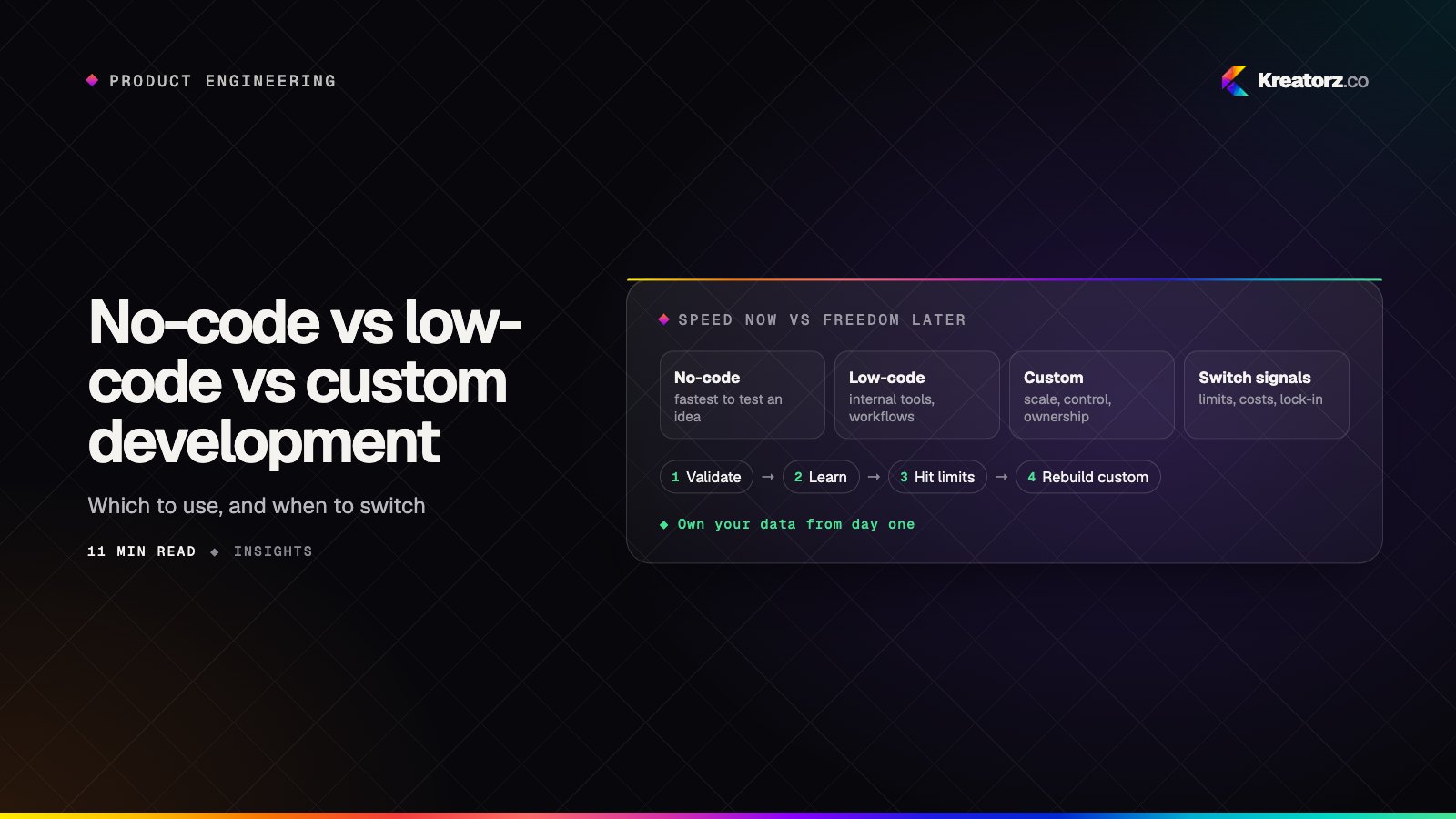
No-code vs low-code vs custom development: which should you use to build your app?
No-code builders, low-code platforms and custom code can all produce a working app, but they trade speed for control in very different ways. Here is how the three compare on cost, flexibility, scale, integrations, security and ownership, where each one genuinely wins, the hidden limits to watch for, and when to move from no-code to custom.
21 November 2026