How to build a telemedicine app patients and clinicians actually use
A telemedicine app has to make a video visit feel as easy as a phone call for patients, fit into clinicians' existing workflow and protect health information to a standard regulators accept. Here is a step-by-step guide to choosing your care model, core features, video, EHR and e-prescribing integrations, compliance, AI and launching an MVP.
Short answer
To build a telemedicine app, define your care model and who is licensed to treat whom, then design the patient journey from booking to follow-up and the clinician workflow around it. Build scheduling, intake, secure video, messaging, visit notes and payments, integrate EHR, e-prescribing and labs where needed, put HIPAA or local privacy safeguards in from day one and launch with one service line.
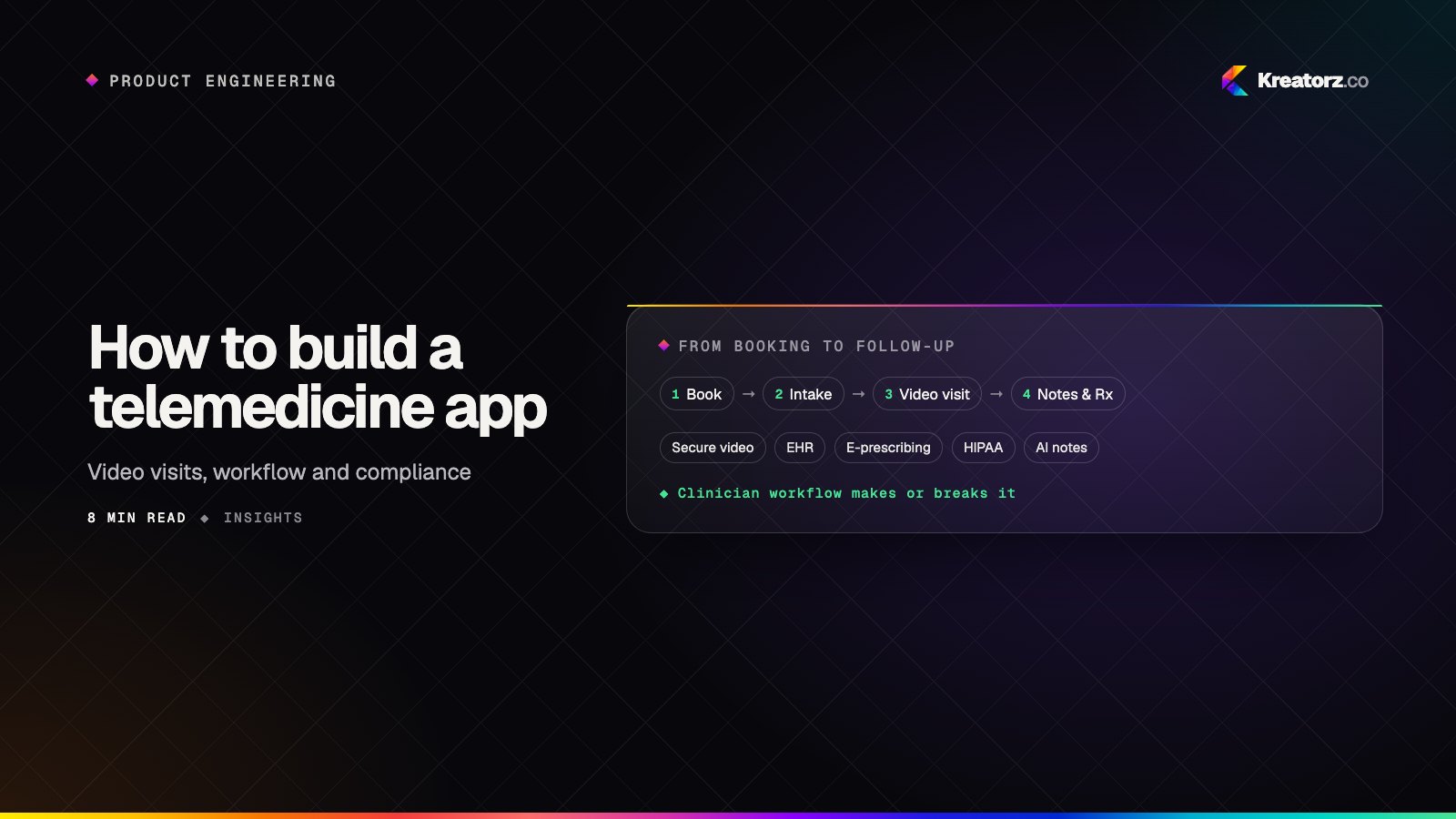
Virtual care is now a normal part of healthcare. Patients expect to see a clinician from their phone for follow-ups, prescriptions, therapy, minor illnesses and chronic condition check-ins. Clinics, digital health startups and employers all want to offer it, and many have discovered that a video link in an email is not the same thing as a telemedicine product.
A good telemedicine app makes the visit feel effortless for patients, saves clinicians time instead of adding clicks, and protects health information properly. This guide walks through how to build one, step by step.
Step 1: Define your care model
Before features, be precise about what care you will deliver and how:
| Care model | Example | What it shapes |
|---|---|---|
| On-demand urgent care | See the next available clinician for a minor illness | Queues, provider availability, triage |
| Scheduled visits | Follow-ups, specialist consults, therapy sessions | Calendars, reminders, rescheduling |
| Ongoing care programs | Diabetes, hypertension, weight management | Care plans, monitoring, messaging |
| Asynchronous care | Patient submits a form and photos, clinician replies later | Structured intake, review queues |
| Provider-to-provider | A specialist advising a rural clinic | Referral flows, shared records |
Then answer the questions that drive the whole build: Who are your clinicians, and where are they licensed? Which patients can they treat? Will you prescribe? Will you bill insurance, charge patients directly or be paid by employers? In the US, clinicians generally need to be licensed in the state where the patient is located, so licensing directly shapes which patients your scheduling can match to which providers.
Step 2: Map the patient journey and the clinician workflow
Write out both sides end to end.
Patient: find the service, check eligibility or price, book or join a queue, complete intake and consent, test camera and microphone, wait, have the visit, receive a summary, prescription or referral, pay, and follow up.
Clinician: see the day's schedule, review intake and history before the visit, run the visit, document notes, prescribe or order tests, send follow-up instructions and close the visit, ideally without switching between five systems.
Most telemedicine products succeed or fail on the clinician side. If documentation takes longer than in person, clinicians will avoid the platform.
Step 3: Plan the core features
For patients
- Account creation with identity verification where required
- Service selection, eligibility and pricing
- Booking, on-demand queues, reminders and rescheduling
- Digital intake forms, medical history and consent
- Device check before the visit, then one-tap join
- Secure messaging with the care team
- Visit summaries, care plans, prescriptions and documents
- Payments, receipts and insurance details where relevant
For clinicians
- Schedule and queue management
- Pre-visit view of intake, history and previous visits
- Video visits with screen sharing and the ability to add an interpreter or family member
- Note templates and documentation
- E-prescribing, lab orders and referrals
- Secure messaging and task lists
For admins
- Provider onboarding, credentials and licensing records
- Availability rules, service lines and pricing
- Reporting on visits, wait times, no-shows and revenue
- Audit logs and access management
Our guide on how to build an appointment booking app covers scheduling rules such as buffers, waitlists and no-shows in more depth.
Step 4: Get video right
Video is the moment of truth. A dropped call in the middle of a consultation undermines trust in the whole service.
- Use an established real-time video provider rather than building video infrastructure yourself, and choose one that will sign a business associate agreement (BAA) if you serve US patients under HIPAA.
- Design for weak connections, with adaptive quality, automatic reconnection and an audio-only fallback.
- Test devices before the visit, so patients fix camera and microphone problems in the waiting room, not with the clinician waiting.
- Support browsers as well as apps, so patients who won't install an app can still join from a link.
- Plan for multiple participants, such as interpreters, caregivers or a second clinician.
- Decide on recording deliberately. Most services don't record visits; if you do, you need consent, secure storage and a retention policy.
Step 5: Integrate with the rest of healthcare
A standalone telemedicine app quickly becomes another silo. Common integrations include:
- Electronic health records (EHR), often through FHIR-based APIs, so visits, notes and results live in the patient's record.
- E-prescribing, through a certified e-prescribing network. Controlled substances have additional rules, so check current requirements before offering them.
- Labs and imaging for orders and results.
- Insurance eligibility and billing, if you accept insurance.
- Remote monitoring devices, such as blood pressure cuffs and glucose meters, for ongoing care programs.
- Payments through a licensed provider for self-pay visits.
Each integration adds time, cost and contracts, so start with the ones your first service line truly needs.
Step 6: Build privacy and compliance in from the start
Telemedicine apps handle some of the most sensitive data there is. The rules depend on where you operate:
- US: HIPAA for covered entities and their business associates, BAAs with every vendor that touches protected health information, plus state laws on telehealth, licensing, consent and privacy.
- Canada: federal and provincial privacy laws, including health-specific laws in several provinces, and provincial rules on virtual care.
- UK: UK GDPR and, for NHS suppliers, NHS standards for digital health technologies.
- Middle East: country-specific health data and telehealth regulations, often including data residency requirements.
Technical safeguards include encryption in transit and at rest, strong authentication for clinicians, role-based access, audit logs of who viewed what, secure messaging rather than SMS or email for clinical content, and careful handling of notifications so no health details appear on a lock screen. Our guide on how to build a HIPAA-compliant app explains the safeguards in detail.
Get legal and clinical advice for your specific markets and services. Regulations for telehealth change regularly.
Step 7: Use AI where it saves clinicians time
AI can make telemedicine more efficient when it supports clinicians rather than replacing their judgment:
- Visit documentation, drafting notes from the conversation for the clinician to review and sign, with patient consent.
- Smarter intake, asking adaptive follow-up questions and summarizing answers for the clinician.
- Routing, matching patients to the right service line or clinician.
- Patient messaging support, drafting replies to routine questions for staff to approve.
- Translation and interpretation support for multilingual patients.
Keep a clinician responsible for every clinical decision, use vendors that meet your compliance requirements, and test carefully for accuracy and bias. Our articles on designing AI features people trust and securing AI products cover how to do this safely.
Step 8: Choose the tech stack
- Patient apps: a cross-platform mobile app with Flutter or React Native, plus a web version so patients can join from a browser.
- Clinician interface: usually a web app, since clinicians work on desktops, with a mobile app for on-call work if needed.
- Backend: APIs, scheduling, messaging, notifications and integrations on a cloud platform configured for health data, with a BAA in place for US services.
- Video: a real-time video provider with healthcare compliance support.
- Admin and reporting: a secure back office for operations.
Step 9: Launch an MVP with one service line
Start with one care model, one patient group and one region, for example scheduled follow-up visits for an existing clinic's patients in one state. Launch, then measure:
- Booking completion and time from booking to visit
- Join success rate and calls dropped
- Wait times and no-show rate
- Clinician time per visit, including documentation
- Patient satisfaction and repeat use
Fix the issues that frustrate patients and clinicians before adding services. Our guide on going from idea to MVP explains how to keep the first version focused.
What drives the cost
The biggest cost drivers are the number of care models, the clinician tools and documentation features, EHR, e-prescribing, lab and insurance integrations, compliance and security work, the number of platforms and regions, and AI features. Ongoing costs include video usage, cloud hosting, integration and vendor fees, compliance reviews and maintenance. See how much it costs to build an app and how much app maintenance costs.
The bottom line
A successful telemedicine app starts with a clear care model and licensing plan, makes joining a visit effortless for patients, fits clinicians' workflow, integrates with the records and systems around it and protects health data from day one. Launch with one service line, measure the experience on both sides and grow from there.
At Kreatorz we design and build healthcare and telemedicine apps for patients, clinicians and care teams, with secure video, integrations and HIPAA safeguards built into the architecture. See our healthcare app development service, or tell us about your care model.
Frequently asked questions
How do I build a telemedicine app?
Define your care model, clinicians and licensing, map the patient journey and clinician workflow, then build booking, intake, secure video, messaging, notes and payments. Integrate EHR, e-prescribing and labs where your service needs them, build in HIPAA or local privacy safeguards, and launch with one service line before expanding.
What features does a telemedicine app need?
Patients need booking or on-demand queues, intake and consent, a device check, one-tap video visits, secure messaging, visit summaries and payments. Clinicians need schedules, pre-visit history, video, note templates, e-prescribing, orders and referrals. Admins need provider onboarding, availability rules, reporting and audit logs.
Does a telemedicine app need to be HIPAA compliant?
If you are a US healthcare provider, health plan or a business handling protected health information on their behalf, yes. That means administrative, physical and technical safeguards, and business associate agreements with vendors such as your video and cloud providers. Other countries have their own health privacy laws.
Can I use a regular video calling tool for telemedicine?
Some general video tools offer healthcare editions with a business associate agreement, which can work for small practices. A dedicated telemedicine app adds what those tools lack: booking, intake, consent, documentation, prescriptions, payments and records integration in one secure workflow.
How long does it take to build a telemedicine app?
A focused MVP for one care model, using an established video provider and few integrations, is often a few months of work. Adding EHR, e-prescribing, insurance billing and multiple regions extends the timeline. A short discovery phase gives you a realistic plan for your scope.
- Healthcare & HIPAA appsWe design and build patient apps, telemedicine platforms, provider tools and AI features with HIPAA safeguards built into the architecture from day one.Explore
- Mobile app developmentWe plan, design, build and grow mobile apps for iPhone and Android — choosing the right technology for your product, not the one we happen to prefer.Explore
- Custom software developmentWe design and build web platforms, internal tools, customer portals, mobile apps and AI-powered systems that fit your business — instead of bending your business to…Explore


How to build an appointment booking app for your business
An appointment booking app looks simple until two customers grab the same slot, a reminder goes out in the wrong time zone or a no-show empties a chair. Here is a step-by-step guide for clinics, salons, studios and multi-location service businesses deciding whether to buy or build, and how to build it well.
21 November 2026
How to choose a software house in Lahore: a step-by-step guide
Whether you are a Pakistani business or an overseas company hiring a team in Pakistan, here is a practical, step-by-step way to choose a software house in Lahore for your app, custom software, SaaS or AI product, plus the red flags and questions that separate strong teams from risky ones.
17 November 2026
How to hire an app development company in Canada: a step-by-step guide
Hiring a team to build your mobile app, SaaS platform or AI product is a big decision. Here is a practical, step-by-step process for Canadian founders and businesses, from scoping and team models to privacy, contracts, IP and the red flags worth walking away from.
17 November 2026