How to build a fitness app people keep using
Fitness apps are easy to download and easy to abandon. The ones that last pick one clear job, make the first workout effortless and turn progress into a habit. Here is a step-by-step guide to choosing your fitness app type, the features that matter, wearable and health data integrations, AI coaching, subscriptions, privacy and launching an MVP.
Short answer
To build a fitness app, choose one clear type, such as workouts, a gym or studio app, coaching or tracking, and design the first session so a new user finishes a workout within minutes. Build the core features for that job, connect Apple Health and Health Connect where useful, add habit loops such as streaks and reminders, plan subscriptions and privacy, then launch a focused MVP.
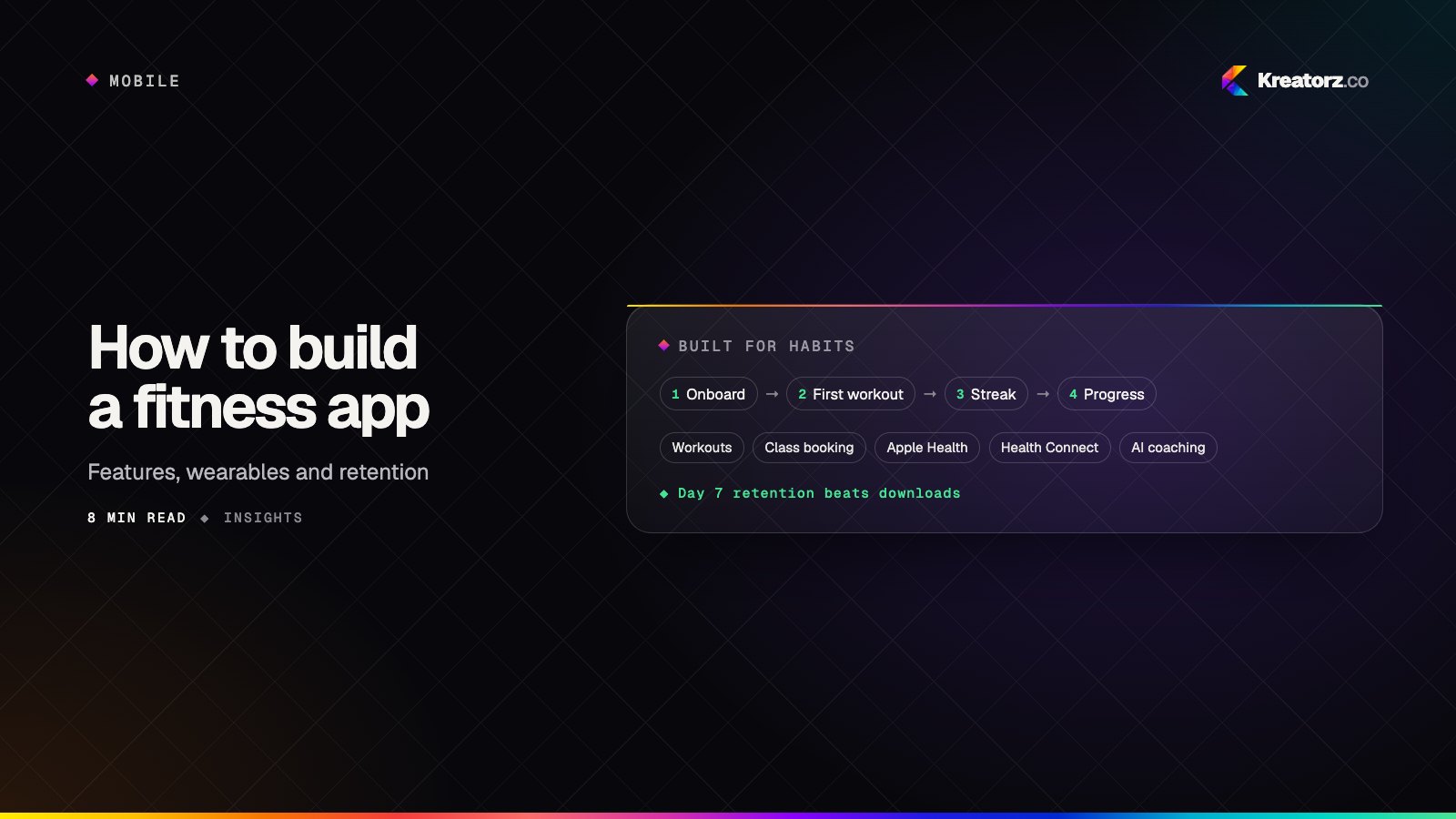
Millions of people download a fitness app with good intentions every January, and many of those apps are quietly deleted by February. The problem is rarely the workouts. It is that the app asked too much on day one, never fit into the person's routine, or gave them no reason to come back tomorrow.
Building a fitness app that people keep using is a product problem first and an engineering problem second. This guide walks through the decisions in order, whether you are a gym or studio, a coach or trainer with an audience, a wellness brand or a startup.
Step 1: Choose the type of fitness app
"Fitness app" covers several very different products. Pick one core type for your first version:
| App type | Who it is for | Core value |
|---|---|---|
| Workout and training app | Individuals training at home or in the gym | Guided workouts, programs and progress |
| Gym or studio app | Members of your gym, studio or chain | Class booking, memberships, check-in, community |
| Coaching app | Coaches or trainers and their clients | Personalized plans, check-ins, messaging |
| Activity and habit tracker | People building healthier routines | Steps, sleep, habits and goals |
| Nutrition app | People tracking food and goals | Meal logging, plans and insights |
| Connected equipment app | Owners of a bike, rower or other device | Device control, classes and metrics |
Mixing several types into version one is the most common reason fitness apps become cluttered. A gym app that does booking and check-in brilliantly beats one that also tries to be a nutrition tracker.
Step 2: Define who it is for and the first session
Be specific about the user: a busy parent with 20 minutes at home, a member of a boutique cycling studio, a client of an online strength coach. Then design their first session around one goal: finish a first workout, book a first class or complete a first check-in within a few minutes of installing.
That means a short onboarding that asks only what you need to personalize the first session (goal, experience level, available equipment, time), skippable account creation where possible, and a clear "start" button. Everything else can wait until the user has felt progress once.
Step 3: Plan the core features
Workout and training apps
- Workout library with clear video or animated demonstrations
- Programs that progress over weeks, adapting to completed sessions
- A workout player with timers, rest periods, sets and reps, and audio cues
- Logging for weights, reps, distance and effort
- Progress history, personal records and charts
- Offline access to downloaded workouts
Gym and studio apps
- Class schedules, booking, waitlists and cancellations
- Memberships, class packs and payments through a licensed provider
- Check-in by QR code or app pass
- Instructor profiles and class details
- Announcements and push notifications
- Staff and admin tools for schedules, attendance and members
Our guide on how to build an appointment booking app covers booking rules such as waitlists, buffers and no-shows in depth.
Coaching apps
- Plan builder for coaches, with templates
- Client check-ins with photos, measurements and notes
- Messaging and video calls
- Habit and nutrition targets
- Client progress dashboards for the coach
Step 4: Connect health data and wearables
Many users already track steps, heart rate and sleep on their phone or watch. Reading and writing this data makes your app smarter and saves users from logging twice:
- Apple HealthKit on iOS and Health Connect on Android give access, with the user's permission, to activity, workouts, heart rate, sleep and more.
- Wearable platforms such as smartwatch and fitness band APIs add device-specific data where your users rely on them.
- Bluetooth connects heart rate straps and connected equipment directly.
Ask for each permission at the moment it makes sense, explain why you need it, and keep the app useful if someone says no. Only request the data types you actually use; app store reviewers check this.
Step 5: Build habit and motivation loops
Retention is where fitness apps win or lose. Effective, respectful techniques include:
- Streaks and weekly goals, set at a level people can actually hit, with grace days so one missed session doesn't wipe out progress.
- Reminders at times the user chooses, with easy controls to change or mute them.
- Visible progress: personal records, before-and-after metrics, consistency charts.
- Community, such as challenges, leaderboards among friends or class shout-outs, with privacy controls.
- Variety, so programs don't feel repetitive.
Avoid guilt-driven notifications and dark patterns. They may lift a metric for a week and then drive uninstalls.
Step 6: Add AI where it genuinely helps
AI can make a fitness app feel personal without a human coach for every user:
- Adaptive programs that adjust volume and intensity based on completed sessions and reported effort.
- Conversational coaching that answers questions about exercises and plans, grounded in your approved content.
- Workout generation from goals, time and equipment.
- Form feedback using on-device pose estimation from the camera, where accuracy is good enough to help.
- Nutrition logging from photos or plain-language descriptions.
Keep AI advice within fitness and general wellness, route medical questions to professionals, and test outputs carefully. Our articles on designing AI features people trust and on-device vs cloud AI in mobile apps explain how to do this well.
Step 7: Choose a business model
| Model | How it works | Watch for |
|---|---|---|
| Subscription | Monthly or annual access, often with a free trial | Clear value in the trial, easy cancellation |
| Freemium | Free core features, paid premium programs or coaching | Free tier useful but not complete |
| Membership-linked | Included with a gym or studio membership | Integration with your membership system |
| One-off purchases | Paid programs or challenges | Ongoing content to keep revenue steady |
| Coaching fees | Clients pay for personal coaching through the app | Tools that save coaches time |
Digital content sold inside iOS and Android apps generally has to use the stores' in-app purchase systems, while physical services such as in-person classes usually do not. Check the current store rules for your exact model before building payments.
Step 8: Plan privacy, safety and accessibility
Fitness apps handle sensitive data: body measurements, health metrics, location and sometimes photos.
- Collect only what you need and explain why in plain language.
- Encrypt data in transit and at rest, and let users export and delete their data.
- Never sell or share health data for advertising. App store policies and laws in many regions restrict this.
- Add safety notes for intense programs and encourage users with medical conditions to check with a professional.
- Design for accessibility: readable text, captions on videos, screen reader support and alternatives for different abilities.
If your app moves into medical territory, such as rehabilitation programs prescribed by clinicians, read our guide on how to build a HIPAA-compliant app and get legal advice.
Step 9: Pick the tech stack
- Mobile: a single cross-platform app with Flutter or React Native suits most fitness apps. Go native for heavy device integration, advanced watch apps or demanding real-time camera features.
- Backend: user accounts, programs, logging, bookings and subscriptions, with a database designed for time-series data such as workouts and metrics.
- Video: a streaming and storage service with adaptive quality and offline downloads.
- Integrations: HealthKit, Health Connect, wearables, payments, calendars and messaging.
- Admin: a content management system so your team can publish workouts and programs without developers.
Step 10: Launch an MVP and measure retention
Launch with one type, one audience and the smallest set of features that delivers the first session and a reason to return. Then watch:
- Onboarding completion and time to first workout or booking
- Day 1, day 7 and day 30 retention
- Sessions per active user per week
- Trial-to-paid conversion, if you charge
- The features people actually use
Improve the first week before adding features. Our guides on going from idea to MVP and how to market a new app cover the launch side.
What drives the cost
The main cost drivers are the number of user types (members, coaches, staff), the volume and production of video content, health and wearable integrations, booking and payment complexity, AI features and the number of platforms, including watch apps. Our guide on how much it costs to build an app explains how to estimate a budget, and how much app maintenance costs covers the running costs after launch.
The bottom line
A fitness app that lasts does one job well, gets new users to a first workout or booking within minutes, uses health data and AI to personalize without overwhelming, and builds habits respectfully. Start focused, measure retention and grow from there.
At Kreatorz we design and build fitness, gym and coaching apps for iOS and Android, with booking, subscriptions, wearable integrations and AI features. See our fitness app development service, or tell us about your app.
Frequently asked questions
How do I build a fitness app?
Choose one clear app type and audience, design the first session so a new user completes a workout or booking within minutes, build the core features for that job, connect health data where it helps, add habit loops and a business model, plan privacy and accessibility, then launch an MVP and improve retention before adding features.
What features should a fitness app have?
It depends on the type. Workout apps need a workout library, programs, a workout player, logging and progress tracking. Gym and studio apps need class booking, memberships, payments and check-in. Coaching apps need plan builders, client check-ins and messaging. Most benefit from reminders, streaks and health data integration.
Can a fitness app connect to Apple Health and Android devices?
Yes. Apps can read and write activity, workout, heart rate and sleep data through Apple HealthKit on iOS and Health Connect on Android, with the user's permission. Wearables and Bluetooth equipment can be connected through their own APIs.
How do fitness apps make money?
Common models are subscriptions with free trials, freemium with premium programs, access included in a gym or studio membership, one-off program purchases and coaching fees. Digital content sold in iOS and Android apps usually has to use the stores' in-app purchase systems.
How do I keep users engaged with a fitness app?
Make the first workout effortless, set achievable goals with streaks that forgive a missed day, let users choose their reminder times, show visible progress, add optional community features and keep content varied. Measure retention at day 1, 7 and 30 and improve the first week first.
- Fitness app developmentWe design and build workout, coaching, gym, nutrition and wellness apps for iOS and Android — with personalized plans, progress tracking, wearables, community and AI…Explore
- Mobile app developmentWe plan, design, build and grow mobile apps for iPhone and Android — choosing the right technology for your product, not the one we happen to prefer.Explore
- AI app developmentWe design, build and run AI-powered apps — assistants, copilots, knowledge tools, vision and voice features — that solve a measurable problem and hold up in production.Explore


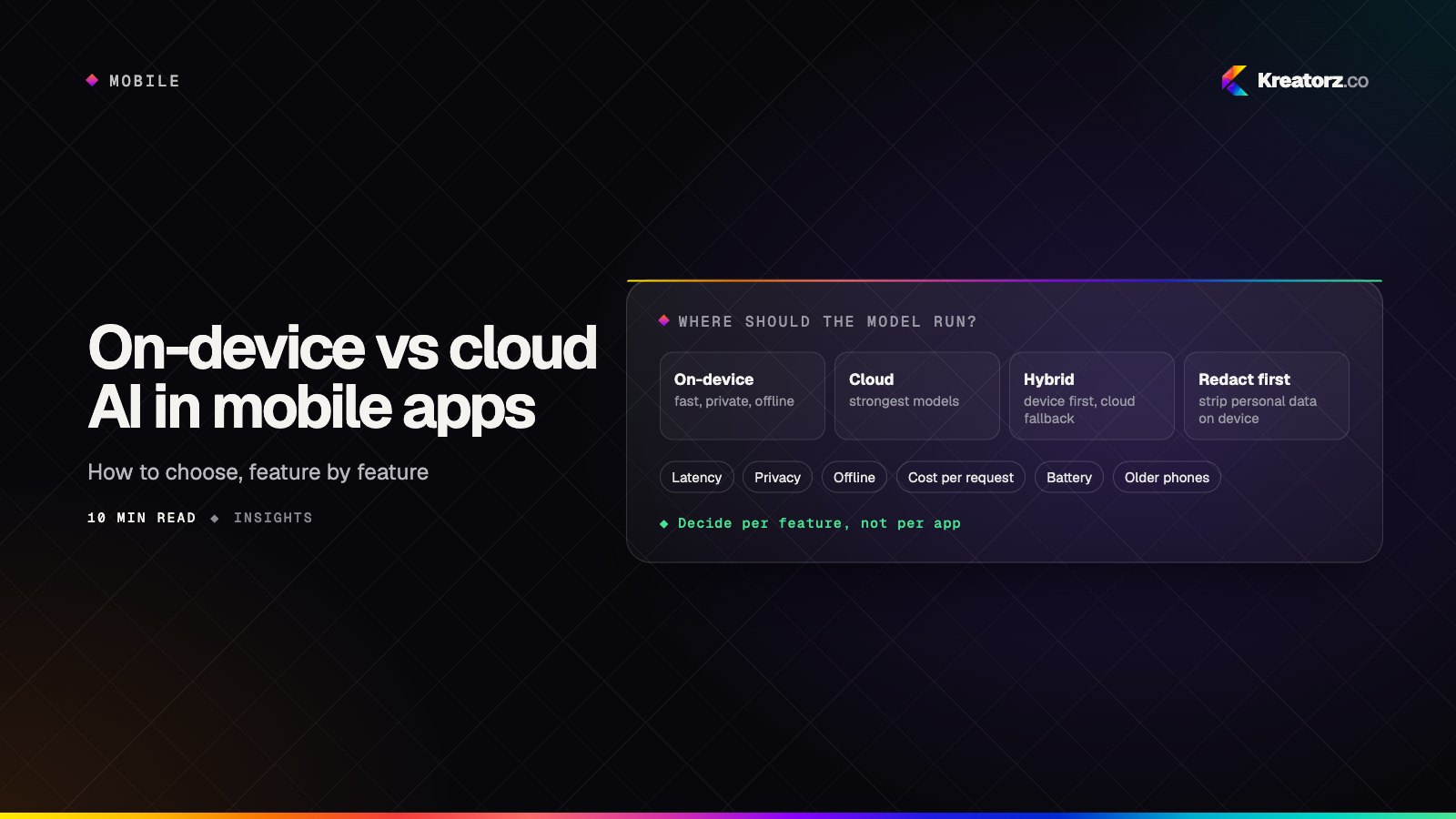
On-device vs cloud vs hybrid AI in mobile apps: how to choose
Phones can now run capable small models, and both Apple and Google offer on-device AI frameworks. That does not make the cloud obsolete. Here is a step-by-step guide to deciding, feature by feature, where the AI in your mobile app should run.
19 November 2026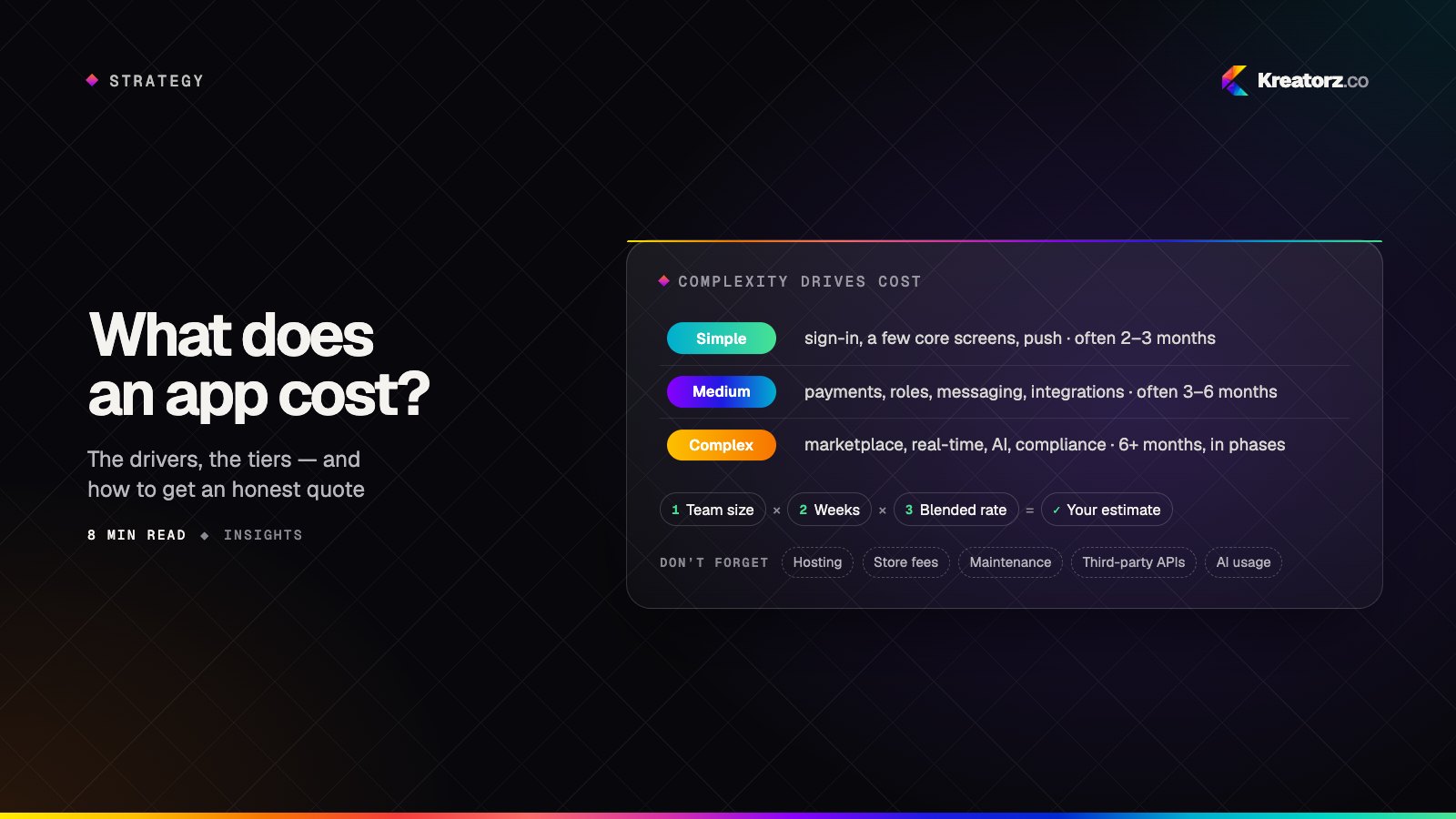
How much does it cost to build an app? A practical guide for 2026
There is no single price for an app, but there is a reliable way to reason about it. Here is what actually drives app development cost, how complexity tiers compare, how to estimate a budget yourself and how to reduce cost without cutting quality.
15 November 2026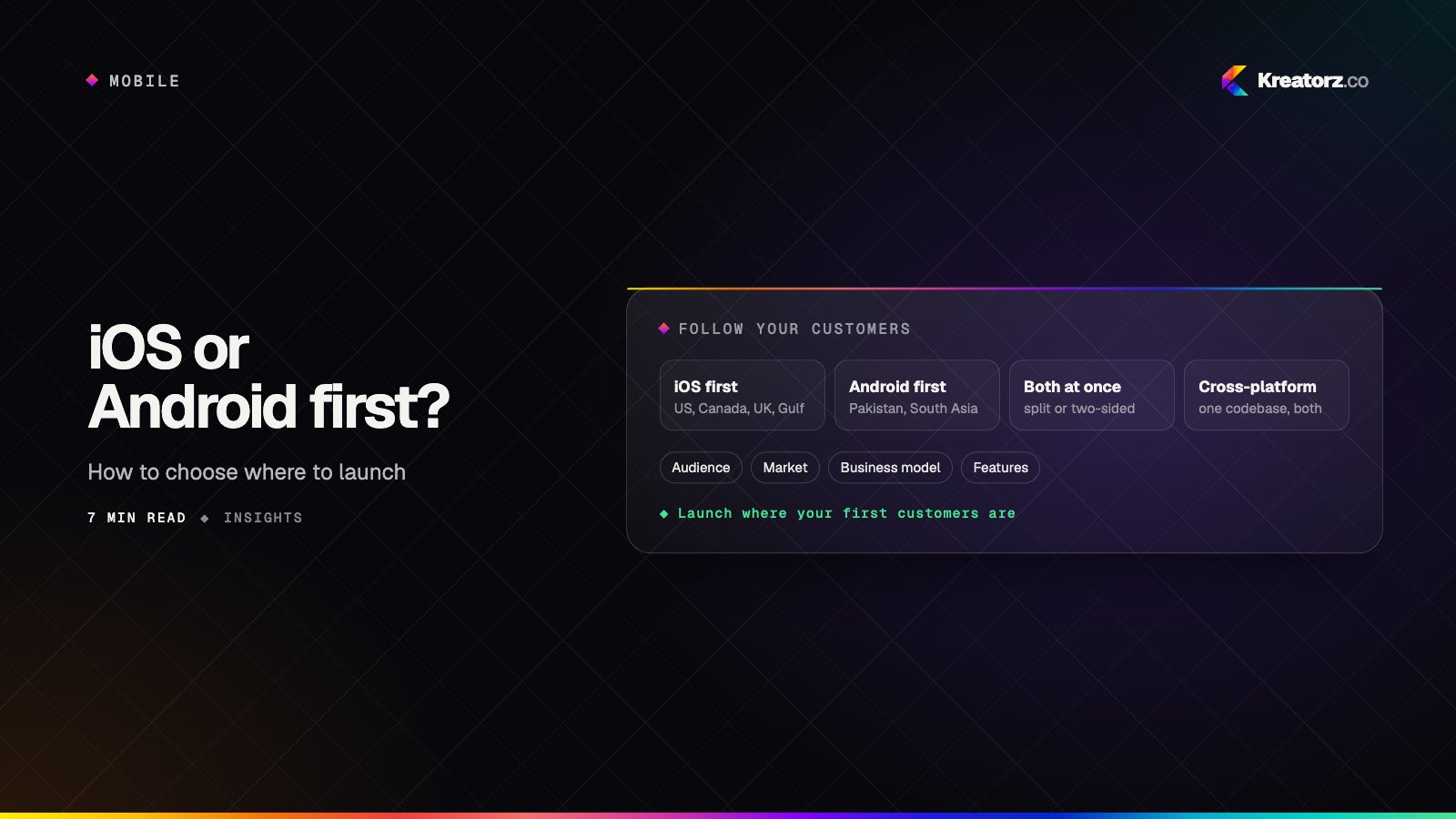
iOS or Android first? How to choose where to launch your app
Launching on one platform first can save budget and focus your team, but picking the wrong one can mean building for people who aren't your customers. Here is how to decide between iOS first, Android first or both at once, using your audience, market, business model, features and team, plus why cross-platform development often removes the dilemma.
24 November 2026