How to build a real estate app: features, data, steps and costs
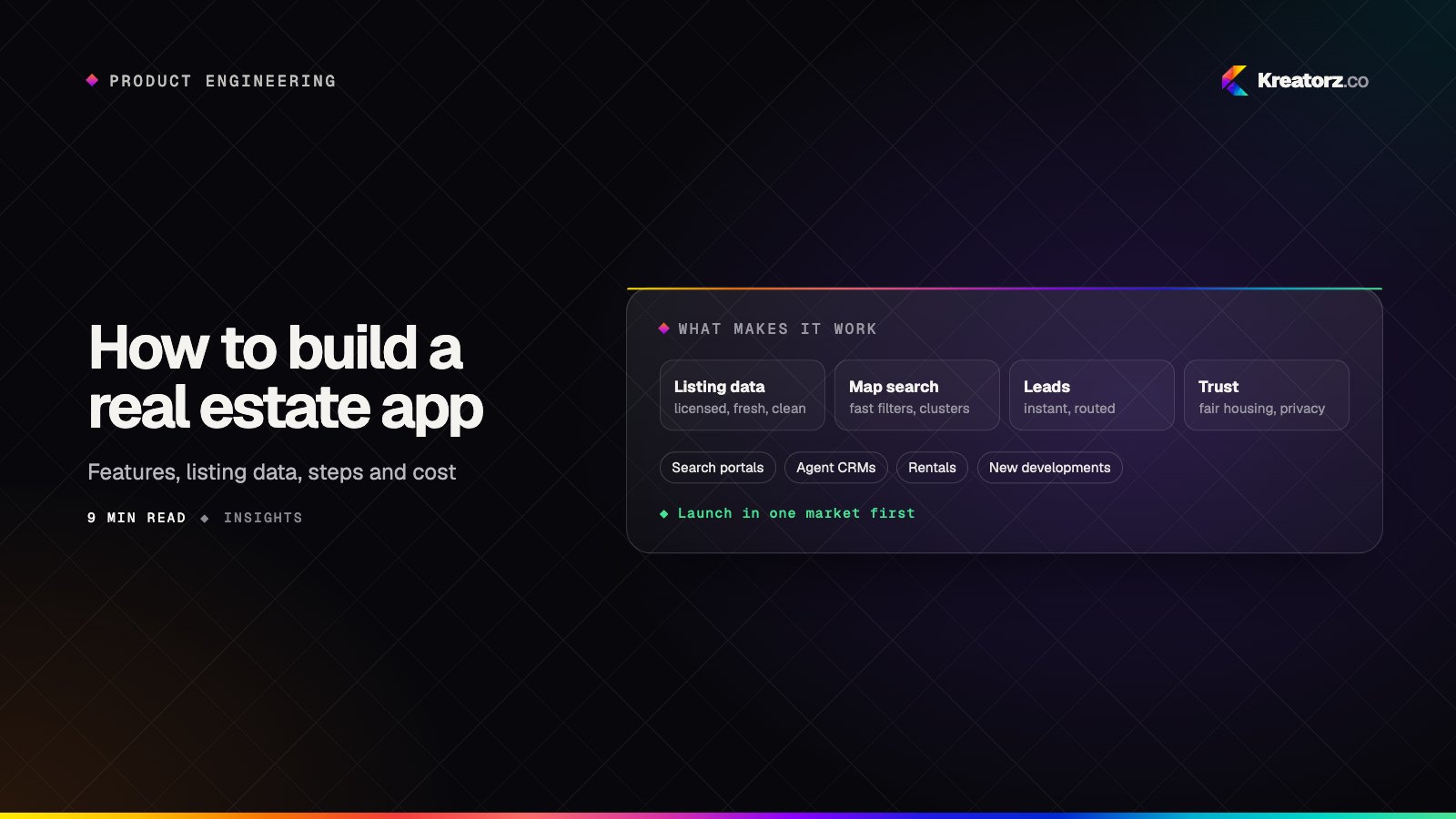
Real estate apps range from property search portals and agent CRMs to rental management and tenant apps. Each one depends on reliable listing data, fast map search, lead handling and trust. Here is a step-by-step guide to choosing your app type, sourcing listing data, the features buyers, renters, agents and landlords expect, the tech stack, compliance and what drives cost.
Short answer
To build a real estate app, choose one core type, such as property search, agent tools or rental management, and confirm where your listing data will come from and under what license. Design the main journeys for each user, then build map search, filters, listings, saved searches, alerts and lead routing. Add compliance, accessibility and analytics, launch an MVP in one market, and expand from there.
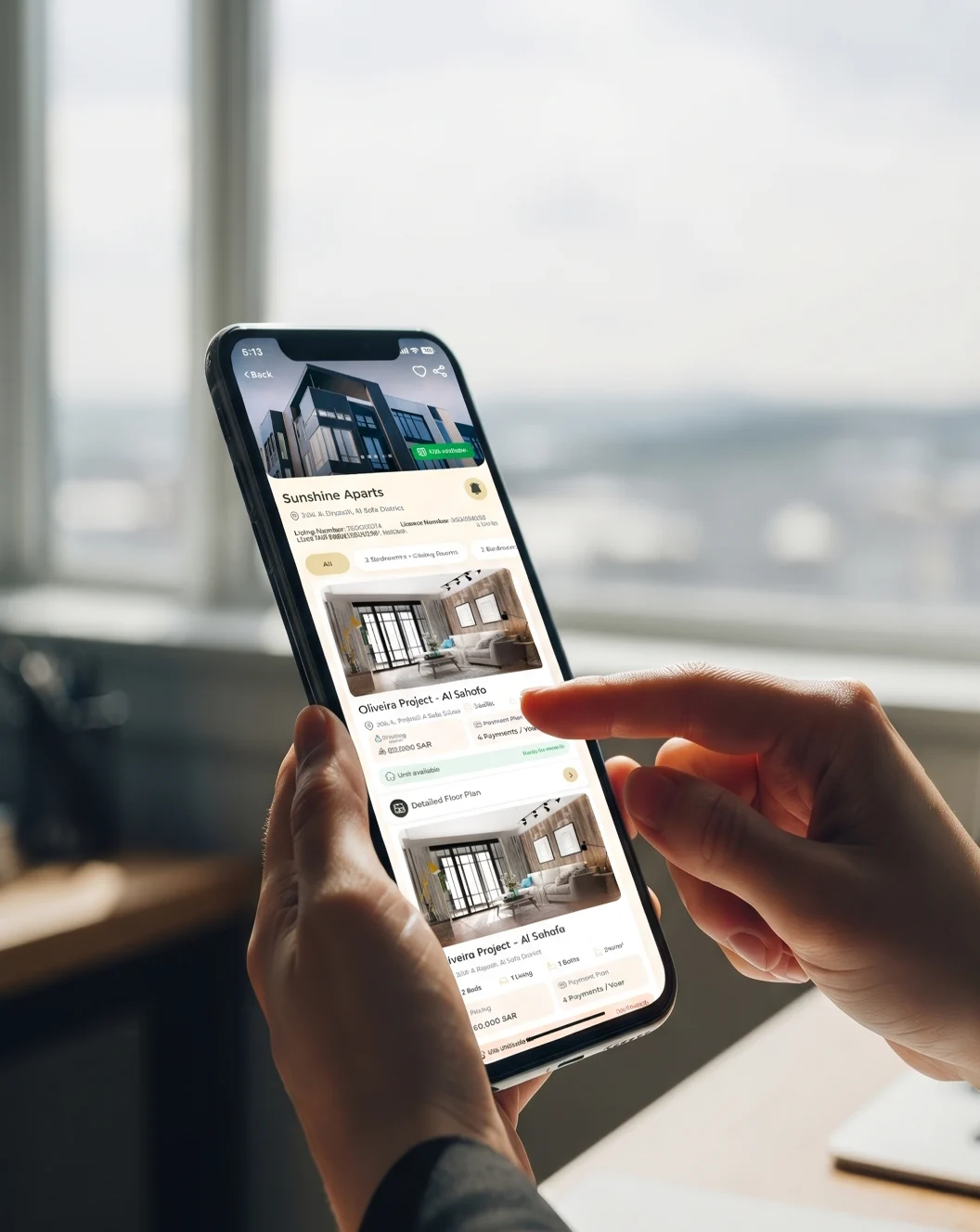
Almost every property journey now starts on a phone. Buyers scroll listings on the couch, renters set alerts for new apartments, agents follow up with leads between showings, and landlords track rent and repairs from wherever they are. That makes real estate one of the most active areas for new apps, and one of the most competitive.
The apps that win are rarely the ones with the most features. They have accurate, fresh listings, search that feels instant, and a clear path from interest to conversation. This guide walks through how to build one step by step, whether you are a brokerage, a property manager, a developer selling new units or a PropTech startup.
Step 1: Choose the type of real estate app
"Real estate app" covers very different products. Pick one core type for your first version:
| App type | Main users | Core value |
|---|---|---|
| Property search portal | Buyers and renters | Find and compare listings, contact agents |
| Brokerage or agent app | Agents and their clients | Branded search, lead capture, client collaboration |
| Agent CRM and productivity | Agents and teams | Leads, follow-ups, showings, deal pipeline |
| Rental and property management | Landlords, managers, tenants | Rent collection, maintenance requests, leases, communication |
| New development sales | Developers and buyers | Unit availability, floor plans, reservations, progress updates |
| Real estate marketplace | Owners, buyers, renters, service providers | Two-sided listings, messaging, transactions |
A focused first version is easier to build, easier to market and quicker to prove. You can add other sides later. If you are building a two-sided product, our guide on how to build a marketplace app covers the chicken-and-egg problem in depth.
Step 2: Sort out listing data first
Listing data is the foundation of most real estate apps, and it is where many projects run into trouble late. Decide early where your listings come from:
- Your own listings, entered by your agents or property managers through an admin panel.
- MLS data in the US and Canada, accessed through the relevant MLS or board, usually via an IDX or VOW agreement and a feed using the RESO Web API standard. Access normally requires being, or working with, a licensed brokerage, and comes with display and attribution rules.
- Listing data providers and aggregators that license feeds across several markets.
- Direct partner feeds from developers, property managers or portals in markets without an MLS, which is common in the Middle East, Pakistan and parts of Europe.
- User-submitted listings, for marketplaces, with verification and moderation.
For each source, confirm the license terms, how often data updates, which fields are included, how photos are delivered and what you must display (such as broker attribution and disclaimers). Then plan for the messy reality: duplicate listings, inconsistent addresses, missing coordinates, sold properties still marked active, and photos of varying quality. A reliable data pipeline that cleans, deduplicates and refreshes listings is often the largest single piece of engineering in the app.
Step 3: Map the main user journeys
Before features, map the journeys that matter most for each user type. For a search app, that might be:
- A buyer opens the app, searches an area on the map and filters by price, beds and type.
- They open a listing, browse photos, check the location and save it.
- They set an alert for similar listings.
- They request a viewing or message the agent.
- The agent receives the lead instantly with the listing and the buyer's search context.
For a rental management app, the journeys look different: a tenant pays rent, reports a leaking tap with photos, and tracks the repair; a manager assigns it to a contractor and sees it closed. Writing these out keeps the first version focused on what users actually do.
Step 4: Plan the features
For buyers and renters
- Map and list search with fast, combinable filters
- Draw-on-map or area search, plus commute or nearby-places information where useful
- Listing pages with photo galleries, floor plans, video or 3D tours, key facts and location
- Saved listings, saved searches and instant alerts for new matches and price changes
- Mortgage or affordability calculators, clearly labeled as estimates
- Contact options: message, call, request a viewing, book a time
- Accounts with sign in by email, phone or social login
For agents and brokerages
- Instant lead notifications with source and context
- Lead routing rules by area, listing or agent availability
- A simple CRM: contact history, notes, follow-up reminders, pipeline stages
- Showing and viewing schedules synced with calendars
- Shared shortlists and comments with clients
- Listing management and performance views
For landlords, property managers and tenants
- Rent collection and payment history through a licensed payment provider
- Maintenance requests with photos, status updates and contractor assignment
- Lease documents and e-signatures
- Announcements and messaging
- Owner reporting on income, expenses and occupancy
For admins
- Listing moderation and data-quality tools
- User and agent management, roles and permissions
- Content management for areas, guides and featured listings
- Analytics on searches, leads and conversion
Step 5: Get search and maps right
Search is the heart of a property app, and users expect it to feel instant. A few decisions matter:
- Use a proper search engine for listings, so filters, sorting and text search stay fast as inventory grows.
- Use geospatial queries for map search: bounding boxes as the map moves, drawn areas and distance from a point.
- Cluster map pins at lower zoom levels so the map stays readable and responsive.
- Optimize images, with resized versions and a content delivery network, because listing photos are most of the data your app loads.
- Cache popular searches and areas.
AI can genuinely help here, too: natural-language search ("three-bedroom house near a good school under 600k"), better recommendations from saved listings and behavior, automatic tagging of listing photos and drafting listing descriptions for agents to review. Add these where they save users time, and keep humans responsible for anything published. Our guide on how to add AI to your existing app explains how to pick the right first feature.
Step 6: Choose the tech stack
A typical modern stack for a real estate app looks like this:
- Mobile apps: one cross-platform codebase with Flutter or React Native for iOS and Android, unless you need heavy platform-specific features.
- Web: a fast, search-friendly website with server-rendered listing pages, because listing and area pages are a major source of organic search traffic. See React development.
- Backend: APIs in Node.js or Python, a relational database with geospatial support, a search engine for listings, and background jobs for data imports and alerts.
- Maps: a mapping and geocoding provider, chosen on coverage, pricing and usage terms for your markets.
- Integrations: listing feeds, CRMs, calendars, messaging, e-signature and payments.
- Cloud: managed hosting with monitoring, backups and autoscaling. See our AWS development service.
Step 7: Plan for compliance, trust and accessibility
Real estate is regulated in ways that affect product decisions:
- Fair housing rules in the US, and equivalent anti-discrimination rules elsewhere, which apply to how listings are described, targeted and filtered. Avoid filters or recommendations that could steer users based on protected characteristics.
- MLS and data license rules for display, attribution, refresh frequency and use of sold data.
- Privacy laws for user data and lead details, such as GDPR in the UK and Europe and state privacy laws in the US.
- Payments and tenant data, which should go through licensed providers with appropriate security.
- Accessibility, so people using screen readers and other assistive technology can search and contact agents.
- Listing verification and fraud prevention, especially for rentals, where fake listings and deposit scams are common.
Get legal advice for your specific markets before launch. Building these rules in from the start is far easier than retrofitting them.
Step 8: Build an MVP and launch in one market
Start with one city or region and the smallest set of features that delivers the core journey: search, listings, saved searches, alerts and lead contact for a search app, or rent, maintenance and messaging for a management app. Launch, then watch:
- Search-to-listing-view and listing-view-to-contact rates
- Alert sign-ups and how often alerts bring users back
- Lead response times from agents
- Listing data accuracy complaints
- Retention after the first week and month
Use what you learn to choose the next features and the next market. Our guide on going from idea to MVP in weeks explains how to keep the first version tight.
What drives the cost of a real estate app
The biggest cost drivers are:
- The number of user types, since each side needs its own screens and flows.
- Listing data integration, including feed licensing, cleaning, deduplication and refresh.
- Search and map complexity, from simple filters to drawn areas and AI search.
- Integrations with CRMs, calendars, payments, e-signature and messaging.
- Platforms, web plus iOS and Android.
- Compliance and security requirements for payments and personal data.
Ongoing costs include hosting, search infrastructure, map usage, data feed fees and maintenance. Our guides on how much it costs to build an app and how much app maintenance costs explain how to estimate both.
The bottom line
A successful real estate app starts with one clear type and one market, a reliable source of licensed listing data, search that feels instant and a fast path from interest to conversation. Get those right, build compliance in from the start, and add features based on how people actually use the app.
At Kreatorz we design and build real estate and PropTech apps for search, agents, rentals and new developments, across web, iOS and Android, including Arabic right-to-left interfaces for Middle East markets. See our real estate app development service, or tell us what you're building.
Frequently asked questions
How do I build a real estate app?
Choose one core app type, such as property search, agent tools or rental management, and confirm your listing data source and license. Map the main journeys for each user, build search, listings, alerts and lead handling, plan for compliance and accessibility, then launch an MVP in one market and expand based on real usage.
Can I use MLS data in my real estate app?
In the US and Canada, MLS data is usually available through an IDX or VOW agreement with the relevant MLS or board, often via a RESO Web API feed. Access generally requires being, or partnering with, a licensed brokerage, and the agreement sets rules for display, attribution and refresh frequency.
What features should a real estate app have?
For buyers and renters: map and list search, filters, detailed listings with photos, saved searches, alerts and easy contact. For agents: instant lead notifications, routing, a simple CRM and showing schedules. For property managers: rent collection, maintenance requests, leases and messaging. Admins need moderation, data-quality and analytics tools.
How long does it take to build a real estate app?
It depends on the number of user types, data integrations and platforms. A focused MVP for one user type and one market is often a few months of work, while a multi-sided platform with several data feeds, payments and AI search takes longer. A short discovery phase gives you a realistic timeline for your scope.
Should a real estate app be native or cross-platform?
Most real estate apps work well as a single cross-platform app built with Flutter or React Native, which reduces build and maintenance cost. Pair it with a fast, server-rendered website, since listing and area pages bring in much of the organic search traffic.
- Real estate & PropTech appsKreatorz builds real estate and PropTech apps — property search, rental and tenant apps, broker and agent tools, and property management platforms — for brokerages,…Explore
- Mobile app developmentWe plan, design, build and grow mobile apps for iPhone and Android — choosing the right technology for your product, not the one we happen to prefer.Explore
- Marketplace app developmentWe design and build two-sided marketplaces, on-demand delivery and booking platforms, with buyer and seller apps, split payments, trust and safety, and the admin…Explore

How much does app maintenance cost after launch?
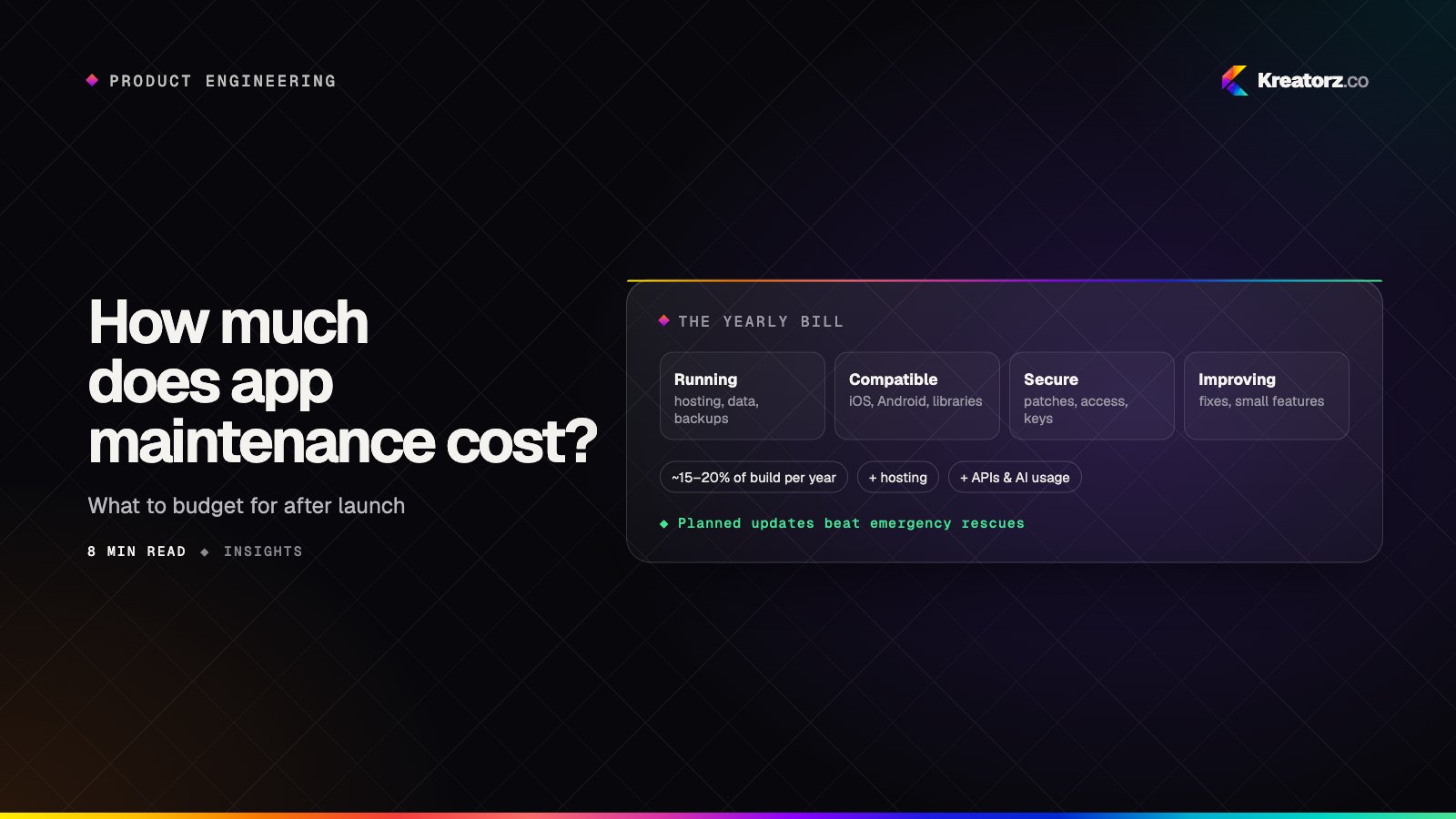
Launch day is not the finish line. Every live app needs hosting, OS and security updates, bug fixes, monitoring and small improvements, and those costs continue for as long as people use it. Here is what app maintenance actually covers, what drives the cost, how to budget for it, the support models available and how to keep the bill under control.
23 November 2026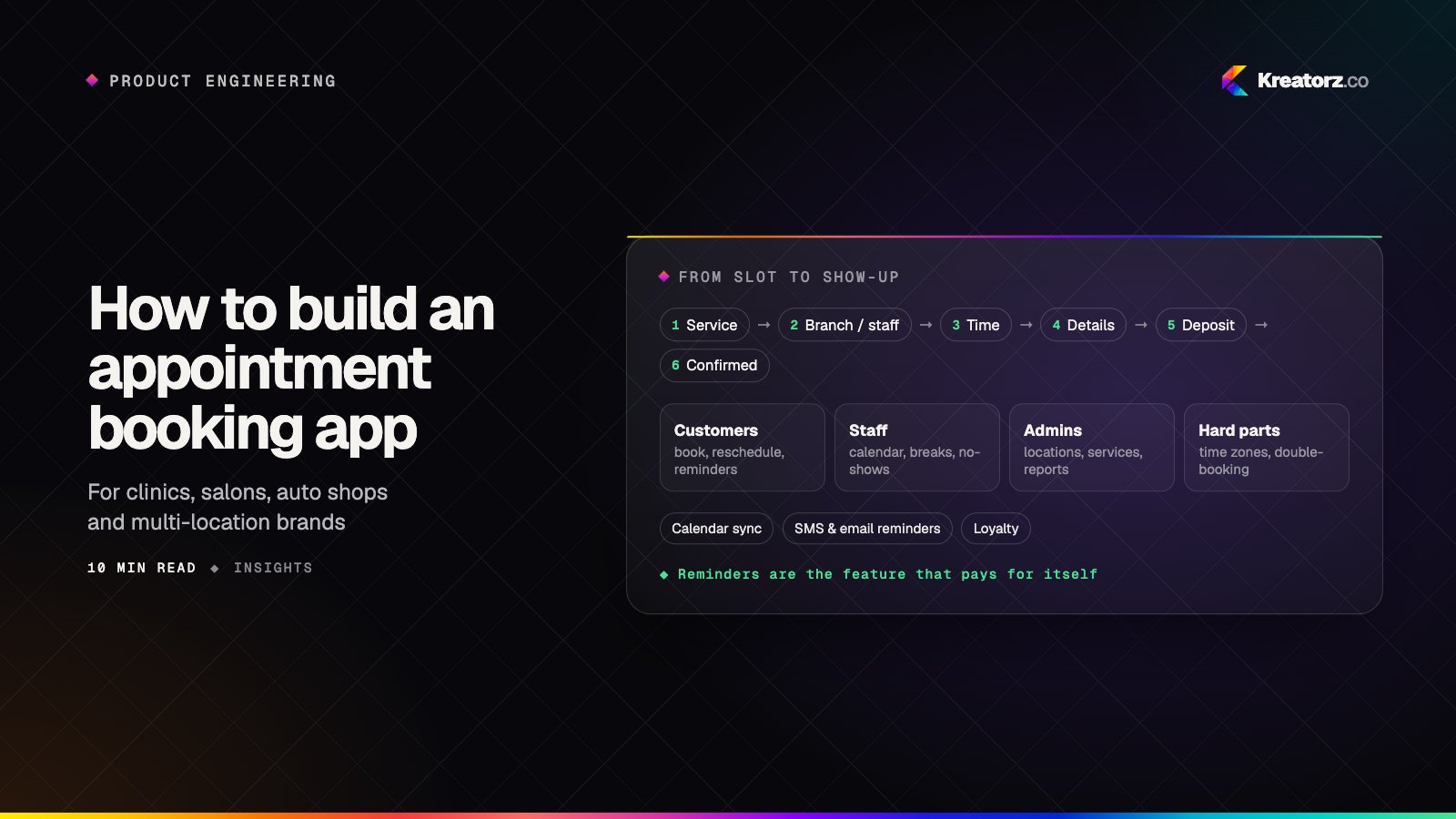
How to build an appointment booking app for your business
An appointment booking app looks simple until two customers grab the same slot, a reminder goes out in the wrong time zone or a no-show empties a chair. Here is a step-by-step guide for clinics, salons, studios and multi-location service businesses deciding whether to buy or build, and how to build it well.
21 November 2026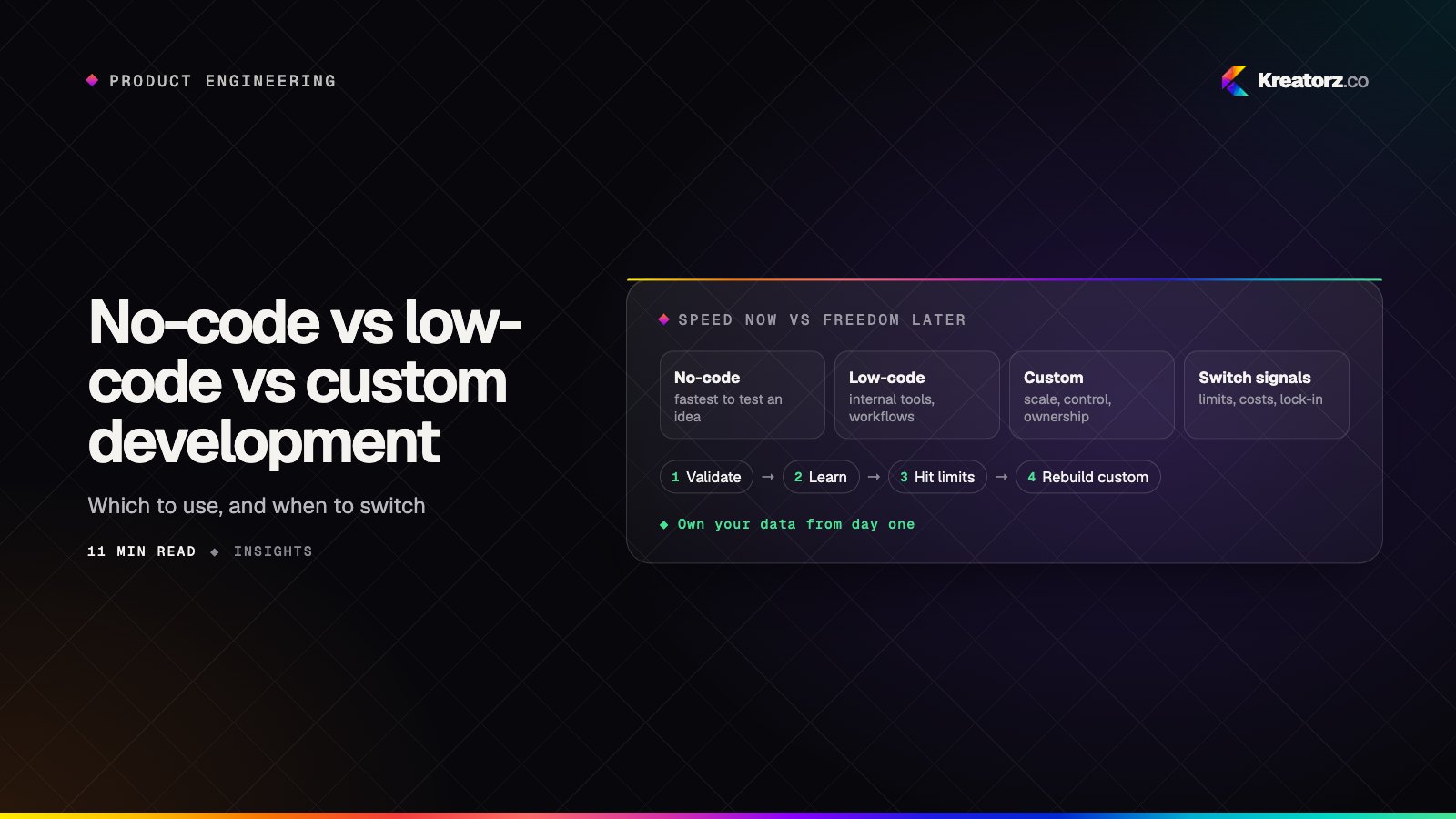
No-code vs low-code vs custom development: which should you use to build your app?
No-code builders, low-code platforms and custom code can all produce a working app, but they trade speed for control in very different ways. Here is how the three compare on cost, flexibility, scale, integrations, security and ownership, where each one genuinely wins, the hidden limits to watch for, and when to move from no-code to custom.
21 November 2026