App store optimization: how to get your app found and downloaded
Most app downloads start with a search in the App Store or Google Play. App store optimization (ASO) improves how often your app appears for the right searches and how many people who see it install it. Here is a step-by-step guide to keyword research, titles and metadata, screenshots, ratings, testing, localization and measuring results.
Short answer
App store optimization (ASO) is improving your app's visibility and conversion in the App Store and Google Play. Research the words your users search, put the most important ones in your title, subtitle or short description and keyword fields, design screenshots that show the value in seconds, earn good ratings, localize for key markets and test changes with the stores' experiment tools.
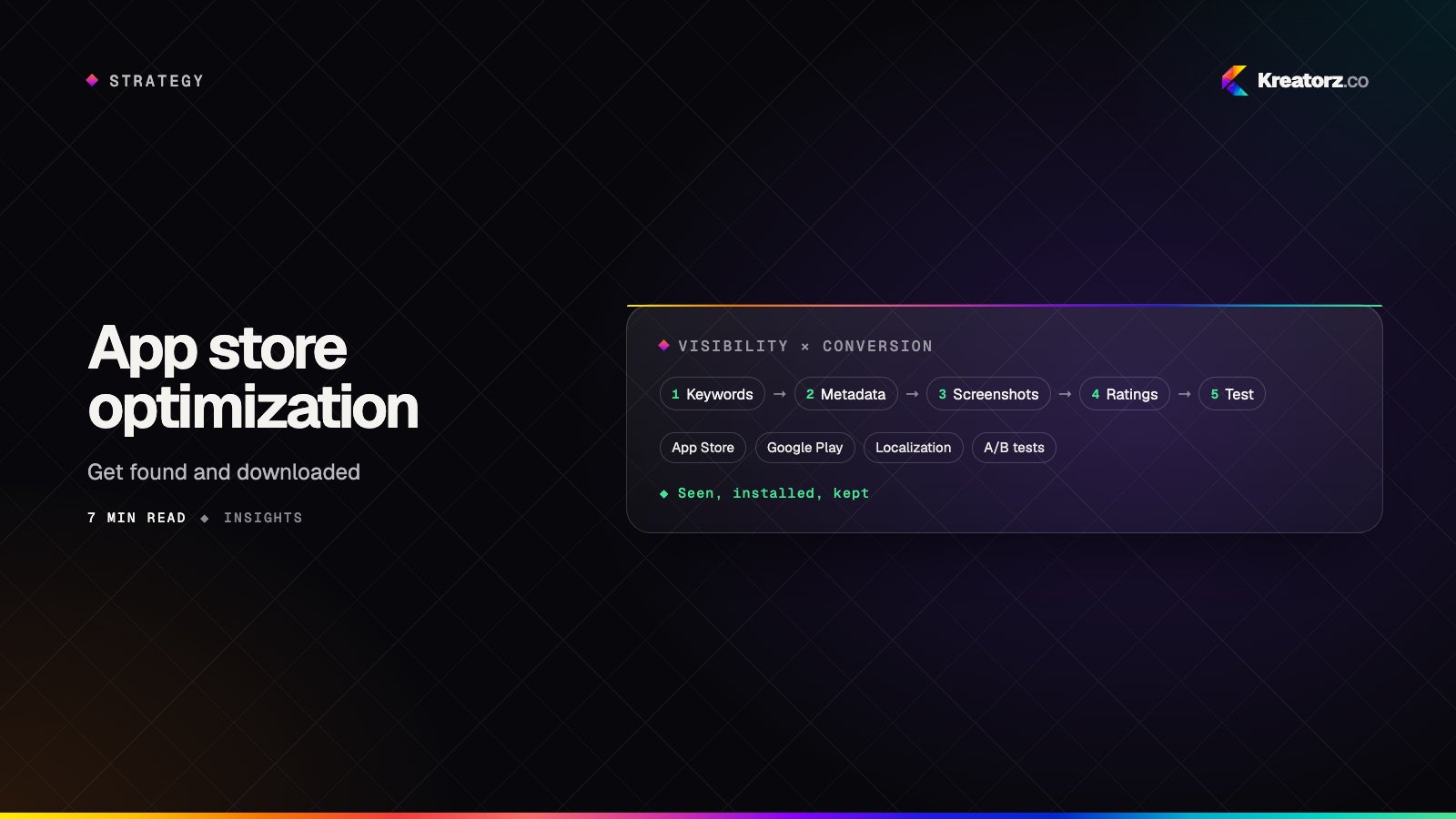
You can build a great app and still struggle to get downloads if nobody can find it. Most installs begin with someone typing a need into the App Store or Google Play, scanning a few results and deciding in seconds. App store optimization, or ASO, is the work of winning that moment.
ASO has two goals: visibility, appearing for the searches your potential users make, and conversion, persuading the people who see your listing to install. This guide walks through both, step by step.
How the stores decide what to show
Neither Apple nor Google publishes its full ranking formula, but the main factors are well understood:
- Relevance: how well your metadata matches the search, mainly through your title and other text fields.
- Conversion: how often people who see your app install it.
- Ratings and reviews: volume, recency and average rating.
- Engagement and quality: retention, uninstalls, crashes and performance, particularly on Google Play.
- Download momentum: installs over time.
That means ASO is not only about words. A listing that attracts the wrong users, or an app that crashes, will lose ground no matter how well the keywords are chosen.
Step 1: Research keywords
Start by understanding how your users describe their problem, not how you describe your product.
- Brainstorm the needs, features, problems and categories your app covers, in your users' language.
- Check competitors: the words in their titles, subtitles and descriptions, and the searches where they appear.
- Use store search suggestions: type the start of a phrase in each store and note the suggestions.
- Use an ASO tool to estimate search popularity and competition for each phrase.
- Prioritize phrases that are relevant, searched often enough and realistic to rank for. A new app rarely ranks for the most competitive single words, so start with specific longer phrases.
Keep a keyword list per store and per market, because search behavior differs between them.
Step 2: Optimize your metadata
The two stores use metadata differently.
| Field | App Store | Google Play |
|---|---|---|
| App name or title | 30 characters, strongly weighted | 30 characters, strongly weighted |
| Subtitle or short description | Subtitle, 30 characters, indexed | Short description, 80 characters |
| Keyword field | 100 characters, hidden, indexed | None |
| Full description | Not used for search ranking | Up to 4,000 characters, indexed |
| Promotional text | 170 characters, can change without a new release | None |
Practical rules:
- Title: your brand plus your most important keyword phrase, if it reads naturally. "Brand: Meal Planner & Recipes" works better than "Brand".
- Subtitle and short description: your clearest benefit with secondary keywords.
- Apple keyword field: comma-separated single words, no spaces after commas, no repeats of words already in your title or subtitle, and no competitor brand names.
- Google Play description: write for people first, with your main phrases used naturally in the opening lines and throughout. Avoid keyword stuffing, which both stores can penalize.
Follow each store's metadata rules. Misleading claims, irrelevant keywords and competitor names can lead to rejection.
Step 3: Design a listing that converts
Most visitors never read your description. They decide from the icon, the first few screenshots and the rating.
- Icon: simple, recognizable at small sizes and distinct from competitors.
- Screenshots: treat the first two or three as a billboard. Show the core benefit, not a menu or login screen, with short captions that read in a glance.
- Order: lead with the main value, then key features, then proof such as awards or ratings when you have them.
- Preview video: optional. Useful for apps whose value is easier to show than describe, such as games and creative tools. Keep the first seconds strong, since many viewers watch without sound.
- Consistency: the listing should match the actual app experience, or reviews and retention will suffer.
Step 4: Earn ratings and reviews
Ratings affect both ranking and conversion.
- Ask at the right moment, after a user completes something satisfying, using the stores' built-in rating prompts. Both platforms limit how often these prompts appear.
- Never incentivize or gate reviews. Offering rewards for reviews or only asking happy users through a pre-screen violates store policies.
- Reply to reviews, especially negative ones. A helpful reply shows potential users you care, and many people update their rating after a fix.
- Read reviews as product feedback. Recurring complaints are often your quickest wins.
Step 5: Improve app quality
Store algorithms increasingly reward apps people keep using. Crash rates, slow startup and battery drain hurt rankings, especially on Google Play, which highlights technical quality signals in its console. Monitor stability and performance, and fix problems quickly.
Step 6: Test your listing
Both stores offer built-in experiments:
- App Store: product page optimization lets you test alternative icons, screenshots and preview videos. Custom product pages let you create different versions of your page for different ads and audiences.
- Google Play: store listing experiments let you test icons, graphics, screenshots and descriptions. Custom store listings target specific countries or audiences.
Test one major element at a time, run tests long enough to reach meaningful results and keep a log of what you learned.
Step 7: Localize for key markets
If you have users in several countries, localize your listing, not just your app. Translate and adapt the title, subtitle, keywords, description and screenshot captions for each market, and research keywords in each language rather than translating your English list directly. Search terms in another language are often not literal translations. Our guide on how to localize an app covers the in-app side.
Step 8: Combine ASO with your wider marketing
ASO works best alongside other channels. Ads, social media, PR, a website with good search visibility and referrals all drive installs and momentum, which help organic rankings. Apple Search Ads and Google App campaigns also show you which keywords convert. Our guides on how to market a new app and launching on the App Store and Google Play cover the launch side.
Step 9: Measure and iterate
Track, per store and market:
- Keyword rankings for your priority phrases
- Impressions and product page views
- Conversion rate from page view to install
- Installs by source: search, browse and referral
- Ratings, reviews and their trend
- Retention and uninstalls of the users you acquire
Review monthly. ASO is ongoing: competitors change their listings, store algorithms evolve and your app adds features worth promoting. Update metadata with each meaningful release.
The bottom line
Research the words your users search, use them where the stores weigh them most, design a listing that shows your value in seconds, earn genuine ratings, keep your app stable, localize for key markets and test changes. Repeat regularly, and measure against installs and retention, not only rankings.
At Kreatorz we build iOS and Android apps and help teams improve their store visibility and conversion with ASO grounded in how the app actually works. See our app store optimization service, or tell us about your app.
Frequently asked questions
What is app store optimization?
App store optimization (ASO) is the process of improving your app's visibility in App Store and Google Play search results and increasing the share of people who install after seeing your listing. It covers keywords, titles and descriptions, screenshots and icons, ratings, app quality, localization and testing.
How do I choose keywords for my app?
List the needs and features your users search for in their own words, check competitors' listings and store search suggestions, then use an ASO tool to estimate popularity and competition. Prioritize relevant phrases you can realistically rank for, and place the most important ones in your title and subtitle or short description.
How is ASO different for the App Store and Google Play?
The App Store indexes your app name, subtitle and a hidden 100-character keyword field, but not the full description. Google Play has no keyword field and indexes your title, short description and full description. Both weigh conversion, ratings and quality, and both offer listing experiments.
How long does ASO take to work?
Metadata changes can affect rankings within days to a few weeks after a store update is processed, but meaningful results usually build over several months of testing and iteration. Ratings, retention and download momentum take time to improve.
Can I pay to improve my app store ranking?
You can't pay for organic rankings, and buying fake installs or reviews breaks store policies and can get your app removed. You can pay for search ads in both stores, which put your app above organic results for chosen keywords and can increase overall momentum.
- App store optimization (ASO)Kreatorz provides app store optimization services for the Apple App Store and Google Play.Explore
- Mobile app developmentWe plan, design, build and grow mobile apps for iPhone and Android — choosing the right technology for your product, not the one we happen to prefer.Explore
- Digital marketing agencyWe plan and run SEO, answer engine optimization, app store optimization, branding, content, social media and paid campaigns — and because we also build websites, apps…Explore


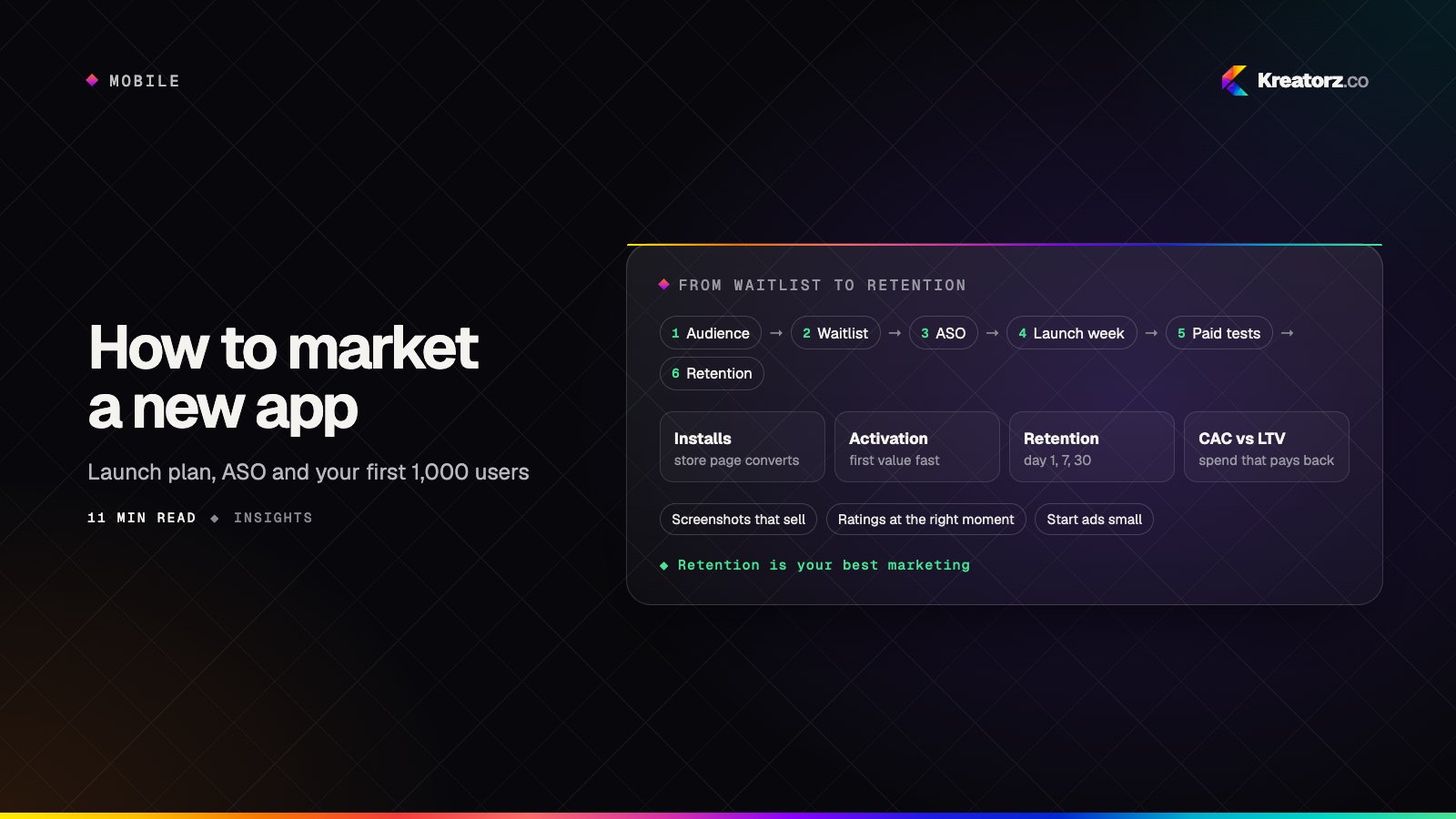
How to market a new app: launch plan, ASO and your first 1,000 users
A good app does not market itself. Here is a step-by-step app marketing strategy for a new launch, from choosing one audience and value proposition to pre-launch waitlists, app store optimization, launch week, small paid tests, onboarding and retention, and the metrics that tell you what is working.
20 November 2026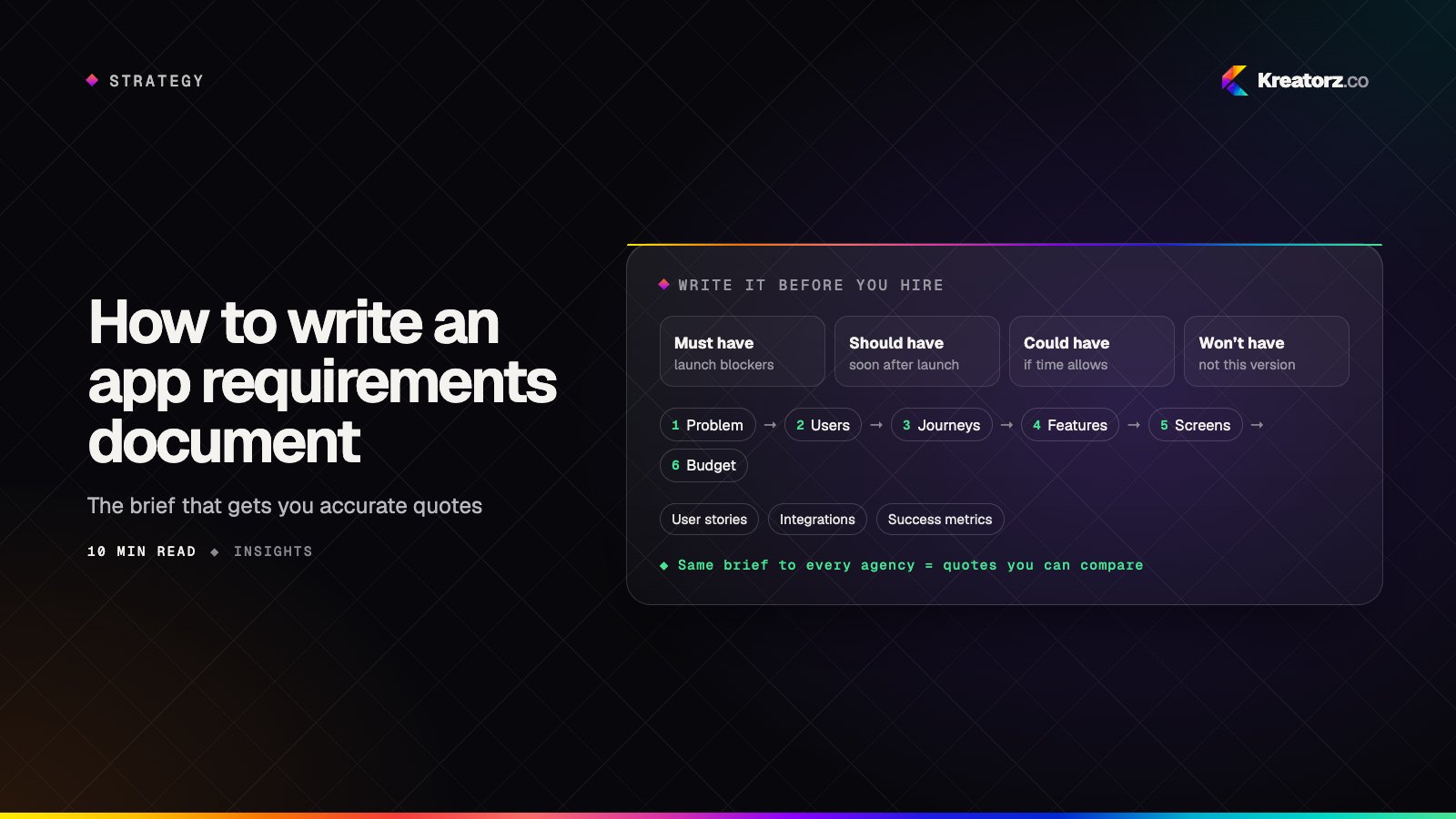
How to write an app requirements document before you hire developers
A clear app requirements document is the fastest way to get accurate, comparable quotes from developers. Here is a step-by-step guide to writing one, from the problem statement and user stories to must-have features, integrations, compliance flags, budget and a fill-in template you can copy.
21 November 2026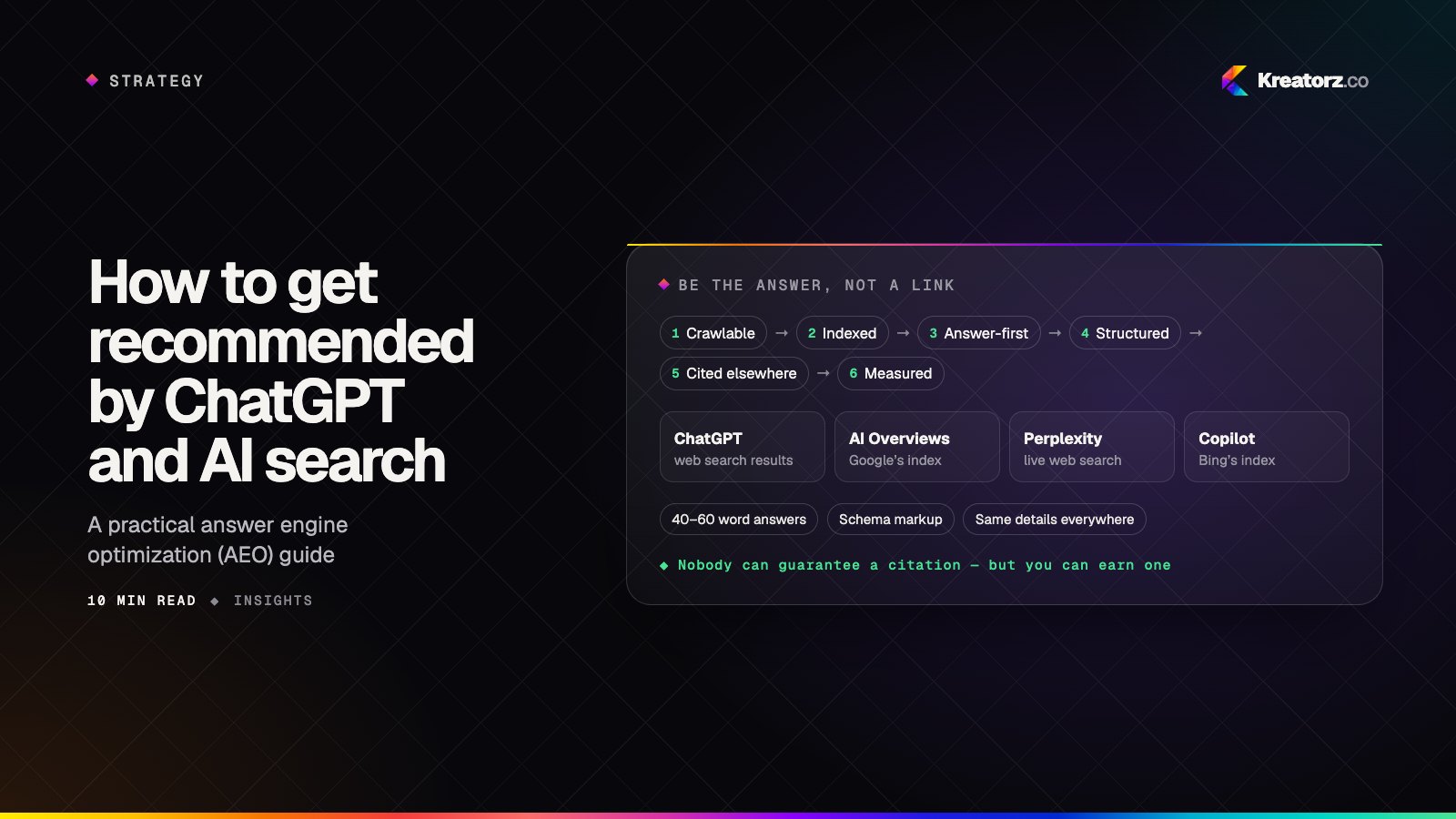
How to get your business recommended by ChatGPT and AI search (AEO guide)
More buyers now ask ChatGPT, Perplexity, Copilot or Google's AI features which company to hire or which product to buy. Here is a practical, step-by-step answer engine optimization guide, from crawler access and indexing to answer-first content, structured data, reviews and measuring AI referrals.
20 November 2026