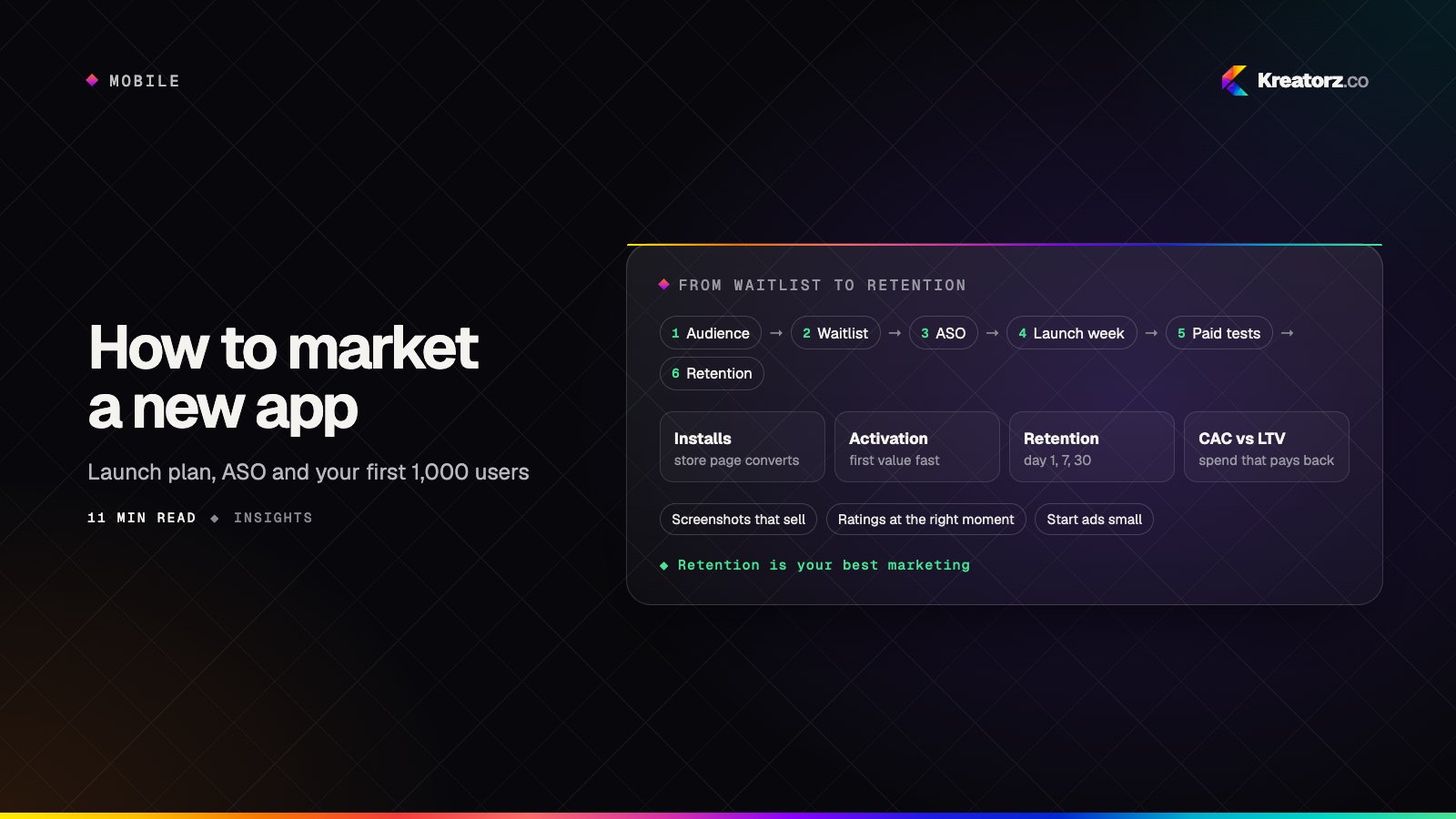
Most app downloads start in the store. People search for a need, scan a few results and decide in seconds based on the icon, title, screenshots and rating. If your app does not appear for the right searches, or its listing does not make the value obvious, good features never get the chance to matter.
App store optimization (ASO) improves both sides of that moment: being found for the searches your users make, and converting the people who land on your page. Kreatorz builds iOS and Android apps, so our ASO work is grounded in how your app actually works, how the stores review and rank apps, and what your analytics show after the install.
What we do
- Keyword research for the App Store and Google Play — finding the terms your users search for, judging relevance and competition, and mapping them to the fields each store indexes.
- Titles, subtitles and short descriptions — clear, keyword-aware copy within each store's character limits: app name and subtitle on the App Store, title and short description on Google Play.
- Keyword field and full description — choosing App Store keywords carefully and writing a Google Play long description that reads well and supports discovery.
- Screenshots and preview videos — concepts, copy and designs that show the core value in the first two or three frames, in the sizes each store requires.
- Icon review — testing whether your icon is recognizable at small sizes and distinct from competitors.
- Ratings and reviews strategy — well-timed in-app rating prompts using the official APIs, reply templates and a process for turning review themes into product fixes.
- A/B testing — product page optimization and custom product pages on the App Store, and store listing experiments on Google Play.
- Localization — translated and culturally adapted listings and screenshots for each market, including right-to-left languages such as Arabic. See app localization services.
- Launch ASO — preparing listings, keywords, creative and review prompts before release so the app starts strong.
- Apple Search Ads basics — setting up campaigns to test keywords and support discovery, with spend you control.
How we work
- Audit your listing — a review of current keywords, copy, creative, ratings and competitors on both stores.
- Check your data — App Store Connect and Google Play Console metrics such as impressions, product page views, conversion rate and the searches that already bring people to you.
- Research keywords — build a prioritized keyword set for each store and each market you target.
- Rewrite metadata — new title, subtitle or short description, keywords and descriptions, reviewed against store guidelines.
- Redesign creative — screenshot and preview video concepts, then final assets in Figma in every required size.
- Test — run product page optimization or store listing experiments to compare versions with real store visitors.
- Monitor and iterate — weekly updates on changes and results, and new tests based on what the data shows.
App Store vs Google Play: what to optimize
| Apple App Store | Google Play | |
|---|---|---|
| Main text fields | App name, subtitle, keyword field, promotional text, description | Title, short description, full description |
| Is the description indexed for search? | Not used as a primary search field | Yes, the full description supports discovery |
| Built-in testing | Product page optimization, custom product pages | Store listing experiments, custom store listings |
| Paid discovery | Apple Search Ads | Google Ads app campaigns |
| Data source | App Store Connect analytics | Google Play Console statistics and acquisition reports |
ASO beyond the store listing
Store rankings are influenced by more than metadata. Ratings, retention, crash rates and how often people uninstall all reflect app quality, and the stores pay attention. Because we are also an app development team, we can help with the product side too: fixing crashes, improving onboarding, timing rating prompts well and building deep links from campaigns to custom product pages. See our mobile app development, iOS app development and Android app development services.
No one can guarantee #1 rankings, featuring or a set number of downloads. Apple and Google control their own search and editorial decisions. We work on the parts you can influence and report honestly on what changes.
Start your project
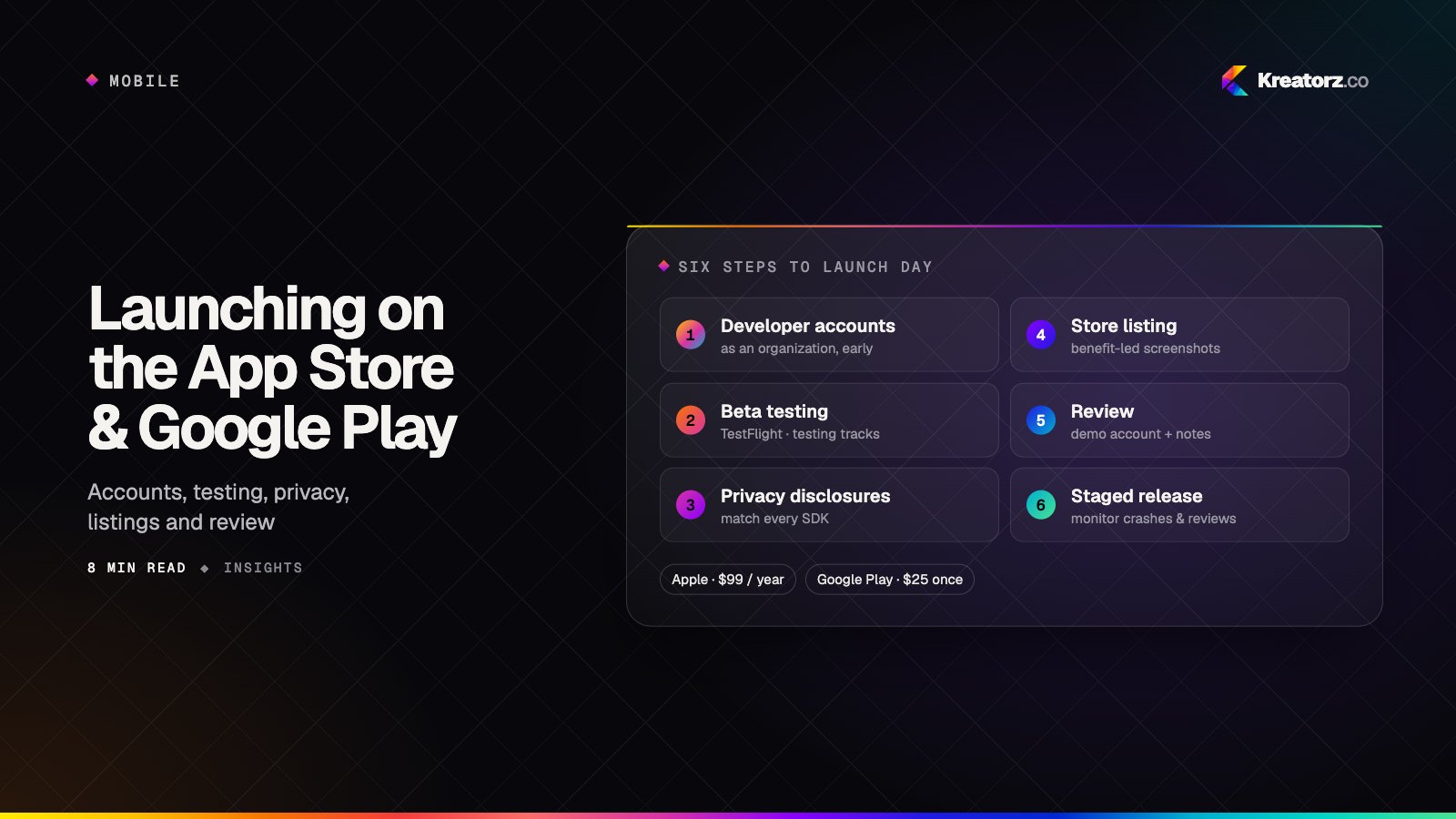
Send us your App Store or Google Play link — or your launch date if the app is not live yet. We will review it and come back with a clear next step. Get a free consultation. Launching soon? Read our guide on how to launch an app on the App Store and Google Play.