
How to build a mental health app: calm design, safe AI and privacy people can trust
People open wellbeing apps at vulnerable moments. That raises the bar for everything — how fast the app opens, how it speaks, how it reminds, how its AI responds to someone in distress and how it treats a journal entry. Here is how to design and build meditation and mental health apps that are calm, safe and private.
Short answer
To build a mental health app, decide plainly what it is and isn’t, then design for vulnerable moments: fast to open, one action per screen, gentle tone and controllable notifications. Deliver audio reliably, including offline, reward totals rather than fragile streaks, give AI companions clear boundaries and crisis pathways, involve licensed professionals, and keep mood and journal data private.
People rarely open a wellbeing app when everything is fine. They open it when they can't sleep, when their chest is tight before a presentation, after an argument, or at the end of a long and difficult day. That single fact shapes every decision in a mental health or meditation app.
A slow launch becomes a reason to give up. A "You broke your streak!" notification becomes a source of guilt. An AI that answers a worrying message with a breezy tip becomes a safety problem.
This guide covers how we approach mental health, meditation and wellbeing apps: calm interface design, content and audio delivery, retention that doesn't nag, AI companions with clear boundaries, safety design with clinical input, and privacy for some of the most personal data an app can hold. It is a product and engineering guide, not clinical guidance — the clinical side belongs with licensed professionals.
Start with what the app is — and isn't
Before any screens, decide plainly what your product is for. "Mental health app" covers very different products, and each carries different responsibilities:
| Type of app | Typical features | What raises the bar |
|---|---|---|
| Meditation and mindfulness | Guided sessions, breathing, courses, timers | Audio quality, offline playback, calm UX |
| Sleep and relaxation | Sleep stories, soundscapes, wind-down routines | Night-time use, dark interfaces, background audio |
| Mood tracking and journaling | Check-ins, prompts, patterns over time | Highly sensitive personal data |
| AI wellbeing companion | Supportive conversation, reflection, exercises | Boundaries, crisis pathways, model behavior |
| Therapy and coaching platform | Booking, messaging, video with professionals | Clinical workflows, possibly HIPAA |
| Workplace wellbeing | Employer-sponsored access, programs | Employee privacy, aggregated reporting only |
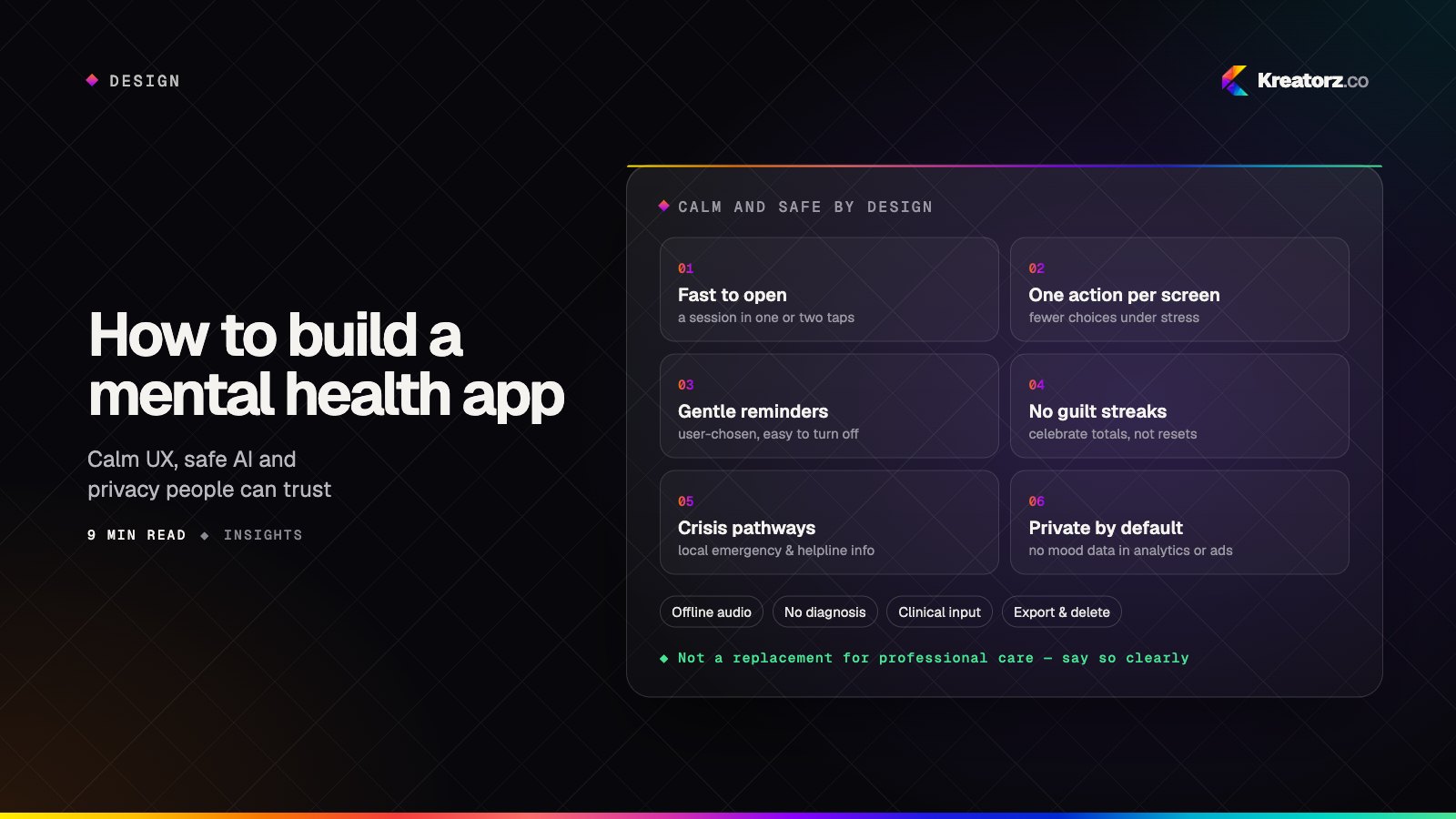
Write a short scope statement — what the app helps with, who it is for, and what it does not do — and put a version of it in onboarding. A wellbeing app is not a replacement for professional care, and the product should say so clearly, without burying it in terms of service.
Calm UX: design for the moment of use
Calm is not a color palette. It is the sum of many small decisions that remove friction and pressure at the moment someone needs help.
Fast to open. Someone who is anxious should be one or two taps from a breathing exercise. Keep cold start light, defer non-essential network calls, and avoid launch-time pop-ups, upsells and "what's new" sheets. Offer a quick-start action on the home screen.
One action per screen. Reduce choices when people are stressed. A home screen with one suggested session and a clear "start" beats a grid of forty options. Keep the full library available, but don't make it the first thing people see.
Gentle tone. Copy should be warm, plain and non-judgmental. Avoid exclamation marks, urgency and anything that implies the user is failing. "Welcome back" works better than "You've missed 4 days."
Soft motion and readable type. Slow, subtle transitions; no bouncing badges. Generous type size and contrast, because people use these apps in dim rooms and with tired eyes. Support dark mode properly, and respect system settings for reduced motion and larger text.
Controllable notifications. Let people choose whether to get reminders, when, and how often — and make turning them off easy. Never use notifications to create guilt or urgency. Keep sensitive details off the lock screen: "Time for your evening session" is fine; anything referencing mood or journal content is not.
We test these flows with real users in realistic conditions — late at night, on a commute, when they're tired — because a design that feels calm in a bright meeting room can feel very different at 2 a.m. Our post on designing AI features people trust covers many of the same principles of expectations and control.
Content and audio delivery
For meditation and sleep apps, content is the product, and delivery problems break the experience instantly.
- Streaming with quick starts. Use adaptive streaming or progressive download so playback begins quickly, with buffering handled quietly in the background.
- Offline downloads. People meditate on flights, on trains and in rooms with weak signal. Let them download sessions, show storage used, and manage downloads automatically for favorites and courses.
- Background audio and controls. Playback should continue with the screen locked, integrate with lock-screen and headphone controls, and handle interruptions — a phone call or an alarm — gracefully.
- Sleep timers and fades. Sleep content should fade out rather than stop abruptly, and long soundscapes should loop seamlessly.
- A content model built for change. Sessions, courses, tags, narrators and languages should live in a content management system so your team can publish without an app release.
Habit and retention without guilt
Retention matters to the business, and regular practice can matter to the user. The problem is that many standard engagement tactics — streaks that reset to zero, loss-framed notifications, red badges — work by creating anxiety. In a wellbeing app, that undermines the very thing the product is for.
Healthier patterns:
- Celebrate totals, not streaks. "12 sessions this month" or total mindful minutes rewards practice without punishing a missed day. If you keep streaks, make them forgiving — rest days, gentle recovery, no dramatic resets.
- Let people set their own rhythm. Ask how often they'd like to practice and design around that, rather than assuming daily.
- Reminders as invitations. One well-timed, user-chosen reminder beats several escalating ones. If someone ignores reminders for a while, ease off rather than turn up the volume.
- Show meaning, not metrics. Reflections such as "You've noted feeling calmer after evening sessions" are more motivating than a leaderboard — provided they are accurate and phrased carefully.
AI companions with clear boundaries
AI can make a wellbeing app feel more personal: reflection prompts tailored to what someone wrote, a supportive conversation at the end of the day, suggested exercises, or summaries of patterns over time. It also introduces risks that need deliberate design. Our guide to building AI apps covers the general architecture; here is what changes in this category.
State the boundaries in the product. Tell users, in plain language and at the start of conversations, that the companion is not a therapist or a medical service, and cannot diagnose or treat.
No diagnosis, no medical advice. Configure and test the model so it does not label conditions, suggest medication changes or give clinical instructions. When a question needs a professional, the companion should say so and point to appropriate support.
Crisis pathways. This is the most important safety feature in the product. Detect language that suggests someone may be at risk of harming themselves or others, or is in immediate danger, and respond by showing local emergency and helpline information right away — not by continuing a normal coaching conversation. Make that information reachable from anywhere in the app, not only inside the chat. Detection should combine model-based classification with conservative rules, and it should err on the side of showing help.
Grounded, supportive responses. Keep the companion's style consistent: warm, brief, curious, and never dismissive. Ground exercises and psychoeducational content in material your clinical advisors have reviewed rather than letting the model improvise.
Test it like a safety system. Build an evaluation set that includes difficult and indirect messages, test every model or prompt change against it, and review real (consented, privacy-protected) conversations for failures. Our post on securing AI products covers prompt injection, data leakage and other risks that apply here too.
As a related example, we built Rayna, a private AI relationship coach that includes daily reflection alongside personalized guidance — a product where privacy and a supportive tone were central to the design.
Clinical input in content and safety design
Engineers and designers can build a calm, well-made app. They should not be the ones deciding what counts as a crisis, how an exercise should be worded for someone in distress, or which claims the app can make. We recommend involving licensed professionals in:
- Content — reviewing guided sessions, journaling prompts and psychoeducational material.
- Safety design — defining risk language, crisis responses and escalation routes, and reviewing how the AI behaves in difficult conversations.
- Claims and marketing — making sure the app doesn't promise outcomes it can't support.
- Ongoing review — revisiting safety flows as features, models and markets change.
Privacy for mood and journal data
Mood entries, journals and AI conversations are among the most personal data a person can share. Treat them that way from the first database design:
- Collect the minimum. Only ask for what a feature actually needs. Make optional data optional.
- Encrypt everything. Encrypt data in transit and at rest, and consider additional protection for journal content. Offer an app lock with biometrics or a passcode.
- Keep it out of analytics and ads. Never send mood scores, journal text or conversation content to analytics, crash reporting, logs or advertising tools. Track events like "session completed" without the sensitive payload, and audit every SDK you add.
- Be careful with AI providers. Send models only what they need, use providers and settings that don't train on your users' data, and explain in plain language how AI features use what people write.
- Give people control. Easy export and permanent deletion of their data, clear consent for anything beyond the core service, and a readable privacy policy.
- Protect employer plans. If employers sponsor access, they should see only anonymous, aggregated usage — never an individual's activity or content.
HIPAA only where it applies. Many consumer wellbeing apps are not covered by HIPAA, but apps that work with healthcare providers or health plans in the US may be. Other privacy and consumer protection laws can apply either way, and rules differ by country and state. Confirm what applies to your product with your legal advisors. If HIPAA does apply, our HIPAA-compliant app guide explains the safeguards, and our healthcare app development team builds for clinical settings.
Subscriptions and employer plans
Most wellbeing apps are funded by subscriptions, and the payment experience should be as calm as the rest of the product:
- A useful free tier or honest trial. Let people try real sessions before paying, and make clear when a trial ends and what it will cost.
- No dark patterns. Easy cancellation, no guilt-laden cancel flows, and no hiding the close button on a paywall.
- In-app subscriptions done right. Use the App Store and Google Play billing systems for digital content, with a subscription service such as RevenueCat to manage entitlements across platforms.
- Employer and partner plans. Organizations can offer access to their people through codes, single sign-on or eligibility files. Design these so the employer manages access without seeing personal data.
Our guide to app development costs explains how features like these affect the budget.
The bottom line
Building a mental health or meditation app well means caring about details that other categories can skip: how quickly a session starts, how a reminder is worded, what the AI says to someone who is struggling, and where a journal entry ends up. Design for calm, deliver content reliably, build retention without guilt, give AI clear boundaries and crisis pathways, bring in clinical input, and treat privacy as part of the product.
If you are planning a wellbeing, meditation or mental health app, see our mental health and meditation app development service, explore our AI app development work, or book a free consultation.
Frequently asked questions
What features does a meditation app need at launch?
A focused set: a quick-start session, a small library of guided audio, offline downloads, background playback, gentle optional reminders and a subscription or trial. Add courses, sleep content and personalization once you know what your users value.
Can a mental health app use an AI companion safely?
It can, with deliberate design: clear boundaries stated in the product, no diagnosis or medical advice, crisis pathways that show local emergency and helpline information, clinically reviewed content, and ongoing testing against difficult conversations.
Do mental health apps need to be HIPAA compliant?
Not always. Many consumer wellbeing apps are not covered by HIPAA, while apps that work with US healthcare providers or health plans may be. Other privacy laws can still apply, so confirm the rules for your product with your legal advisors.
How do you keep users engaged without guilt-tripping them?
Reward total practice rather than fragile streaks, let users choose their own rhythm and reminders, keep notification copy gentle, and ease off when someone isn't responding instead of escalating.
Should clinicians be involved in building a wellbeing app?
Yes. We recommend involving licensed professionals in content, safety design, crisis responses and product claims, and revisiting their input as the app and its AI features evolve.
- Mental health & meditation appsKreatorz builds mental health, meditation, relaxation and wellbeing apps — guided sessions, mood and sleep tracking, journaling and AI companions — designed with…Explore
- Healthcare & HIPAA appsWe design and build patient apps, telemedicine platforms, provider tools and AI features with HIPAA safeguards built into the architecture from day one.Explore
- AI app developmentWe design, build and run AI-powered apps — assistants, copilots, knowledge tools, vision and voice features — that solve a measurable problem and hold up in production.Explore


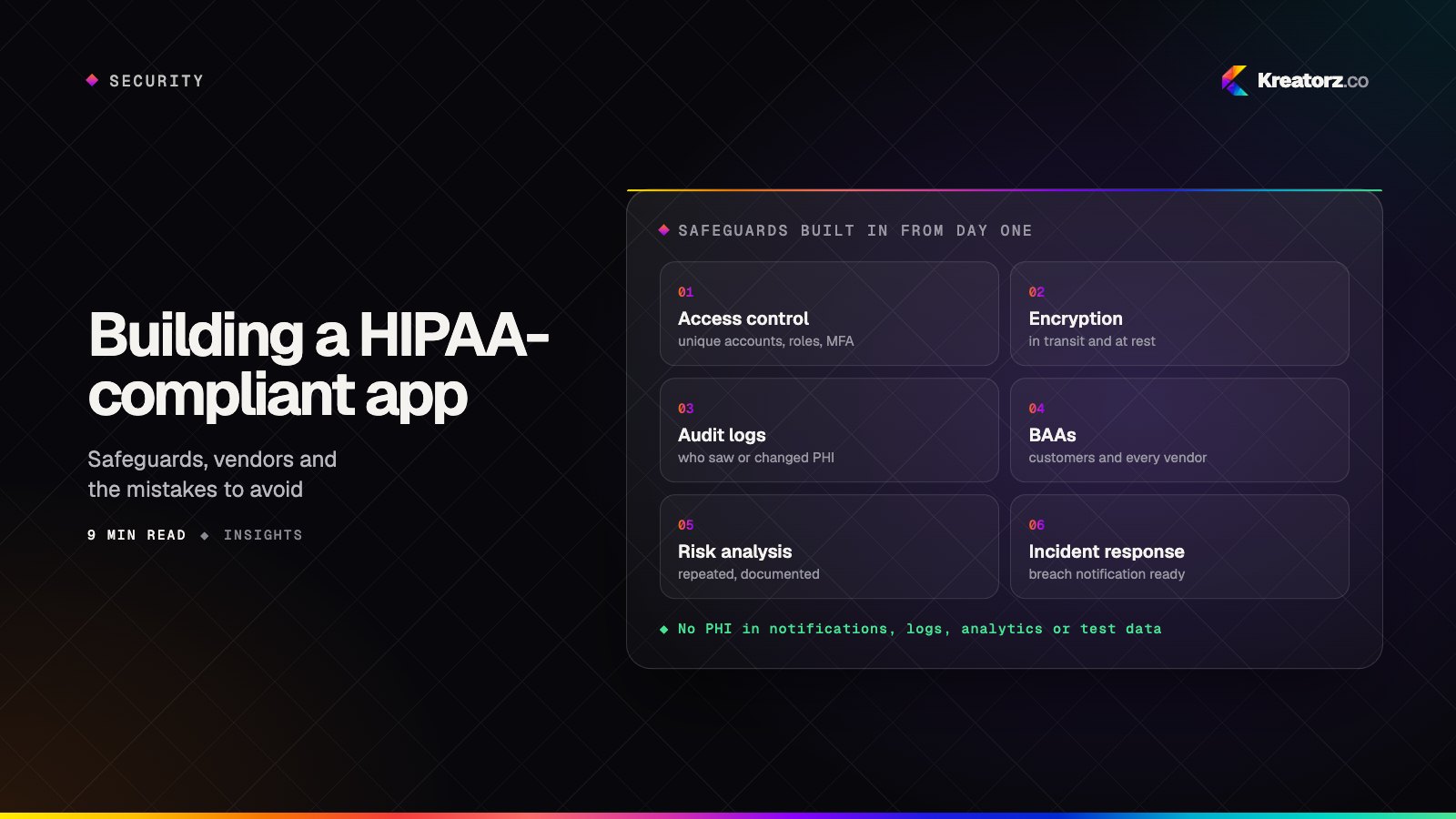
How to build a HIPAA-compliant app: a practical guide for healthcare products
HIPAA compliance is not a feature you add before launch or a badge you can buy. It is a set of decisions about data, vendors and safeguards that shape your architecture from day one. Here is what applies, what to build and the mistakes that catch healthcare apps out.
16 November 2026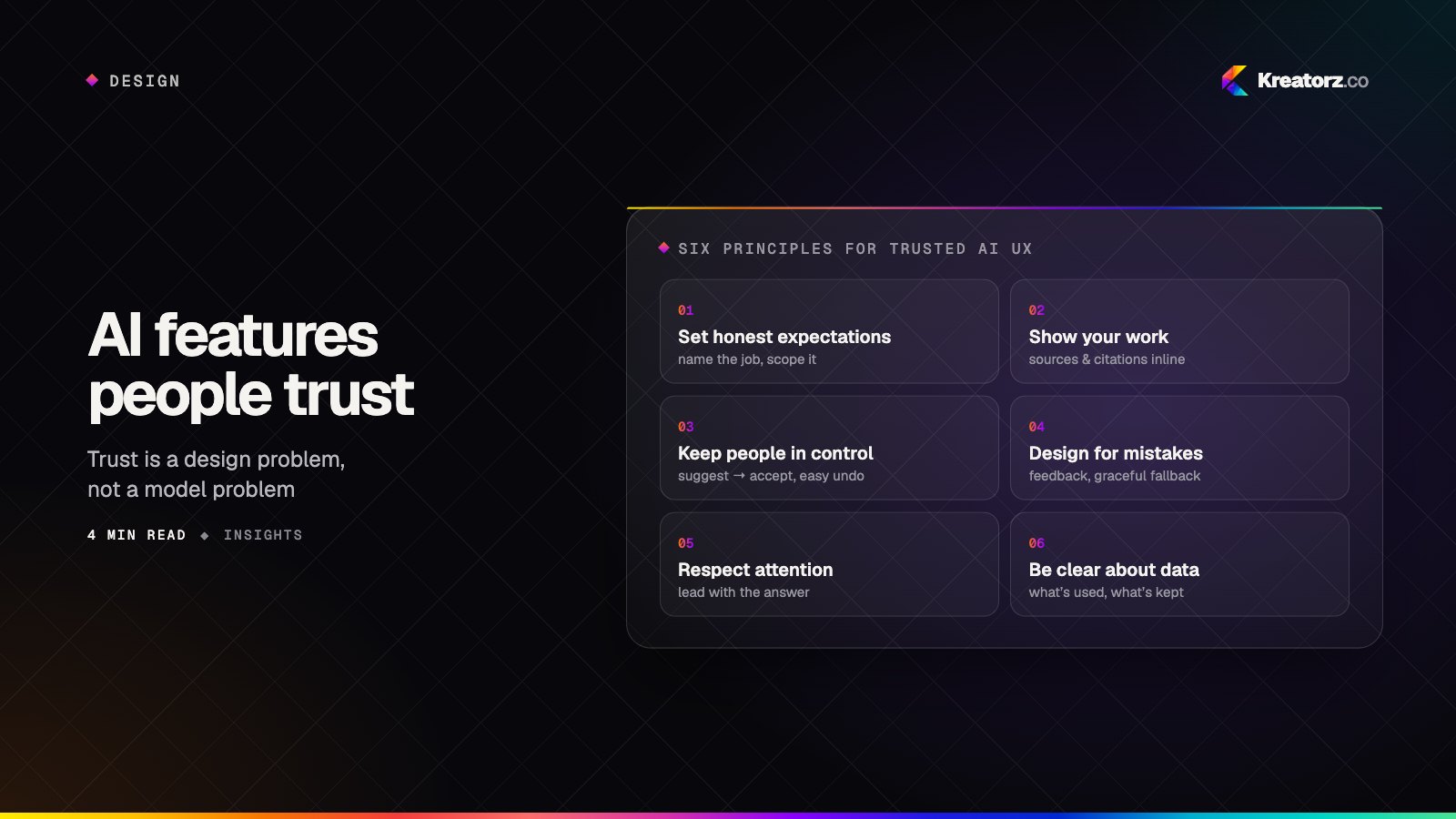
Designing AI features people actually trust
Adding a model to your product is the easy part. Earning users' trust is a design problem — about expectations, transparency, control and recovery when the AI gets it wrong.
16 September 2026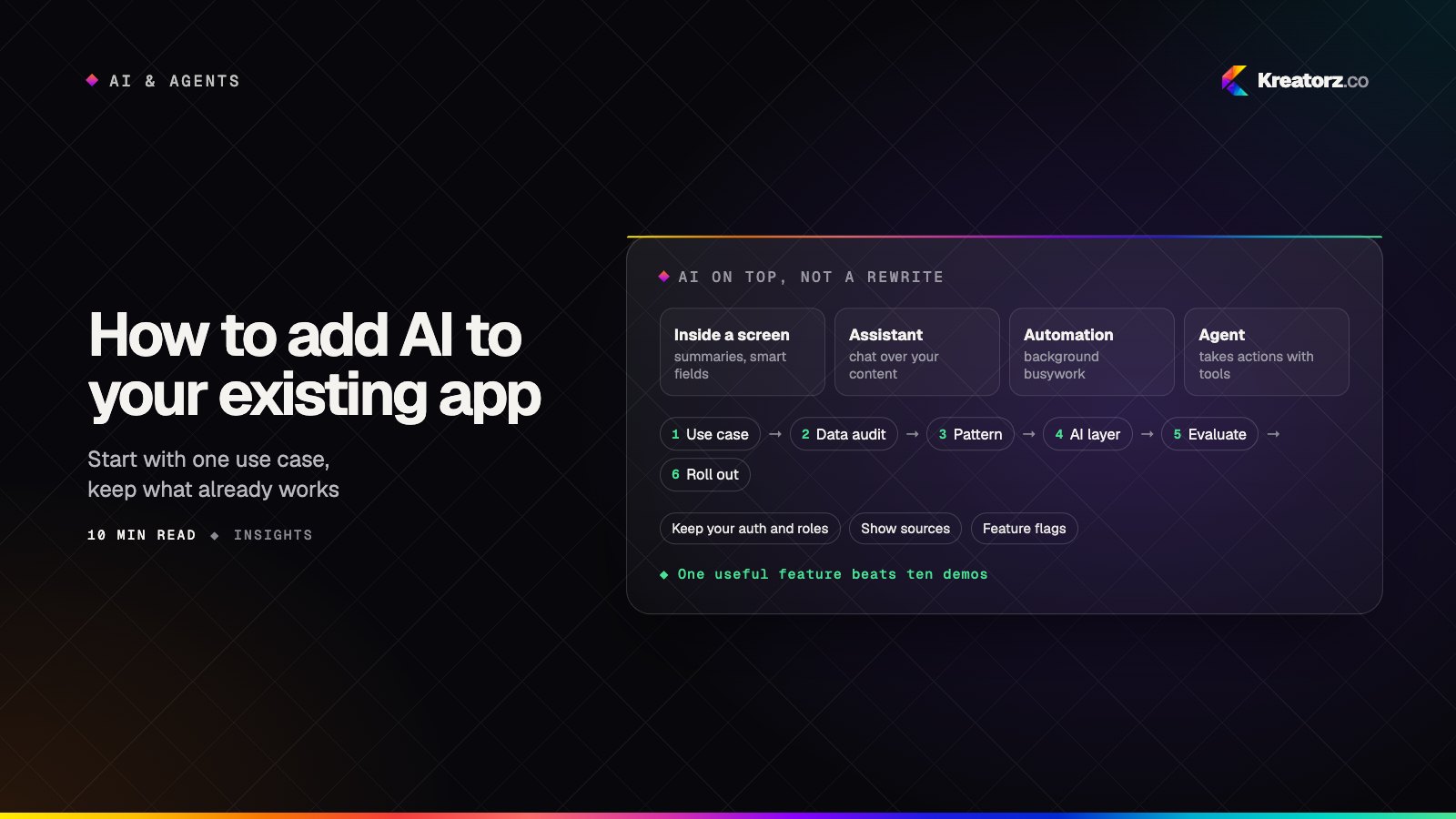
How to add AI to your existing app or software: a step-by-step guide
You do not need to rebuild your product to give it useful AI features. Here is a practical, step-by-step guide to choosing the first use case, auditing your data, picking the right pattern, adding an AI layer without a rewrite, and rolling it out safely.
21 November 2026