How to build an AI chatbot for your website that actually helps customers
A website chatbot can answer questions at any hour, qualify leads and take pressure off your team, or it can frustrate visitors with confident wrong answers. Here is a step-by-step guide to building an AI chatbot on your own content: choosing what it should do, preparing knowledge, retrieval, guardrails, human handoff, privacy, testing and measuring results.
Short answer
To build an AI chatbot for your website, define the few jobs it should do, gather and clean the content it may answer from, and connect a language model to that content with retrieval so answers stay grounded. Add guardrails, a clear handoff to a human, privacy controls and analytics, then test it on real questions before launch and keep improving it from conversation reviews.
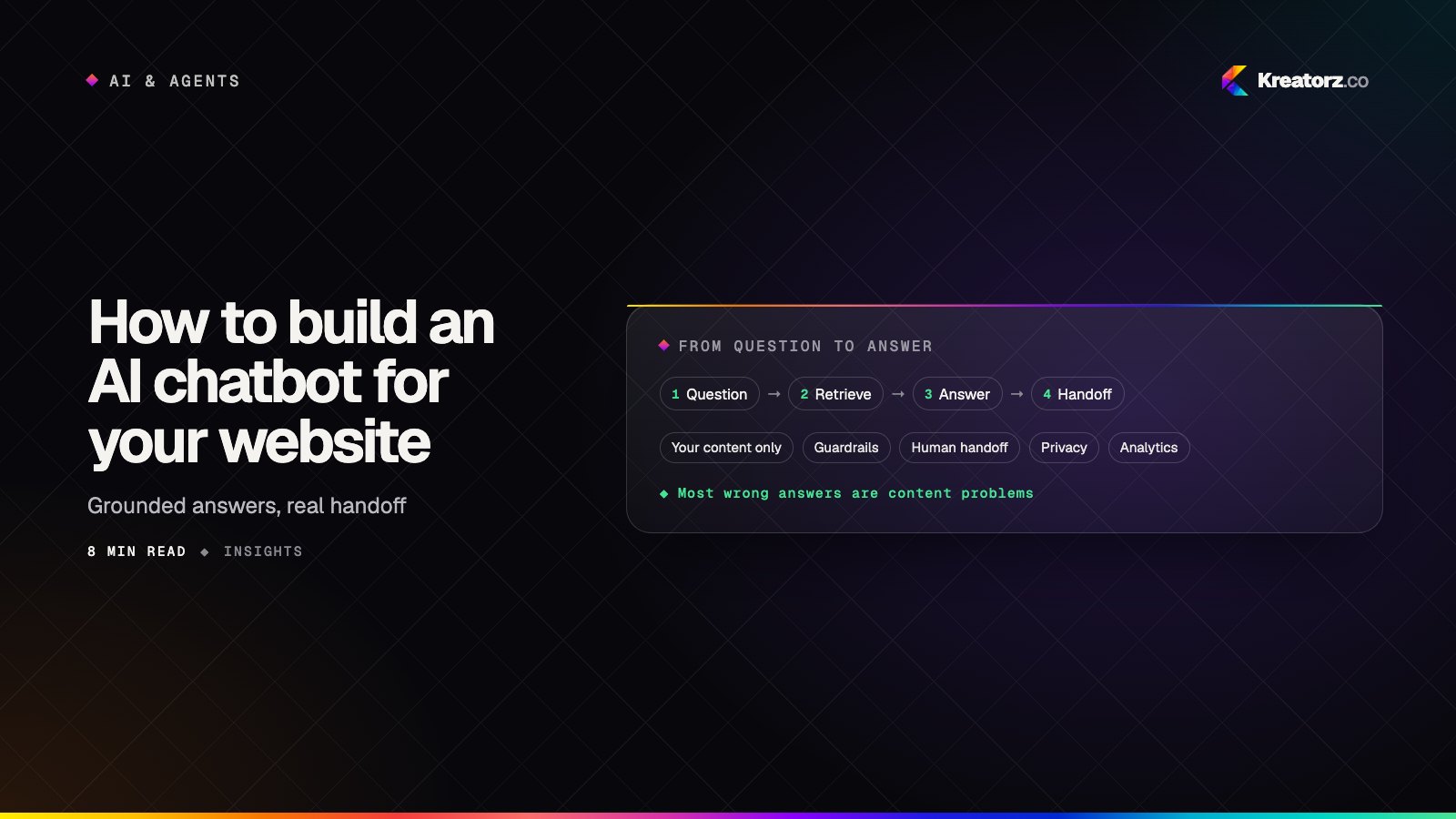
Visitors arrive with questions at all hours. What does this cost? Do you ship to my country? Can I change my booking? Is this the right plan for a team of ten? When nobody answers, many of them leave. A well-built AI chatbot can answer most of those questions instantly, in your voice, from your own content, and hand the rest to a person with the context already collected.
The hard part is not getting a chatbot to talk. Modern language models do that easily. The hard part is making sure it says the right things, knows when it doesn't know, and makes your customers' lives easier instead of harder. This guide walks through how to build one properly.
Step 1: Decide what the chatbot is for
The most common mistake is launching a general "ask me anything" bot. Start with a short list of jobs, ranked by value:
- Answering pre-sales questions about products, pricing, availability and policies.
- Qualifying and capturing leads, asking a few questions and booking a call or passing details to sales.
- Customer support, such as order status, returns, account help and troubleshooting.
- Guiding visitors to the right product, plan, article or page.
- Internal help, if the same assistant will also serve staff from an intranet or help desk.
For each job, write down what a good outcome looks like and what the chatbot must never do. For example: "Answer shipping questions from our published policy. Never promise delivery dates for custom orders."
Step 2: Choose buy, configure or build
| Option | What it means | Fits when |
|---|---|---|
| Built into your help desk or site platform | Turn on the AI assistant your existing tool offers | Your content already lives there and you need standard support answers |
| Configurable chatbot product | Upload content and set rules in a third-party tool | You want a fast start with limited integration needs |
| Custom chatbot | Your own assistant connected to your content, systems and data | You need deep integrations, your own data controls, custom flows or a specific brand experience |
Many businesses should start with the first or second option. A custom build earns its place when the chatbot needs to look up orders or bookings in your own systems, follow business rules a product can't express, meet specific privacy or residency requirements, or become a real part of your product. Our AI chatbot development service covers the custom route.
Step 3: Prepare the knowledge it will answer from
A chatbot is only as good as the content behind it. Before any code, gather the sources it may use:
- Website pages, product and pricing pages
- Help center articles and FAQs
- Policies such as shipping, returns, privacy and terms
- Product documentation and manuals
- Approved answers your support team already uses
Then clean it up. Remove outdated pages, resolve contradictions (two pages giving different return windows will produce inconsistent answers), and fill the gaps where customers often ask something you have never written down. Assign an owner for each source so the content stays current after launch.
Step 4: Ground answers with retrieval
The standard way to make a chatbot answer from your content is retrieval-augmented generation, usually called RAG. In simple terms:
- Your content is split into sensible sections and indexed so it can be searched by meaning, not just keywords.
- When a visitor asks a question, the system finds the most relevant sections.
- The language model writes an answer using only those sections, ideally with links to the pages it used.
Good retrieval is where most of the quality comes from: splitting content along natural headings, keeping metadata such as product, region and date, combining keyword and meaning-based search, and refreshing the index whenever content changes. Our article on RAG done right goes deeper, and our RAG development service builds these pipelines.
Step 5: Connect it to your systems, carefully
Answering from documents covers many questions. The next level is letting the chatbot take actions or look up live information, such as checking an order, finding available appointment slots or creating a support ticket. This turns a chatbot into an assistant, and it should be done carefully:
- Give it access only to the specific actions it needs, through your own APIs.
- Verify the visitor's identity before showing any account or order details.
- Ask for confirmation before any action that changes something.
- Log every action for review.
Our guide on how to build an AI agent for your business explains how to design these tools and permissions safely.
Step 6: Set guardrails and a clear voice
Write the chatbot's instructions as carefully as you would brief a new team member:
- Scope. What it helps with, and a polite answer for everything else.
- Honesty. If the answer is not in the approved content, it should say so and offer a person, never guess.
- Tone. Match your brand: friendly, concise, plain language.
- Sensitive topics. Rules for legal, medical, financial or safety questions, which usually means pointing to a human or an official resource.
- No commitments it can't keep. Prices, discounts, refunds and delivery promises should come only from approved content or live systems.
Also protect against misuse. Visitors may try to make the bot ignore its instructions or reveal internal information. Keep secrets out of its context, limit what it can access, and test with deliberately tricky inputs. Our article on securing AI products covers this in more detail.
Step 7: Design the human handoff
The best chatbots know their limits. Plan when and how a conversation moves to a person:
- When the visitor asks for a human, at any point.
- When the chatbot can't find a confident answer.
- When the topic is a complaint, a refund, a sensitive issue or a high-value sale.
Make the handoff smooth: pass the conversation and any details already collected to your help desk, email or CRM, and tell the visitor what happens next and when to expect a reply. Outside working hours, collect contact details and a summary instead of leaving them waiting.
Step 8: Handle privacy and consent
Website chats often contain personal information. Before launch:
- Tell visitors they are talking to an AI assistant.
- Explain in your privacy policy what is stored, for how long and who processes it.
- Choose model providers and settings that don't use your conversations to train their models, where that matters to you.
- Avoid collecting sensitive data you don't need, and mask it in logs where possible.
- Check requirements for the regions you serve, such as GDPR in the UK and Europe, and sector rules for health or financial data.
Step 9: Test with real questions before launch
Build a test set of 100 or more real questions from your support inbox, sales calls and site search, including awkward ones. For each, write what a good answer looks like. Then check:
- Is the answer correct and based on your content?
- Does it link to the right page?
- Does it decline or hand off when it should?
- Is it concise and in the right tone?
Run the test set again every time you change the content, instructions or model, so improvements in one place don't quietly break another.
Step 10: Launch, measure and improve
Launch on a few pages or to a share of visitors first. Then track:
- Resolution rate: conversations answered without a handoff.
- Handoff rate and reasons: what the bot can't yet handle.
- Answer quality: from thumbs up and down ratings and regular reviews of sampled conversations.
- Business outcomes: leads captured, bookings made, support tickets reduced.
- Cost per conversation: model usage plus infrastructure.
Review conversations weekly at first. The questions the bot struggles with tell you exactly which content to write next. Our guide on measuring the ROI of AI projects shows how to turn these numbers into a business case.
What it costs to run
Running costs come from model usage (billed per amount of text processed), search and storage for your indexed content, hosting, and the time spent reviewing conversations and updating content. You can keep them predictable by choosing the smallest model that meets your quality bar for routine questions, keeping retrieved context focused, caching common answers and setting usage limits and alerts. Our article on how much it costs to build an AI app breaks down both the build and running costs.
The bottom line
A good website chatbot starts with a narrow set of jobs and clean content, answers through retrieval from that content, knows when to hand off to a person and is measured against real outcomes. Built this way, it becomes one of the most useful things on your site.
At Kreatorz we design and build AI chatbots and assistants on your own content and systems, with guardrails, human handoff and analytics built in. See our AI chatbot development and AI agent development services, or tell us what you'd like your chatbot to do.
Frequently asked questions
How do I build an AI chatbot for my website?
Define the few jobs it should do, gather and clean the content it may answer from, connect a language model to that content using retrieval, add guardrails and a handoff to a human, then test it on real customer questions before launch. After launch, review conversations regularly and improve the content and instructions.
Can an AI chatbot answer from my own website content?
Yes. Using retrieval-augmented generation (RAG), the chatbot searches your pages, help articles and policies for each question and writes its answer from what it finds, ideally with links to the sources. This keeps answers grounded in your content rather than the model's general knowledge.
How do I stop an AI chatbot from making things up?
Ground it in approved content with retrieval, instruct it to say when it doesn't know and offer a person, keep your source content accurate and consistent, and test it on a set of real questions every time something changes. Reviewing sampled conversations after launch catches remaining gaps.
Should I build a custom chatbot or use an existing tool?
Use the assistant built into your help desk or a configurable chatbot product if it covers your needs. A custom chatbot makes sense when you need integrations with your own systems, specific privacy or data controls, custom business rules or a chatbot that is part of your product experience.
Can a website chatbot hand conversations to a human?
Yes, and it should. A good chatbot hands off when the visitor asks, when it can't answer confidently, or when the topic is sensitive or high value, passing the conversation and collected details to your help desk, email or CRM so the person can pick up without asking again.
- AI chatbot developmentWe build custom AI chatbots and conversational AI assistants — for support, sales, onboarding and internal teams — trained on your content, connected to your systems…Explore
- RAG developmentWe build retrieval-augmented generation systems — knowledge assistants, document Q&A, RAG chatbots and enterprise search — that answer from your own content, cite…Explore
- AI agent developmentWe build custom AI agents that read, decide and act across your business systems — with clear limits, human approval where it matters and evaluation you can trust.Explore


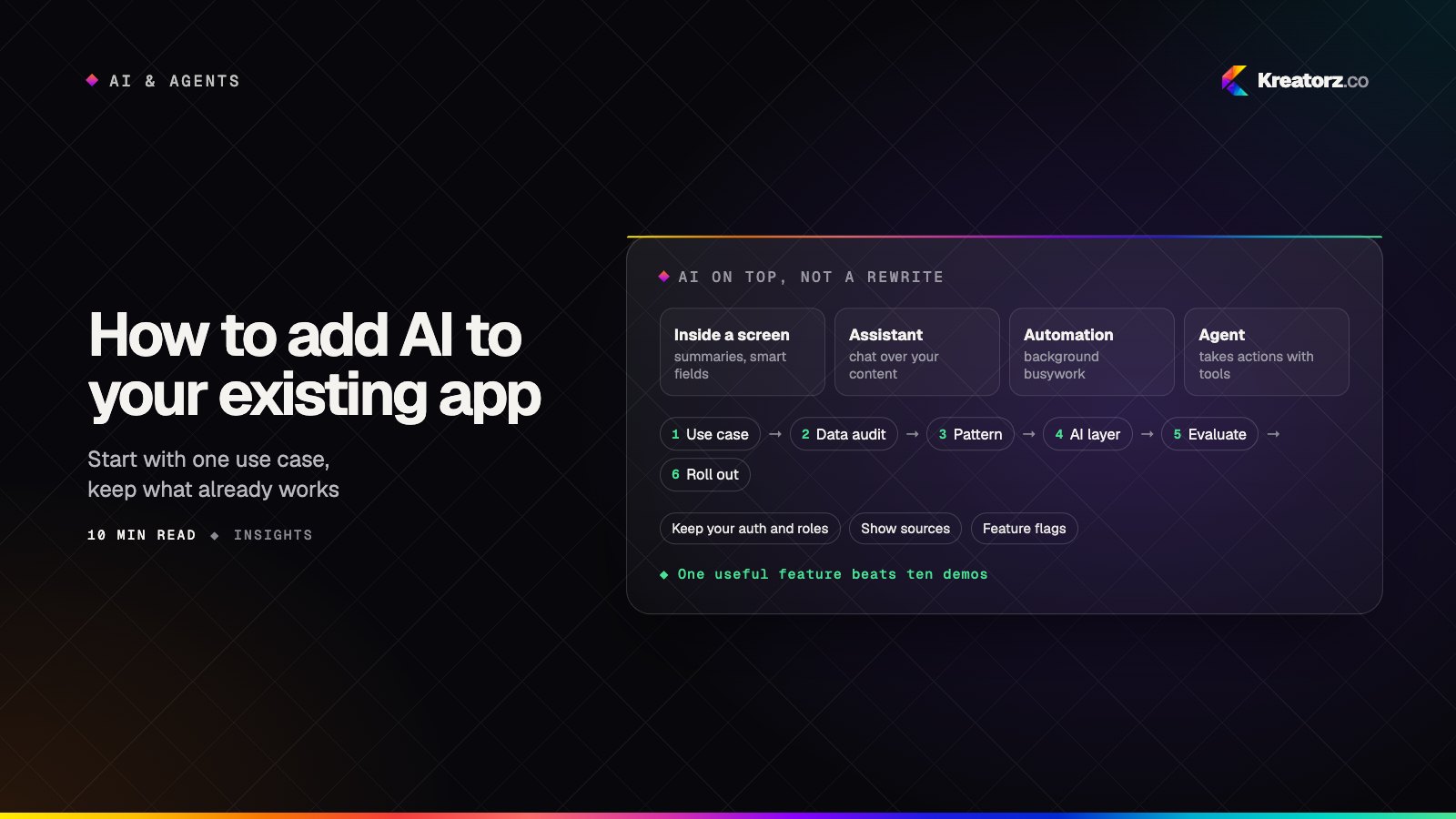
How to add AI to your existing app or software: a step-by-step guide
You do not need to rebuild your product to give it useful AI features. Here is a practical, step-by-step guide to choosing the first use case, auditing your data, picking the right pattern, adding an AI layer without a rewrite, and rolling it out safely.
21 November 2026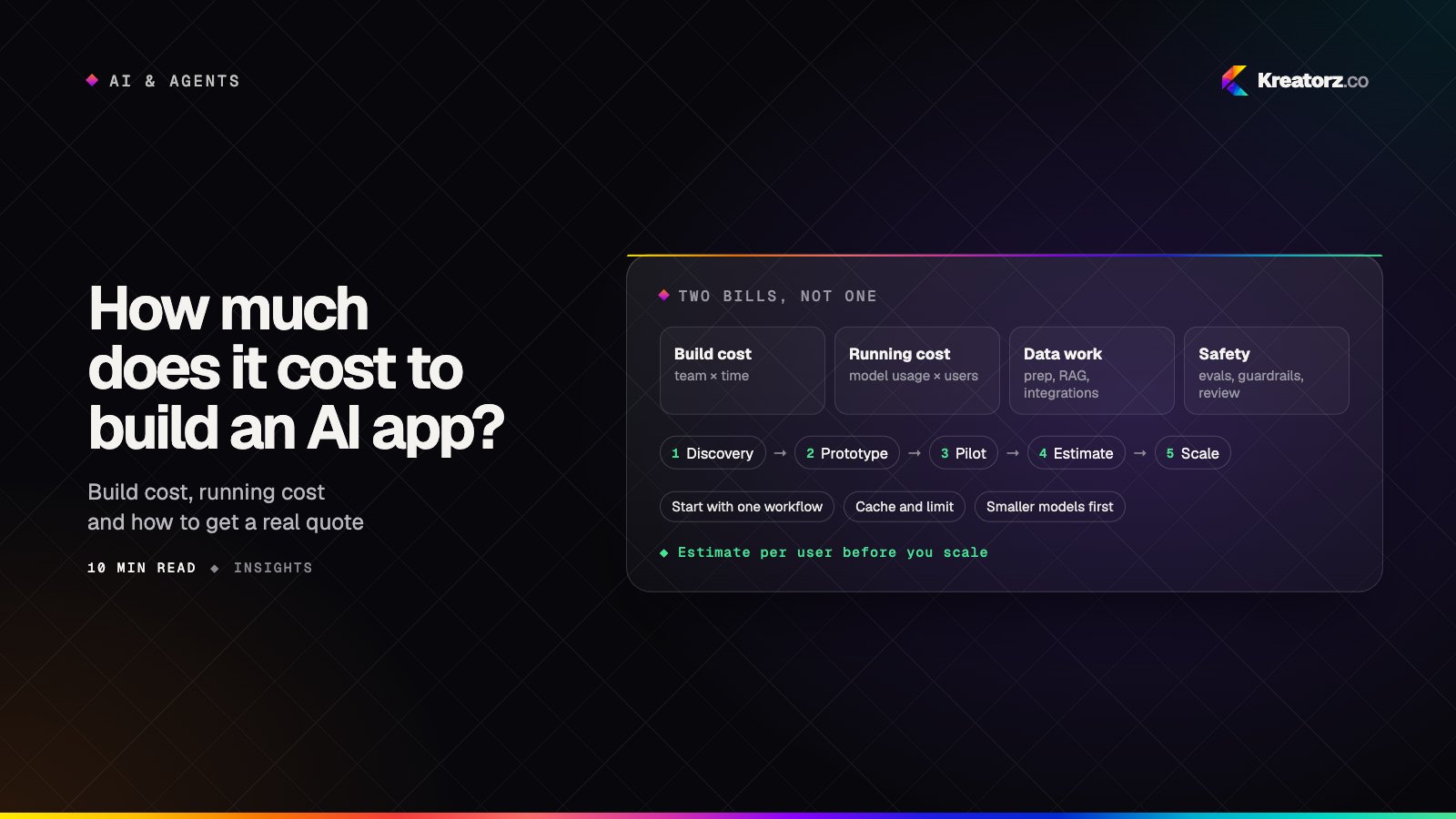
How much does it cost to build an AI app or AI agent? A buyer's guide
AI app development cost is not a mystery number. It follows from the team, the timeline and a handful of AI-specific drivers, plus a running cost that grows with every user. Here is how to estimate both, step by step, and how to keep them under control.
20 November 2026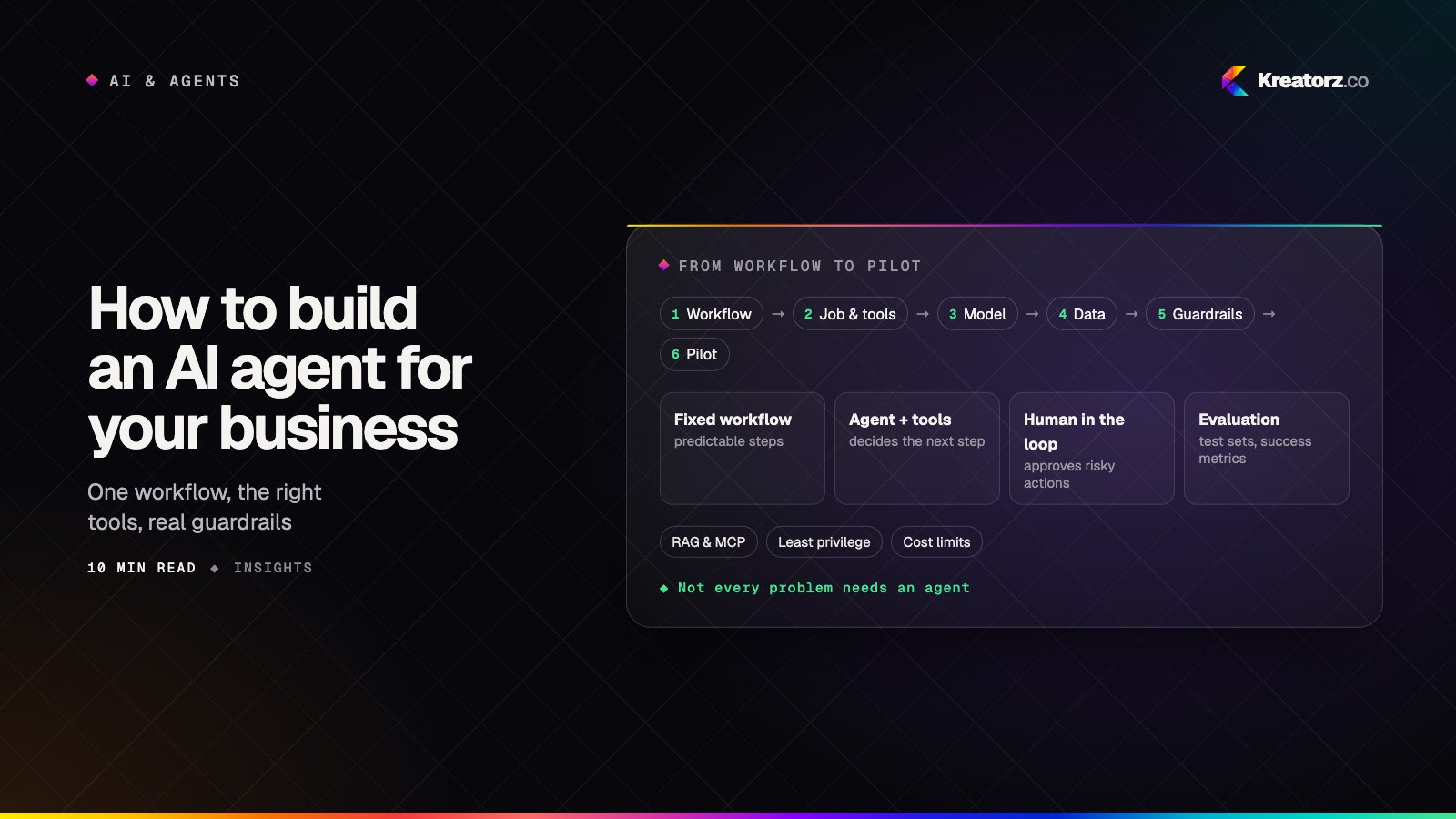
How to build an AI agent for your business: a step-by-step guide
An AI agent can take real work off your team's plate, but only if it is scoped, connected, tested and secured properly. Here is a practical, step-by-step guide for business owners and product leads, from choosing the first workflow to deciding whether to build, buy or hire.
18 November 2026