How to build a social media app: graph, feed, moderation and scale
A social app is a loop, not a feature list. This guide covers choosing your social graph, essential features, feed ranking, moderation, media, real-time infrastructure, scaling, safety and what to put in your first release.
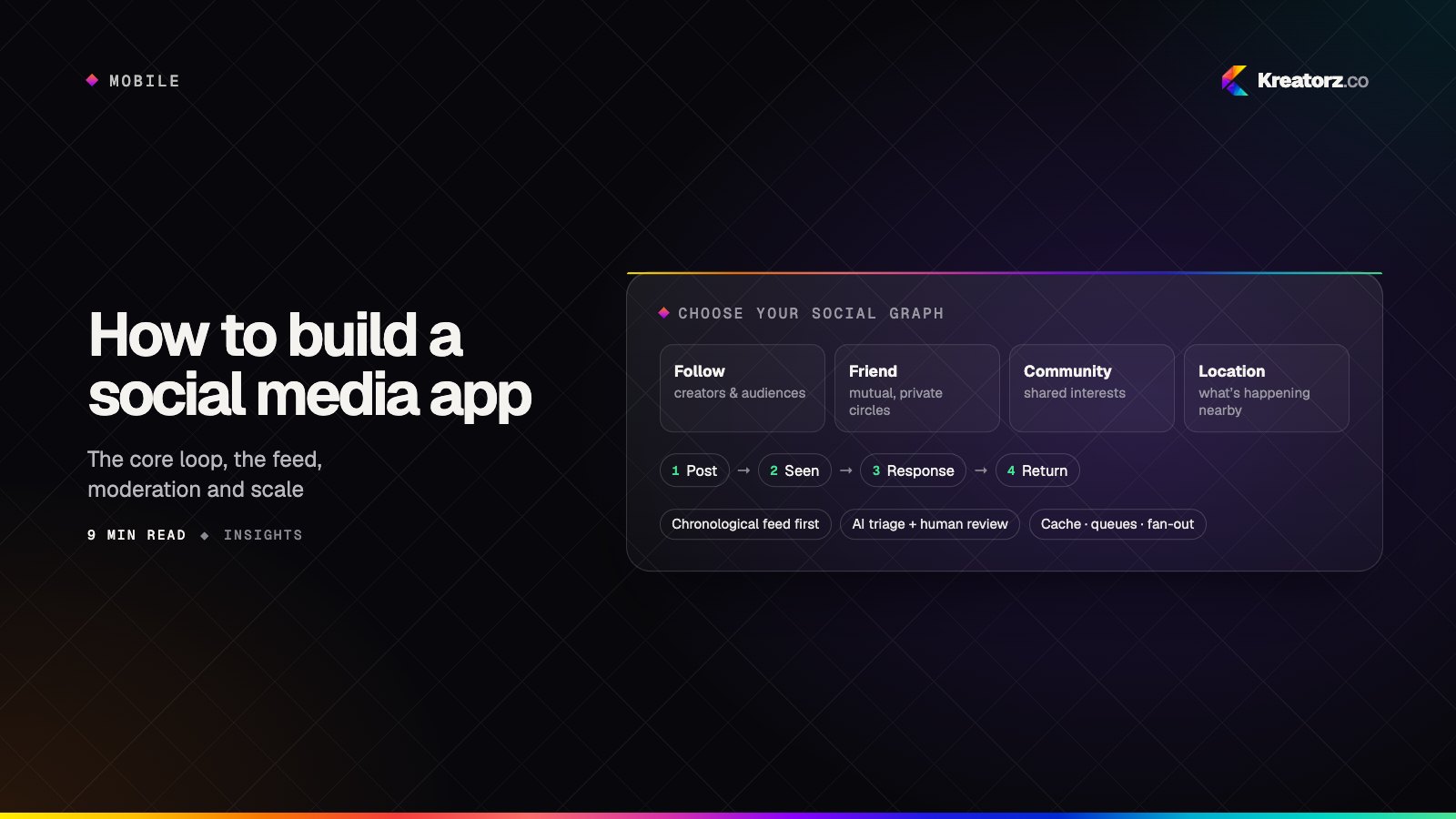
Most guides on how to build a social media app start with a feature checklist: profiles, feed, likes, comments, chat. Those features matter, but they are not what makes a social product work. What makes it work is a core loop — a reason to open the app, something worth seeing, a simple way to contribute, and a response that brings you back. Get the loop right and the features follow. Get it wrong and no amount of features will fill an empty feed.
This guide covers the decisions we work through when building social and community apps, from the shape of the social graph to the infrastructure that keeps it fast as it grows.
Choose your social graph and core loop
The social graph describes how people connect. It shapes the feed, privacy, notifications and growth, so decide it first.
| Graph type | How people connect | Typical core loop | Good fit for |
|---|---|---|---|
| Follow (one-way) | Follow anyone without approval | Post → followers see it → reactions → post again | Creators, public conversation, news |
| Friend (mutual) | Both sides agree | Share with friends → comments → stay in touch | Close groups, families, private sharing |
| Community / interest | Join groups or topics | Ask or share in a group → replies → return to the group | Hobbies, professions, associations, fandoms |
| Location-based | Proximity or places | Discover nearby → rate or post → others discover it | Local discovery, events, neighbourhoods |
Many products blend these, but one should lead. The Black Map, a community app in our portfolio, is a clear example of a location- and interest-led loop: people discover pubs on a map, rate the Guinness, share photos, and that content helps the next person decide where to go.
Write your loop as a single sentence before designing a screen. If you cannot, the product is not ready to build.
Essential social media app features
These are the building blocks almost every social product needs, scoped to what your loop requires.
- Profiles and identity. Sign-up and social login, a profile people want to complete, privacy settings, and optional verification for notable accounts.
- Feed. The home of the loop: posts from the people, groups or places someone cares about, with pagination and pull-to-refresh.
- Posting and media. Text, photos and often video, with drafts, editing and clear audience controls.
- Reactions and comments. Lightweight ways to respond, plus threaded replies where conversations matter.
- Notifications. Push and in-app alerts for replies, mentions and new followers, with controls so people aren't overwhelmed.
- Direct messages. One-to-one and group chat, if private conversation is part of the loop. Not every community app needs it at launch.
- Search and discovery. Finding people, groups and content, especially important for new members with an empty graph.
Our social media app development page goes deeper on the types of products these combine into, from community platforms to creator apps.
Feed ranking: start simple
The feed is the most visible design decision in a social app, and the one most often over-engineered too early.
Chronological feeds show the newest posts from people you follow. They are transparent, easy to build and give users a sense of control. Their weakness is that busy users miss things and new members see very little.
Ranked feeds order posts by predicted interest. They surface better content and help new members, but they need data, tuning and care to avoid feeling opaque or rewarding outrage.
A sensible progression:
- Launch chronological or group-based, perhaps with pinned or featured posts.
- Add simple signals — recency, the relationship between viewer and author, early engagement, and content type preferences — combined in a transparent score.
- Introduce machine-learning ranking once you have enough activity for a model to beat those rules, and measure it against long-term retention, not just clicks.
Whatever you choose, give people options such as a "latest" view and the ability to mute or hide content.
Content moderation for social apps
Every social product will eventually face spam, harassment, scams, misinformation and illegal content. Plan for it before launch.
- Write a content policy. Clear, plain-language rules for what is and is not allowed, and what happens when someone breaks them.
- Make reporting easy. Report, block and mute from every post, comment, profile and message.
- Automate the first pass. Screen images, video and text for obvious violations, spam patterns and known abusive content before or shortly after publishing.
- Keep humans in the loop. A review queue with context — the reported content, the user's history, prior actions — so moderators decide quickly and consistently.
- Offer appeals. Mistakes happen; a fair route to challenge decisions protects trust.
AI moderation is genuinely useful for scale and speed, and our AI app development team builds these pipelines. But models misread context, sarcasm, reclaimed language and cultural nuance, and they can be gamed. Treat them as triage that routes content to the right action, with people deciding the hard cases.
Media handling: upload, process, deliver
Photos and video are where social apps feel slow or fast.
- Upload directly from the device to cloud storage using signed URLs, with resumable uploads for large files and poor connections.
- Process asynchronously: resize images into several sizes, strip location metadata, generate thumbnails and transcode video into streaming formats at multiple qualities.
- Deliver through a CDN so media loads quickly wherever your users are, with the app requesting the right size for each screen.
- Scan uploads as part of the moderation pipeline before they reach other people's feeds.
Managed cloud services handle much of this well; our AWS cloud development work typically combines object storage, queued processing jobs and a CDN.
Real-time and notifications
Social apps feel alive when new comments, messages and reactions appear without refreshing.
- WebSockets or a managed real-time service for chat, typing indicators, presence and live updates.
- A message store with delivery guarantees so nothing is lost when someone loses signal, with sync when they reconnect.
- Push notifications through Apple and Google services, triggered by events on the backend.
- Batching and preferences. Group "ten people liked your post" into one notification, respect quiet hours, and let people choose what they hear about. Over-notifying is one of the fastest ways to get an app deleted.
Scaling architecture, explained simply
You don't need massive infrastructure at launch, but a few early choices make growth much easier. Our article on SaaS architecture decisions covers the wider principles; these are the social-specific ones.
- Caching. Feeds, profiles and counts are read far more often than written. Keeping hot data in a cache such as Redis takes pressure off the database.
- Queues. Anything that doesn't need to happen instantly — media processing, notifications, moderation scans, feed updates — goes onto a queue and is handled by background workers.
- Fan-out on write. When someone posts, the system immediately adds that post to each follower's stored feed. Reading a feed is then very fast, but a post from an account with a huge following creates a lot of work.
- Fan-out on read. The feed is assembled when someone opens the app by fetching recent posts from everyone they follow. Posting is cheap, but reading is heavier.
- Hybrid. Many products use fan-out on write for most accounts and fan-out on read for very large ones, getting the best of both.
A well-structured backend, often built with Node.js development for its strength in real-time and I/O-heavy workloads, can start as a single service and split out feeds, messaging and media as load demands.
Privacy and safety, including minors
- Sensible defaults. Clear choices about who can see posts, who can message, and whether a profile is discoverable.
- Location care. Never expose precise location by default; strip it from media metadata.
- Blocking that works everywhere — feeds, comments, search, messages and mentions.
- Minors. If young people could use your app, set and enforce a minimum age, apply stricter defaults such as private profiles and limited messaging from adults, and take advice on the laws in your markets. This is general guidance, not legal advice.
- Data rights. Let people export and delete their data, and build account deletion into the app.
Growth loops and onboarding
The first session decides whether a new member returns. An empty feed is the most common reason they don't.
- Fill the graph fast. Suggest people, groups or places to follow during onboarding, based on interests or location.
- Seed content before launch with a founding group, so newcomers arrive to something worth reading.
- Built-in sharing loops. Posts, profiles and invites that look good when shared outside the app and bring new people back in.
- Launch narrow. One community, city or niche first, opening up as activity builds.
MVP scope for a social media app
Your first release should prove the core loop: people join, contribute, get a response and come back. The process in idea to MVP in weeks applies directly, and our mobile app development team usually ships both platforms from one codebase.
| Area | MVP | Later |
|---|---|---|
| Graph | One connection model | Blended graphs, groups within groups |
| Feed | Chronological or group-based | Ranked and hybrid feeds |
| Content | Text and photos | Video, stories, live audio or video |
| Interaction | Reactions and comments | Shares, polls, threads, mentions |
| Messaging | Optional, one-to-one | Group chat, voice notes, channels |
| Moderation | Policy, reporting, blocking, review queue | AI screening at scale, appeals workflow, trust scores |
| Growth | Onboarding suggestions, invites | Referral programmes, creator tools |
Building a community worth returning to
A social media app is a living system: a loop people enjoy, a feed worth checking, and the moderation and infrastructure that keep it healthy as it grows. Start with one clear community and one clear loop, build safety in from the beginning, and add sophistication as real behaviour shows you where it is needed. If you are shaping a social or community product and want to talk it through, get in touch.
Frequently asked questions
How much does it cost to build a social media app?
Cost depends on platforms, media types (video adds significant work), real-time features, moderation tooling and admin requirements. A scoped discovery phase is the most reliable way to get an accurate estimate.
Should my feed be chronological or algorithmic?
Most new apps should start chronological or group-based, then introduce simple ranking signals once there is enough activity. Offering a "latest" view keeps users in control even after ranking arrives.
What tech stack is best for a social media app?
A common setup is Flutter or React Native for mobile, a Node.js or Python backend, PostgreSQL with a Redis cache, WebSockets for real-time features, cloud object storage with a CDN for media, and a queue for background jobs.
How do I moderate content without a large team?
Combine a clear policy, easy reporting, automated screening for obvious violations and a well-designed review queue. Automation handles volume; people handle the judgement calls.
Do I need direct messaging at launch?
Only if private conversation is central to your loop. Messaging adds safety and moderation work, so many community apps launch with public posts and comments and add DMs later.
How do I get the first users onto a new social app?
Start with a single community that already exists offline or elsewhere online, seed the app with content and active members before opening it up, and make onboarding fill each new member's feed immediately.
Related services
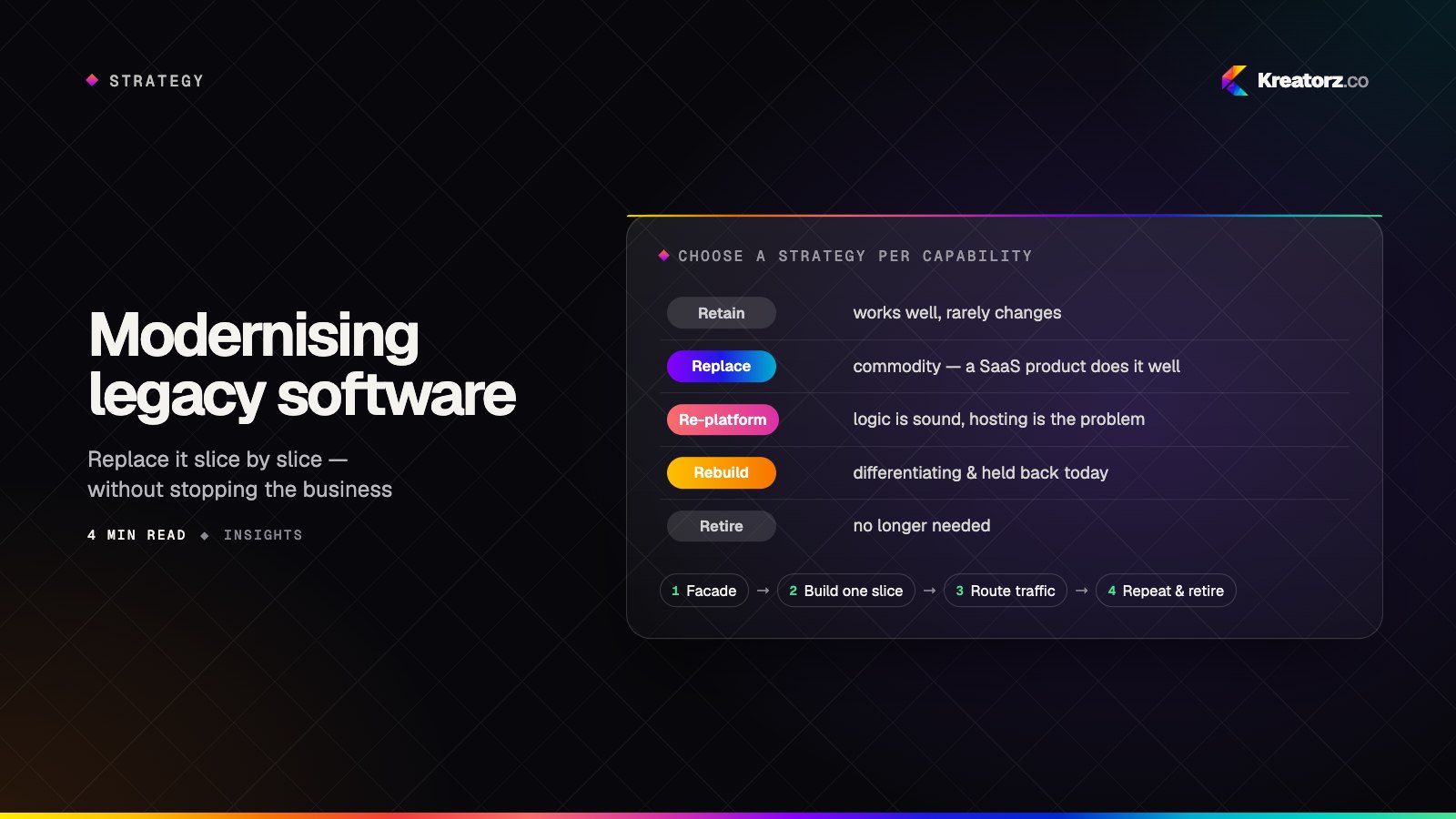
Modernising legacy business software without stopping the business
Big-bang rewrites are one of the riskiest projects a company can take on. Incremental modernisation lets you replace an ageing system piece by piece — while the business keeps running and value arrives early.
19 August 2026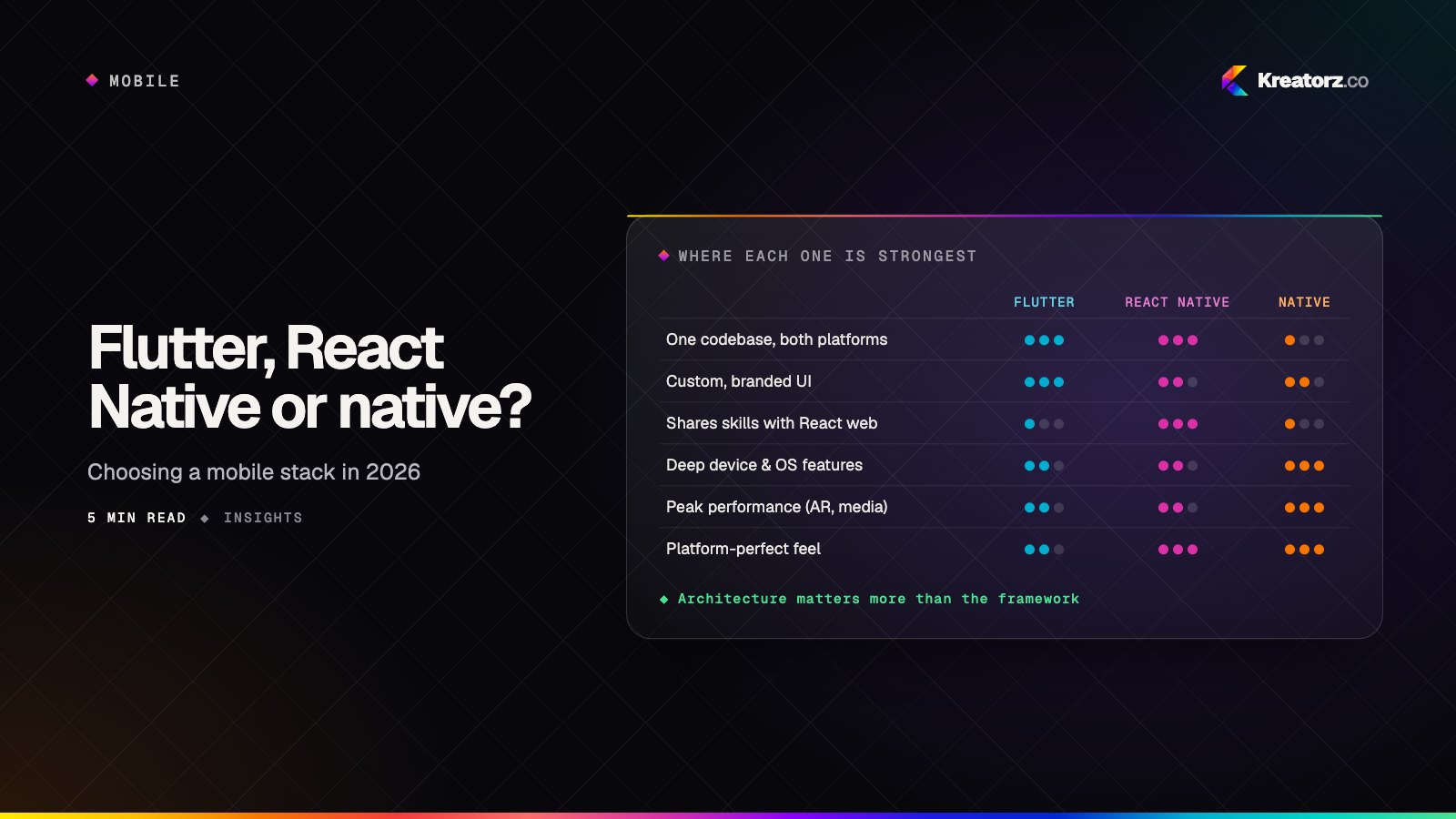
Flutter, React Native or native? Choosing a mobile stack in 2026
The cross-platform versus native debate has matured. The right answer now depends less on raw performance and more on your team, your product's demands and your plans for the next three years.
30 September 2026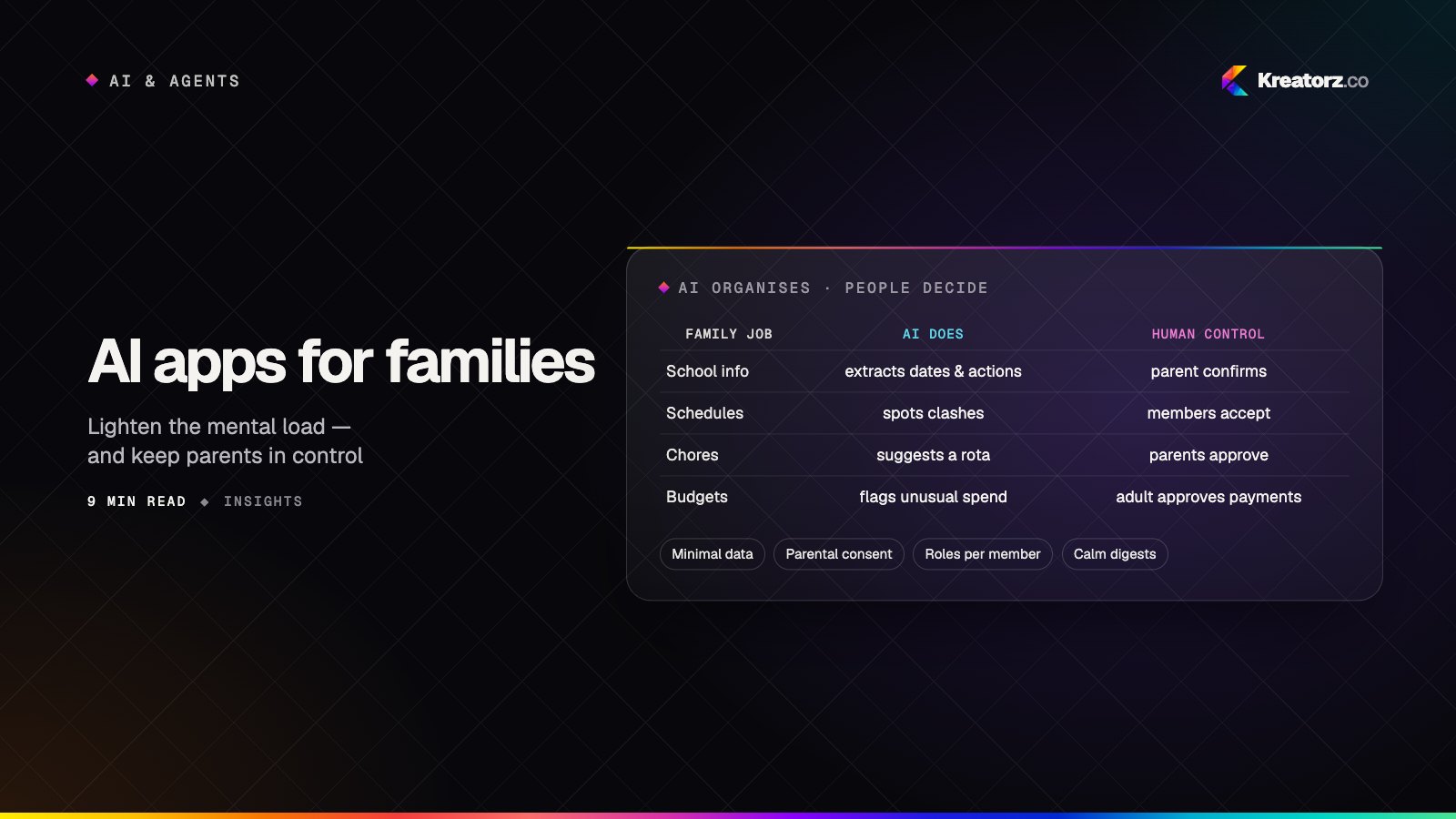
AI apps for families: how to build a family app parents actually trust
Families are drowning in schedules, school emails and small decisions. AI can genuinely lighten that load — if it is designed around real household jobs, several family roles, children's privacy and clear human control. A guide for product teams.
15 November 2026